How to reply to comments from Munshi
Open Community in Munshi to see comments from your channels in one list. Reply, mark comments resolved, and hide or delete the ones that should go.
Before you start
- A connected network that brings comments in. Which networks bring comments in lists them, and the ones you can reply to from Munshi.
-
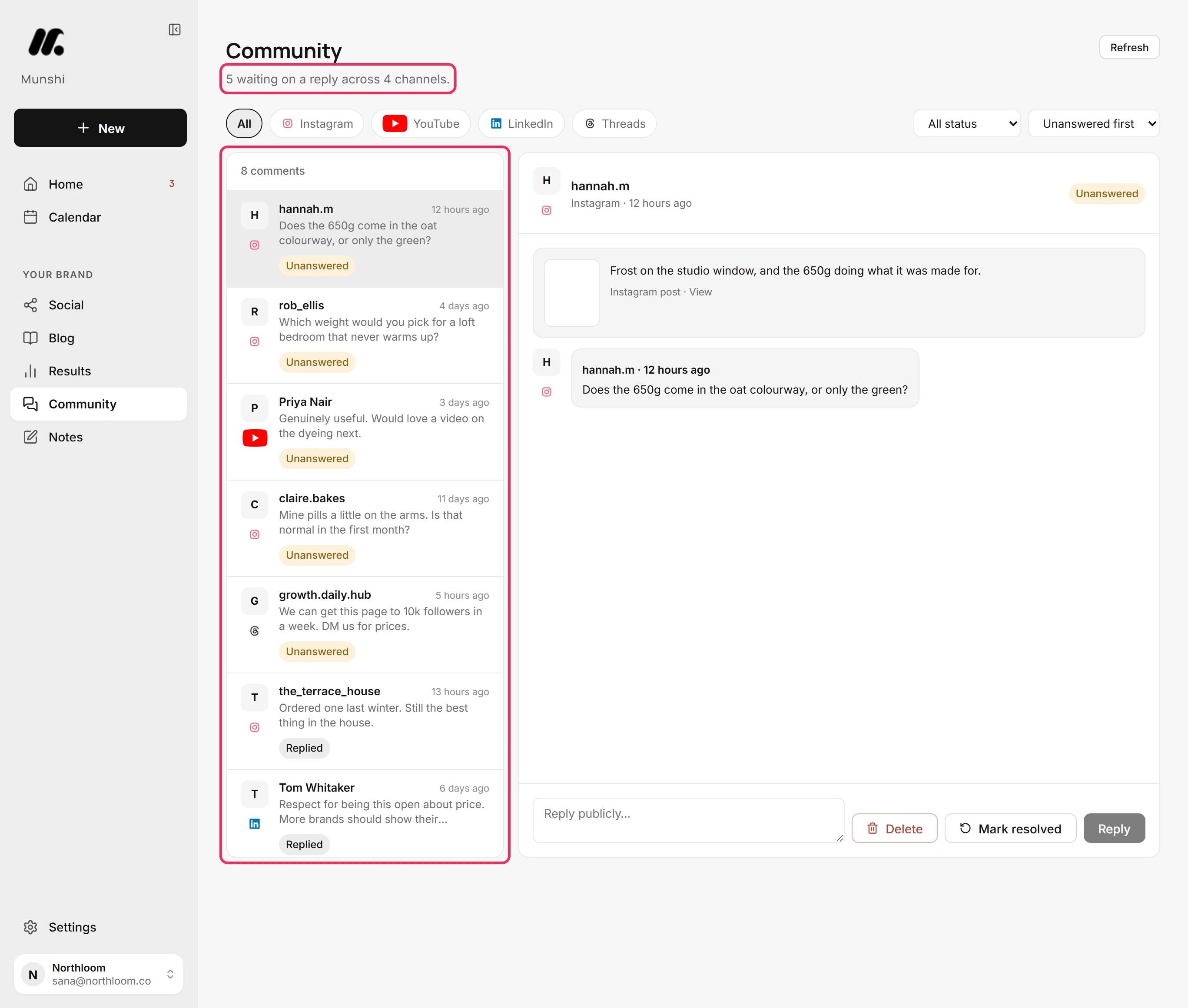
Click Community in the sidebar. Comments on your recent posts from every connected channel sit in one list. The line under the title counts how many are waiting on a reply.
-
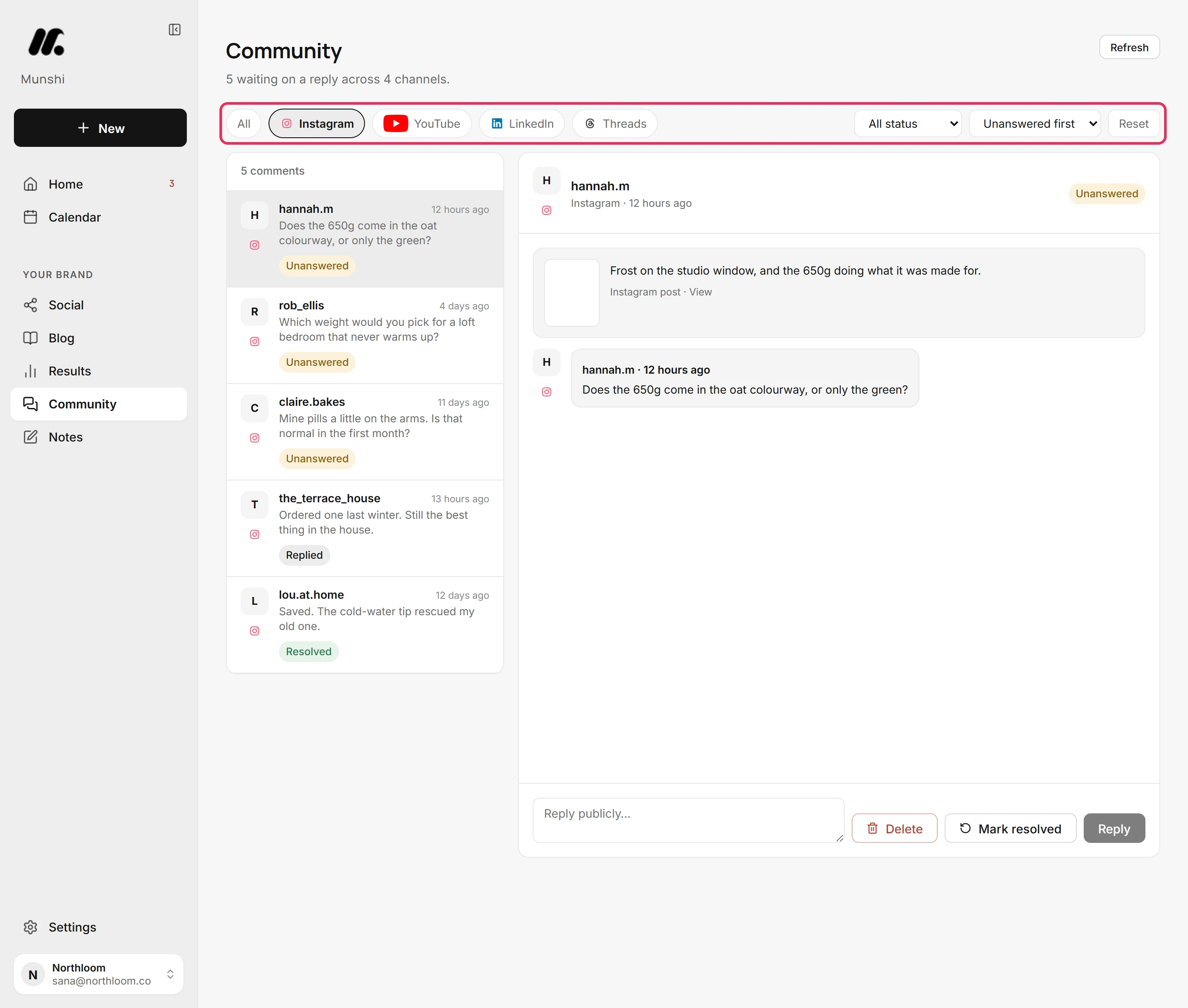
Pick a channel above the list to see only its comments. One menu beside the channels filters by status: Unanswered, Replied or Resolved. The other sorts by Unanswered first, Newest or Oldest. Reset clears all three.
-
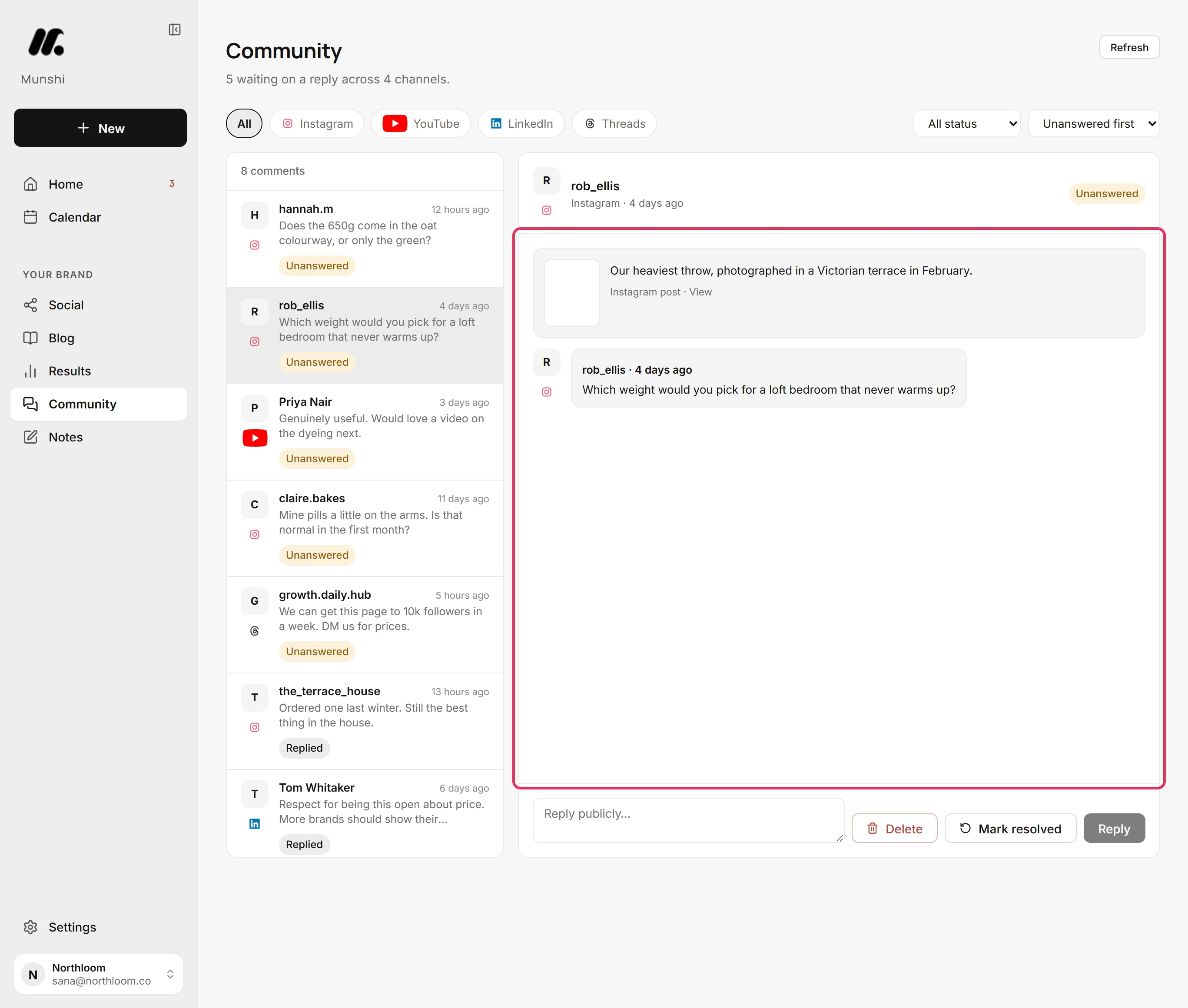
Click a comment. The right side shows the post it was left on, with the comment under it. View opens that post on the network.
-
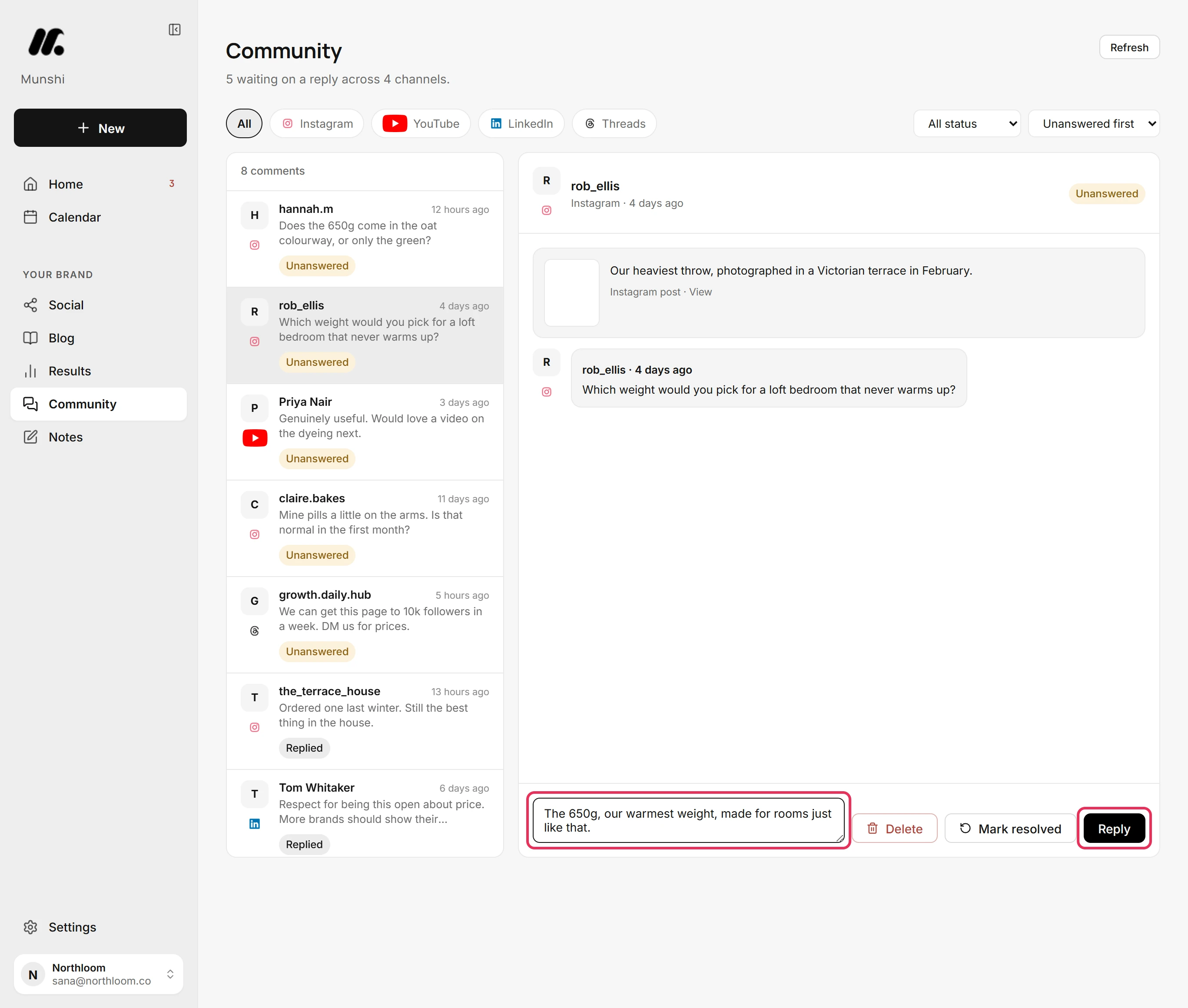
Type in Reply publicly… and click Reply. Munshi posts the reply on the network and shows it under the comment as Your reply. The comment is marked Replied.
-
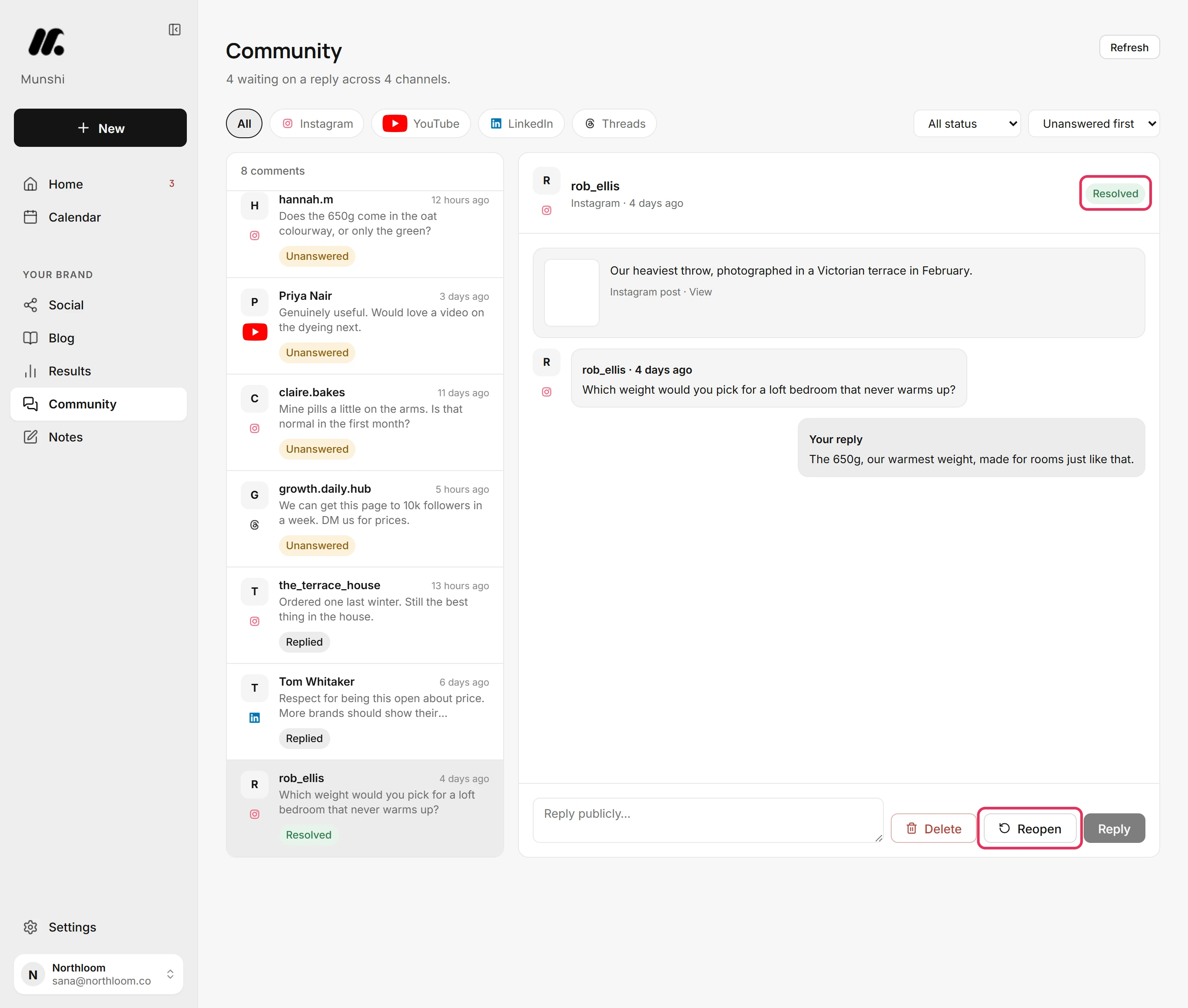
Click Mark resolved when a comment needs nothing more, whether or not you replied. It then shows Resolved. With Unanswered first, it moves below the comments still waiting.
-
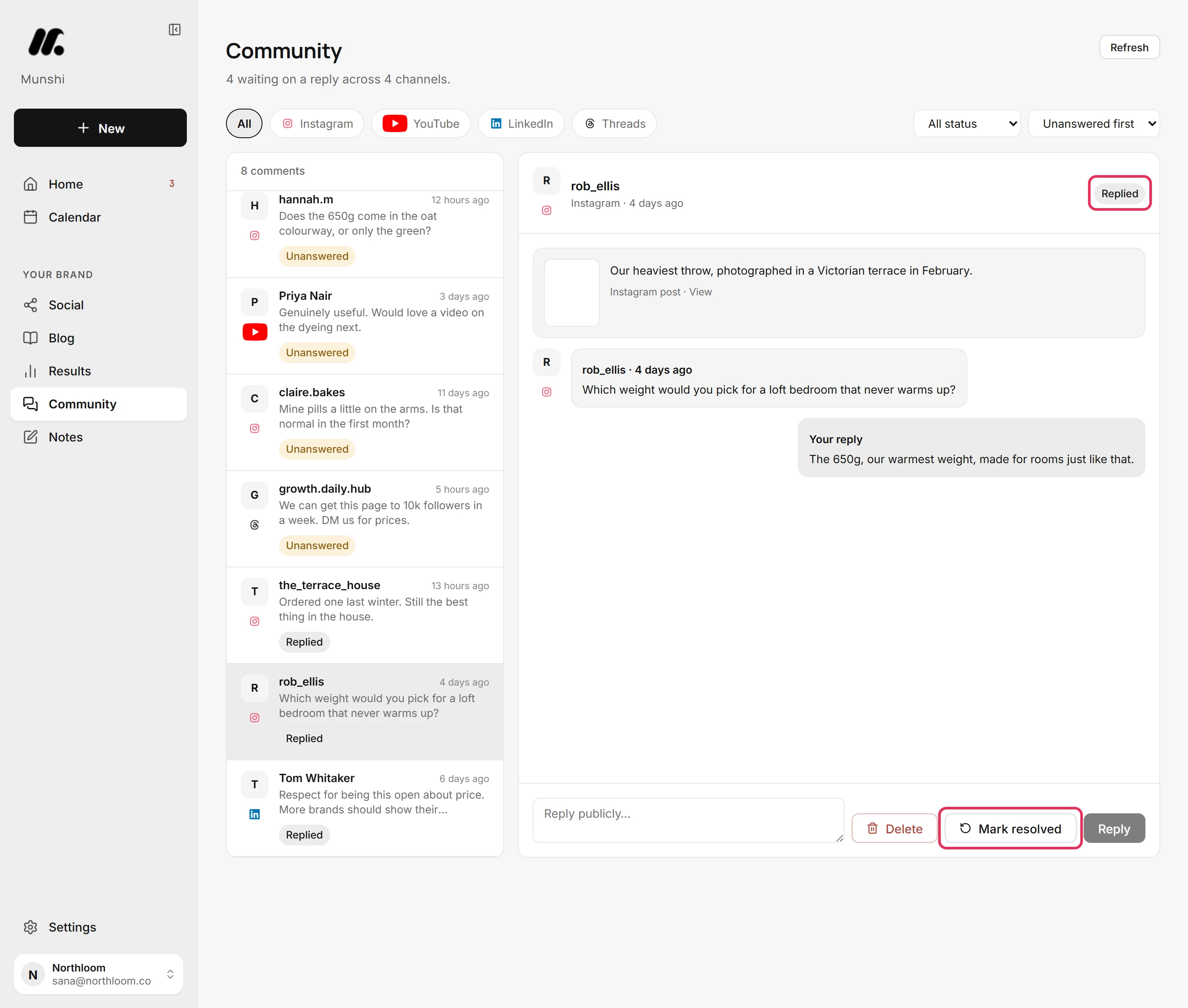
Click Reopen to bring a resolved comment back. A comment you replied to comes back as Replied. One you never answered comes back as Unanswered.
-
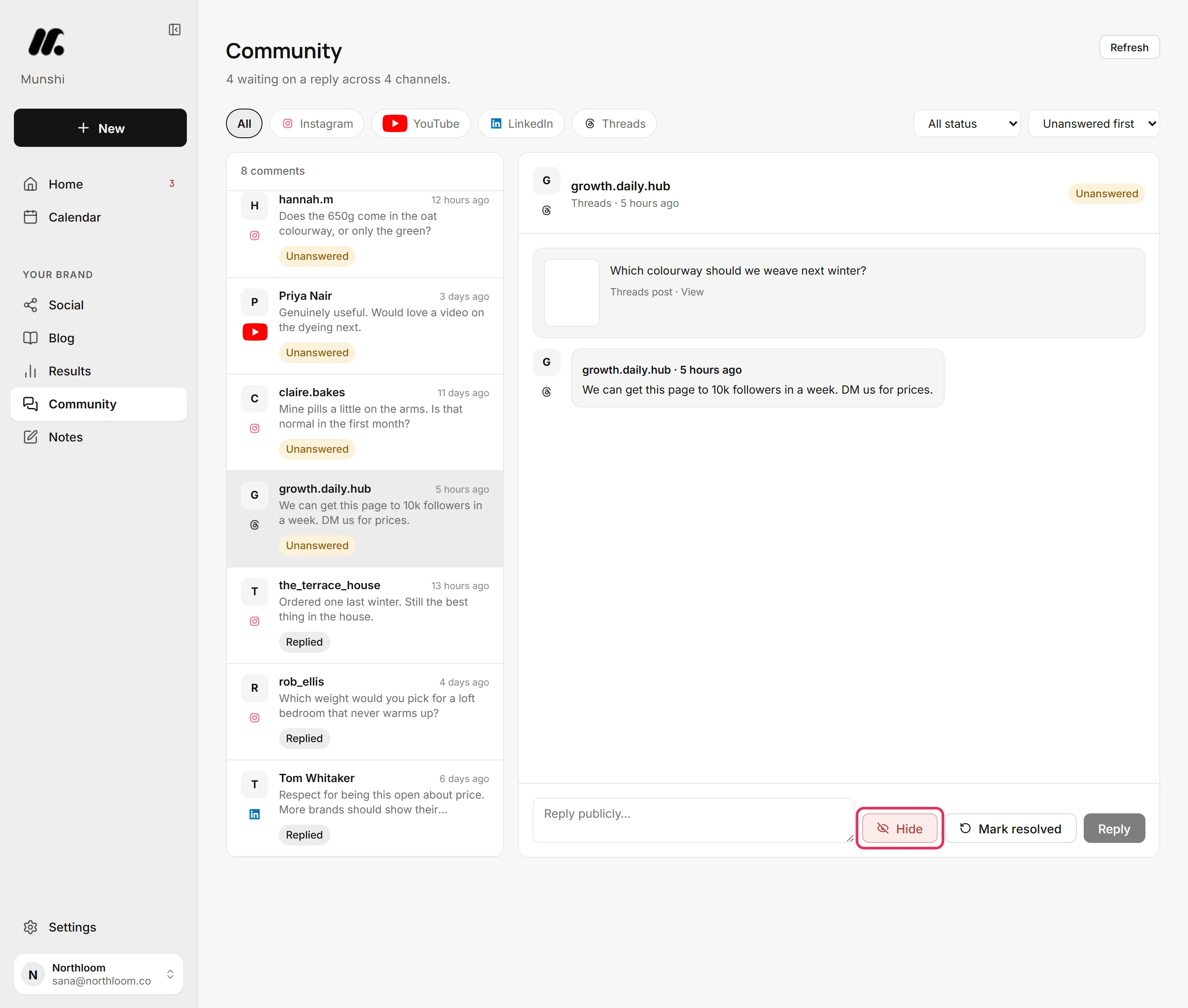
For a comment that should go, use the red button beside Mark resolved. On Instagram it reads Delete and removes the comment. On someone else's Threads reply it reads Hide, because Threads only lets you hide those. Either way, the comment leaves the inbox at once, with no confirmation.
-
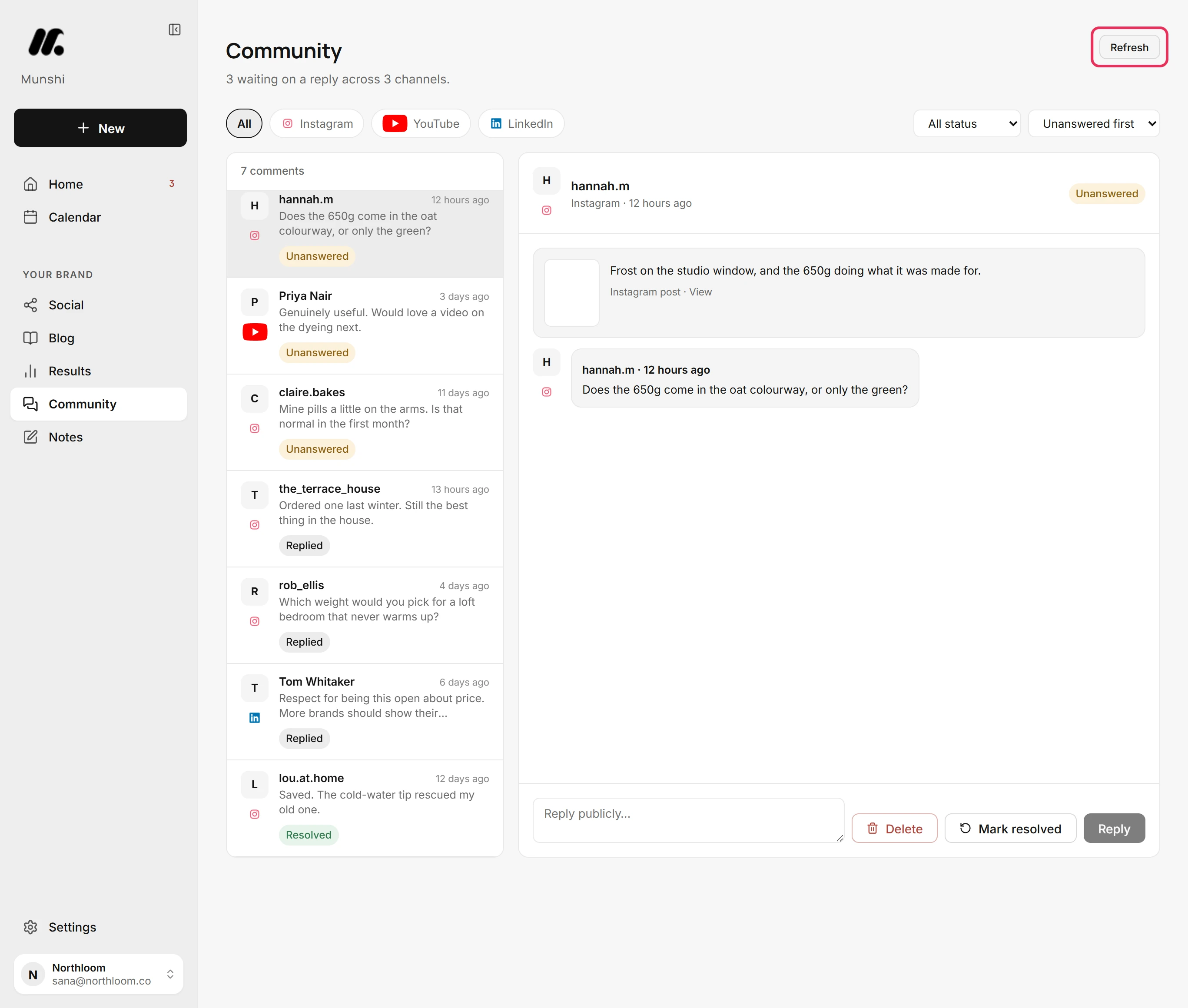
Munshi reads your comments again when you open Community and the last read is more than 15 minutes old. Click Refresh to read them now. After a few refreshes in an hour, the button reads Refreshed recently for a while.
Where you are now
Your reply is live on the network, and the comment is filed as Replied or Resolved. Anything that should not stay is out of the inbox.
If something goes wrong
“That's a lot of replies. Try again in a few minutes.”
Wait a few minutes and click Reply again. Your text is still in the box. A workspace can send 20 replies an hour from Munshi.
“This comment has aged out of the last sync”
Click Refresh, wait for the list to reload, and try again. The comment is no longer in Munshi's latest read of the network, often because it was deleted there.
“Replying isn't supported on YouTube yet”
Reply on the network itself, then mark the comment resolved in Munshi. Comments from YouTube and Bluesky come in for you to read only.
“Could not update that comment.”
Try again in a moment. Munshi could not save the change to resolved or reopened, so the comment went back to how it was.
Try it on your own brand this week.
Munshi Social, the AI content marketing engine for small teams, plans, writes, publishes, and tracks your blog and socials. The guide above shows the real app, not a mock-up.
Start your workspace