How to edit your strategy: focus areas, keywords and content maps
On the Strategy map you can rename a focus area, change its keywords, plan articles from keywords and rework a content map. Every change saves as you go.
Before you start
- A strategy with at least one focus area. Build your blog strategy shows how to start one.
-
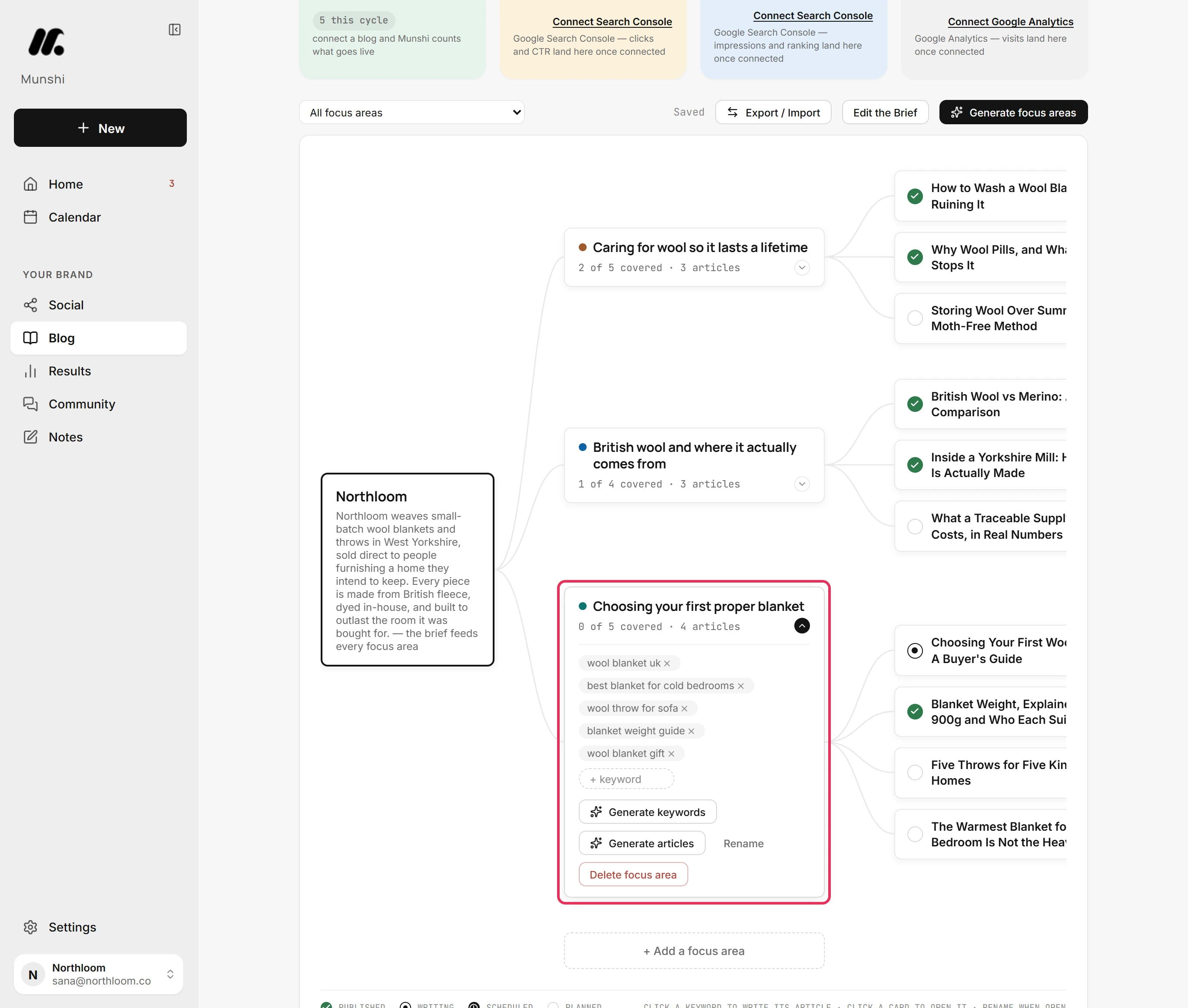
In Blog, click Strategy, then click the focus area you want to change. Its card opens with its keywords and the buttons that change it.
-
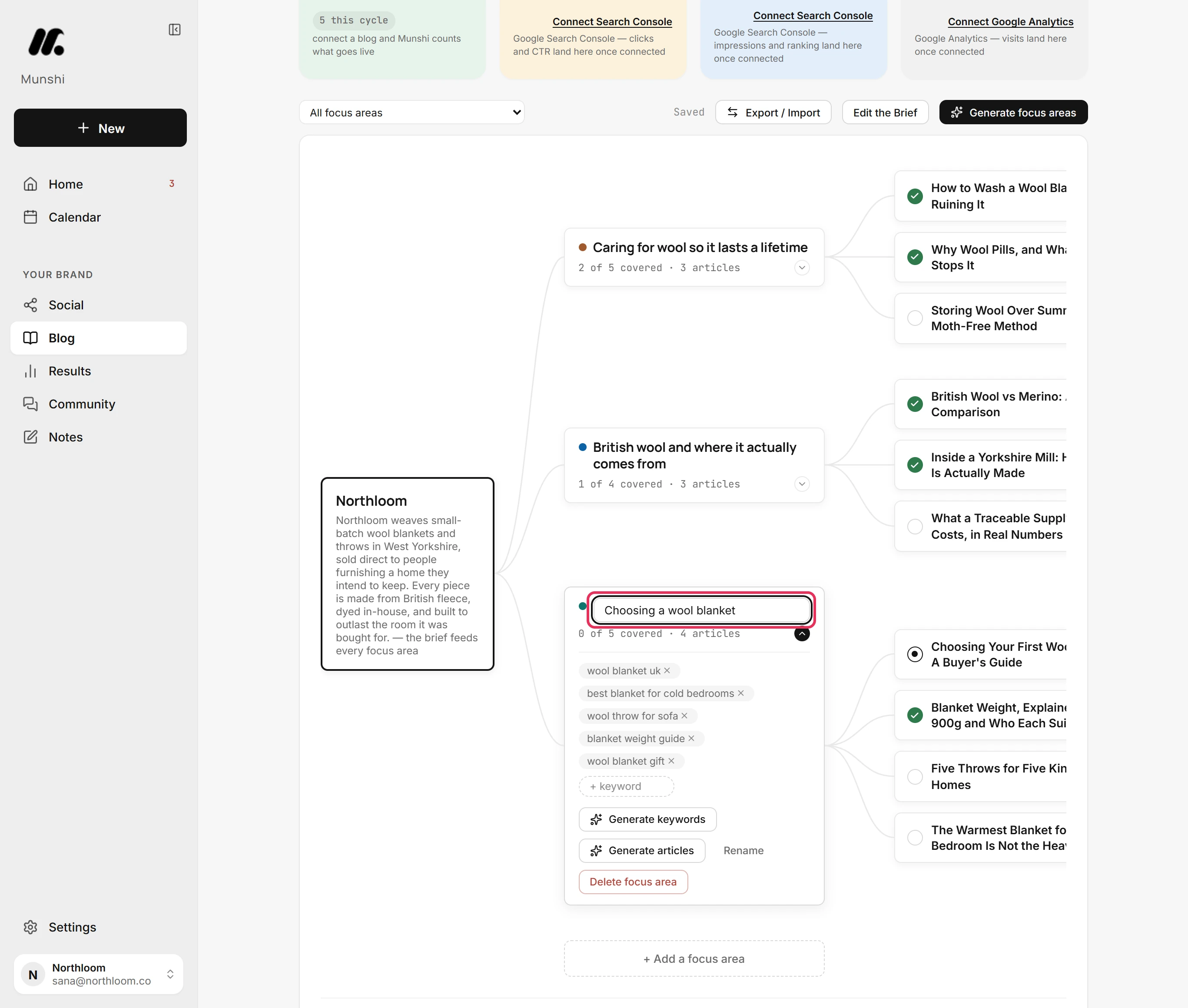
Click Rename, type the new name over the old one and press Enter. The articles under the focus area stay where they are.
-
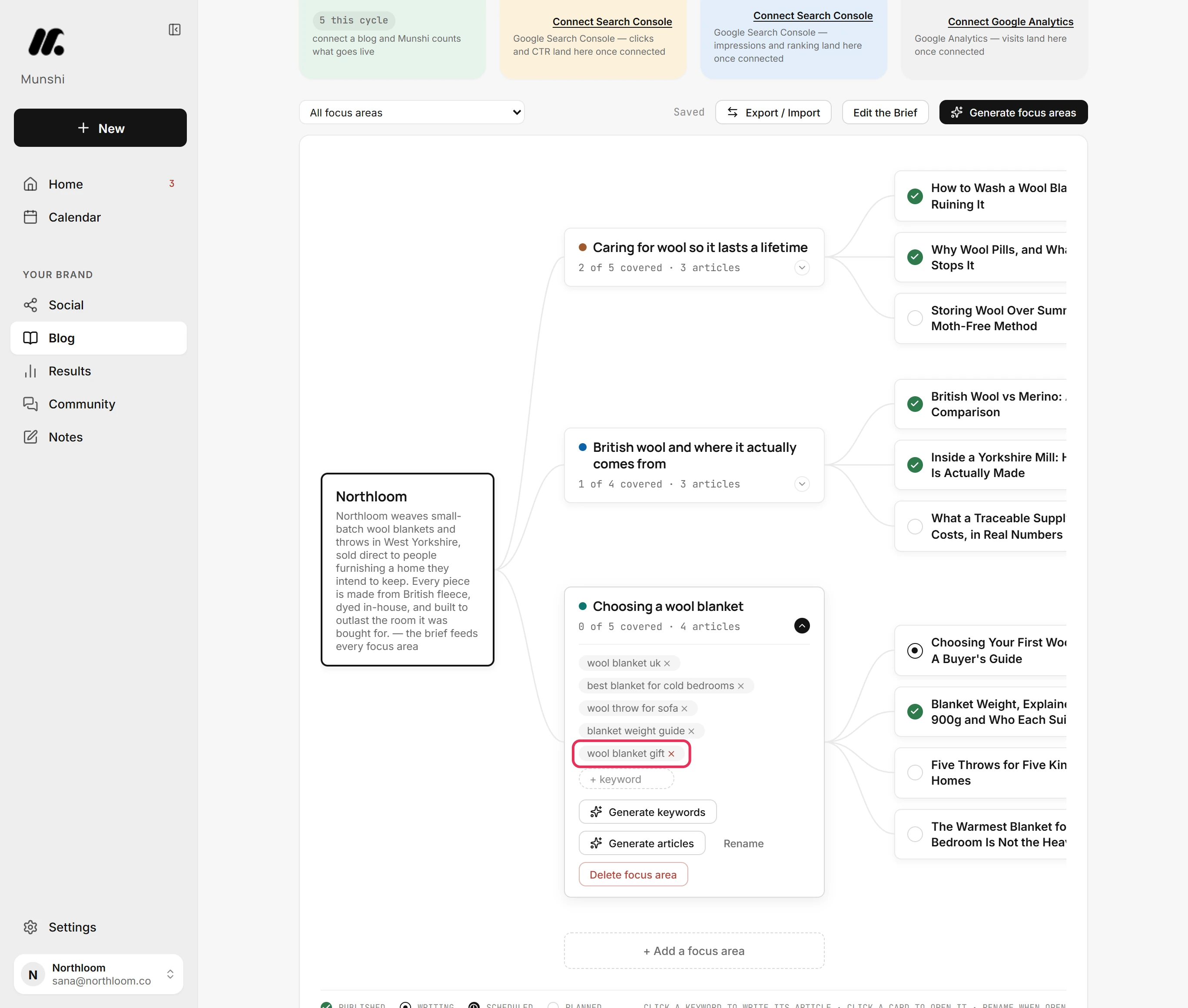
Click the cross on a keyword to take it off the focus area. Next time Munshi generates for this focus area, it works from the keywords that are left.
-
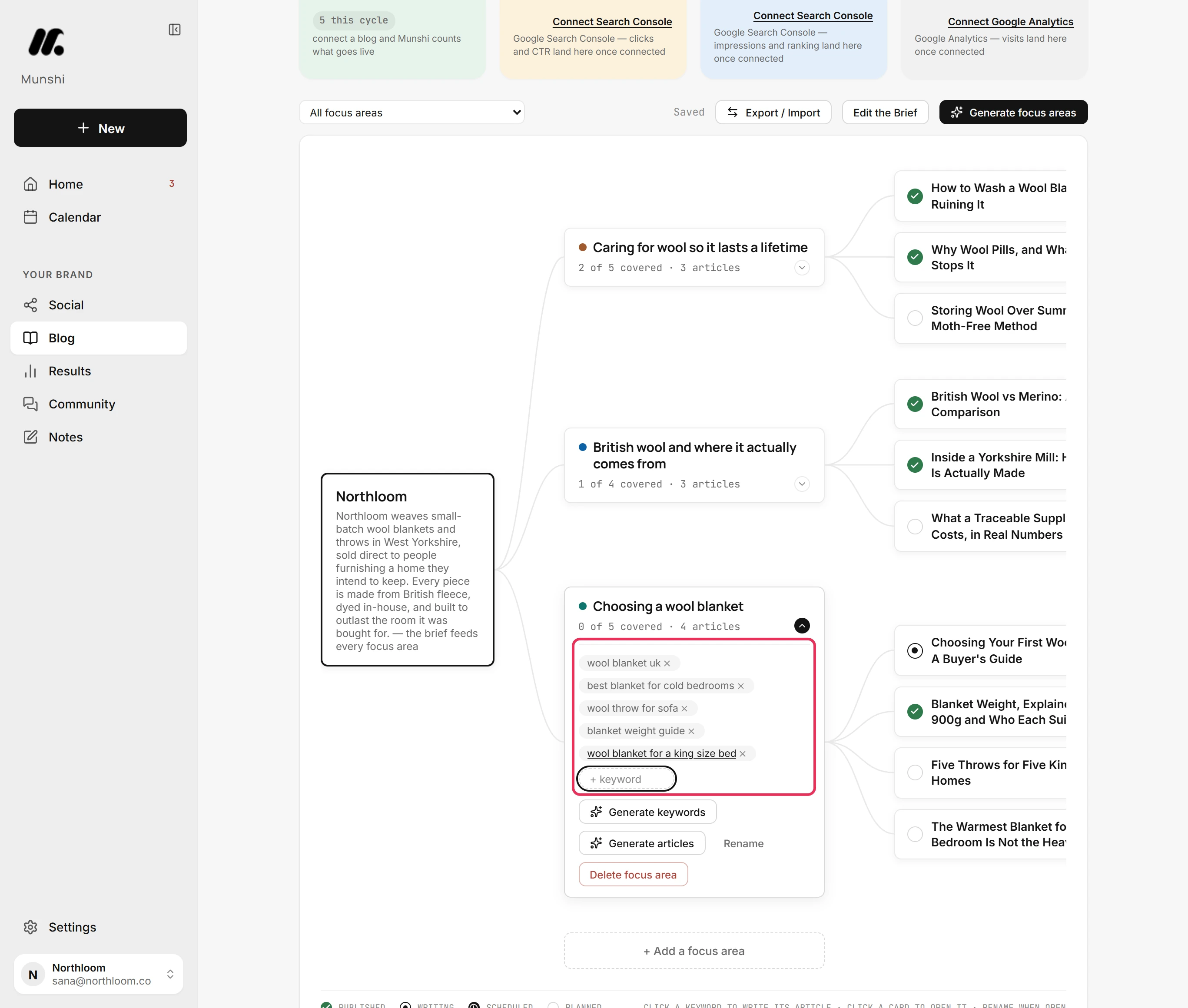
Type a search into the + keyword box after the last keyword and press Enter. The box stays ready, so you can add several in a row.
-
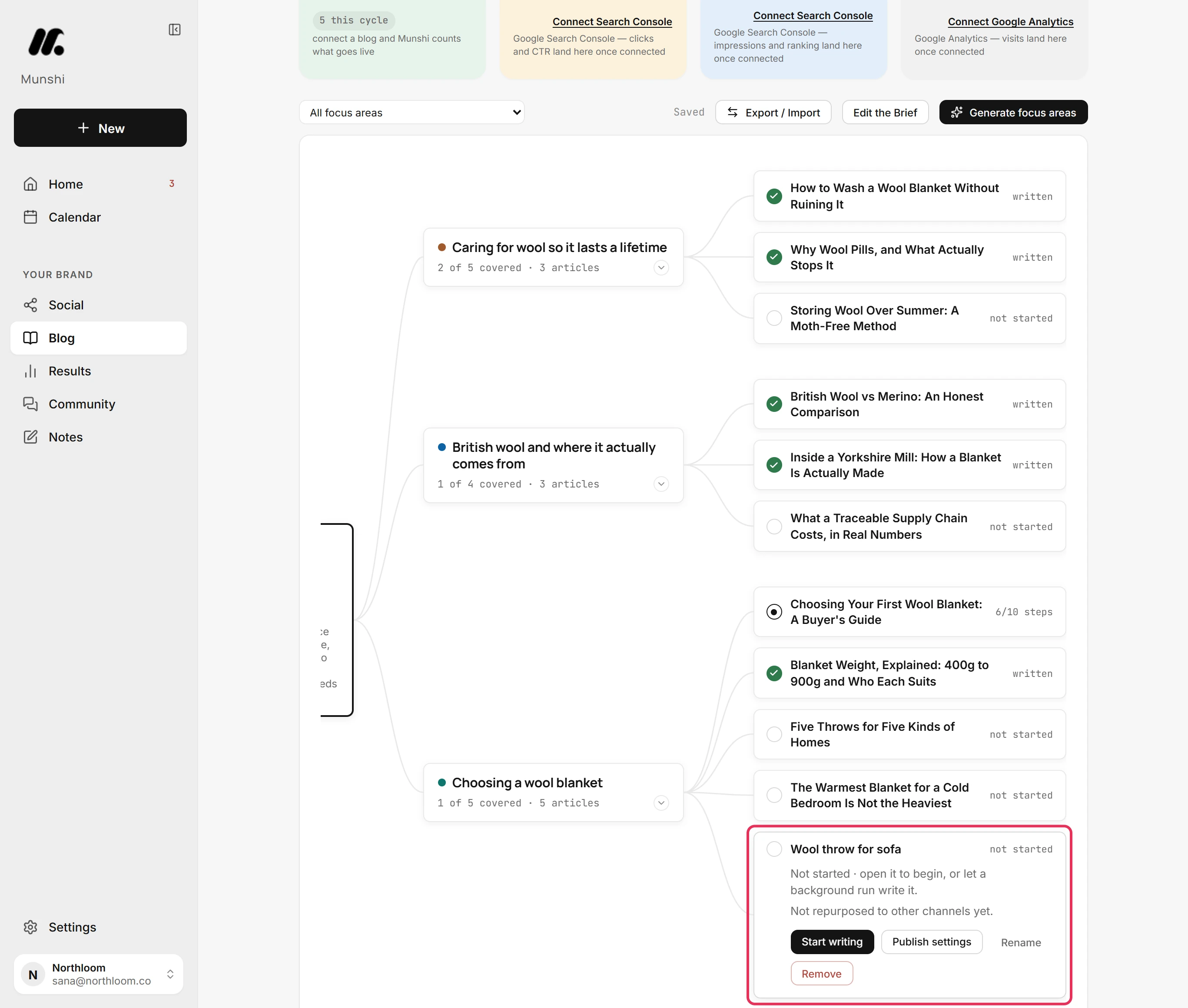
Click a keyword without a tick. Munshi adds a planned article named after it to the focus area and opens its card. A keyword with a tick already has an article, and clicking it opens that article.
-
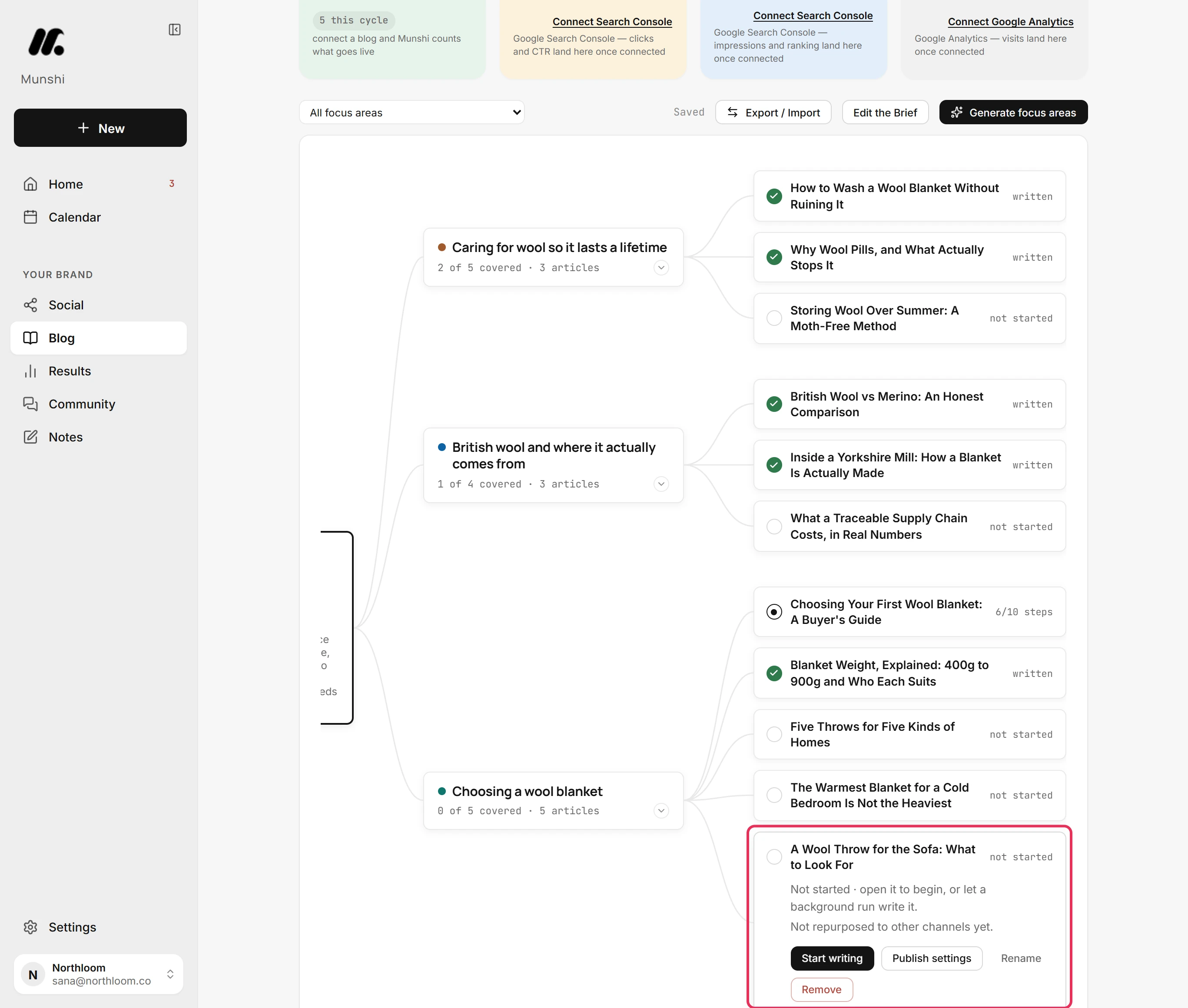
Click Rename on the article's card, type a proper title and press Enter.
-
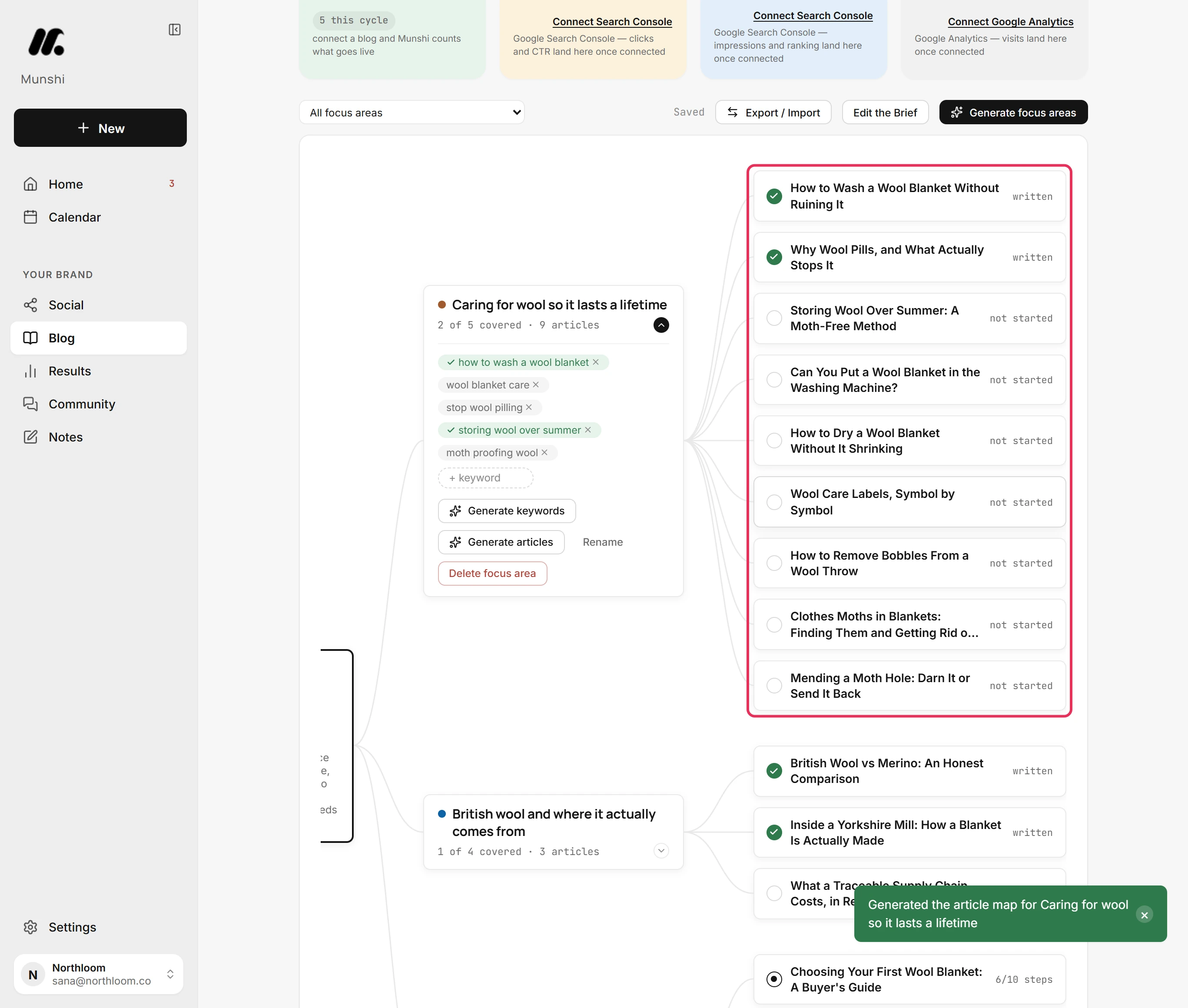
Open another focus area and click Generate articles. If it already has articles, the button asks Replace the generated articles? Click again and Munshi maps out a fresh set. Articles you added by hand stay, including ones planned from a keyword. Generated articles not in the new set leave the plan, even ones already being written.
-
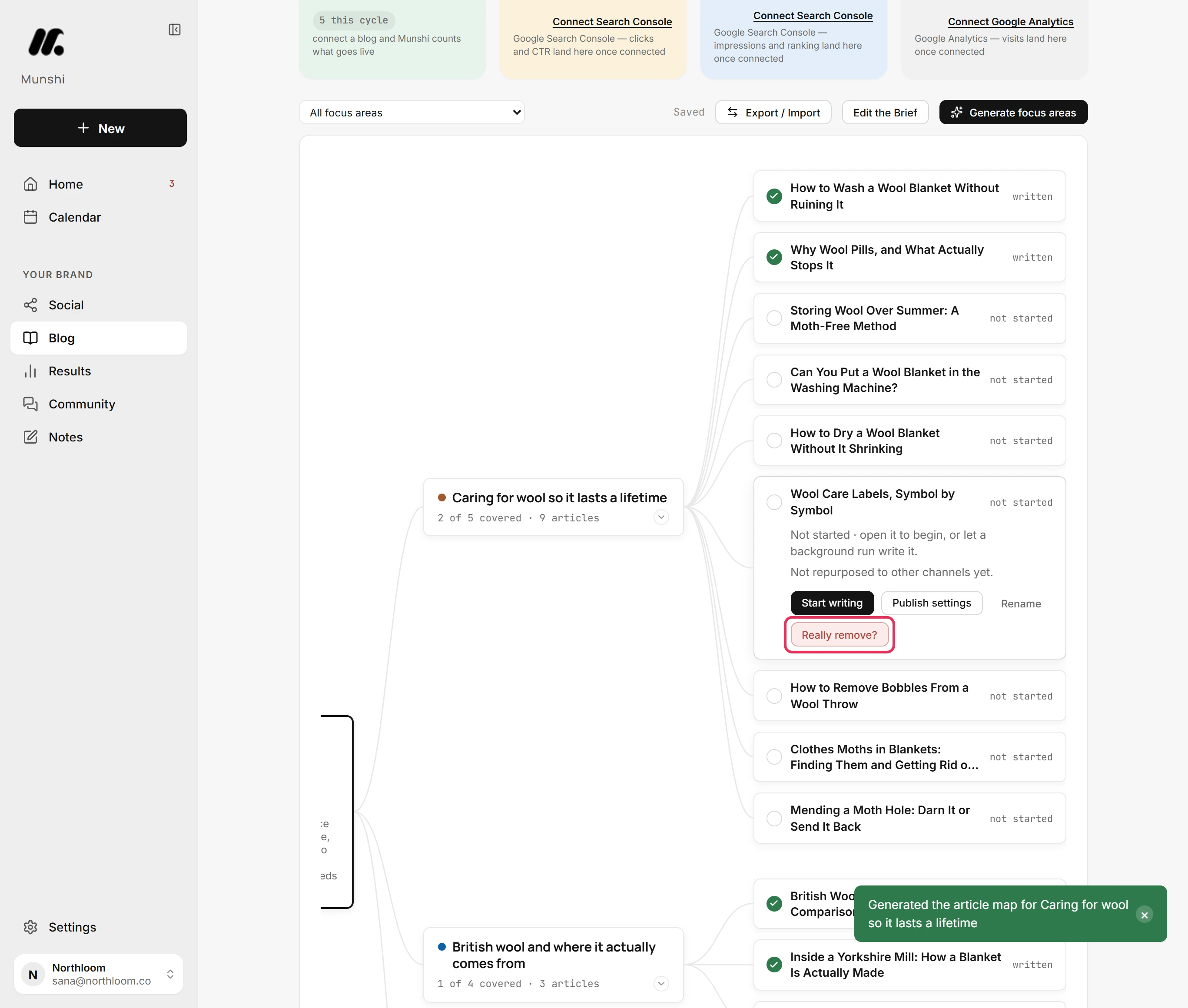
Click the article, then Remove, then Really remove? to confirm. The article leaves the plan, and its progress in the writer goes with it.
-
Pick a focus area in the All focus areas menu above the map. The rest of the map dims but stays in view. Choose All focus areas again to see it all.
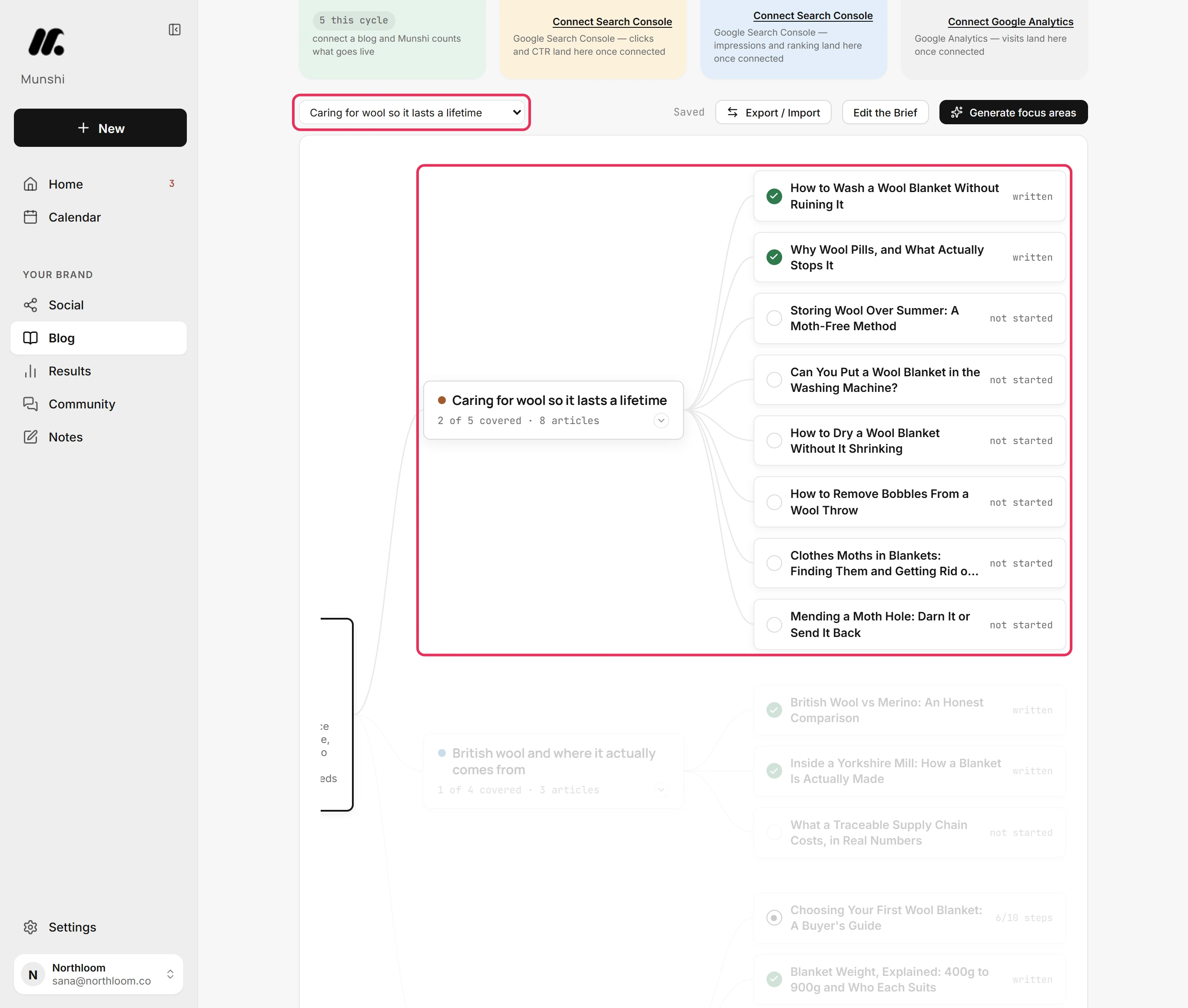
Where you are now
Your strategy now reads the way you want. The focus areas have your names, the keywords are the ones you chose, and articles are planned for the searches that matter. Every change saved as you made it.
If something goes wrong
Delete focus area asks for a second click
Click it again to delete the focus area and all its articles, or open another card to keep them. The first click on Delete focus area turns the button into a question. It counts the articles that would go with it.
Clicking a keyword opened an article
That keyword has a tick, so an article already covers it. The article's title contains the keyword, or its target keyword is the same. Rename or remove that article if it should not cover the keyword.
“Save failed”
Click Retry beside the note. The map could not save your last change. The change stays on screen until it saves.
Try it on your own brand this week.
Munshi Social, the AI content marketing engine for small teams, plans, writes, publishes, and tracks your blog and socials. The guide above shows the real app, not a mock-up.
Start your workspace