How to read the Blog overview: this cycle, by focus area
The Blog overview shows what this cycle has published, what is being written and what waits. It also shows how much of your article allowance is used.
Before you start
- A blog strategy with at least one focus area and its article topics. Until you have one, the overview offers Build the strategy instead of a list.
-
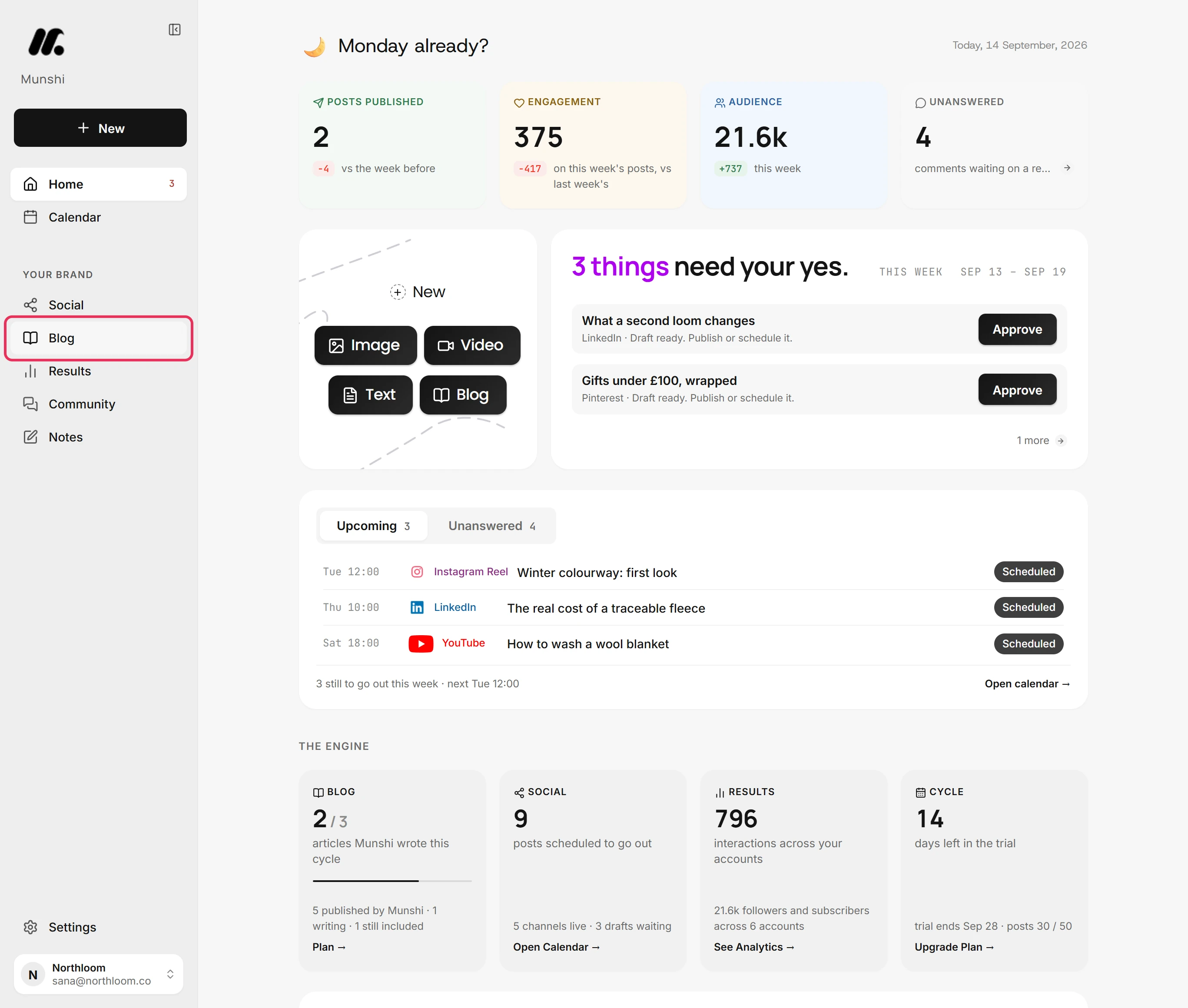
Click Blog in the sidebar. It opens on Overview, the first of its four tabs: Overview, Write, Published and Strategy.
-
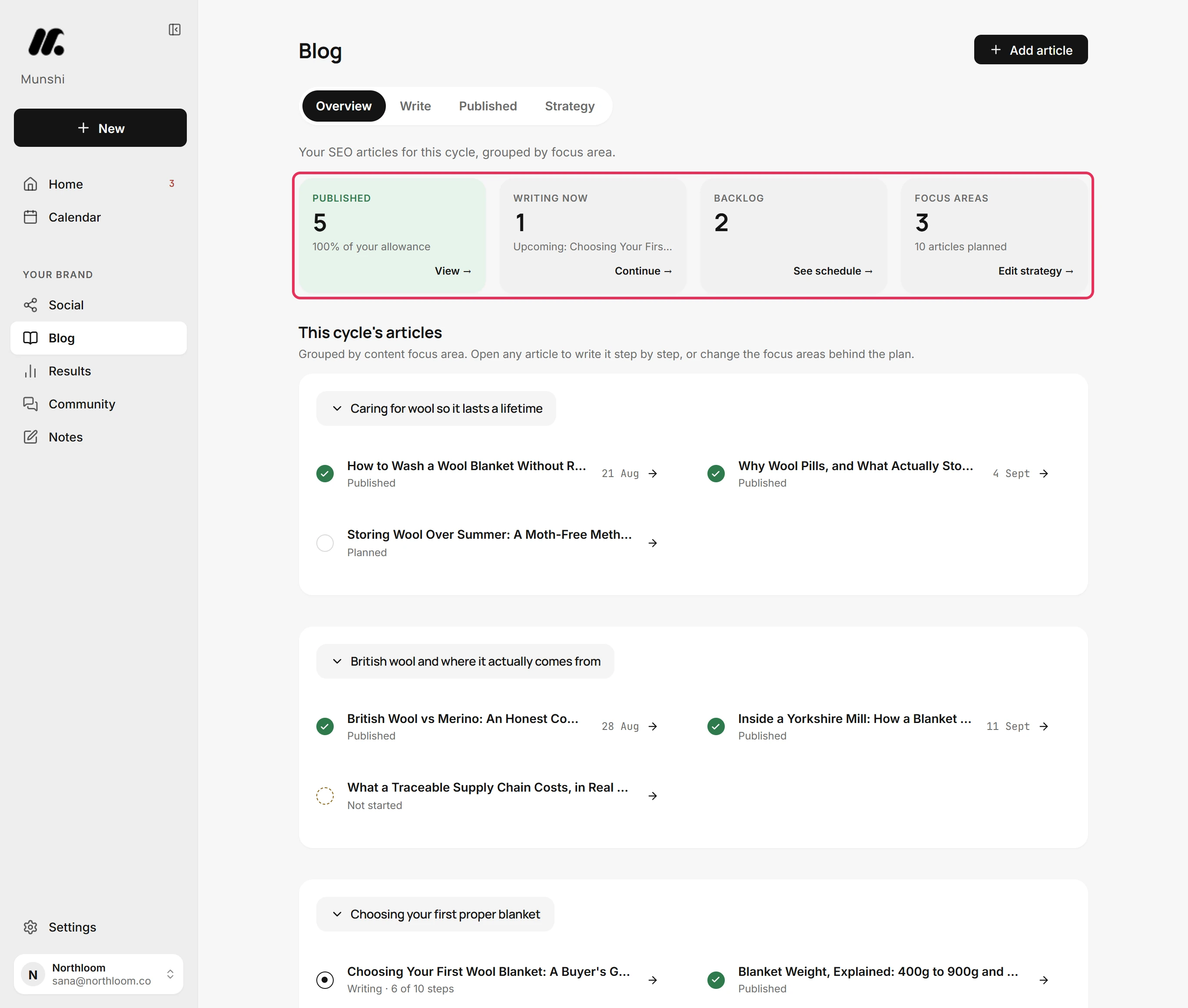
Published counts the finished articles. Writing now counts the ones in the writer, and Backlog the ones planned but not started. Focus areas counts the themes your articles are grouped under, with how many articles are planned.
-
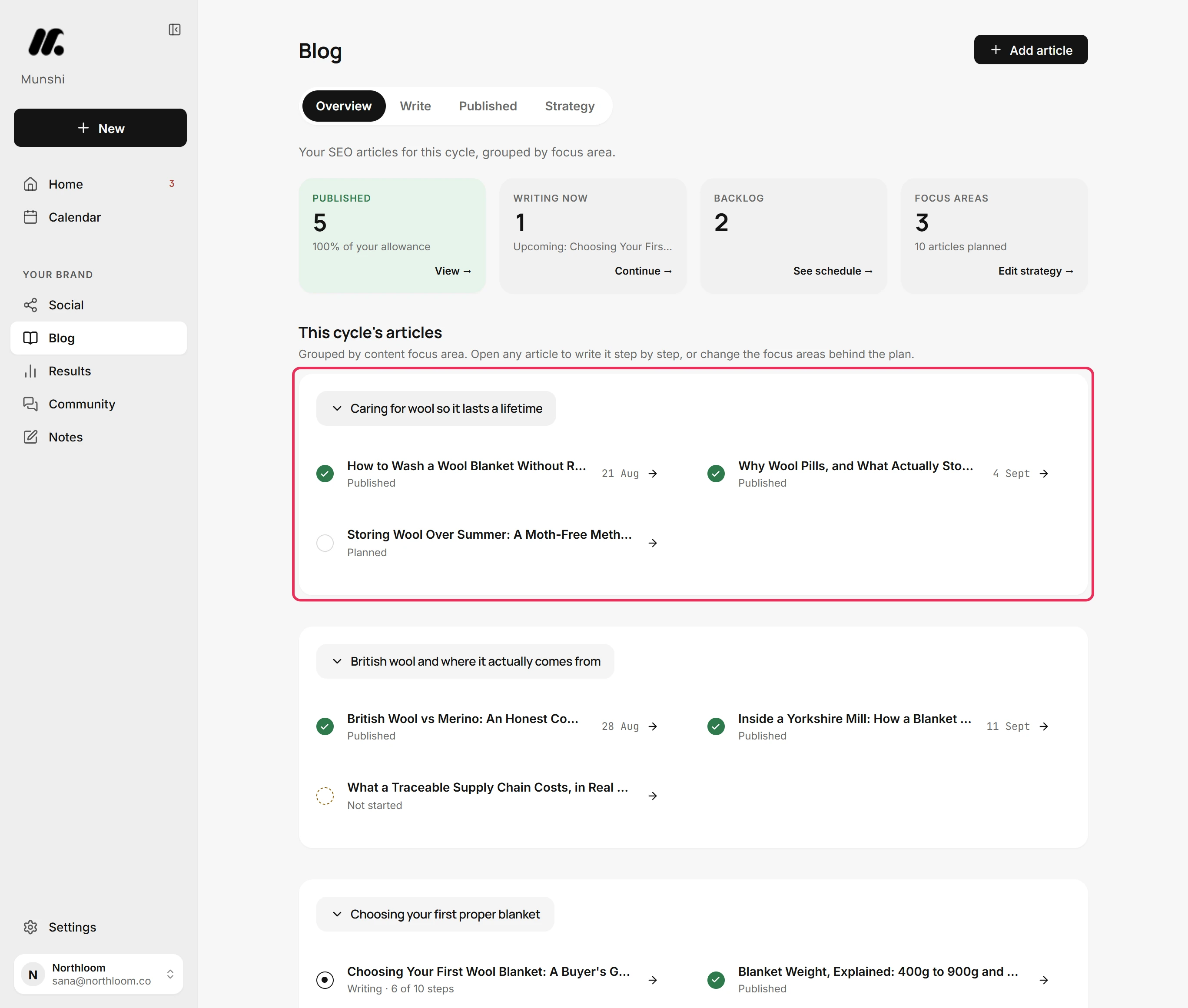
Under This cycle's articles, each focus area has its own card with its articles inside. Click a focus area's name to fold its card shut. Click it again to open it.
-
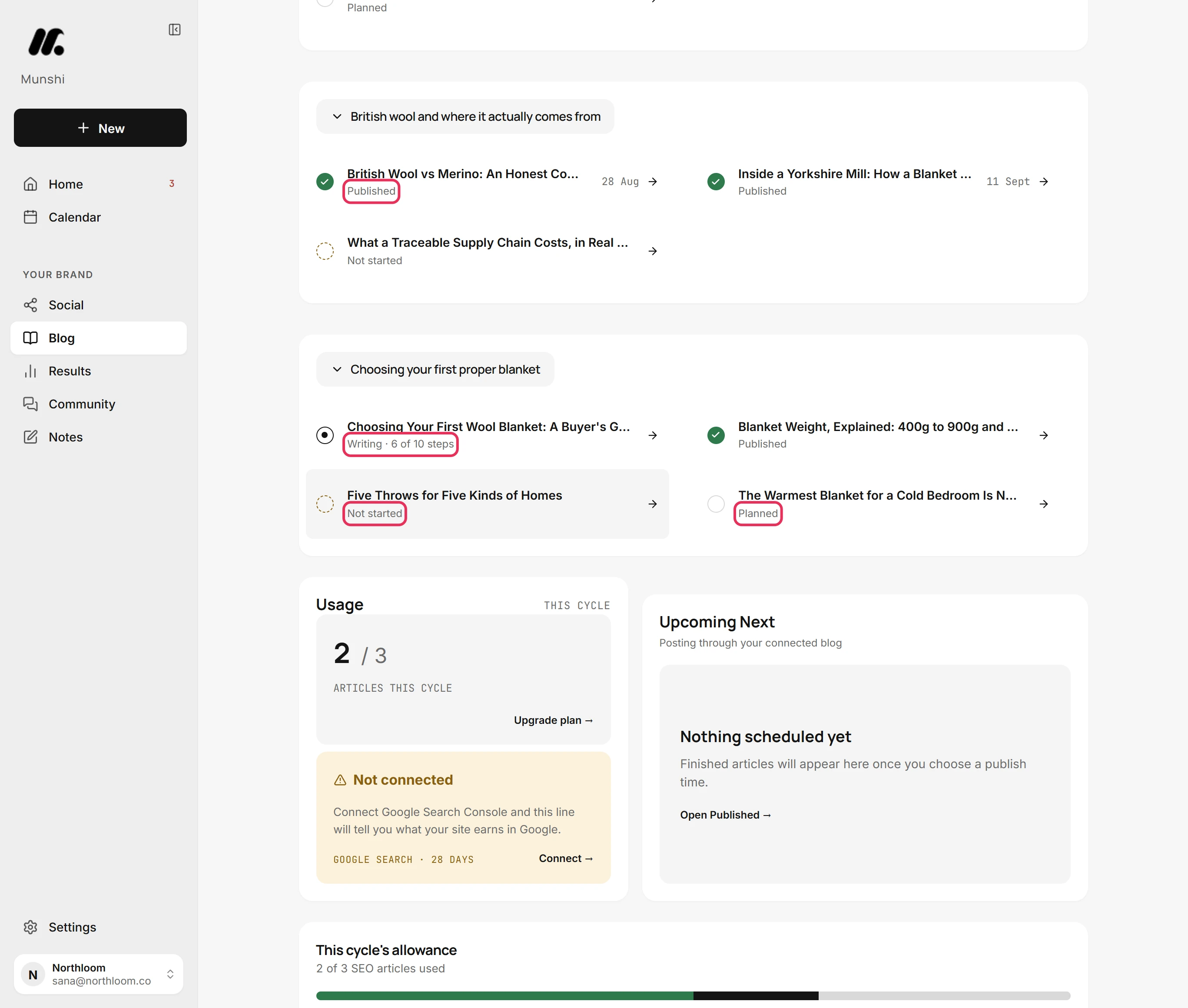
The line under each title says where the article stands. It reads Published with its date, Writing with the steps done so far, Planned, or Not started.
-
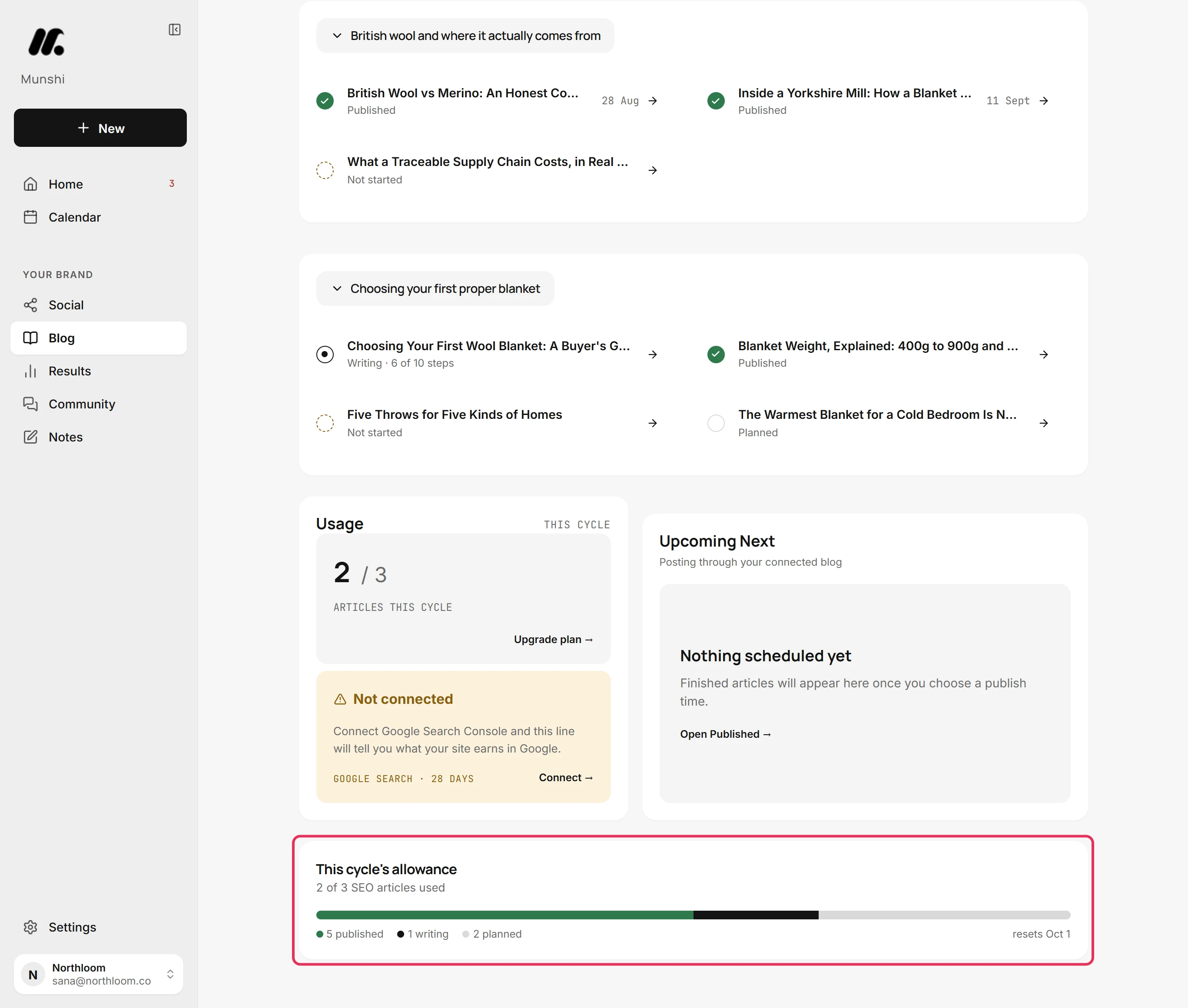
This cycle's allowance says how many of your plan's SEO articles this cycle has used. The bar splits them into published, writing and planned. The end of the line says when the allowance resets.
-
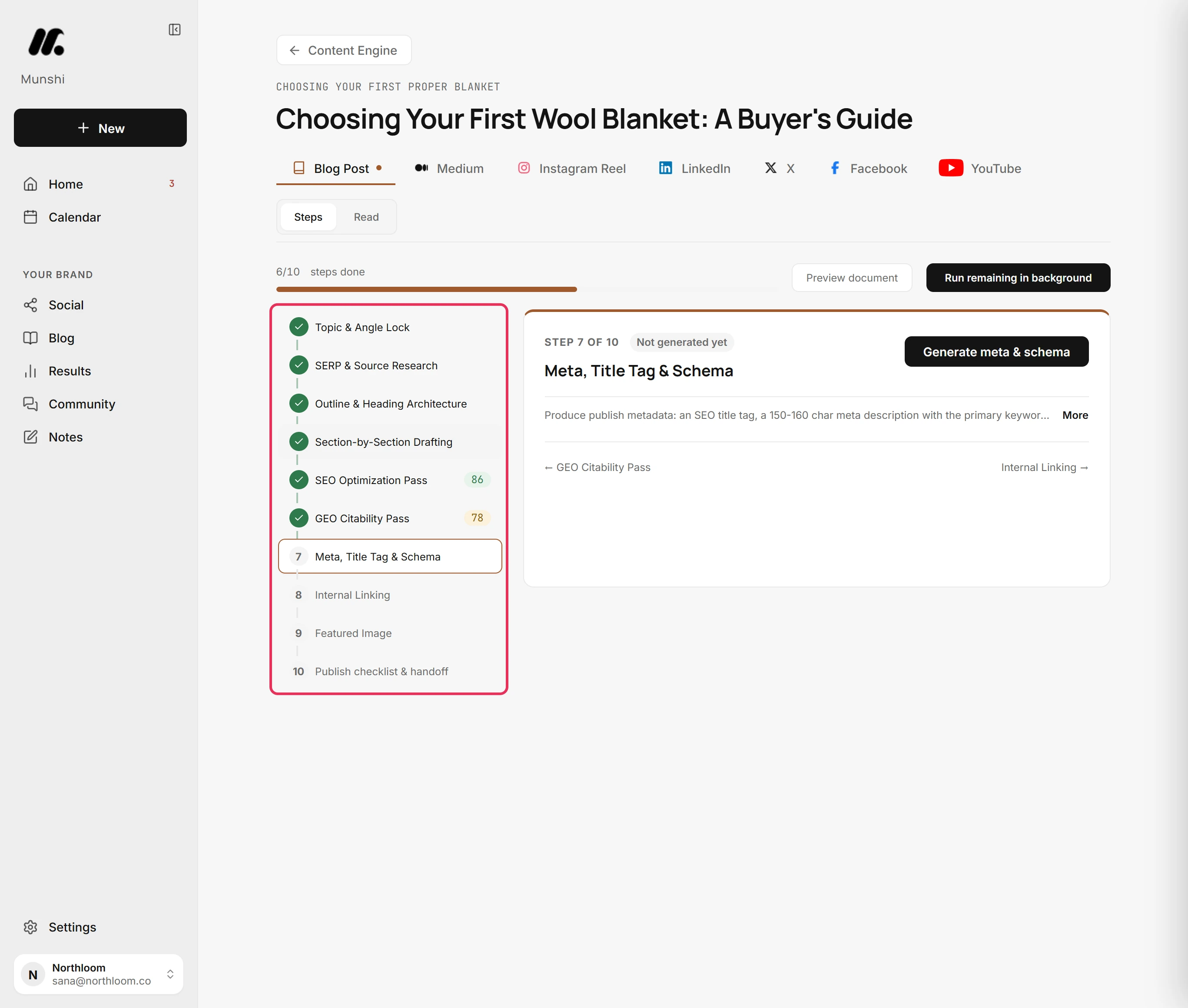
Click any row to open that article in the writer. An article still being written opens on its steps. A finished one opens ready to read.
Where you are now
You can see at a glance what this cycle has produced, what is in progress and what is waiting. You can see how much allowance is left, and every article is one click away.
If something goes wrong
“No articles planned yet”
Click Build the strategy. The workspace has no focus areas with articles yet. Strategy is where you make focus areas and their article topics.
“This cycle's articles did not load”
Click Try again and the articles list again. The list could not be read just then, and nothing was lost.
A topic reads Not started and is not counted in Backlog
This is expected. Backlog counts only articles already planned for the blog. A topic with no blog article yet reads Not started and stays out of that count.
“We could not read your plan's allowance just now.”
Reload the page in a moment. Munshi could not read your plan, so the card leaves the number out instead of guessing. Your articles are not affected.
Try it on your own brand this week.
Munshi Social, the AI content marketing engine for small teams, plans, writes, publishes, and tracks your blog and socials. The guide above shows the real app, not a mock-up.
Start your workspace