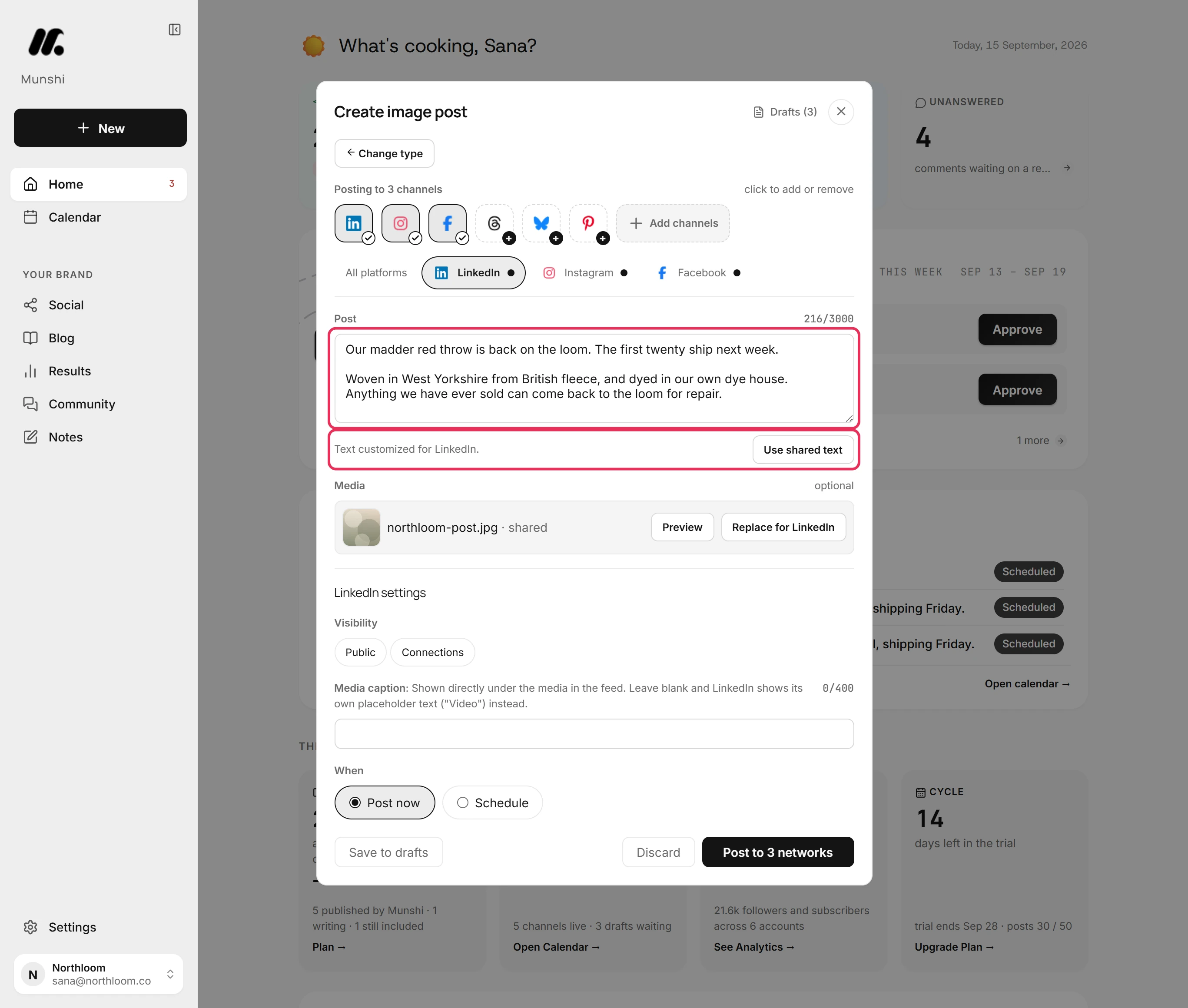
| Who writes the content | Munshi does. It drafts articles and posts from the keyword map you approved and your company profile. They wait in a batch before you open the app. | You do, one post at a time. The AI Assistant sits in the composer. Give it a prompt and it drafts a post, or give it your text to shorten, expand, change the tone or reshape for another network. Either way, you sit in the composer and ask for each post. |
| How the AI is metered | By finished output: 15 articles and 1,000 posts a month on Founding. There is no credit balance. | Not metered. Buffer removed AI Assistant credit limits. Unlimited use is now included on every plan, the free one too. |
| How the price scales | One flat price for all 8 networks. You cannot connect a ninth channel, and a third one is not billed. | Per channel. Channels 1 to 10 cost $6 each on Essentials and $12 each on Team. Channels 11 to 25 drop to $4, and 26 to 50 drop to $3. Past 50, they cost $1 on Essentials or $2 on Team. |
| Accounts per network | One per workspace: one Instagram, one Facebook Page, one LinkedIn profile or Company Page. A second account on the same network needs a second workspace, which means Studio. | As many as you like. Channels are unlimited on both paid plans. Buffer counts Facebook pages and groups, and LinkedIn pages and profiles, as separate channels. Each one is billed. |
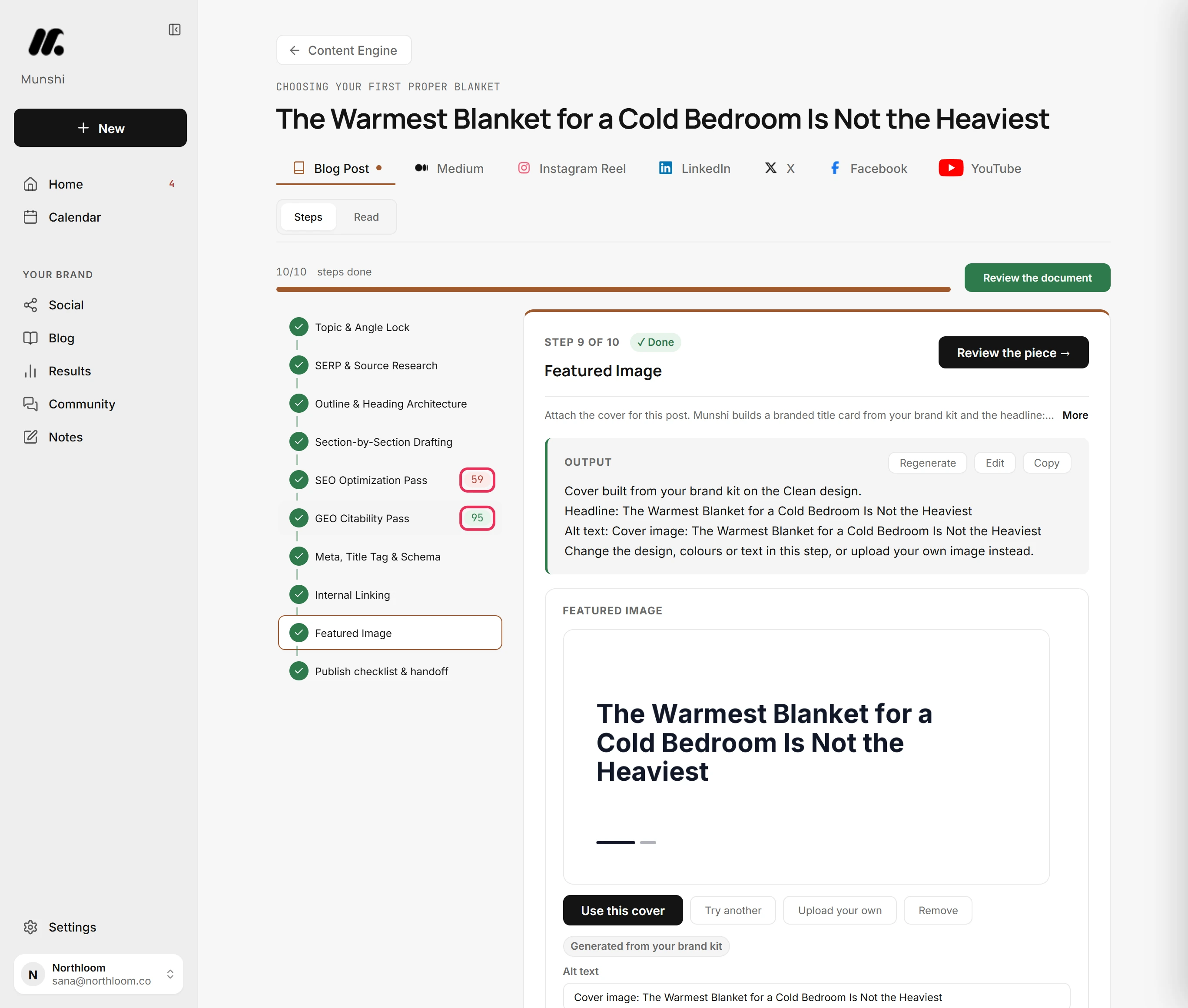
| Blog articles | 15 a month on Founding, written for you into WordPress, Ghost, Webflow, Framer, or Sanity. Ghost, Webflow, and Framer get them as drafts you publish from your own dashboard. WordPress gets drafts too, except scheduled articles, which go live at their slot. Sanity goes live on schedule. | Not part of the product. Nothing in Buffer writes or publishes to a website. |
| Seats and roles | Two per workspace, included. The only roles are owner and member. | One user on Free and Essentials. Team allows unlimited team members, custom access controls and approvals, at double the per-channel price. |
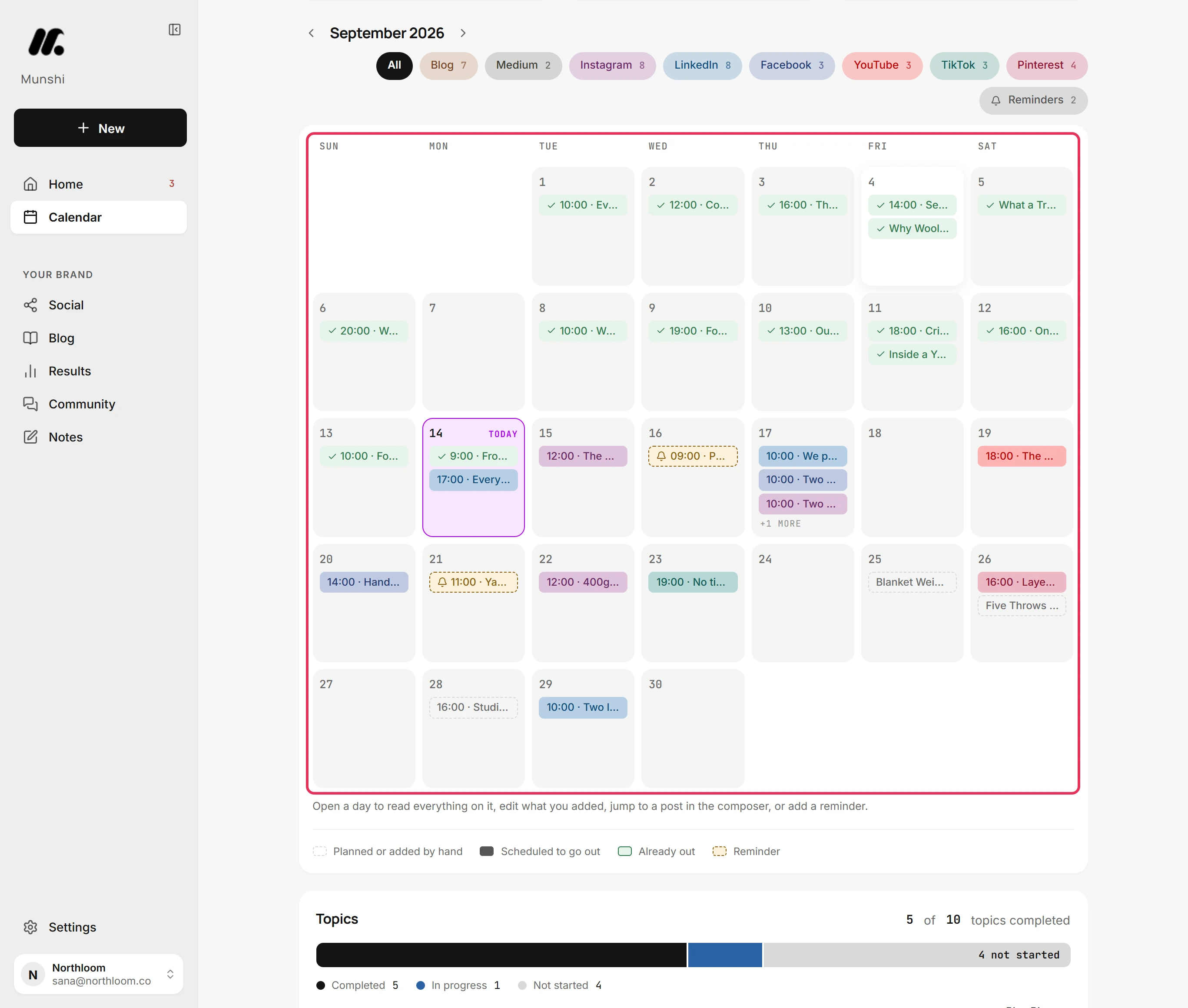
| Approval workflow | One weekly batch you clear in one sitting. Nothing unapproved publishes. | Content approval workflows on the Team plan. A contributor drafts and an approver releases. This is the mature version of the idea. |
| Replying to comments | A Community inbox for Instagram, Facebook, LinkedIn and Threads, where you reply and mark comments resolved. On Instagram and Threads you can also delete or hide comments. YouTube and Bluesky comments come in to read, and you answer on the network. Replies are capped at 20 an hour. | Buffer's Community inbox is on every plan, free included, and is one reason people stay. It covers ten networks, more than Munshi replies to. |
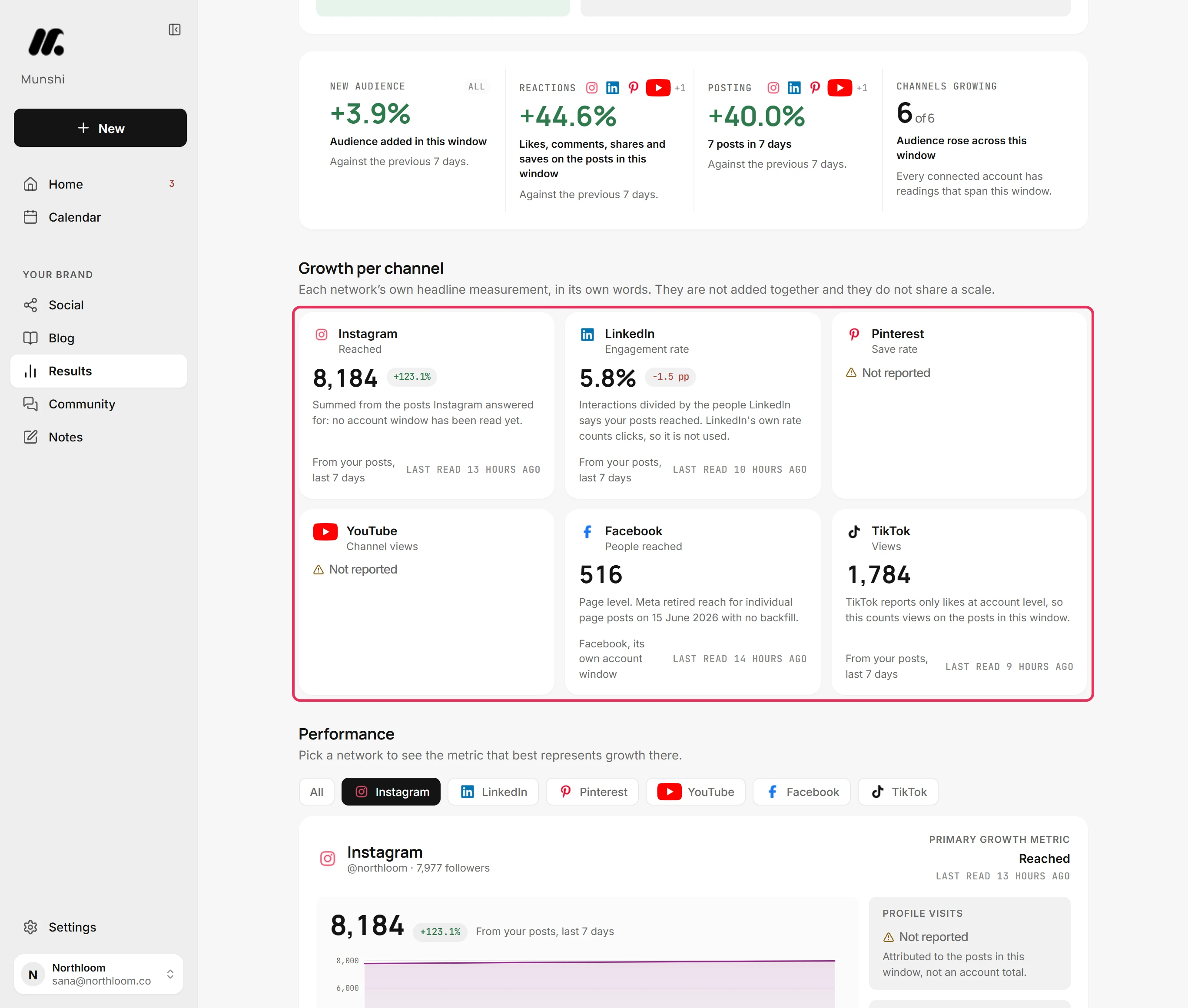
| Analytics | Search Console, Google Analytics and every connected network on one Results page. Numbers are captured daily, with a flag when a connection breaks. | 30 days of history on the free plan. Either paid plan adds unlimited history, deeper reporting and branded reports you can export. The numbers are social only, with nothing from your website. |
| On a phone | The web app rearranges for phone width. It has a top bar, a bottom bar for Home, Calendar, Social, Community and Results, and a plus button that opens the composer. There is no app to install. | Native iOS and Android apps, plus the web app. This is better if you post from your phone. |
| Link in bio | Not offered. | Start Page, a hosted link in bio page, is included on every plan. It counts as one of your channels. |
| Billing terms | $15 a month or $144 a year. Cancel any time in the Paddle billing portal, with 7-day money back on a first payment. | Monthly or annual, and annual saves about two months. Cards only: Visa, Mastercard, Amex, JCB, Discover and Diners. There is no PayPal, cheque or bank transfer. Nonprofits and charities get 50% off paid plans. |
| Track record | Munshi launched in 2026. The team is small and the history is short, and we would rather you knew that. | In market since 2010. Its home page shows a public count of 266,459 creators, brands and agencies. |