Your monthly allowance: articles and posts
See how many articles and posts your plan has left this period. Learn what uses them up, what stops counting, and when both counts start again.
-
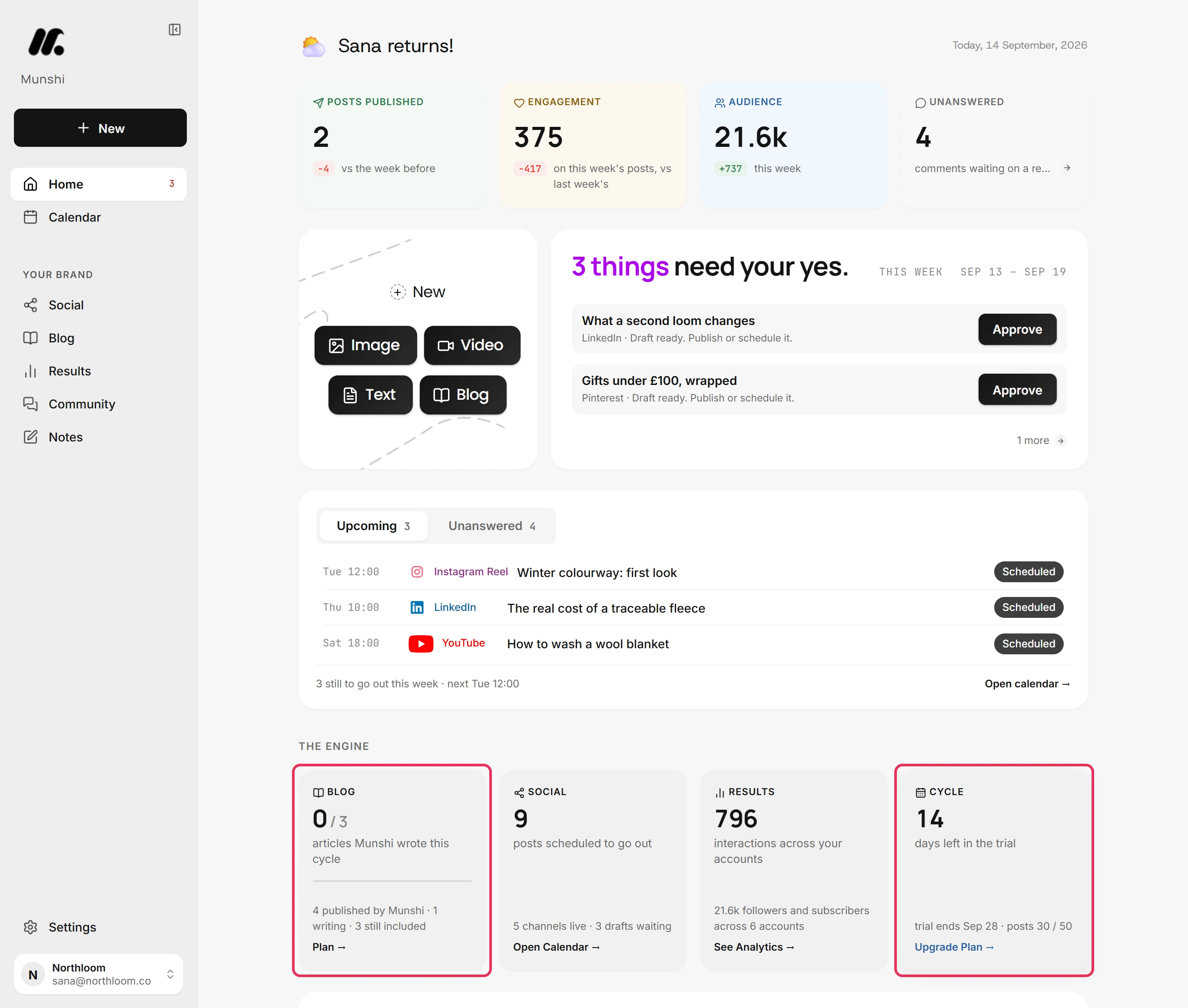
On Home, the row headed The Engine keeps the count in view. The Blog tile shows the articles Munshi wrote this cycle against your allowance. The Cycle tile ends with the posts used so far.
-
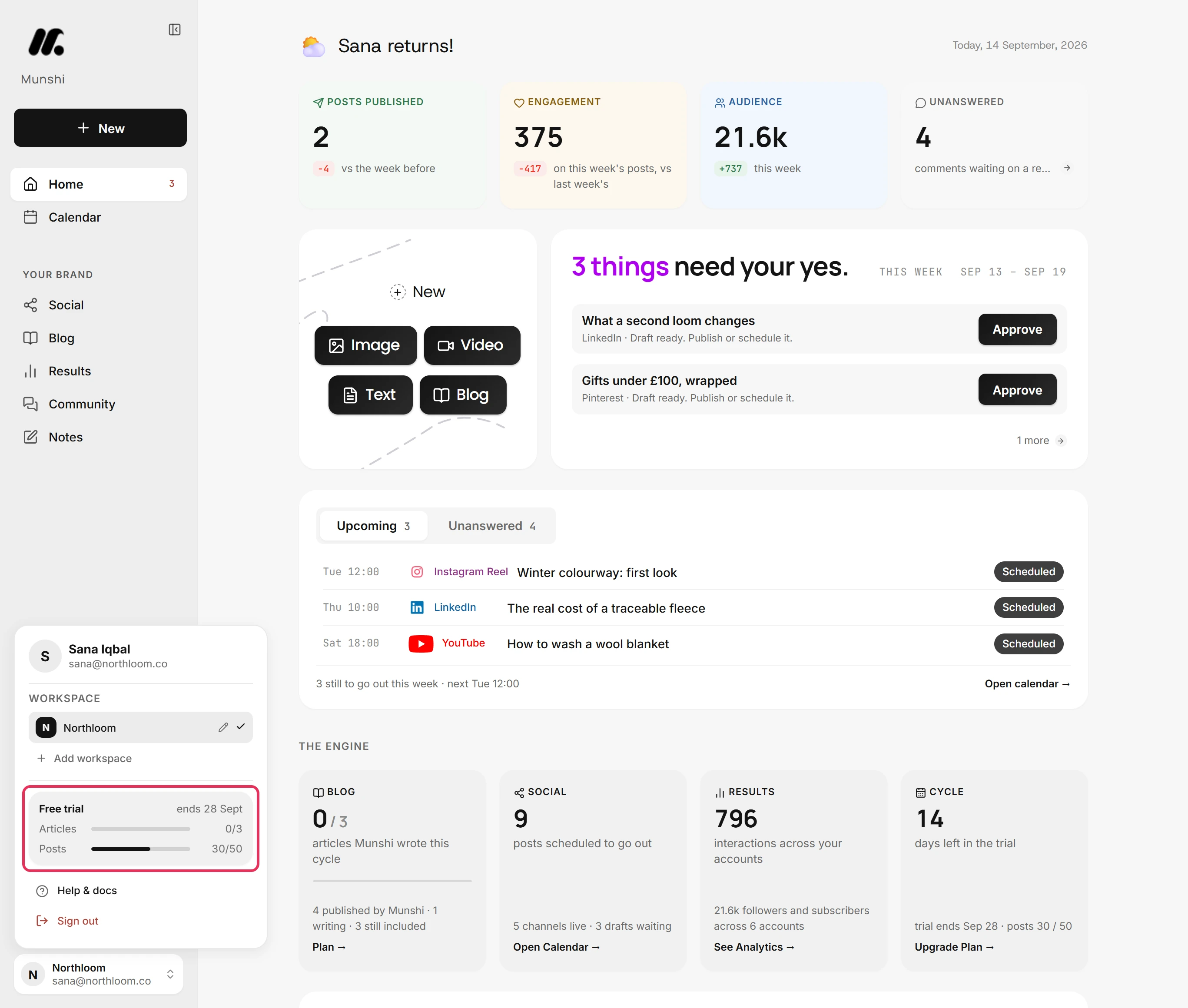
Click the workspace name at the bottom of the sidebar. The plan card in the menu shows your plan and the day it renews or ends. It also has a bar each for Articles and Posts.
-
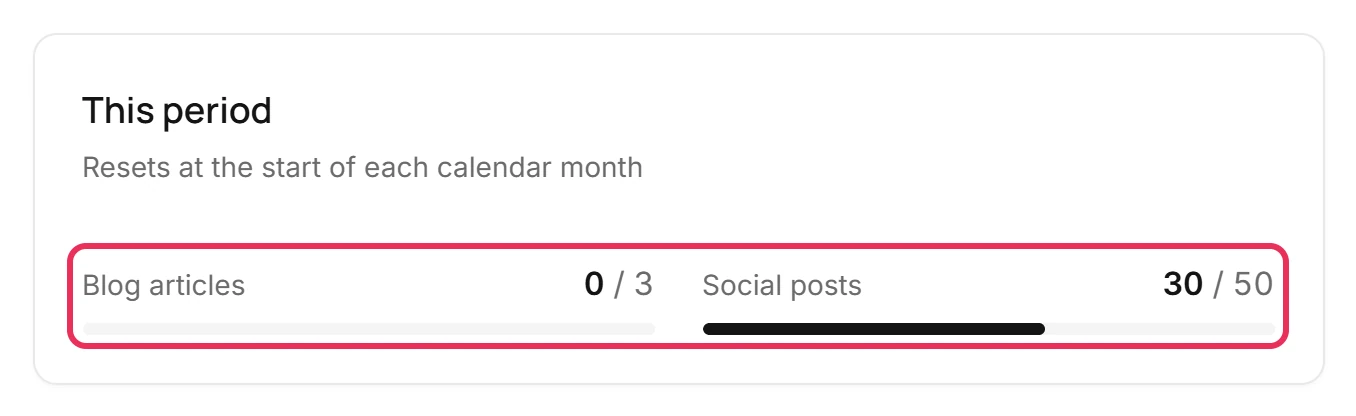
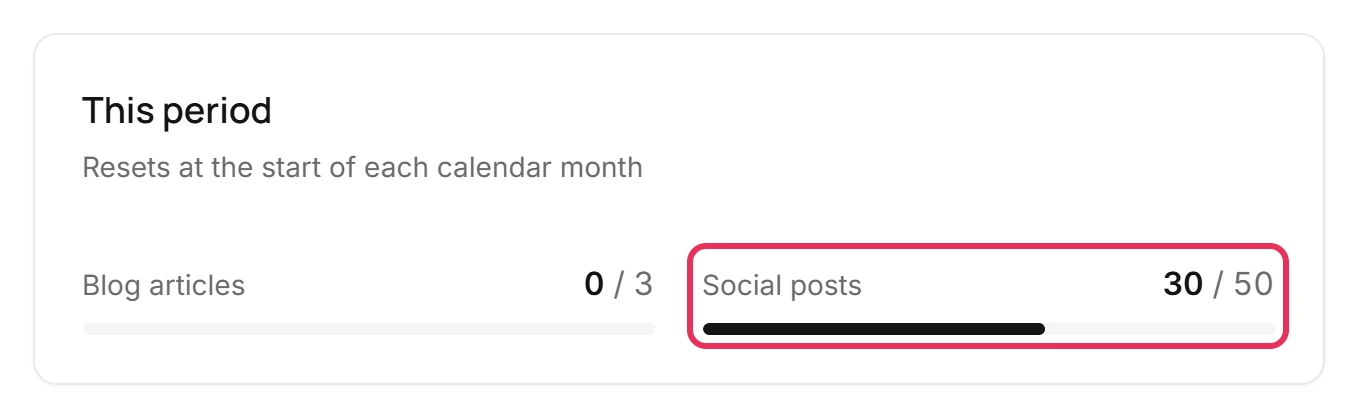
Click the plan card, and Settings opens on Plan & billing. The This period card shows how much of the allowance the workspace has used.
-
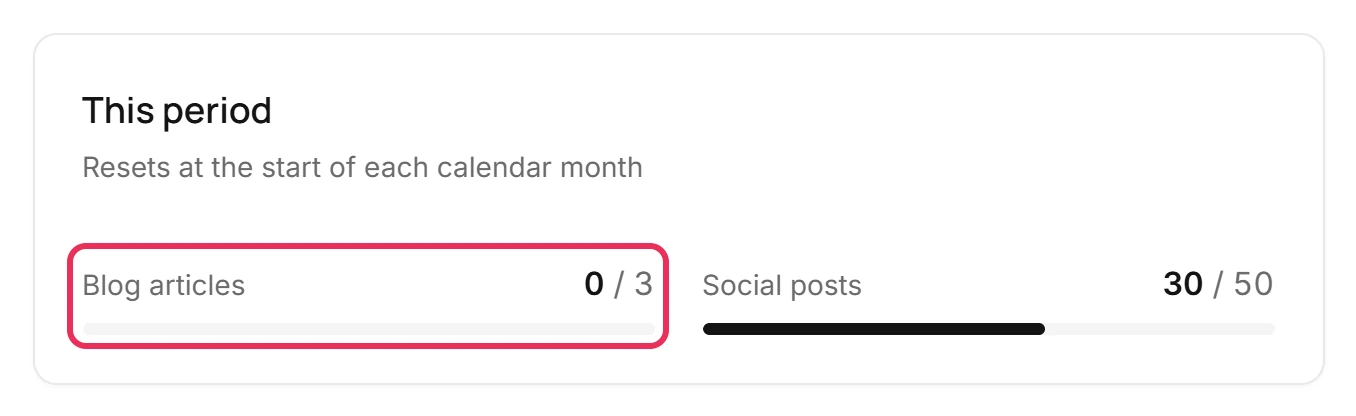
Blog articles counts each new article once, the first time Munshi writes it. Rewriting or regenerating that article does not count again. Deleting it does not give it back.
-
Social posts counts one for every network a post goes to. For example, one post sent to LinkedIn, Instagram and Facebook uses three. A post you unschedule, or one that fails to go out, stops counting.
-
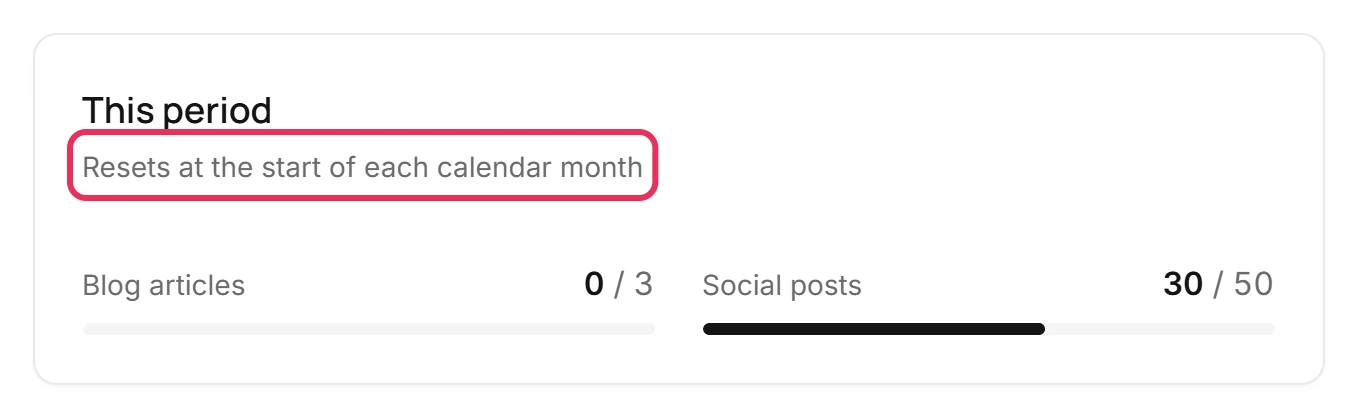
The line under This period says when both counts go back to zero. On a plan, that is each month on the date your subscription started. On the trial, it is the start of each calendar month, and nothing unused carries over.
Where you are now
You know how much is left this period, what uses it up, and when it starts again. When a count runs out, Munshi tells you at the moment it matters and links to the plans.
If something goes wrong
“You've used all 50 posts in your plan this month.”
Unschedule a post you no longer need, pick a bigger plan from See plans, or wait for the date under This period. The posts allowance for this period is used up. Posts that would go over it are refused until it starts again.
“Daily generation limit reached for this workspace. Try again tomorrow.”
Wait until midnight UTC, when it lifts. This is a daily fair-use cap on AI writing, separate from the monthly allowance. It is currently about $5 of model use per workspace. Nothing you already made is affected.
A meter shows App and Agents
That line appears once an assistant or agent connected to the workspace has used some of the allowance. App is what was made in Munshi itself, and Agents is the rest. Both come out of the same allowance.
We are on Studio. Whose allowance is it?
Studio's articles and posts are one pool, shared by up to three workspaces. Each meter shows the whole pool, and the line under it shows this workspace's share. Workspaces on this plan lists what each one used.
Try it on your own brand this week.
Munshi Social, the AI content marketing engine for small teams, plans, writes, publishes, and tracks your blog and socials. The guide above shows the real app, not a mock-up.
Start your workspace