How to export a social report as PDF or Excel
On Results, Social, pick a window and click PDF or Excel. Munshi builds the report in the background, and you download it within the hour.
Before you start
- At least one connected social network. The report uses the same accounts and posts as the Social tab on Results.
-
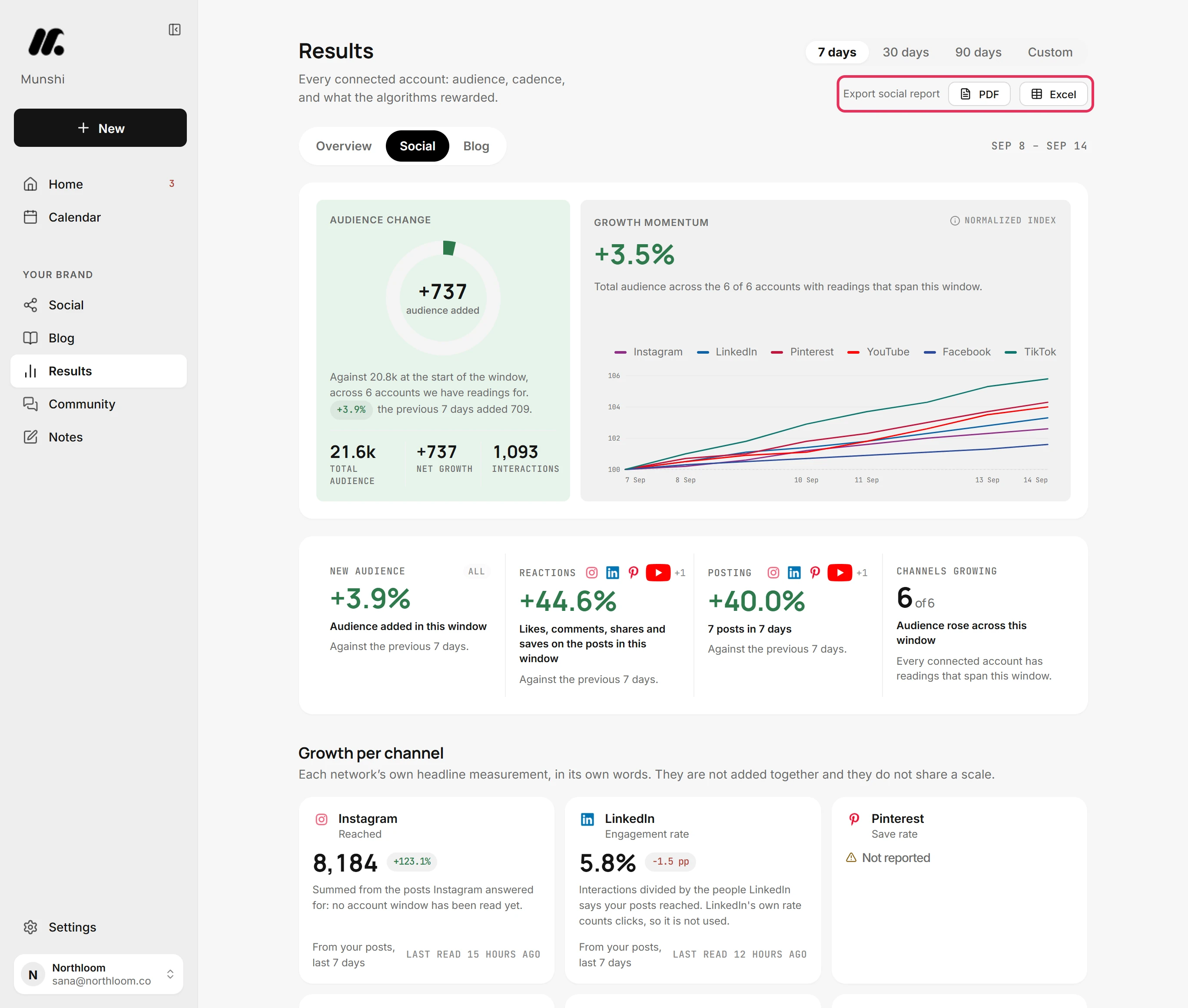
Click Results in the sidebar, then Social. Export social report sits at the top right of this tab only, because the report covers your social accounts.
-
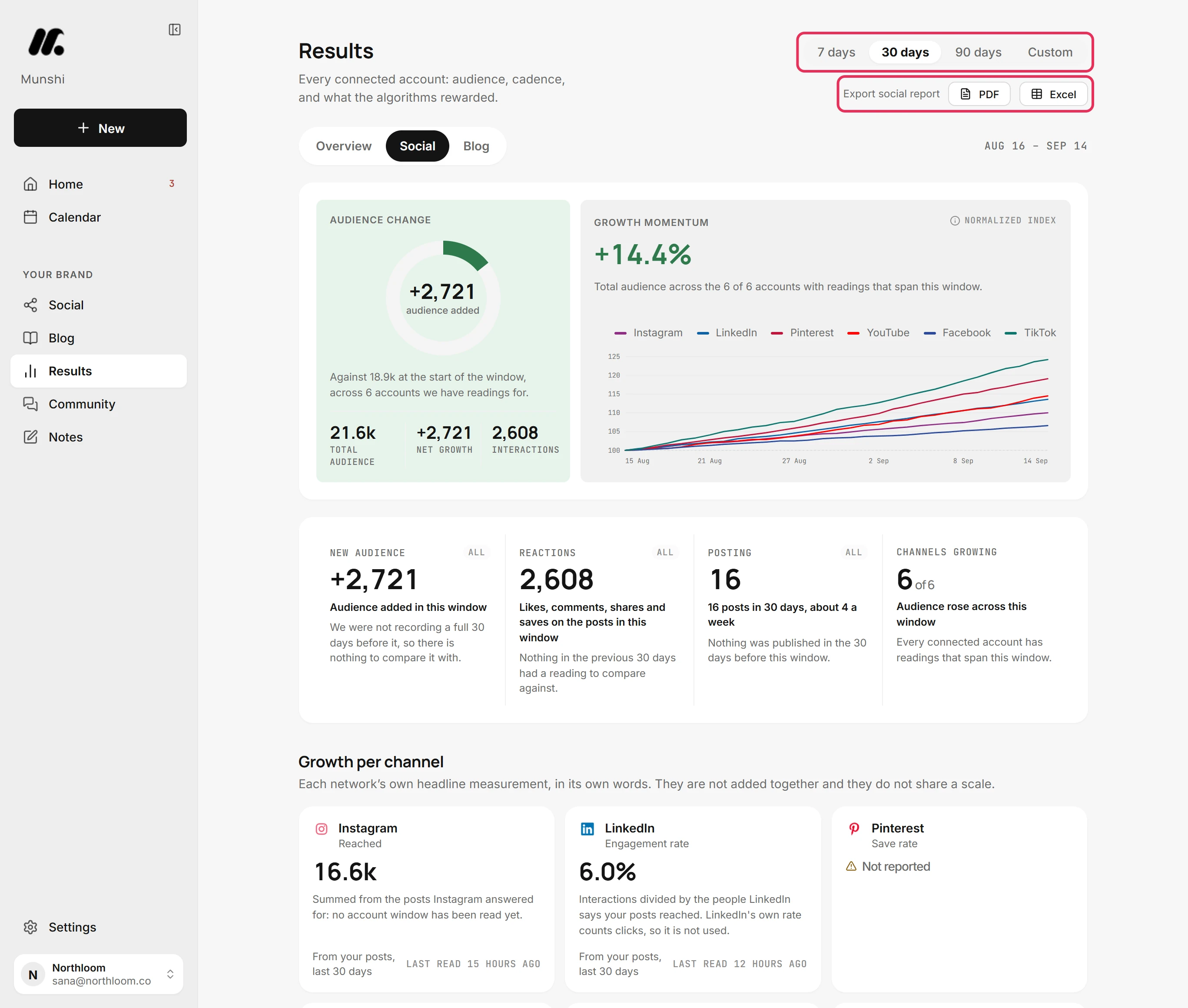
The report covers the window picked above the buttons: 7 days, 30 days, 90 days or Custom. If you pick another window after a build, its download link clears. That file no longer matches the page.
-
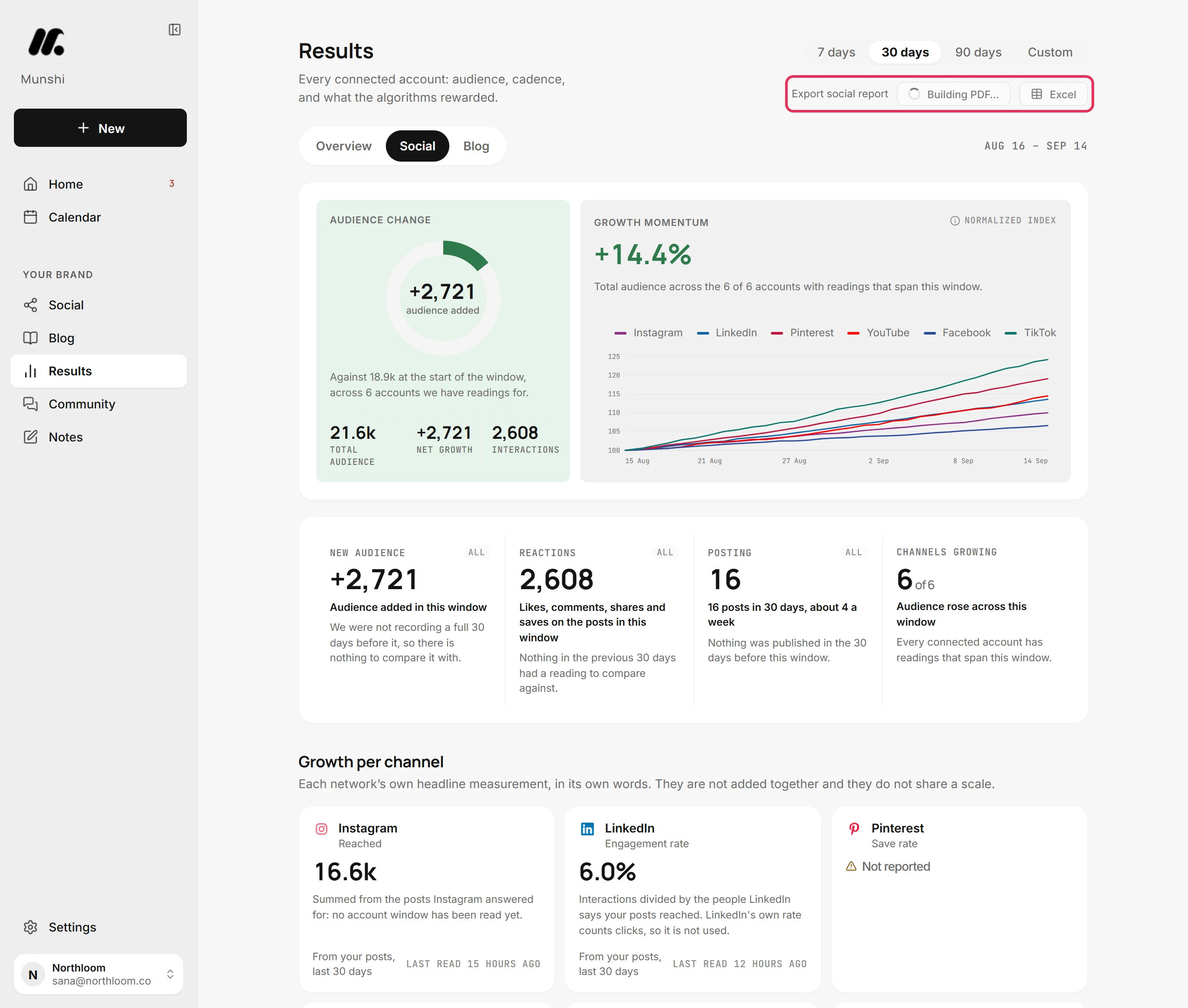
Click PDF. The button reads Building PDF… while Munshi makes the report in the background.
-
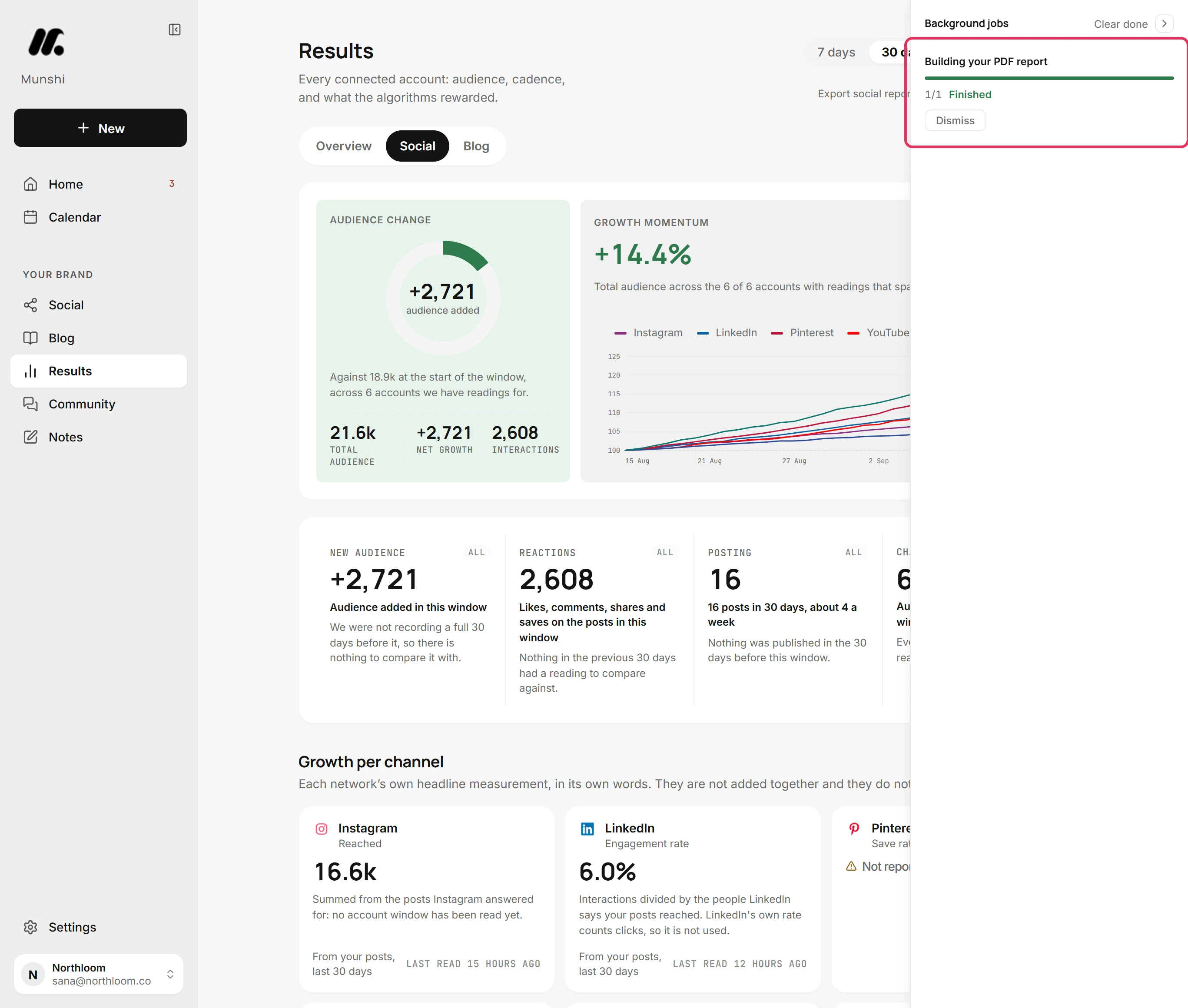
The build also shows in the jobs dock on the right as Building your PDF report. It is marked Finished when the file is ready. The dock follows the job, but the download link stays on the Social tab.
-
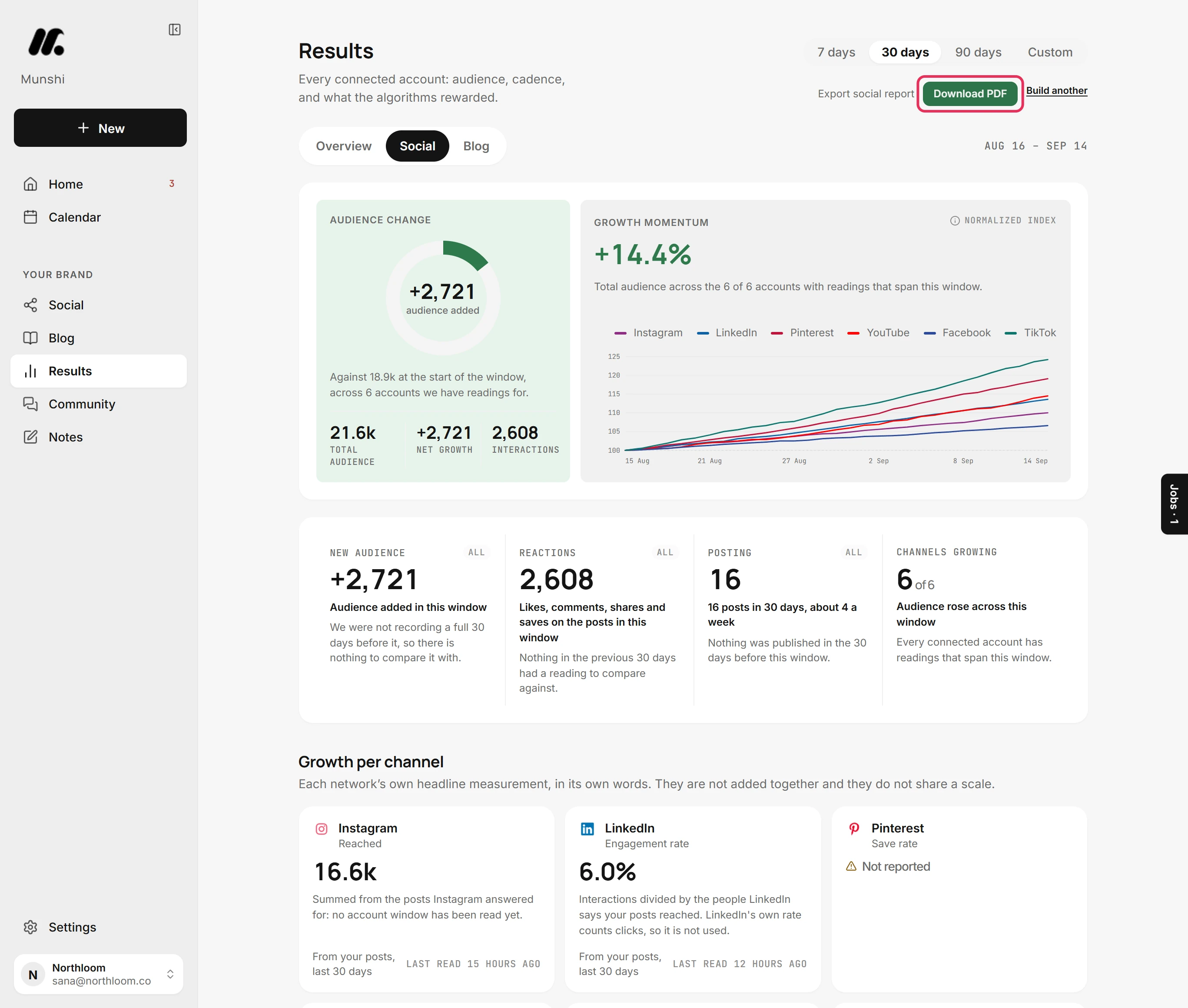
When the report is ready, Download PDF replaces the buttons. Click it to save the file. The file stays available for an hour. After that, build the report again.
-
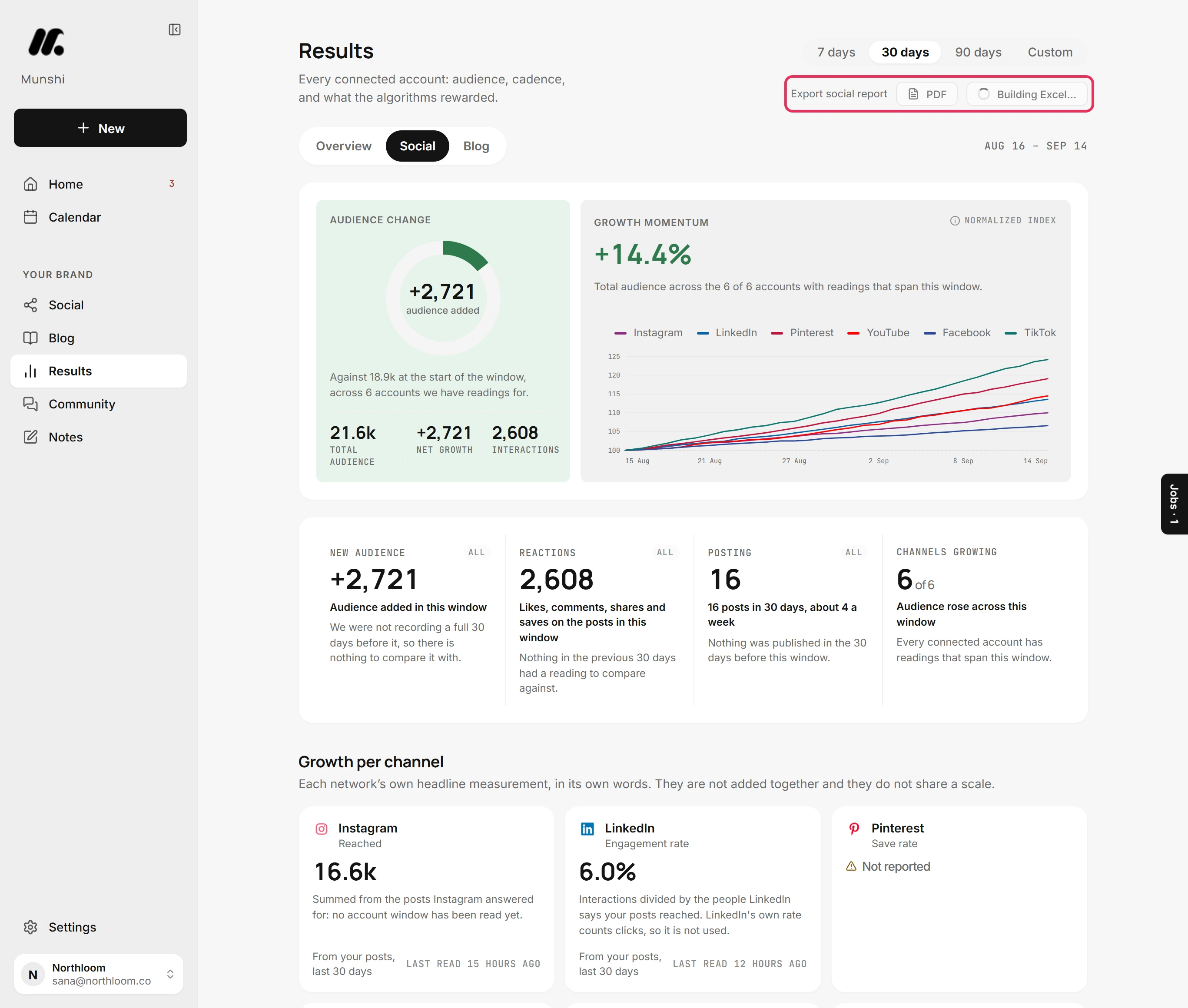
Click Build another, then Excel. It builds the same way and reads Building Excel… until the workbook is ready.
-
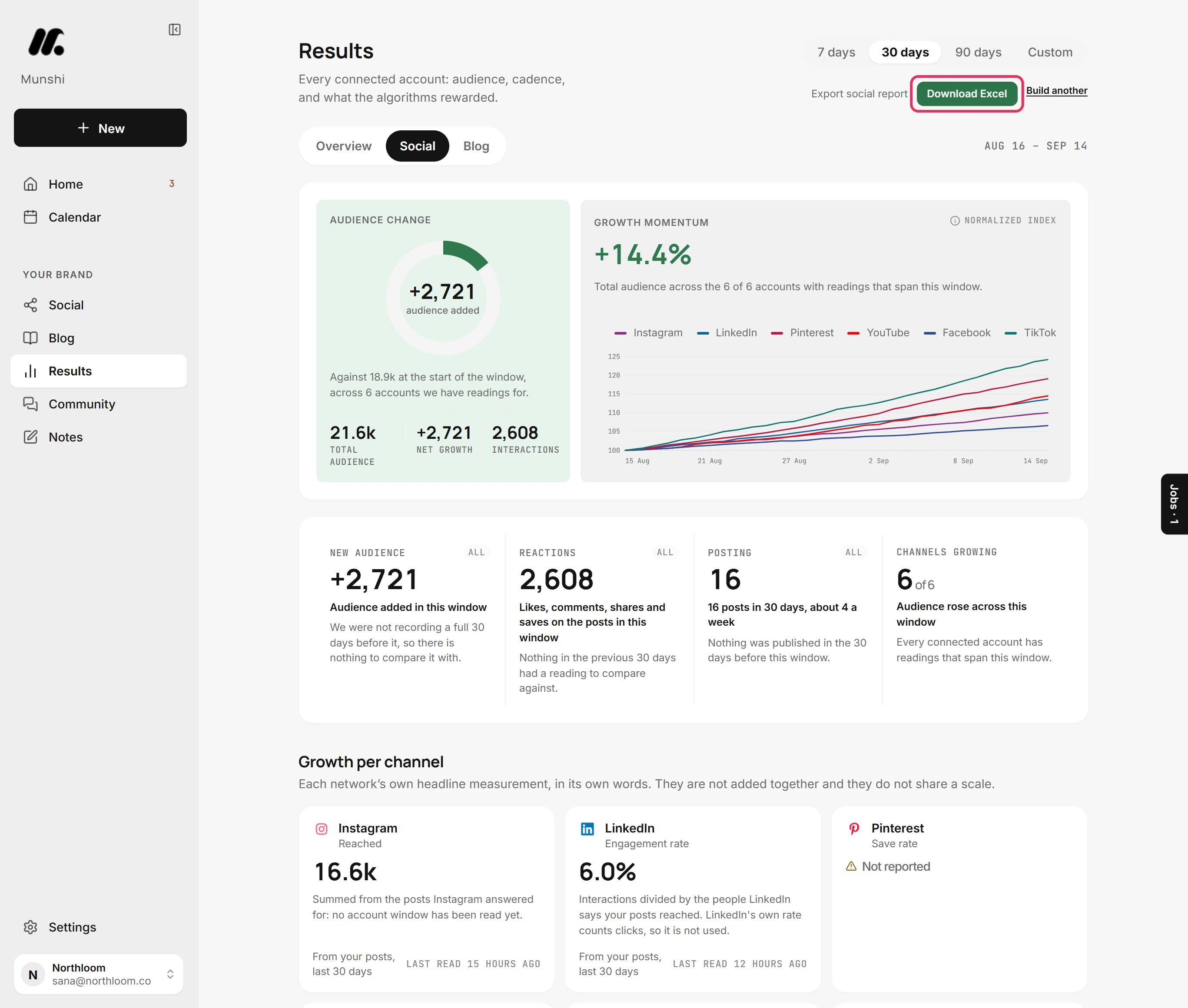
Click Download Excel. The workbook has Summary, Channels and Posts sheets. It lists up to 5,000 posts from the window. If there are more, it keeps the most recent 5,000 and its Summary sheet says so.
Where you are now
You have the social report for the window you picked. The PDF is ready to share, and the Excel workbook is ready to sort and filter. For another window, pick it and build the report again.
If something goes wrong
“That is a lot of reports. Try again in a few minutes.”
Wait a few minutes, then click PDF or Excel again. A workspace can build 20 reports an hour.
“That report has expired. Export it again.”
Build the report again and download the new file. Munshi keeps a built report for an hour.
“Still working in the background. The jobs dock shows it when it lands.”
Wait for the jobs dock to mark it Finished, then build it again to get a fresh download link. The report took longer than the page waits for, and it keeps building.
“The report could not be generated.”
Click PDF or Excel again. The build did not finish.
Try it on your own brand this week.
Munshi Social, the AI content marketing engine for small teams, plans, writes, publishes, and tracks your blog and socials. The guide above shows the real app, not a mock-up.
Start your workspace