The jobs dock: what is running, what failed
The jobs dock on the right of the screen shows work running in the background. See what finished, read why a job failed, cancel a job, and clear the list.
-
When something runs in the background, or has just finished, Background jobs opens on the right of the screen. It shows on every page. With no jobs to show, it stays out of sight.
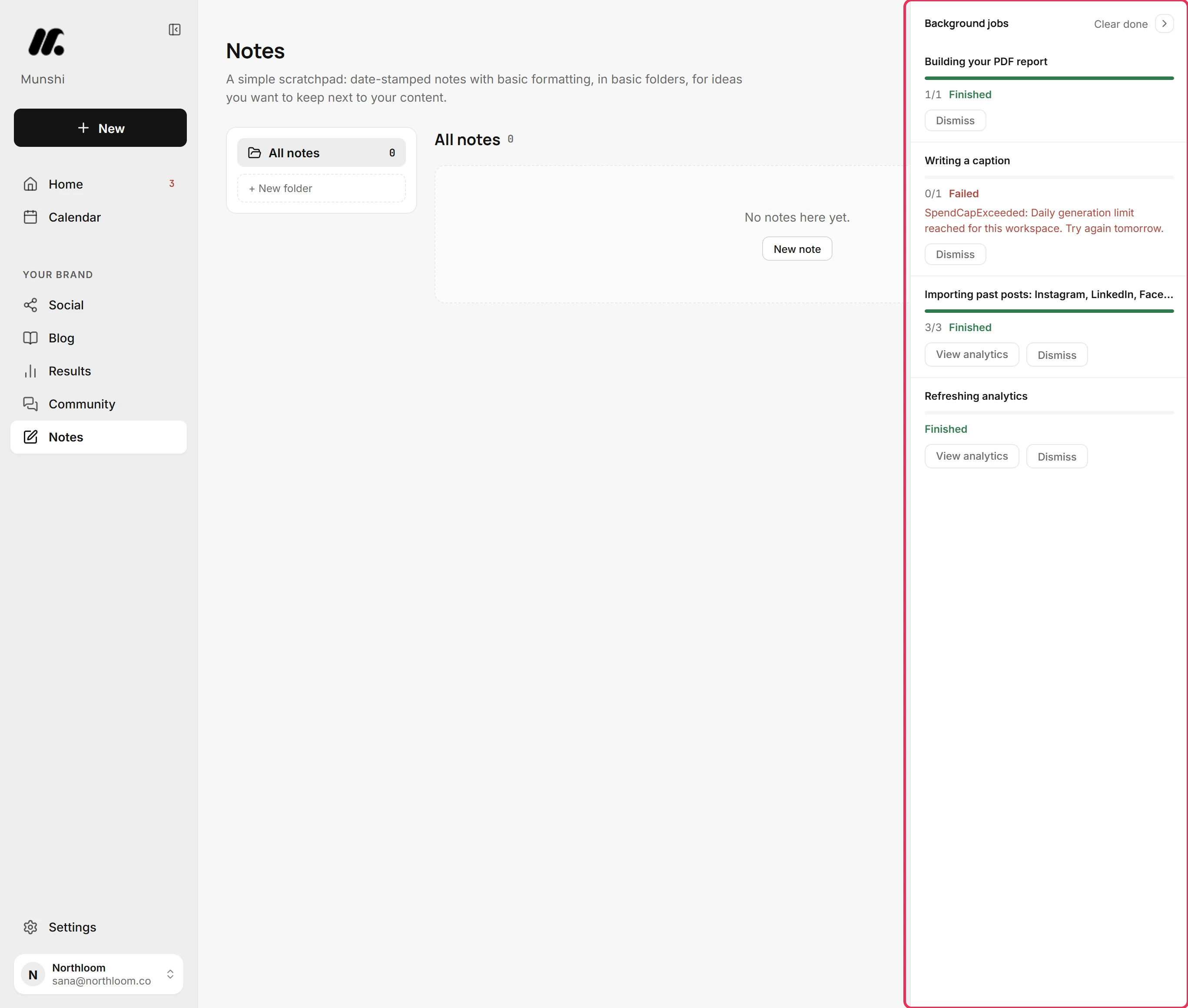
-
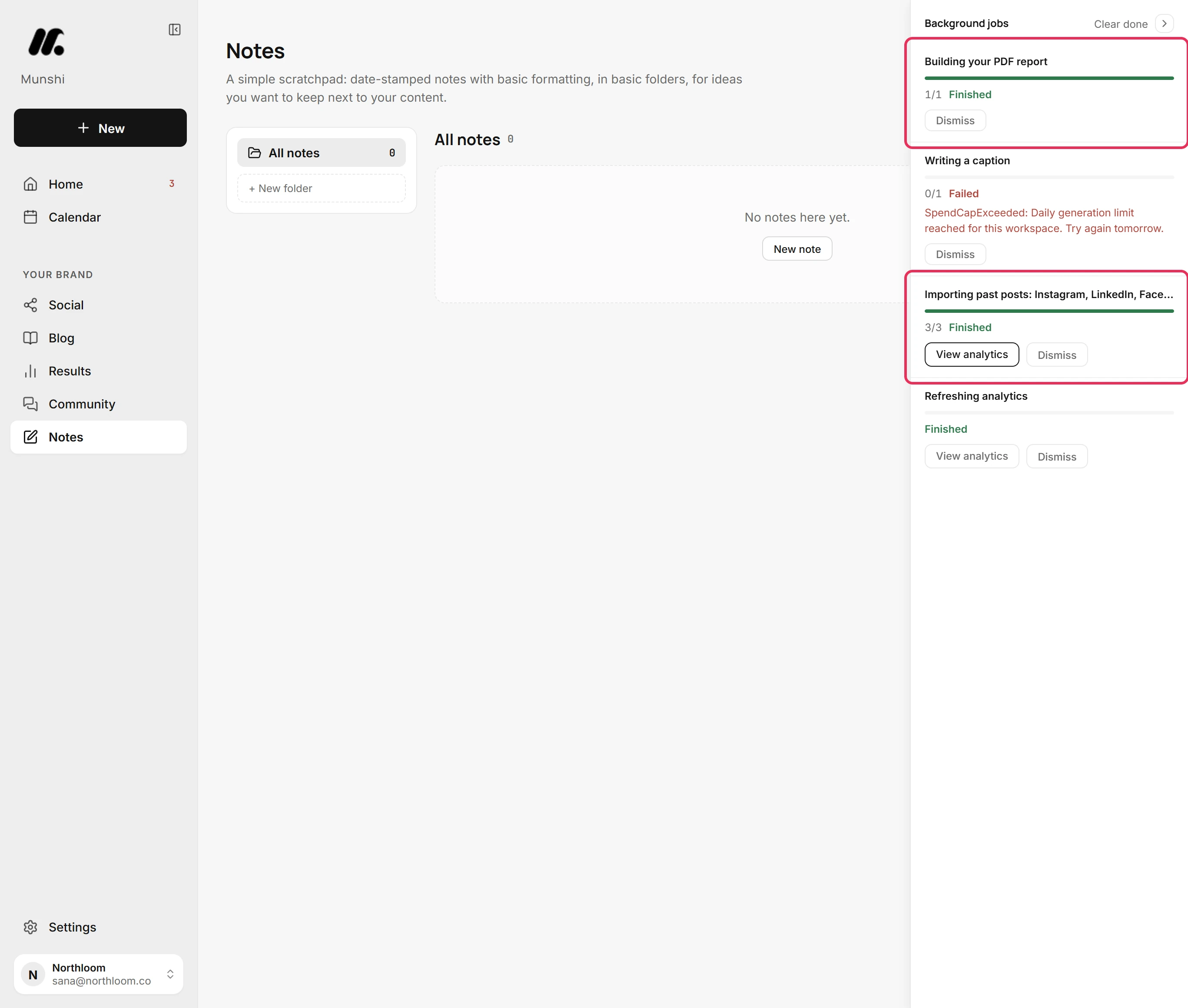
A full green bar and Finished mean the job is done. If the job has a result elsewhere, it links to it, like View analytics after importing past posts. Finished jobs leave the dock on their own after an hour.
-
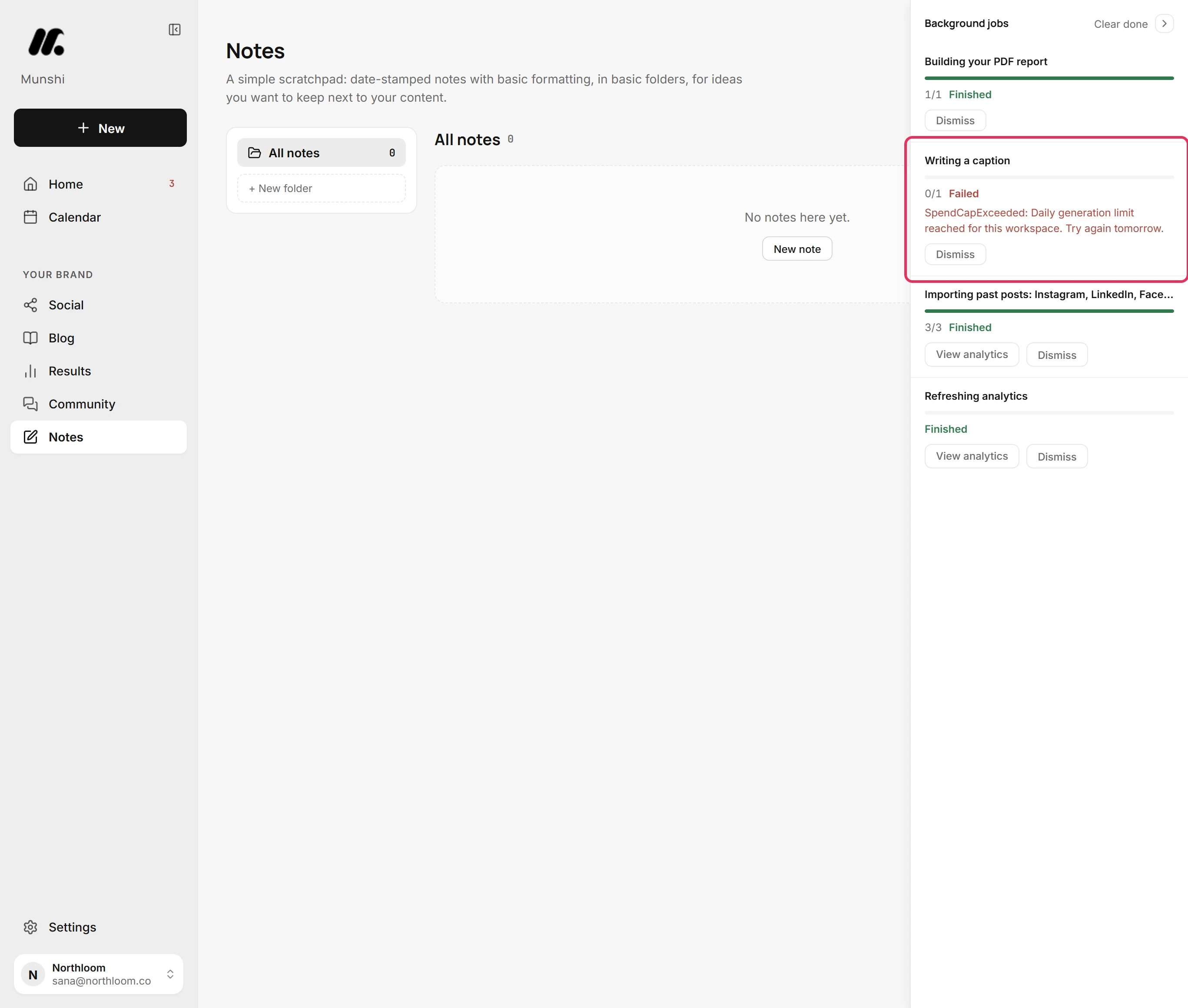
A job that stopped reads Failed in red, with the reason underneath. One reason is the workspace reaching its daily limit on generation. Failed jobs stay in the dock for a day.
-
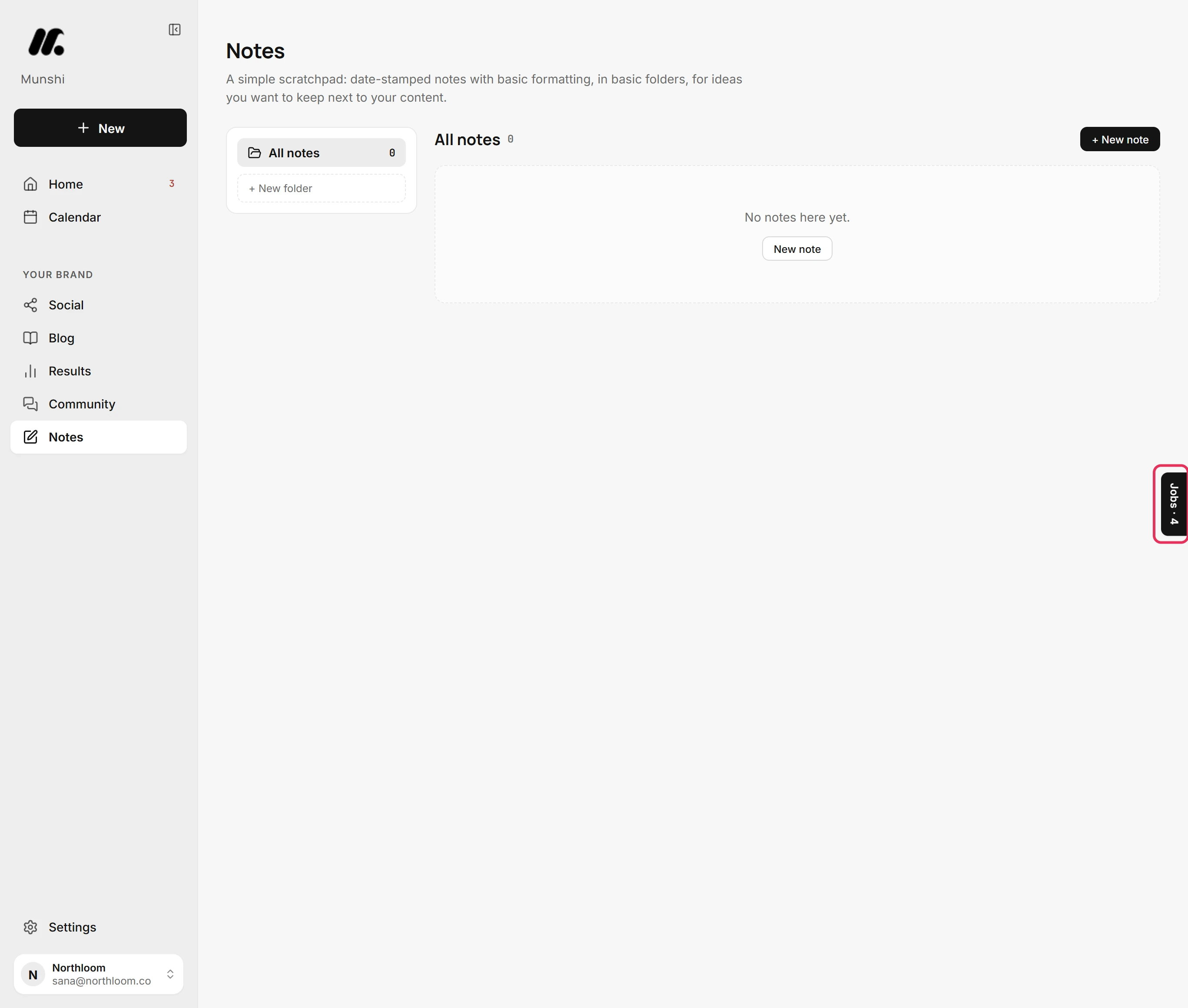
The arrow at the top folds the dock into a tab on the right edge. The tab counts the jobs or says how many are running. Click the tab to open the dock again. It stays the way you last left it.
-
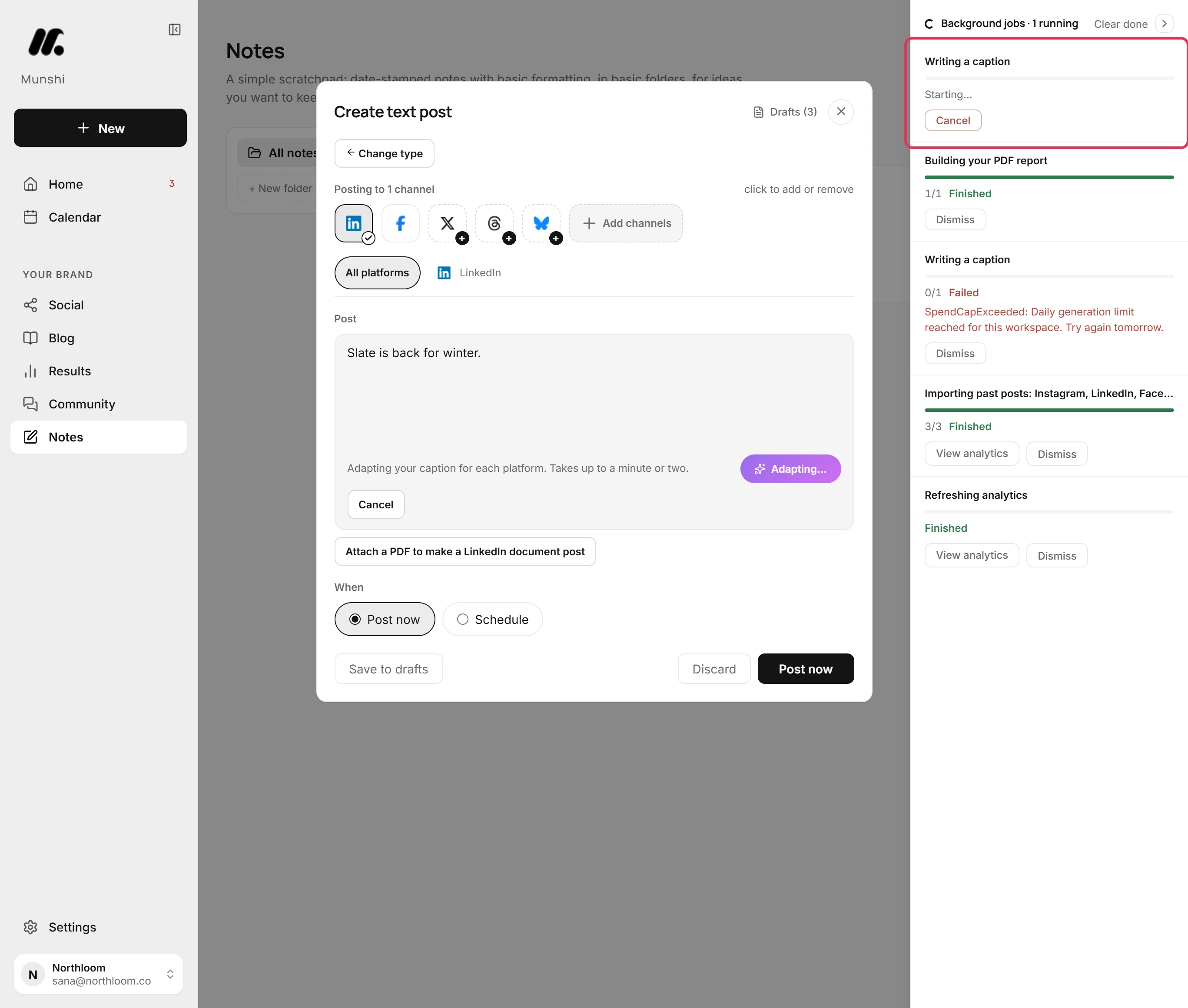
Start something that takes a while, such as Optimize per platform on a new post. The job appears at the top of the dock, and the header counts it as running. It keeps going if you leave the page.
-
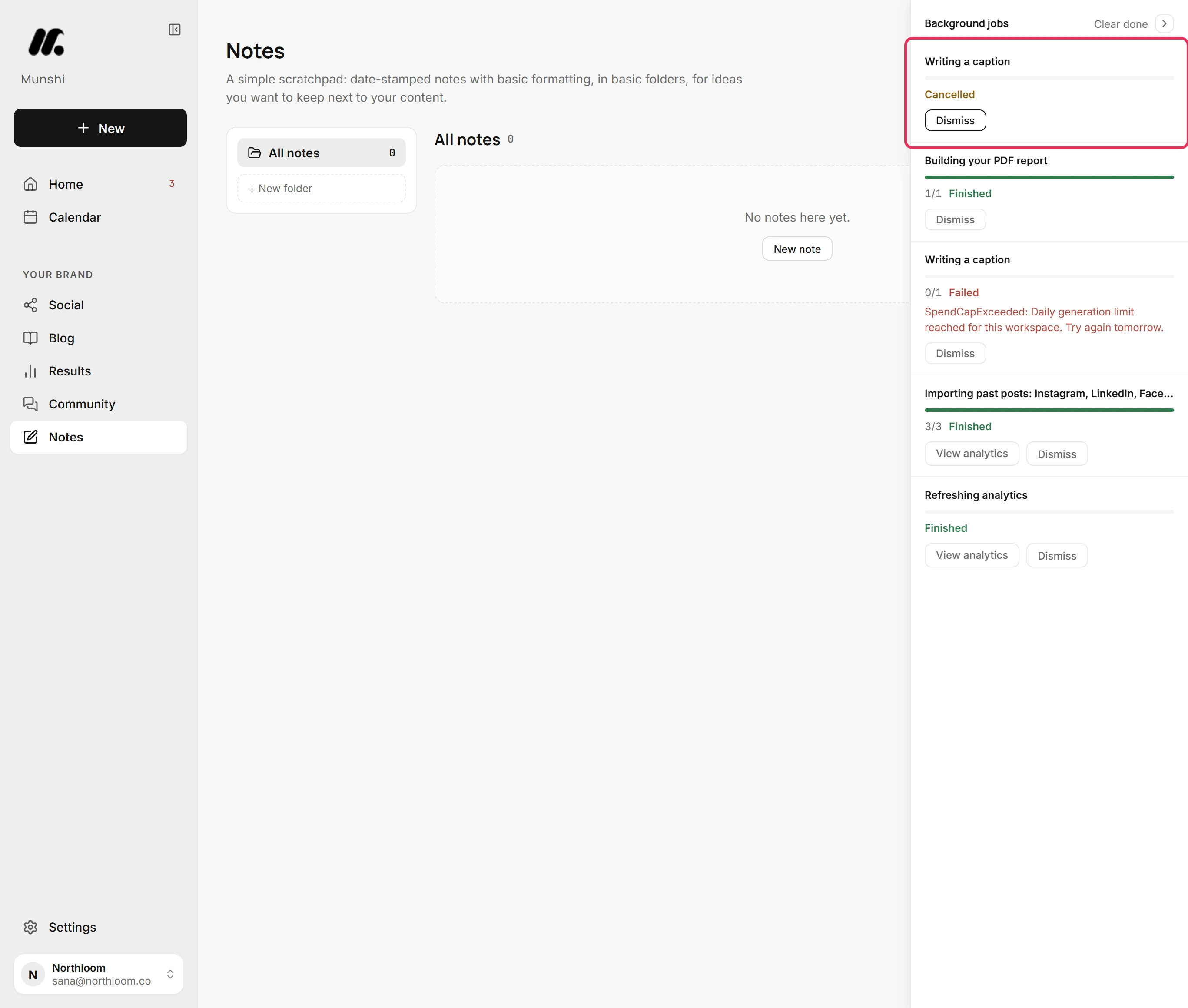
Click Cancel on a running job. A job that has not started stops at once and reads Cancelled. A job already working finishes its current step first and reads Cancelling after this step… A cancelled job clears itself from the dock.
-
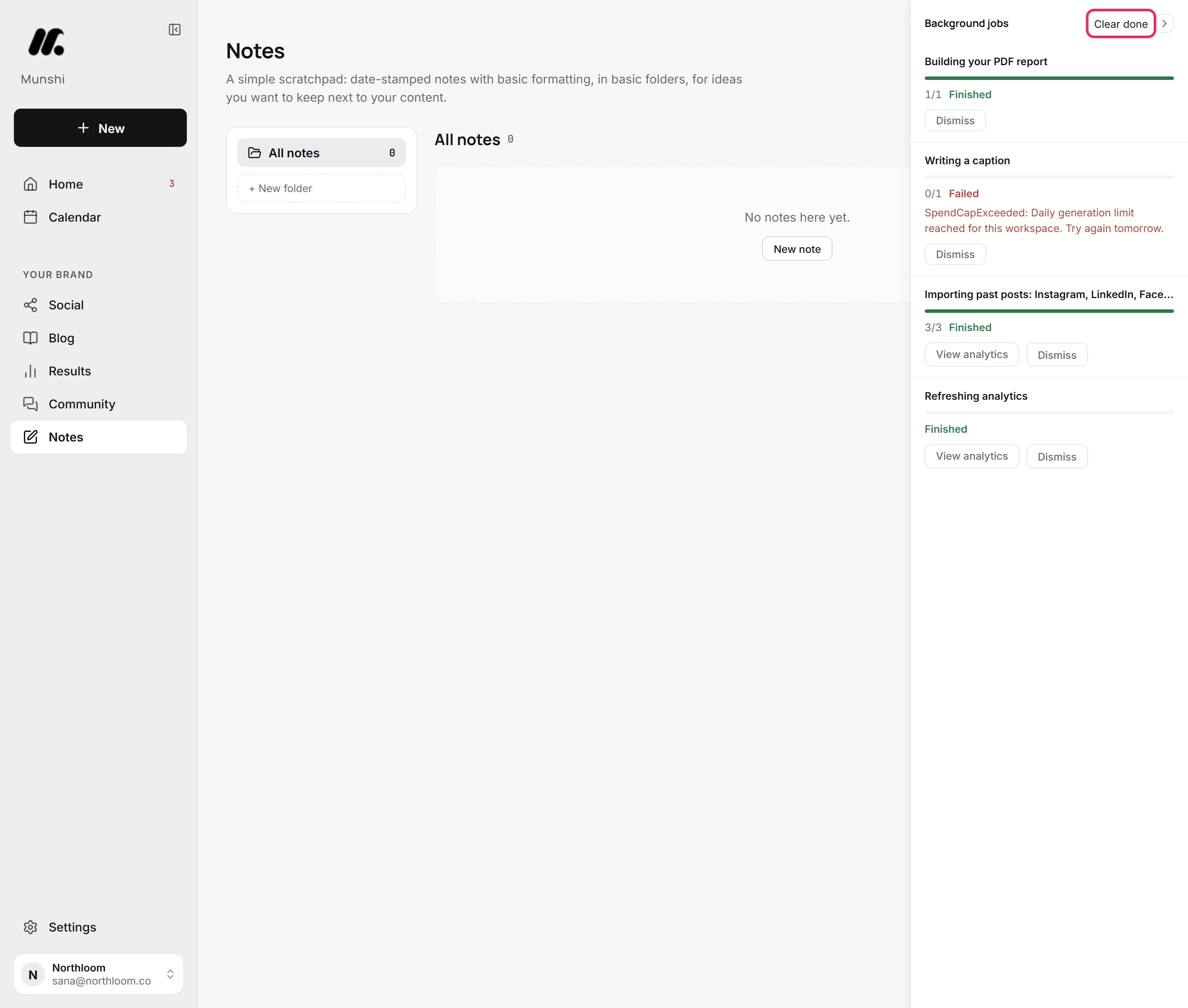
Dismiss removes one job that has stopped. Clear done removes every job that is not running. With nothing left to show, the dock goes away until the next job.
Where you are now
You know what ran, what finished, what failed and why. The dock stays clear until Munshi has more work to show.
If something goes wrong
“SpendCapExceeded: Daily generation limit reached for this workspace. Try again tomorrow.”
Try again tomorrow. The workspace has used its fair-use allowance of generation for the day. Jobs that write with the model fail until it resets. The daily fair-use cap explains the limit.
A job reads “Cancelling after this step…” for a while
Leave it. The job was already working, so it finishes its current step before it stops. It clears itself once it has stopped.
A job reads “Retrying at” a time
Leave it, and the dock updates when it runs. A network or service the job needs did not answer. The job waits and tries again on its own at that time, up to three tries in all.
The dock is not there
Look for the tab on the right edge of the screen, in case you folded it away. The dock only shows while there are jobs to show.
Try it on your own brand this week.
Munshi Social, the AI content marketing engine for small teams, plans, writes, publishes, and tracks your blog and socials. The guide above shows the real app, not a mock-up.
Start your workspace