How to read your first results
In your first week, Results counts each post as it goes out. Reach and interactions say Collecting until the networks report. Trends come one window later.
Before you start
- At least one social network connected, and a post published through Munshi or your past posts imported. Until then, Results has no posts to count and says so.
-
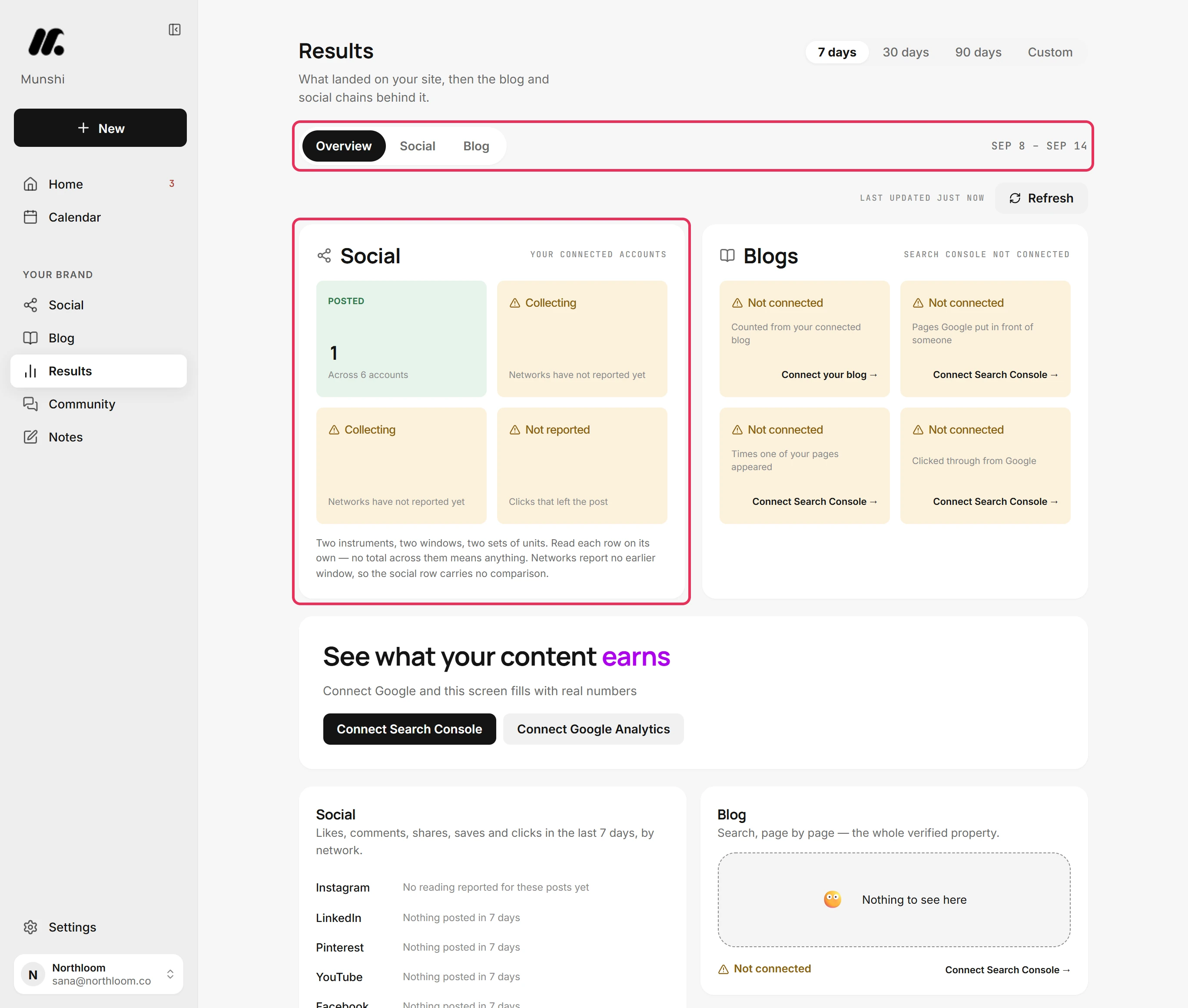
Click Results in the sidebar. It opens on Overview. The Social card counts what went out across your connected accounts in the window picked at the top.
-
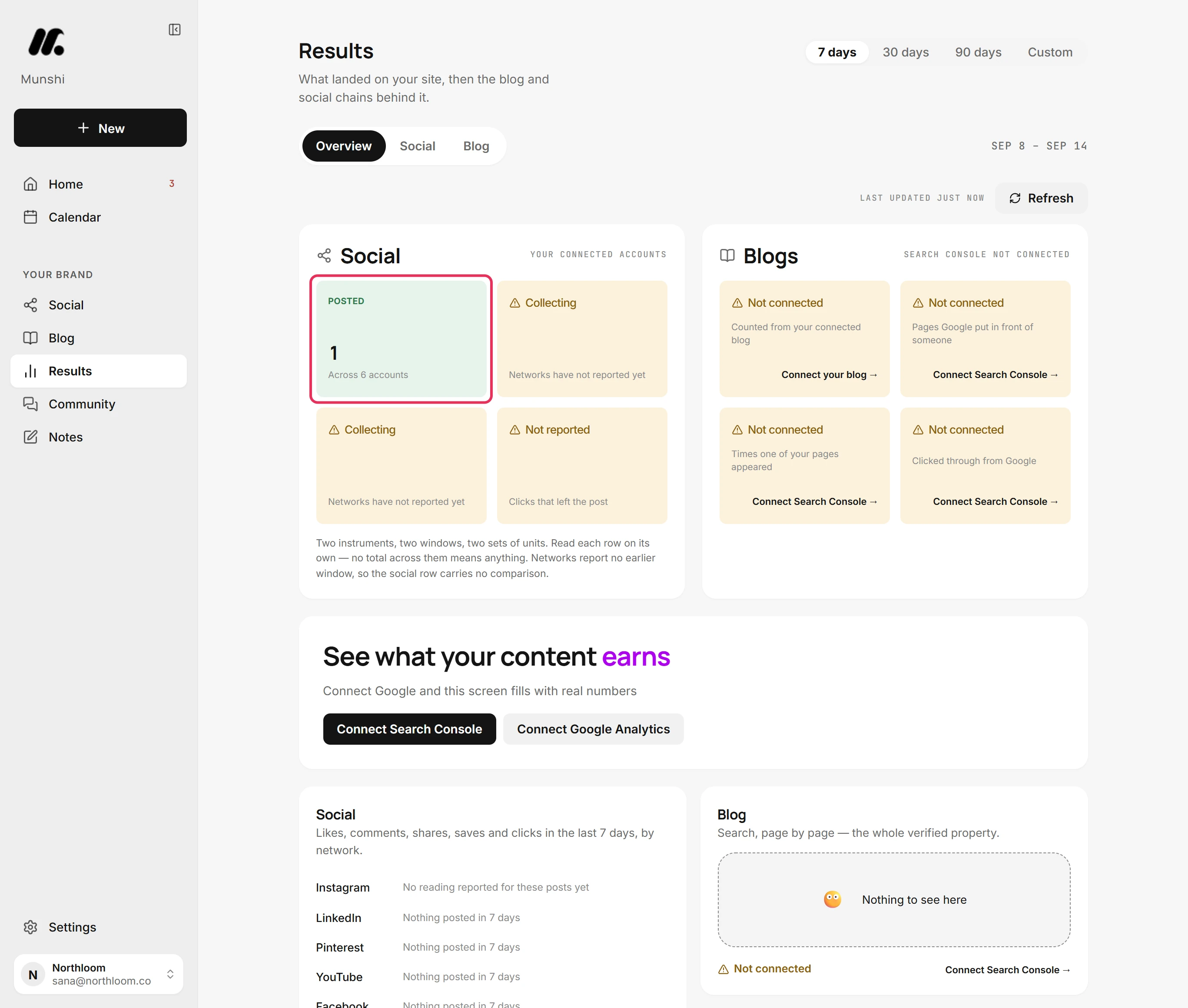
Posted counts a post as soon as it goes out, across every connected account. It needs nothing back from the networks, so it is the first figure to fill in.
-
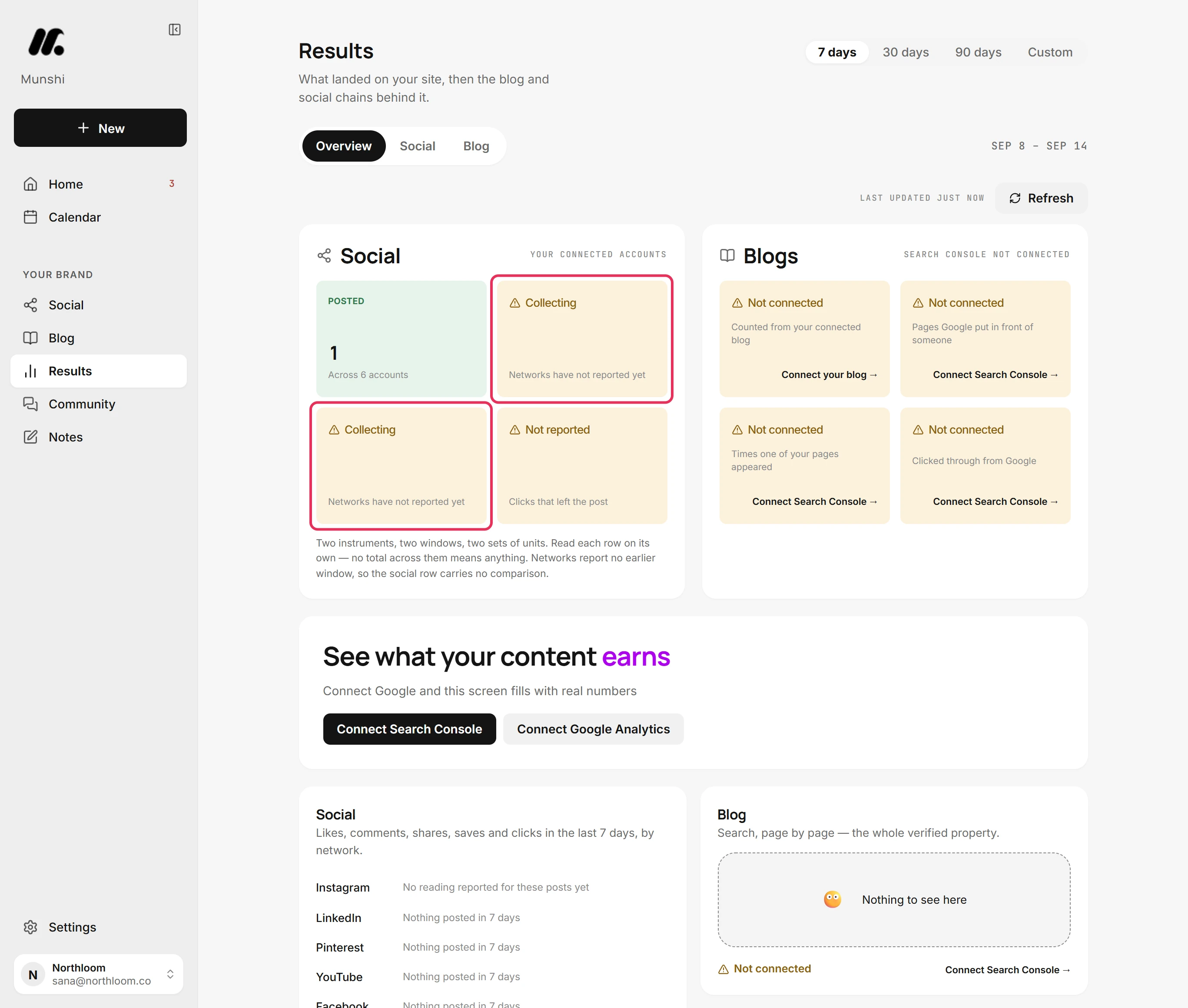
Reached and Interacted say Collecting until a network reports the first numbers for your posts. The line under them reads Networks have not reported yet, or Sync running while Munshi reads your accounts. Nothing is wrong, and there is nothing to do.
-
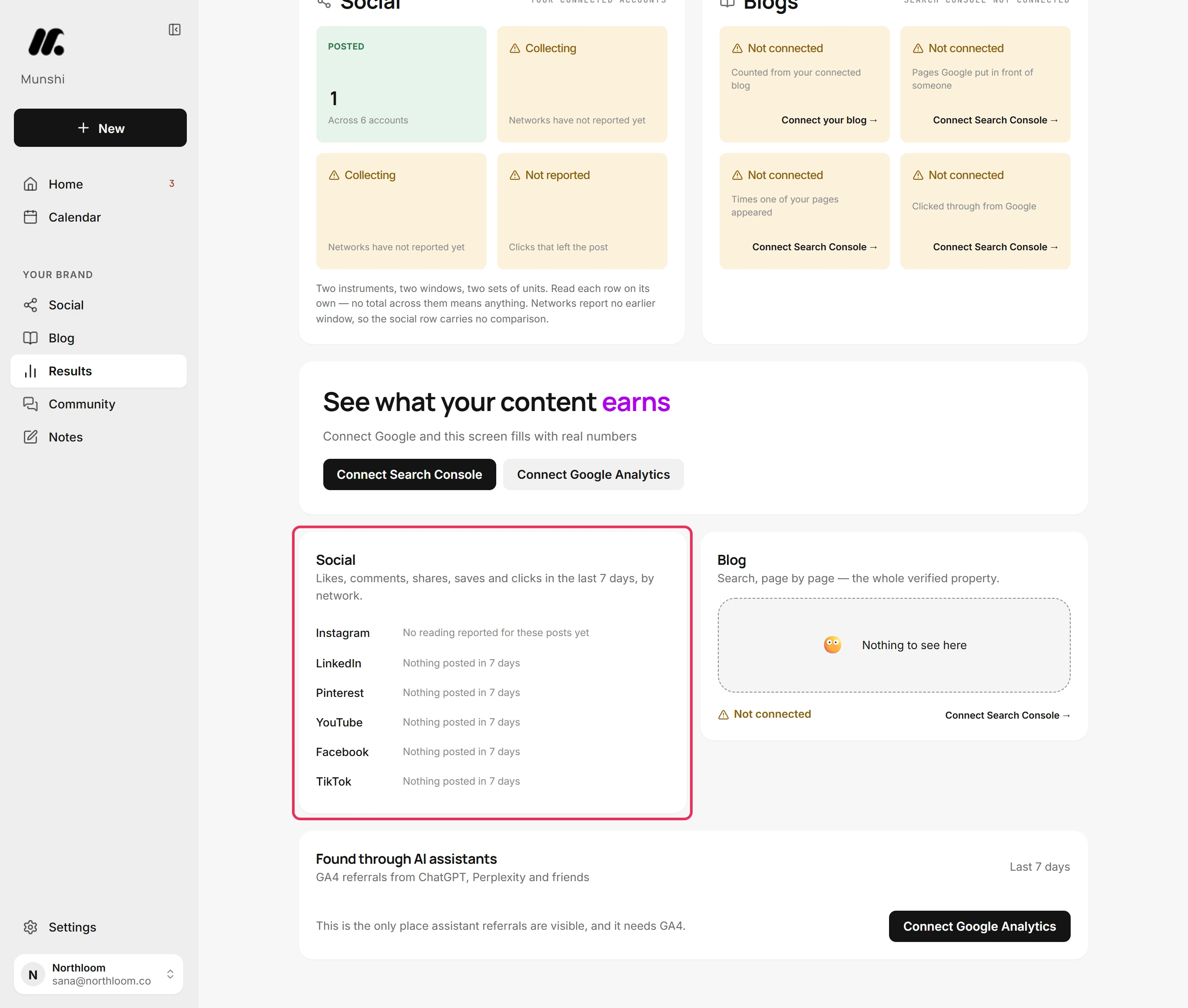
Further down, the Social card has a row for each network. A network you posted on reads No reading reported for these posts yet until its numbers arrive. At the 7-day window, a network with no post reads Nothing posted in 7 days.
-
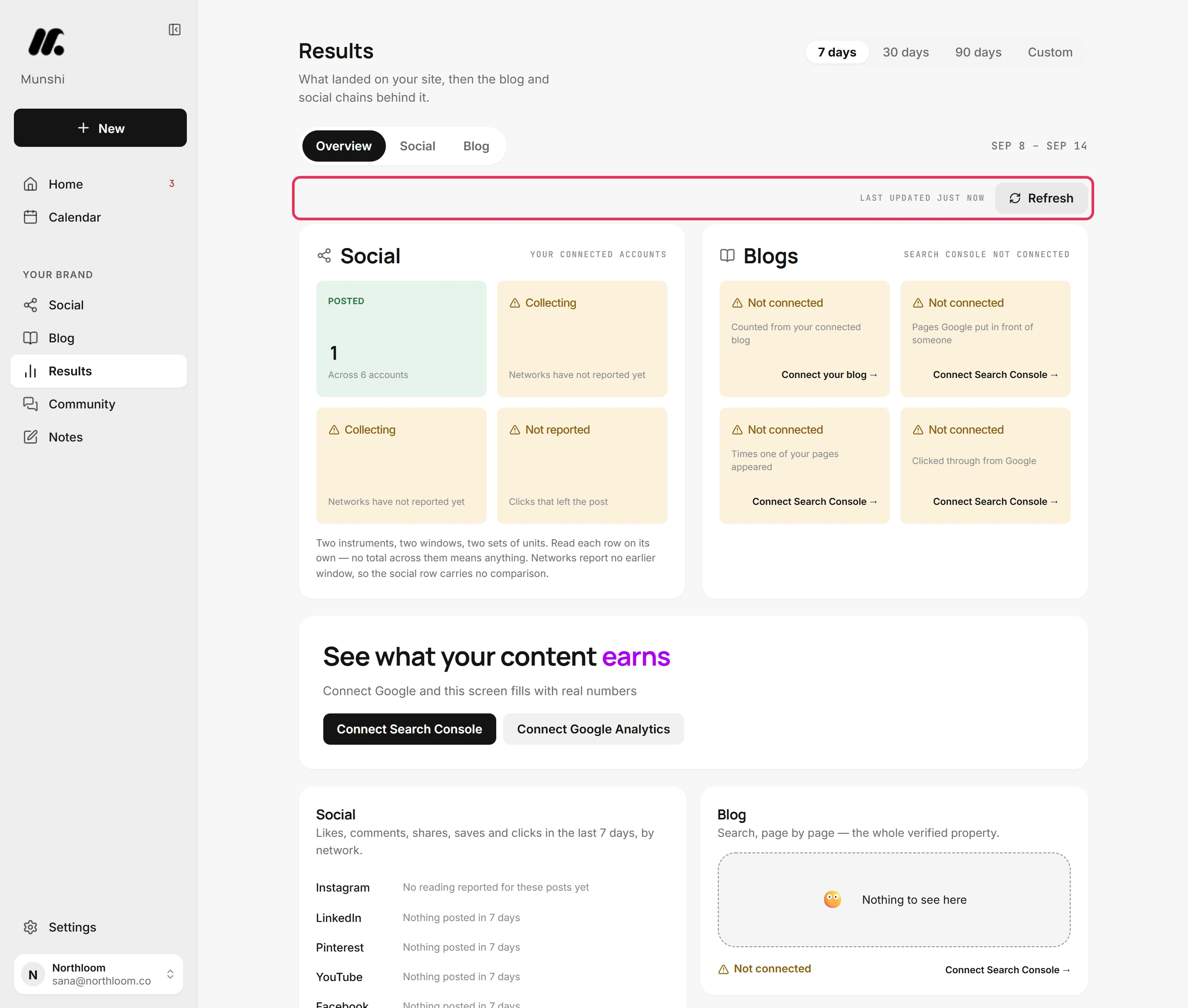
The stamp above the cards says when the numbers were last read. Refresh asks your networks again, and Google too once it is connected. Until the networks report, the tiles keep saying Collecting.
-
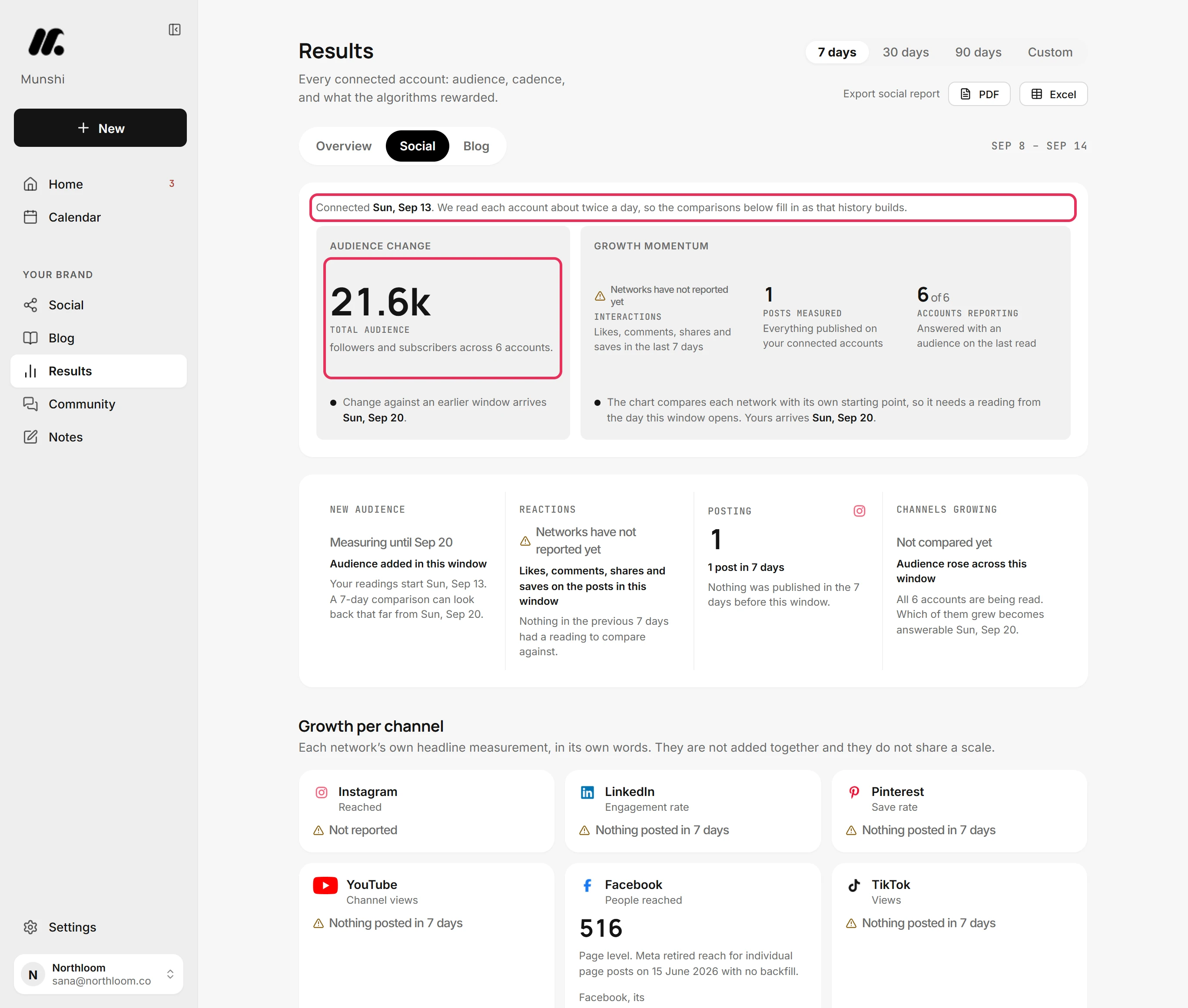
Click Social. The line at the top says when your accounts were connected, and that Munshi reads each one about twice a day. Your total audience counts from that first reading, so it shows from the start.
-
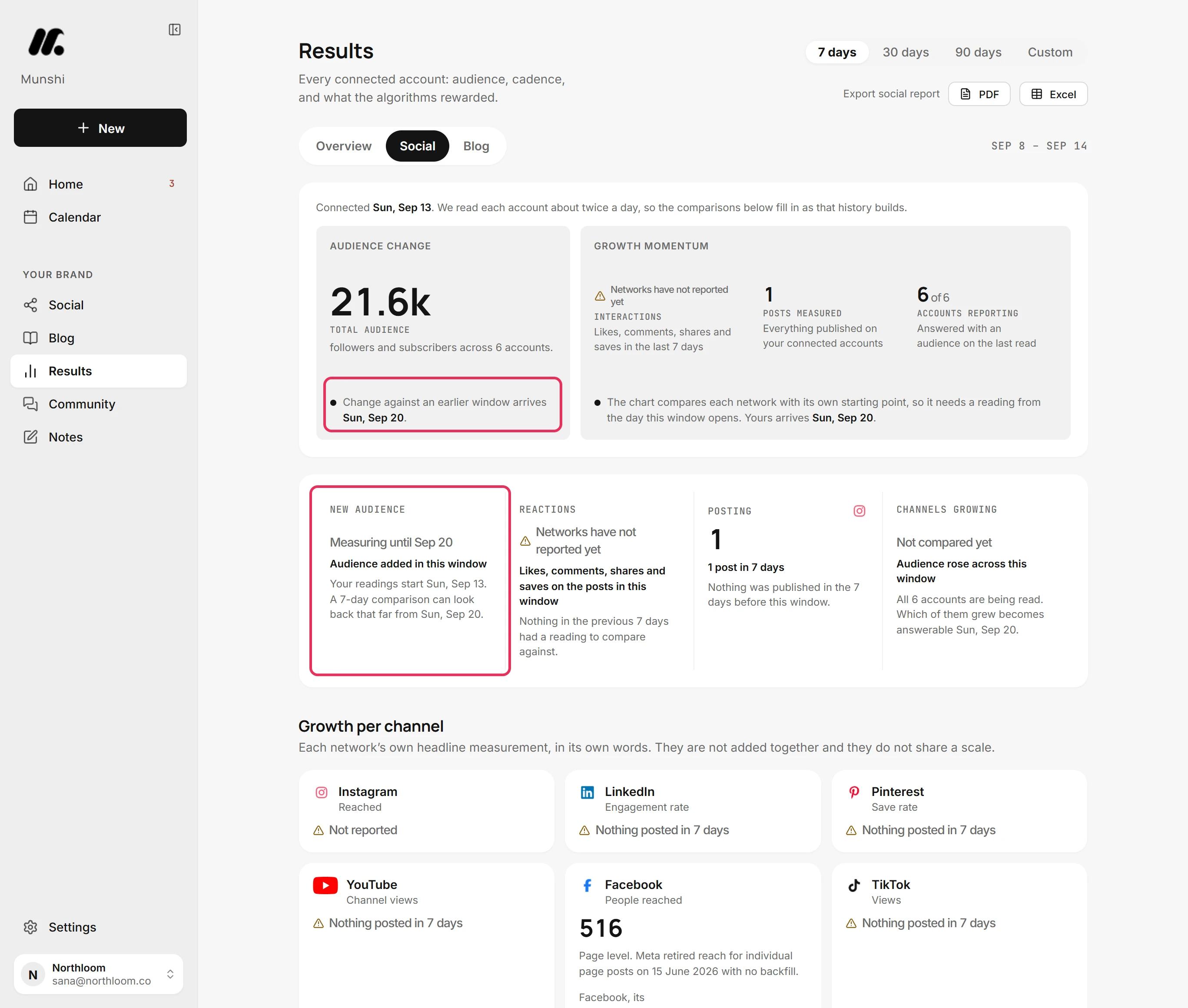
A trend compares two readings a whole window apart, so it arrives one window after your first reading. Audience change and Growth momentum name that day. Until then, New audience reads Measuring until that day, and Channels growing reads Not compared yet.
-
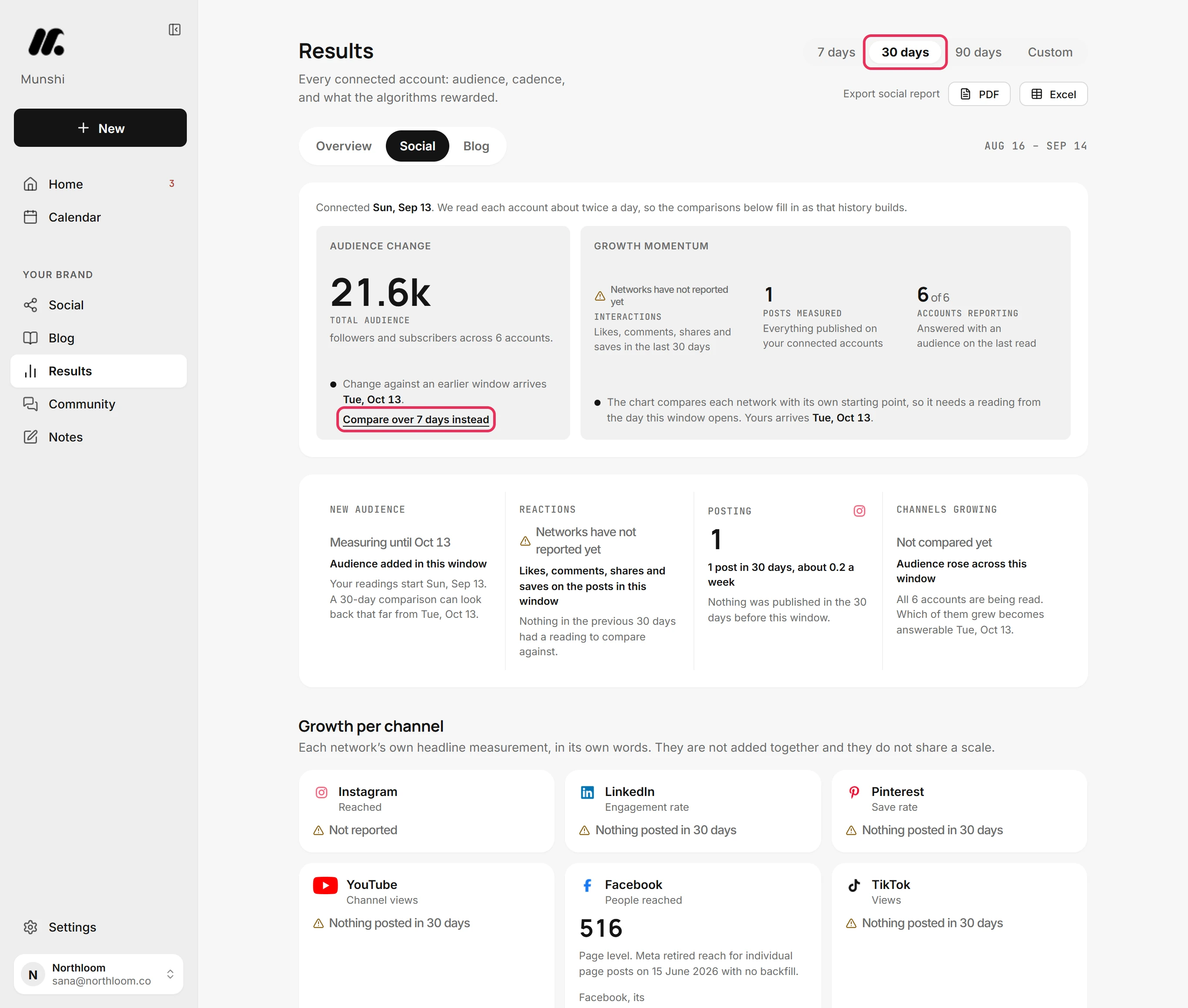
The wait is as long as the window, so on 30 days or 90 days the day moves further out. Compare over 7 days instead switches the window to a week, which fills in first.
Where you are now
You know which figures count from your first post, which wait on the networks, and the day your comparisons arrive. From that day, the Social tab compares each window with the one before it.
If something goes wrong
“Not counted yet”
Publish a post through Munshi, or bring in what is already on your channels with Import past posts when Results offers it. Munshi is not tracking any posts yet, so there is nothing to count.
A tile still says Collecting
Click Refresh a little later. No network has sent numbers for the posts in the window yet. If the line under the tile reads Sync running, Munshi is reading your accounts now.
There is no Compare over 7 days instead
You are already on the soonest window. The link only shows when a week is sooner than the window you picked. On 7 days, the day named is already the soonest.
“Your accounts are unreachable right now”
On the Social tab, click Try again. Munshi could not reach your networks just now.
Try it on your own brand this week.
Munshi Social, the AI content marketing engine for small teams, plans, writes, publishes, and tracks your blog and socials. The guide above shows the real app, not a mock-up.
Start your workspace