How to read the health flags on Results
Results shows a word, not a 0, when a number is missing. Collecting and Not reported need nothing from you. Reconnect to read means reconnect the network.
Before you start
- At least one network or Google connection, so Results has something to read.
-
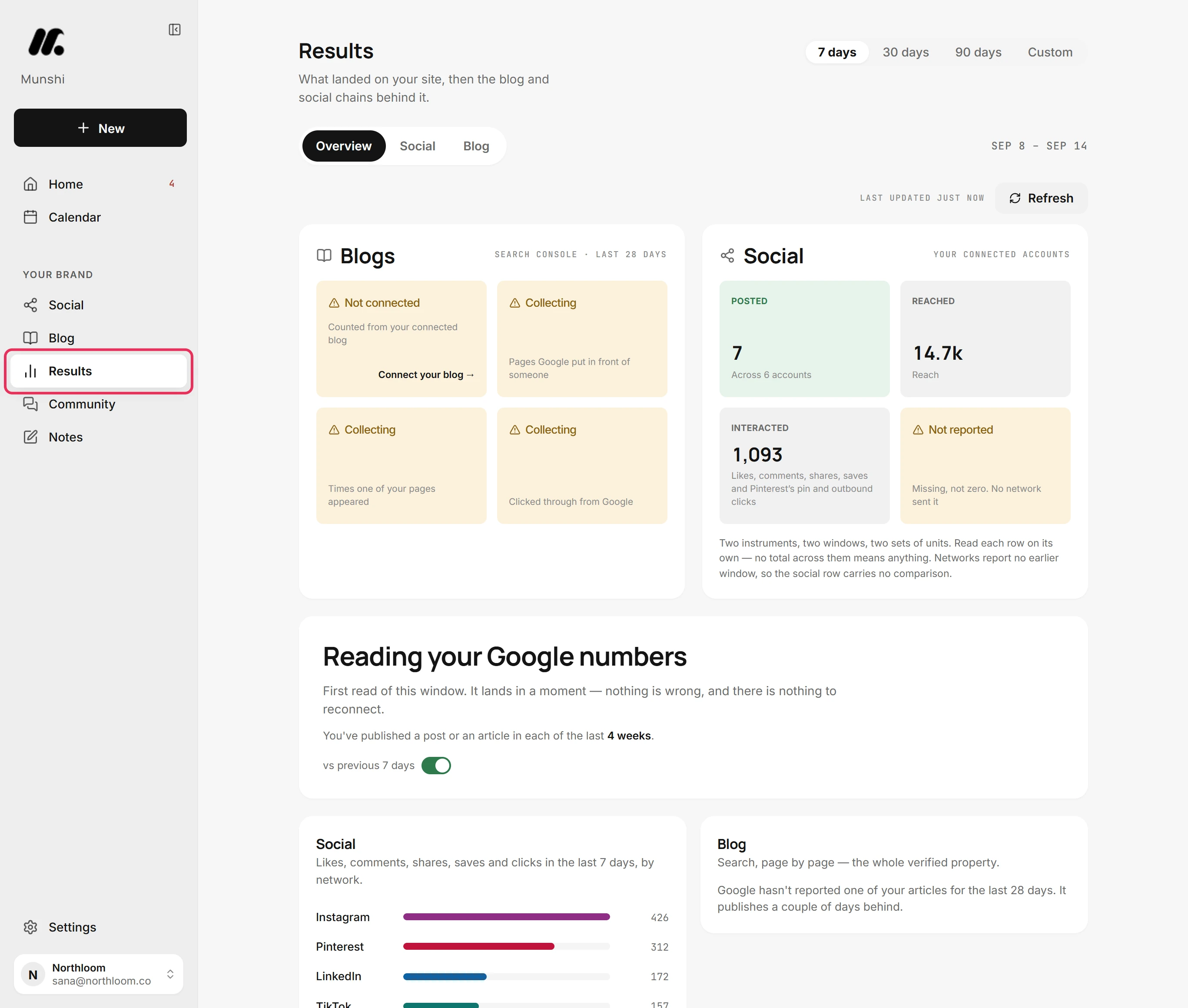
Click Results in the sidebar. Where a figure cannot be shown, Results writes a word in its place. The word says why the number is missing. A missing number is never shown as 0.
-
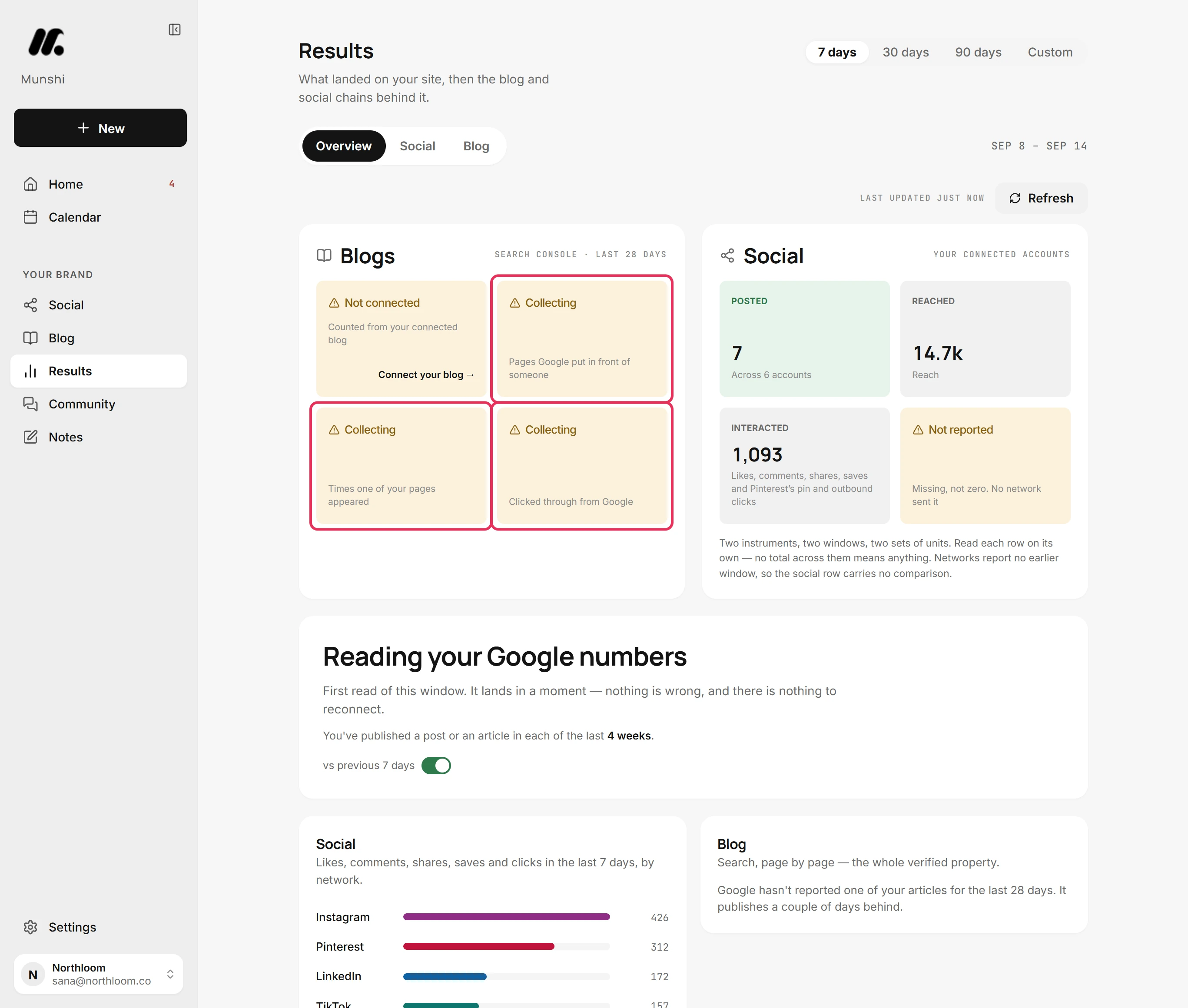
On Overview, a tile that reads Collecting has its source connected. The numbers for the range you picked have not been read yet. They fill in on their own, so there is nothing to do.
-
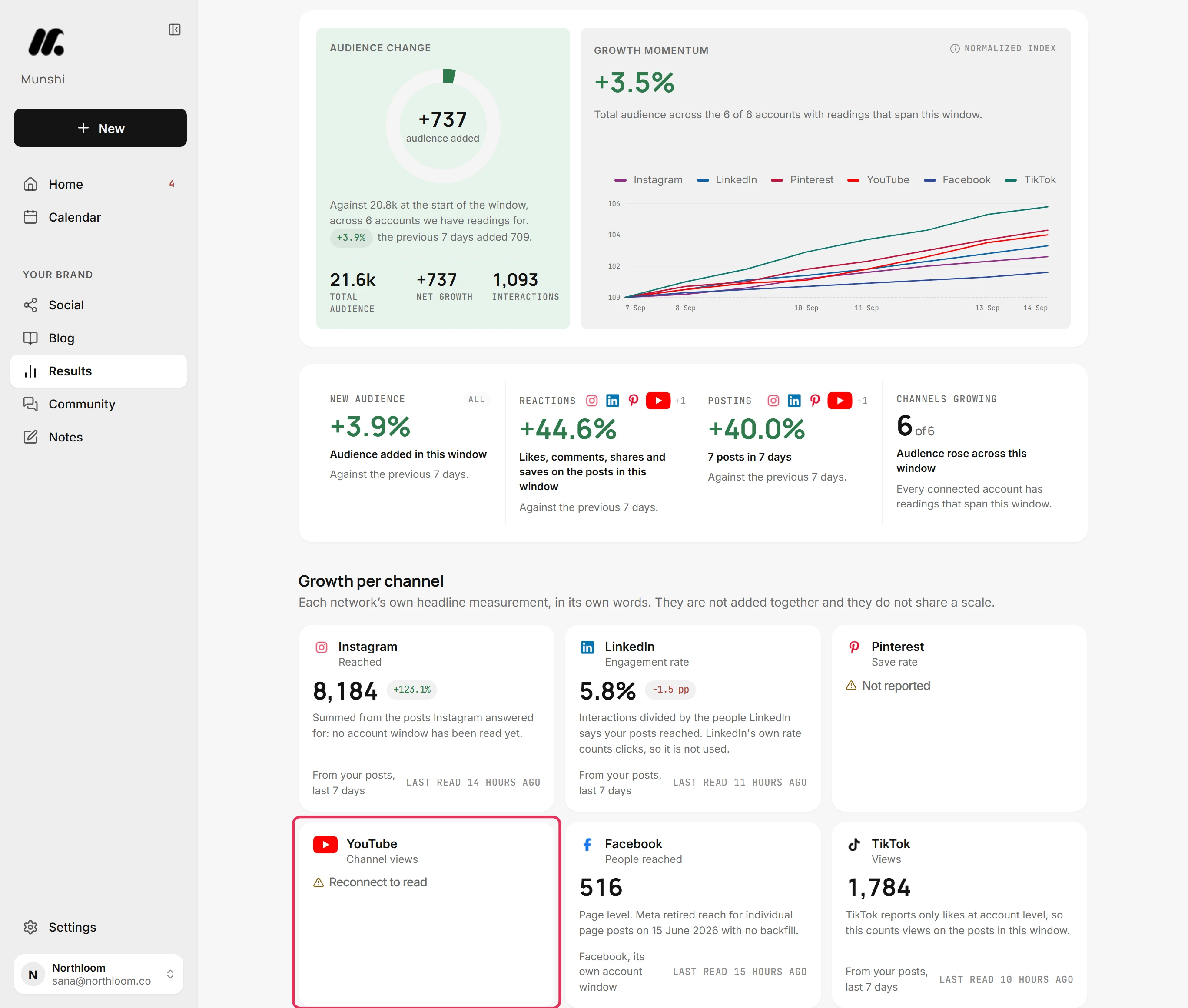
Open Social. A card that reads Reconnect to read belongs to a network that signed you out. Its access expired, so Munshi cannot read anything new from it.
-
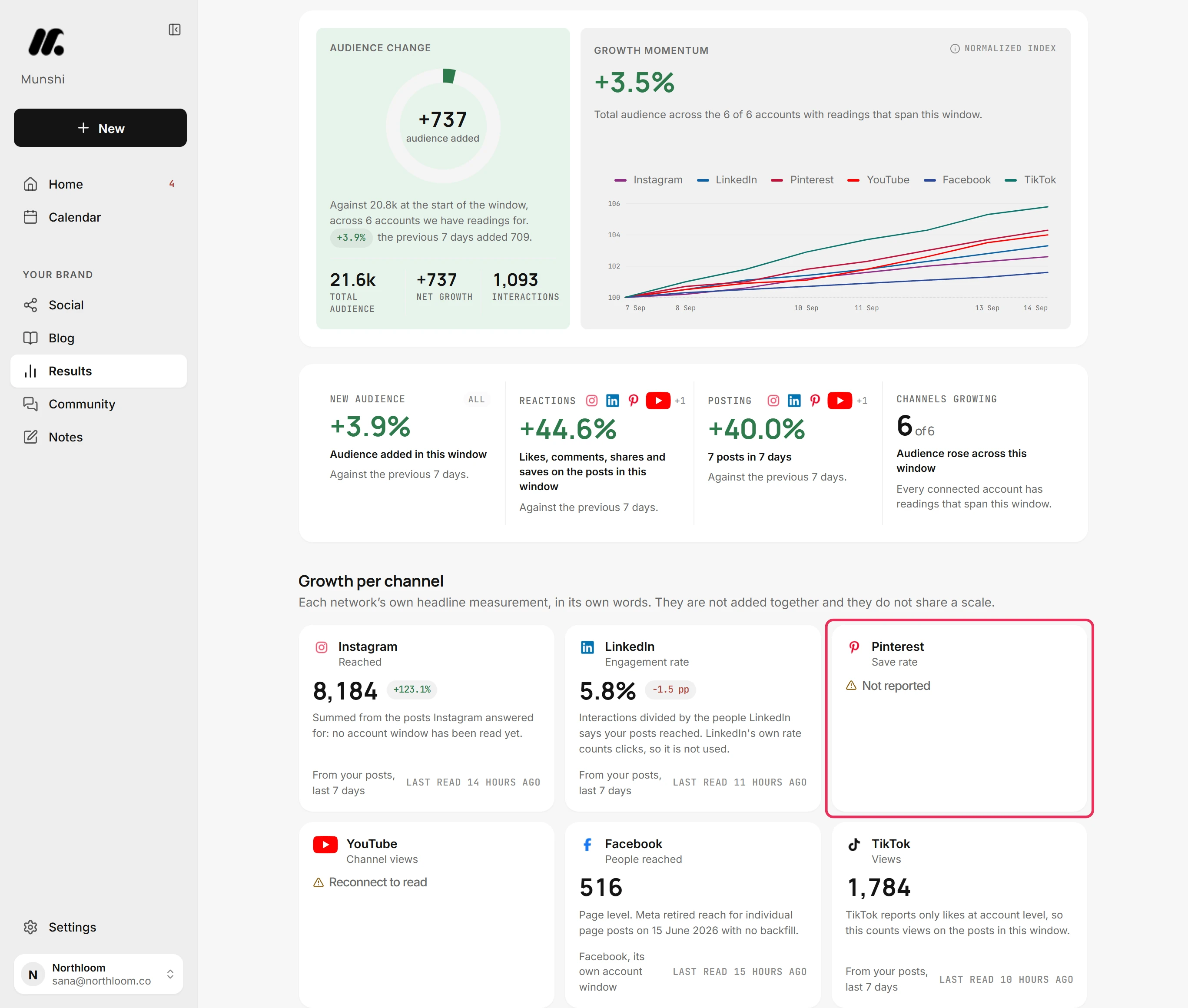
A card that reads Not reported is connected and working. The network just did not send that figure for this range. Here, Pinterest sent no save rate.
-
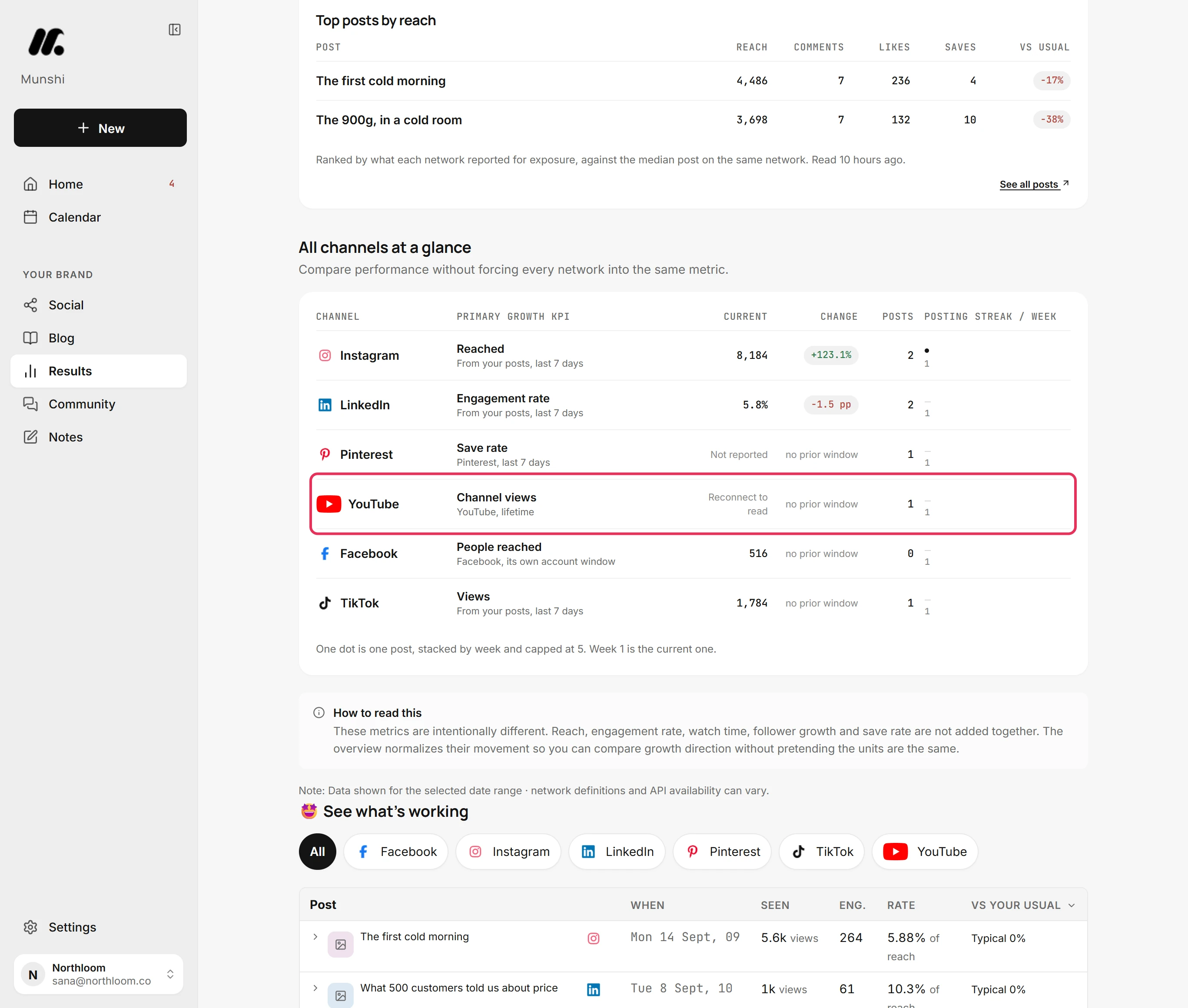
Further down, All channels at a glance gives each network one row. A network that signed you out shows Reconnect to read where its current figure would be.
-
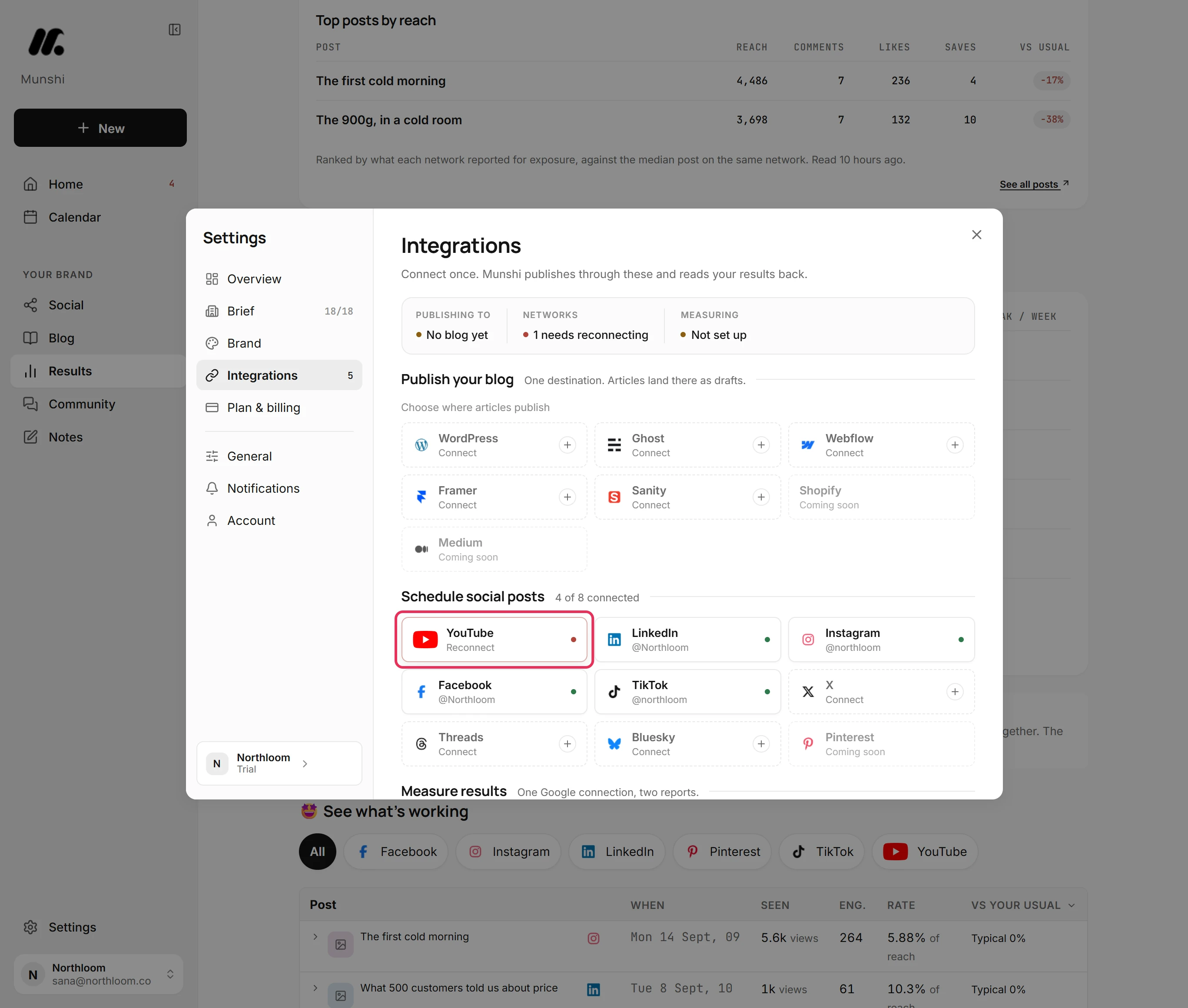
Only Reconnect to read needs you. Open Settings, Integrations, and reconnect the network marked Reconnect. Collecting fills in by itself, and Not reported is up to the network.
Where you are now
You can tell a missing number from a zero. You know the one flag that needs you, Reconnect to read, and it clears once you reconnect the network.
If something goes wrong
“Didn't load”
Reload the page to try again. That part of the page could not be read just now. It is a failed read, not a disconnected account.
A tile reads Not counted yet
Publish posts through Munshi or import past posts, and the tile fills in. Your accounts are connected and answering. Munshi is just not tracking any of their posts yet, so there is nothing to count.
Reconnect to read is still there after reconnecting
Give it a moment. Munshi reads the account again once the new access is in, and the card fills in with that reading.
Try it on your own brand this week.
Munshi Social, the AI content marketing engine for small teams, plans, writes, publishes, and tracks your blog and socials. The guide above shows the real app, not a mock-up.
Start your workspace