How to give one network its own caption or media
Open a network's tab in the Munshi composer and change its words or picture there. Every other network keeps the shared version.
Before you start
- At least two networks connected, so the post has more than one version. The integrations pages say how to connect each one.
-
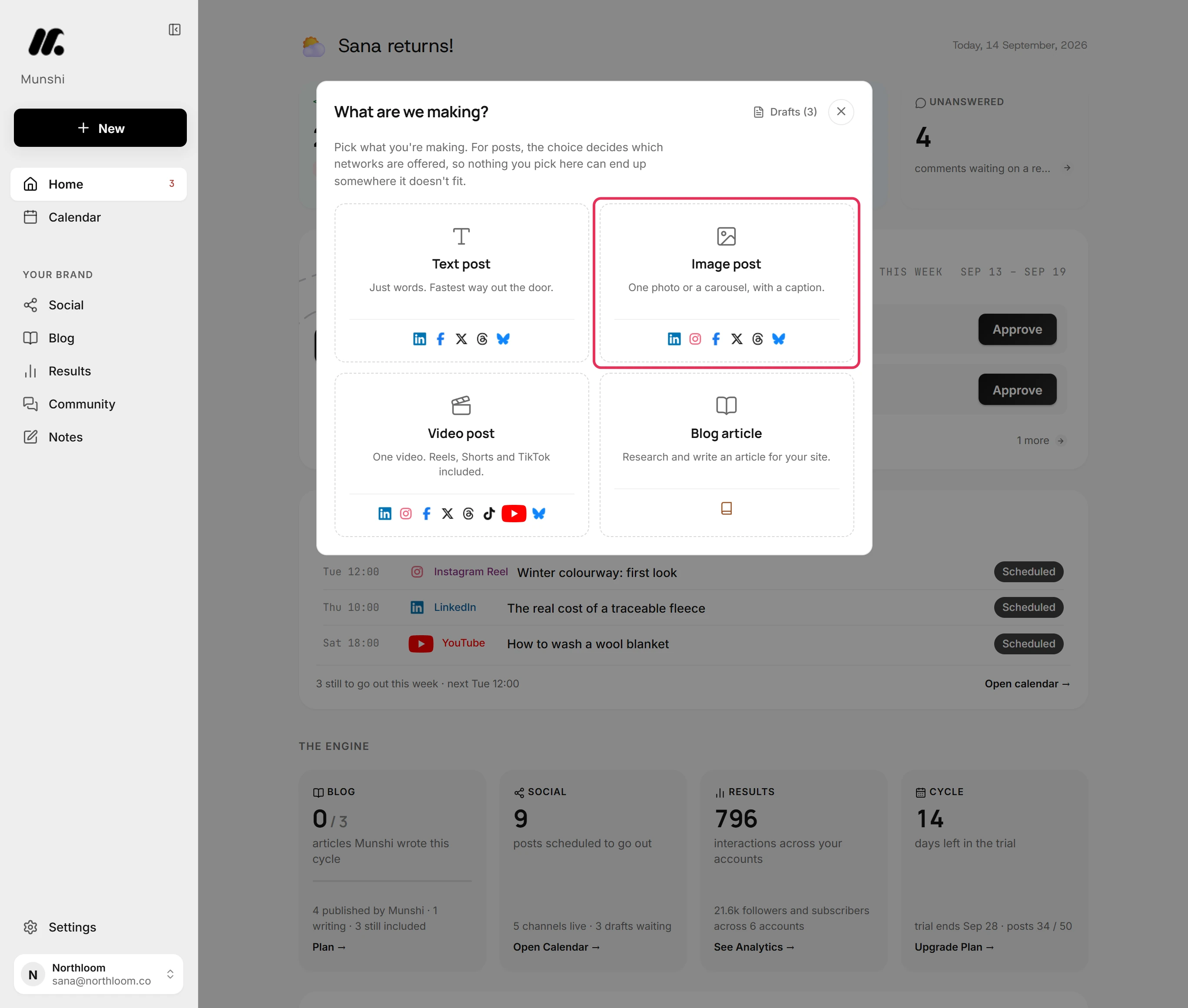
Click New at the top of the sidebar, then pick Image post. A text post and a video post have the same network tabs. A text post has no media to replace.
-
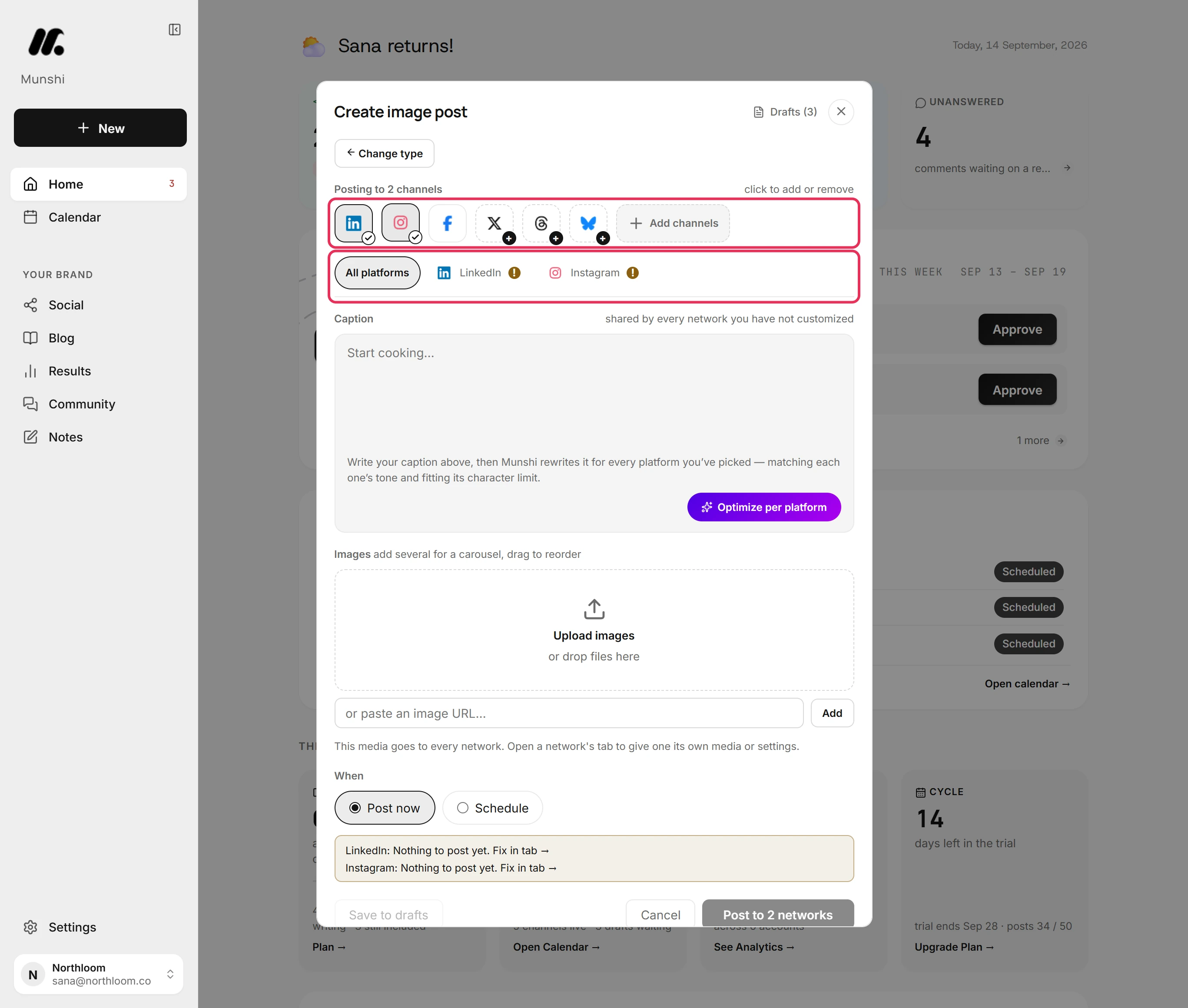
Click each network the post goes to. Here LinkedIn was already picked and Instagram is added. Each one gets its own tab next to All platforms.
-
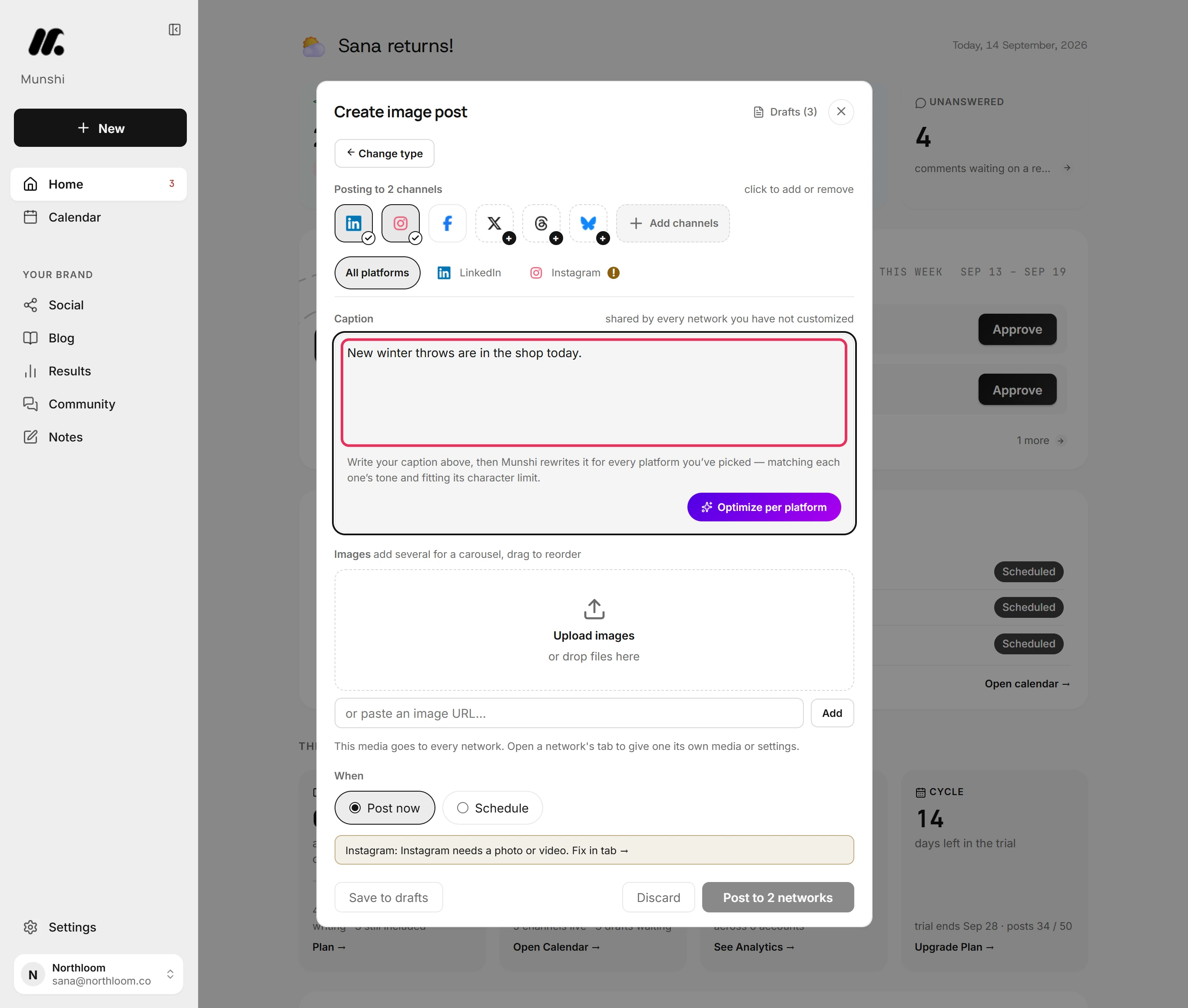
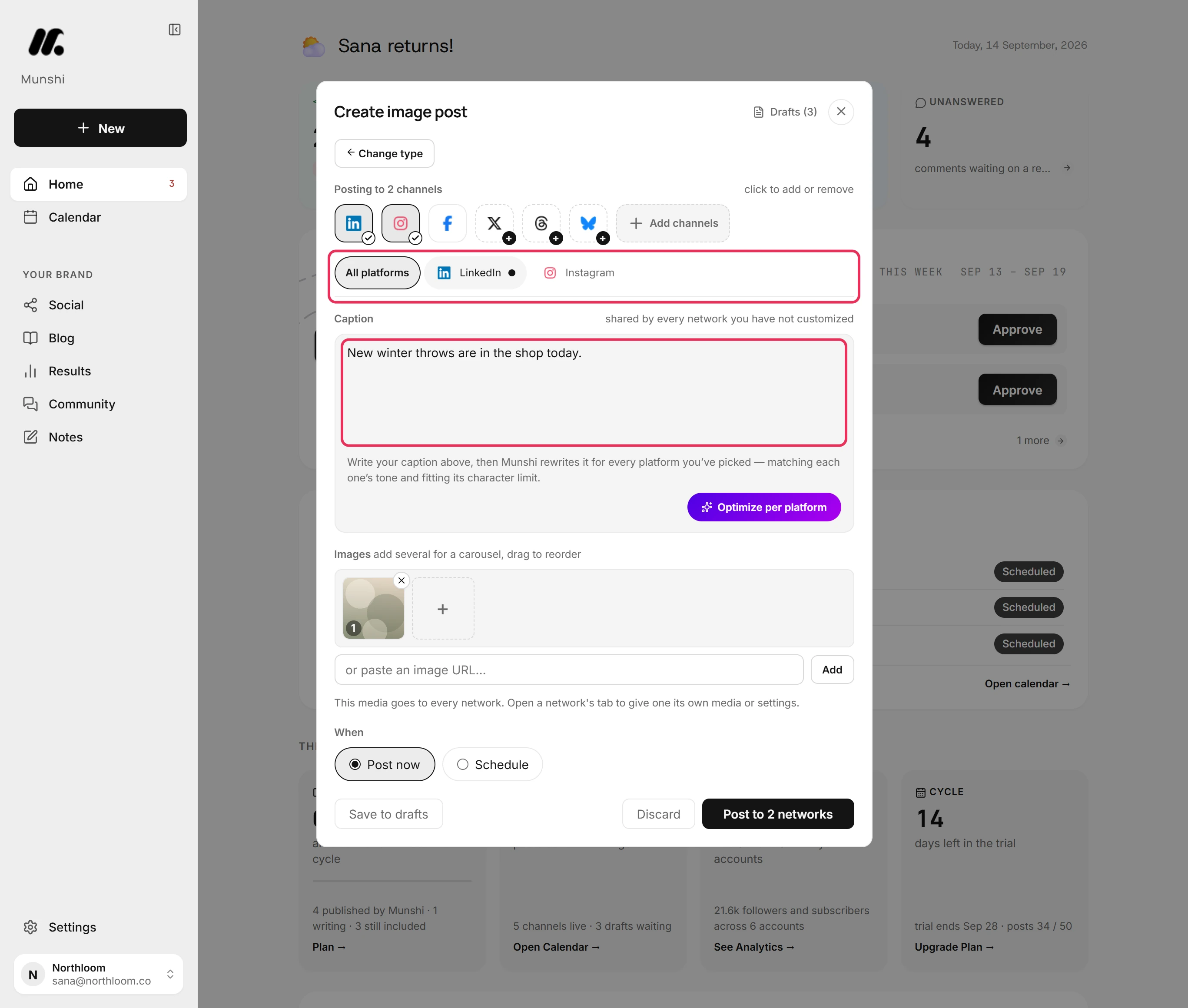
Type the caption in the All platforms tab. Every network you picked starts from this text.
-
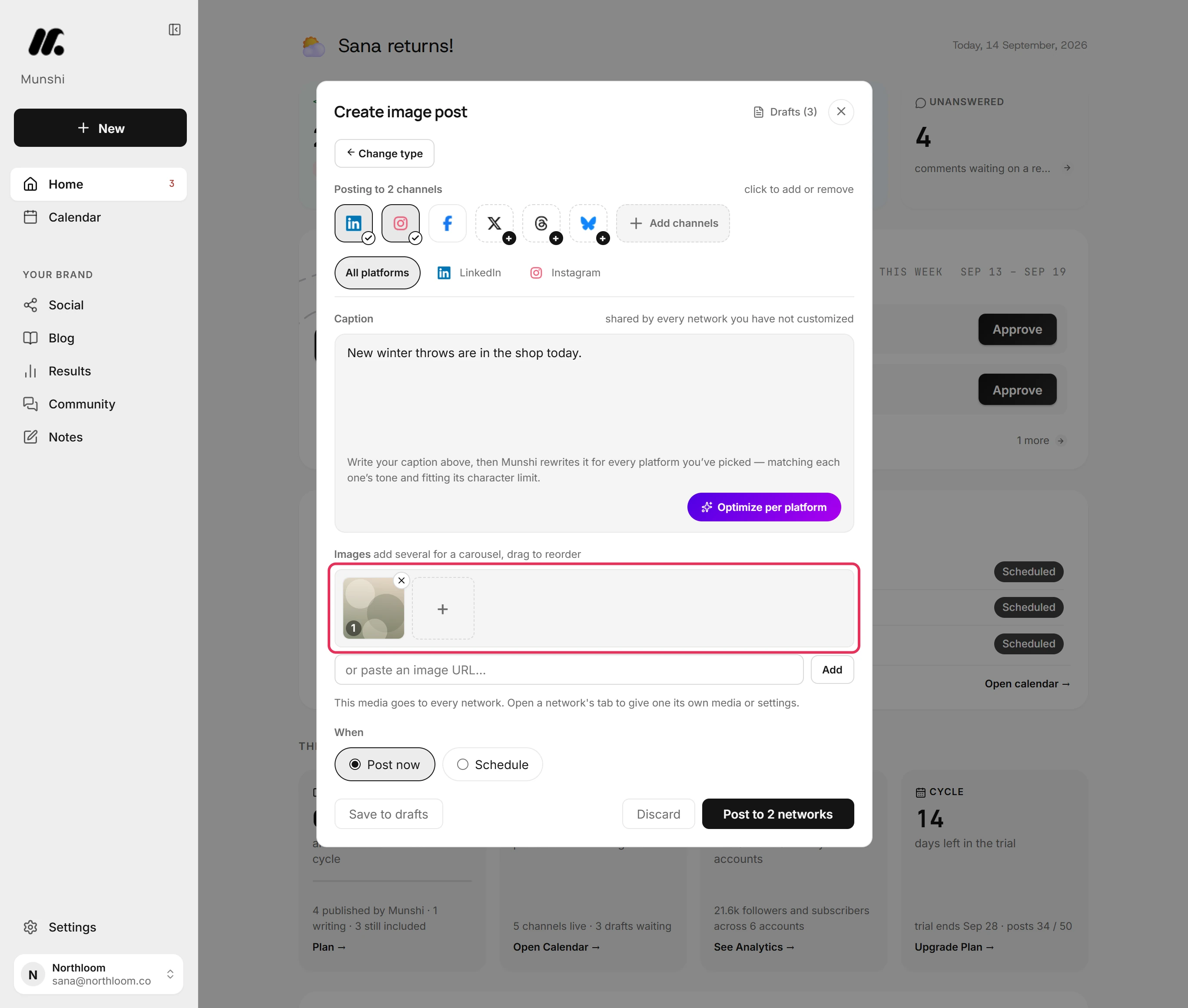
Click Upload images and pick the file. A picture added in All platforms goes to every network.
-
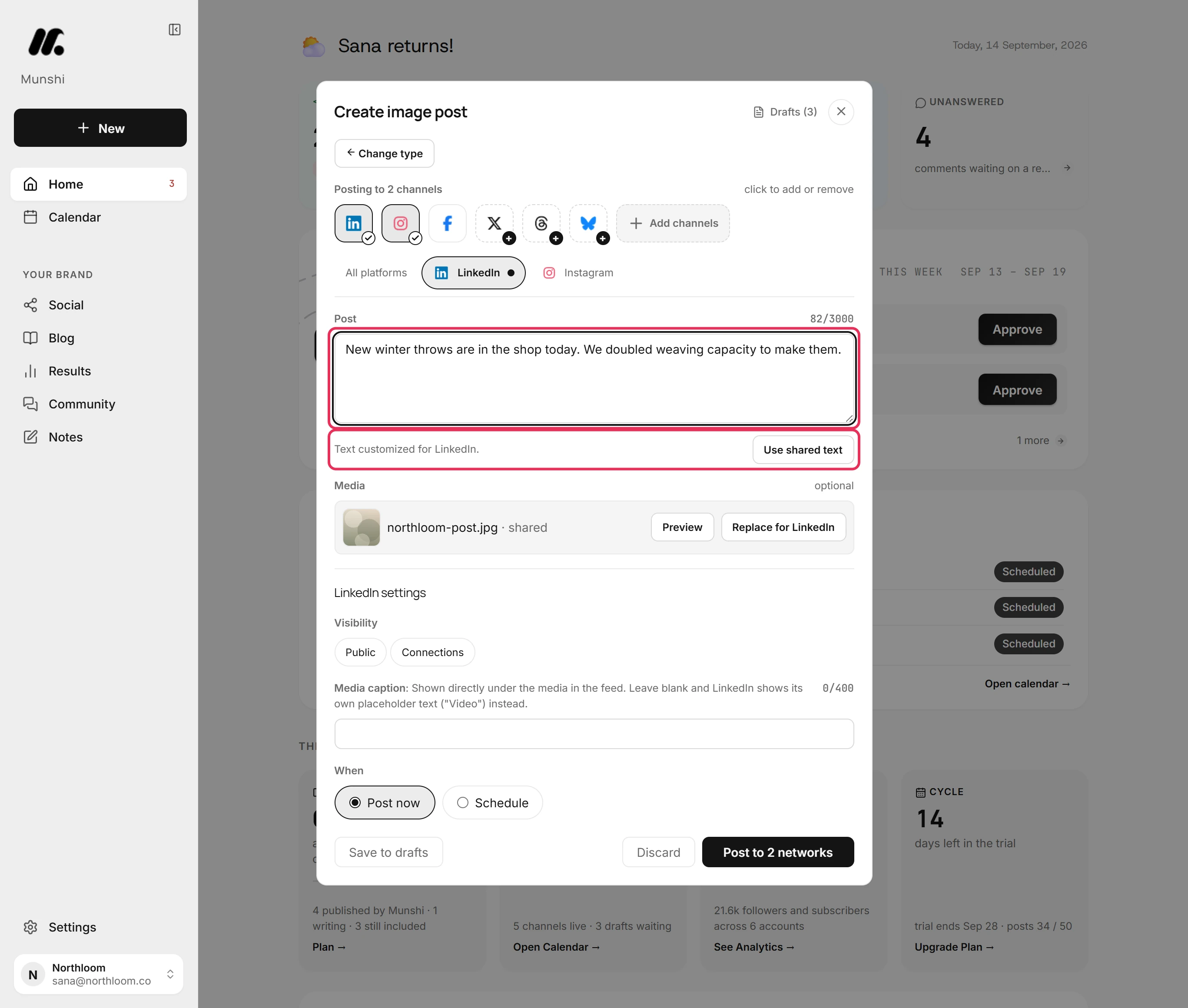
Open that network's tab, here LinkedIn, and click Customize for LinkedIn. Munshi copies in the shared text for you to change. Only LinkedIn posts your changes.
-
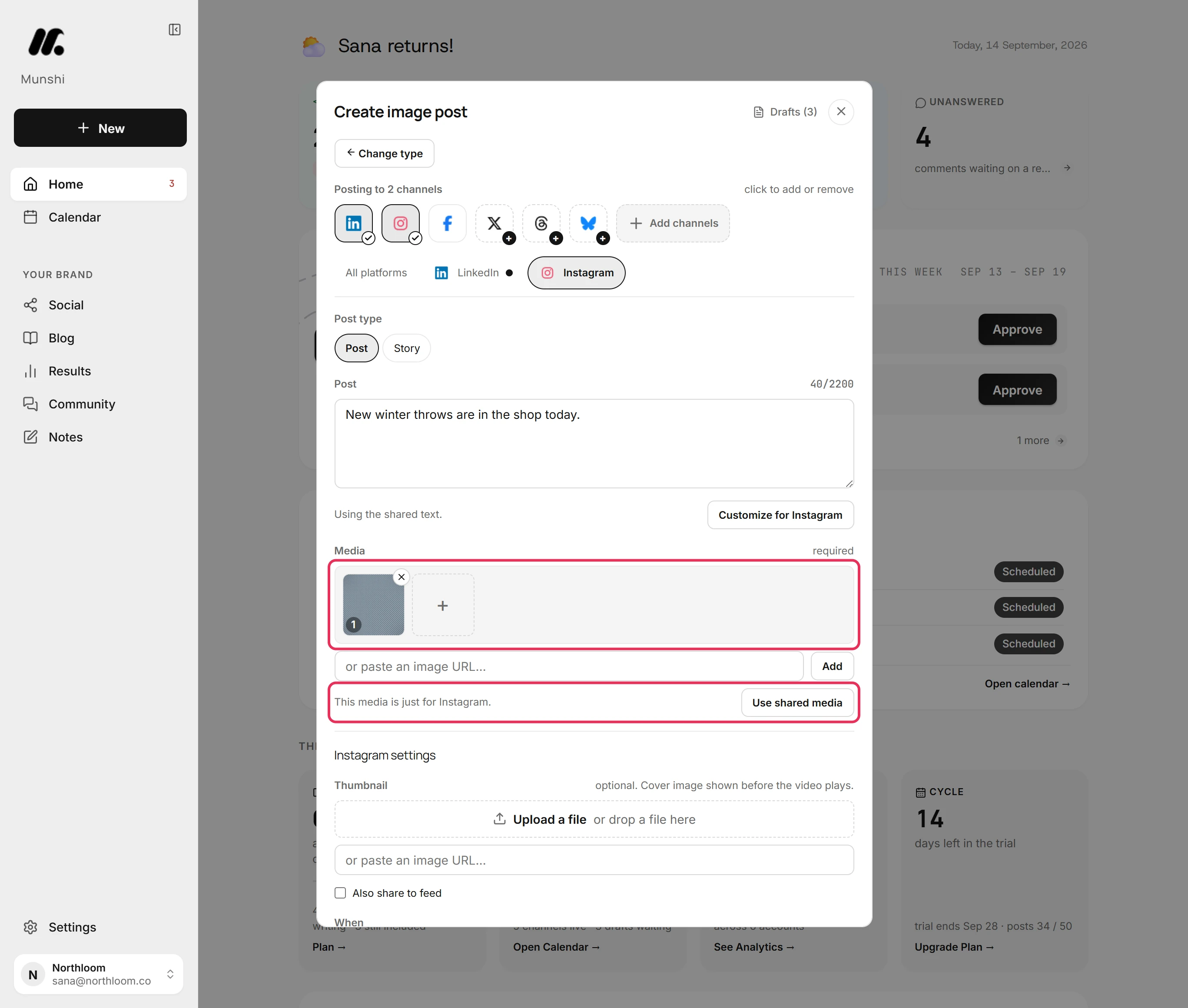
Open the Instagram tab, click Replace for Instagram and pick the picture. Instagram posts that one. The other networks keep the shared picture.
-
Go back to All platforms. The caption is still the one you wrote. A network with its own text shows a dot beside its name on the tab.
-
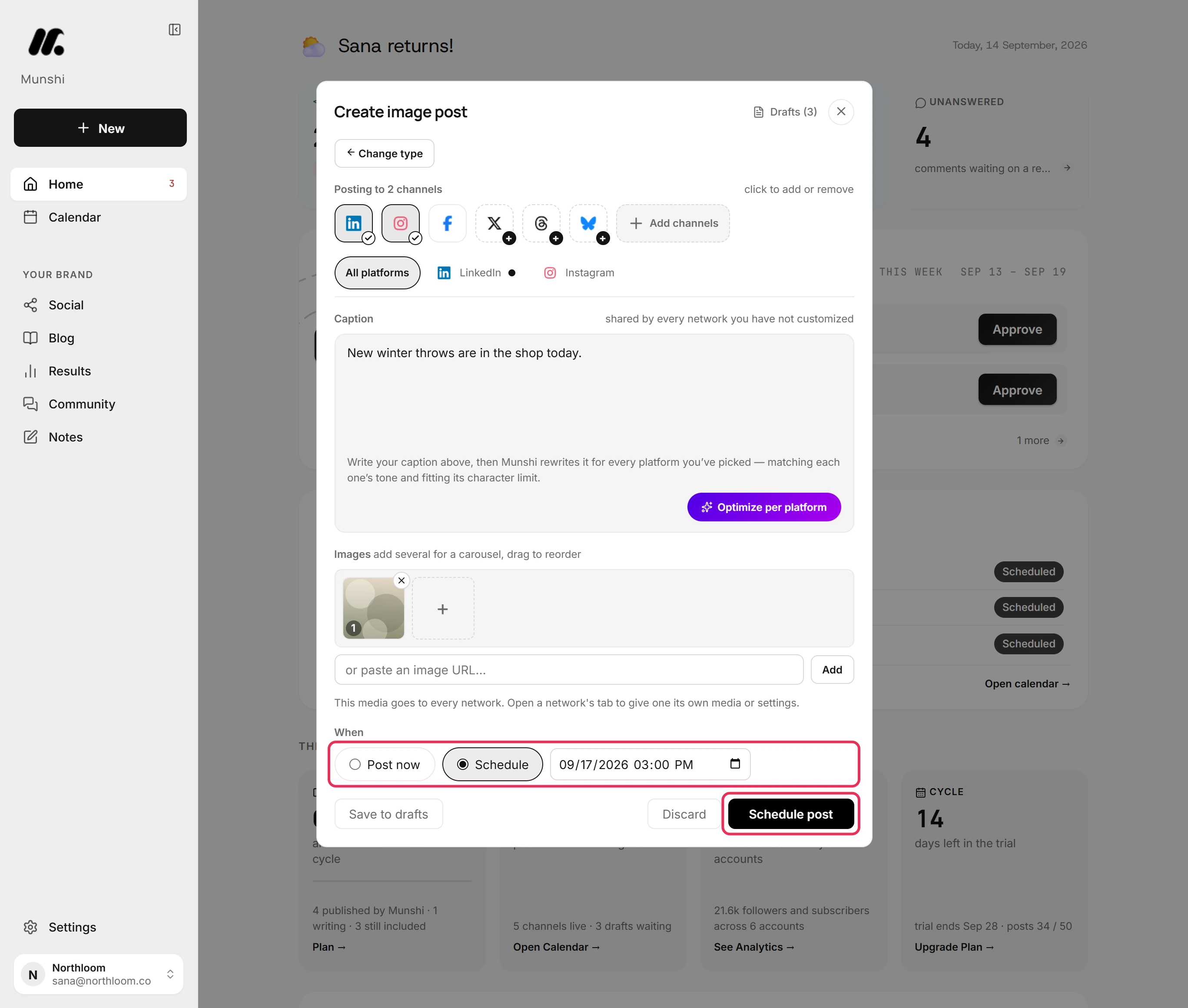
Under When, pick Schedule and set the date and time. Then click Schedule post. Munshi first checks each network's version against that network's own rules.
-
Munshi takes you to Social. Open Scheduled. The post is listed once per network, each with the text that network will post.
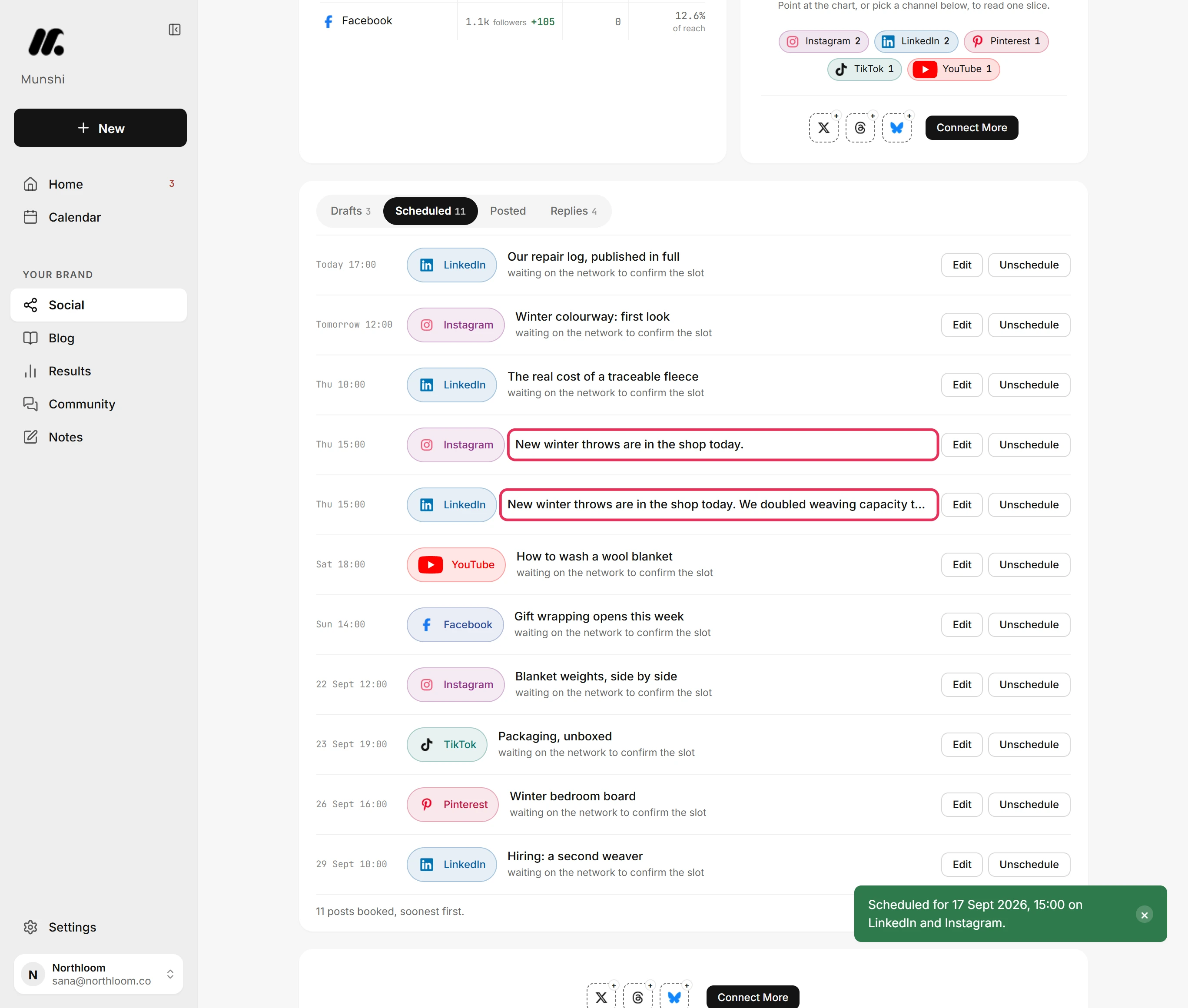
Where you are now
The post is booked for both networks at the same time. LinkedIn goes out with its own words and Instagram with its own picture. Everything you left alone comes from the shared version.
If something goes wrong
“12 characters over Instagram's 2200 limit.”
Shorten the text in that network's tab. Its own version is longer than the network allows. The count above the box shows how far over it is.
I changed the shared caption, but one network kept the old words
Open that network's tab and click Use shared text. Its text is customized, so it no longer follows the shared caption.
The other networks did not get the new picture
Change the picture in All platforms to change it for every network. Replace for only changes the network whose tab you are in.
Optimize per platform changed every tab
Edit a tab by hand afterwards, or click Use shared text in it to go back. Optimize per platform writes a separate caption for each network you picked, which customizes each tab.
Try it on your own brand this week.
Munshi Social, the AI content marketing engine for small teams, plans, writes, publishes, and tracks your blog and socials. The guide above shows the real app, not a mock-up.
Start your workspace