How to sign in for the first time: email code or Google
Sign in to Munshi with a 6-digit code sent to your email, or with Google. There is no password. The first sign-in creates your account and first workspace.
Before you start
- An email address you can read, or a Google account. You need nothing else: there is no invite and no card.
-
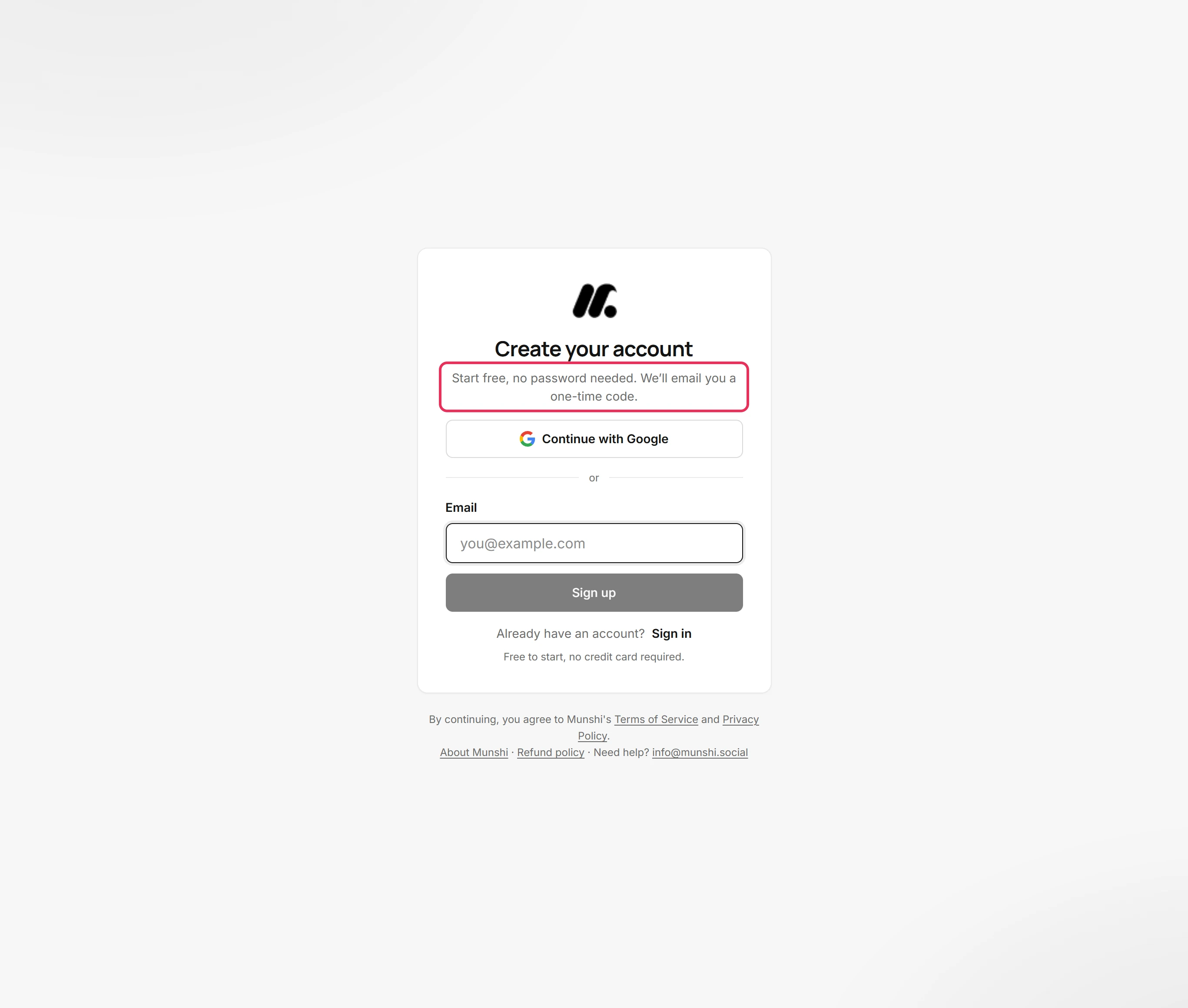
Open Munshi's sign-up page, or choose Create an account on the sign-in page. There is no password to make up. Munshi emails you a one-time code instead.
-
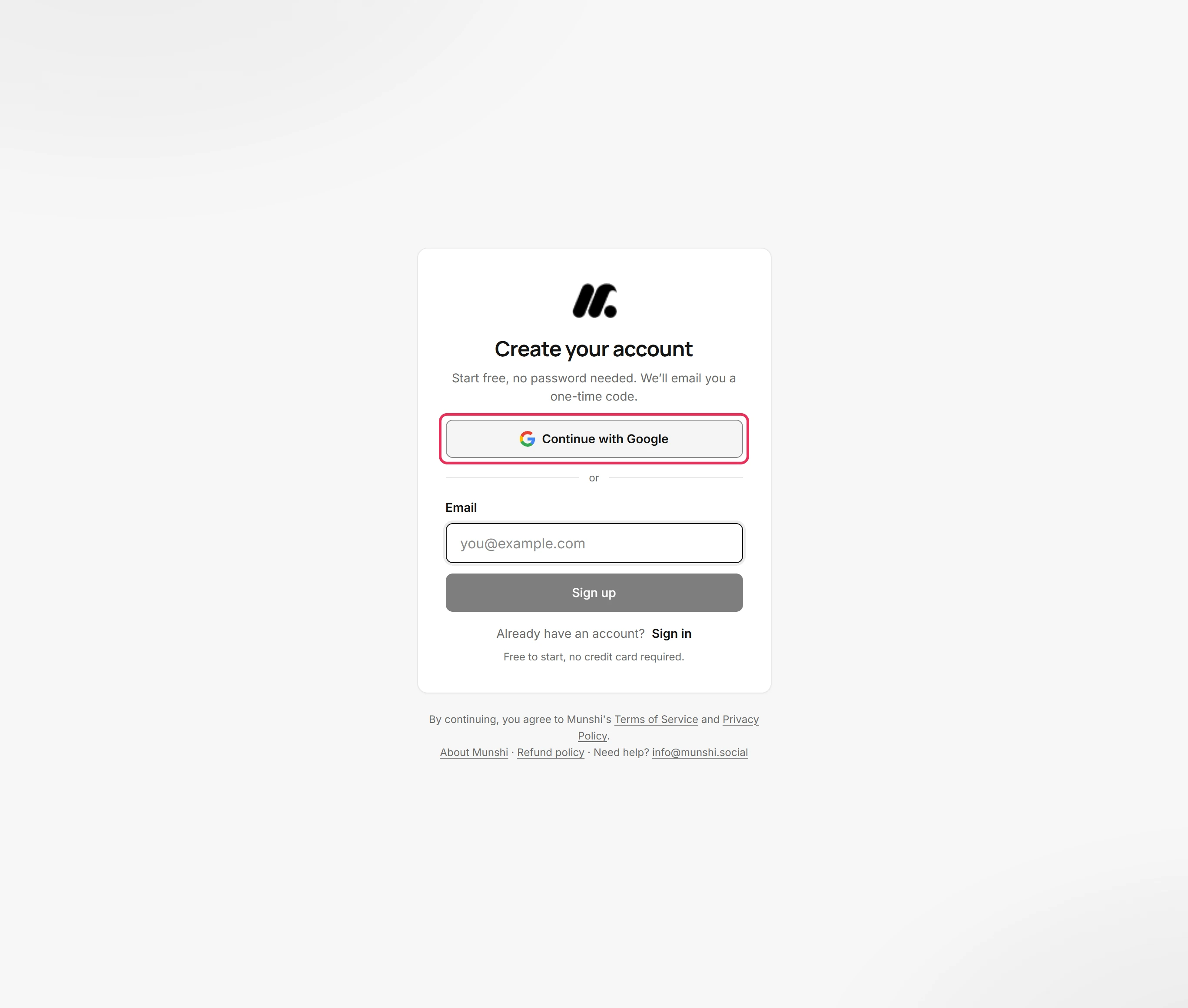
Continue with Google signs you in with your Google account instead of a code. Google asks which account to use, then brings you back to Munshi.
-
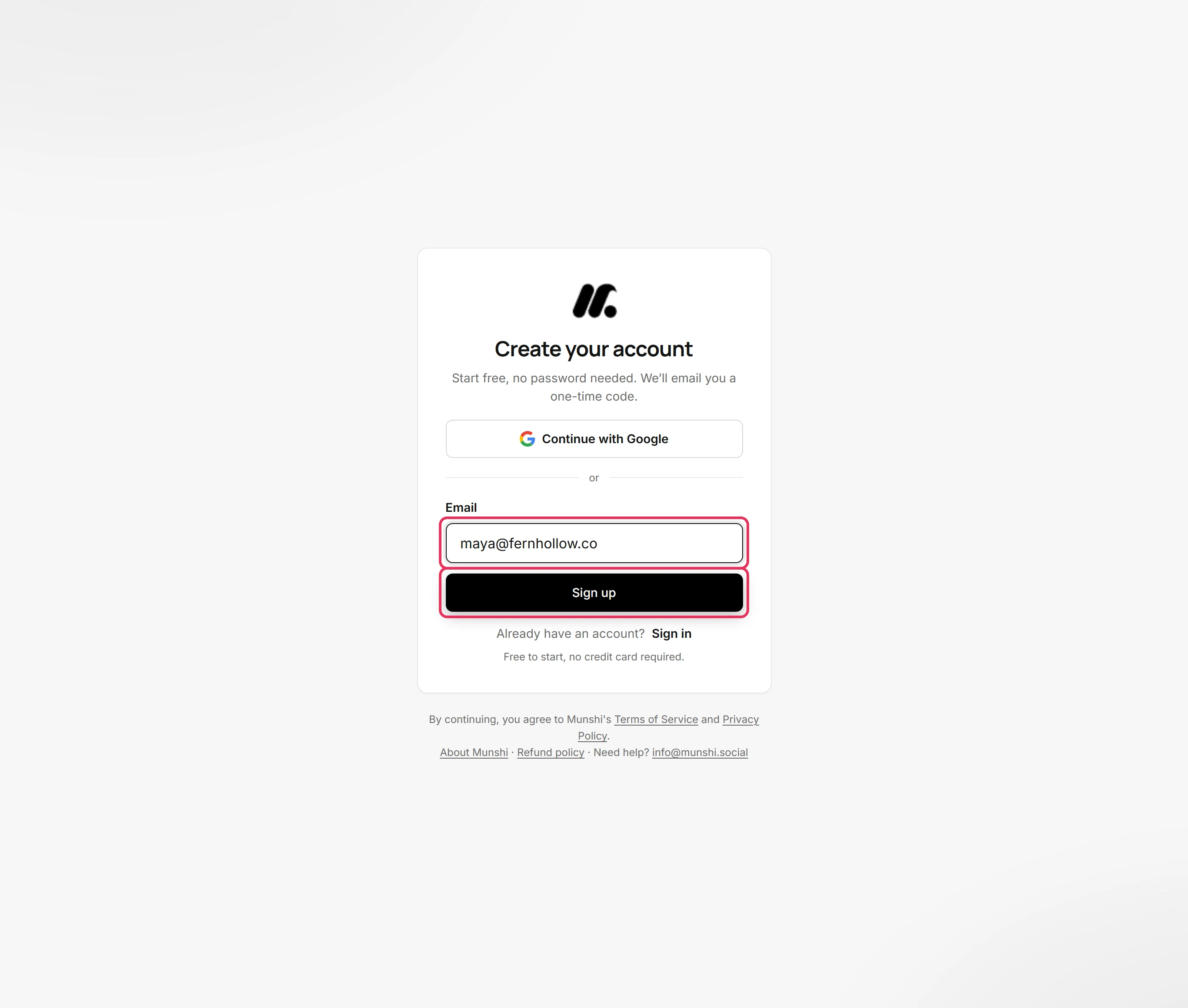
Type your address under Email and click Sign up.
-
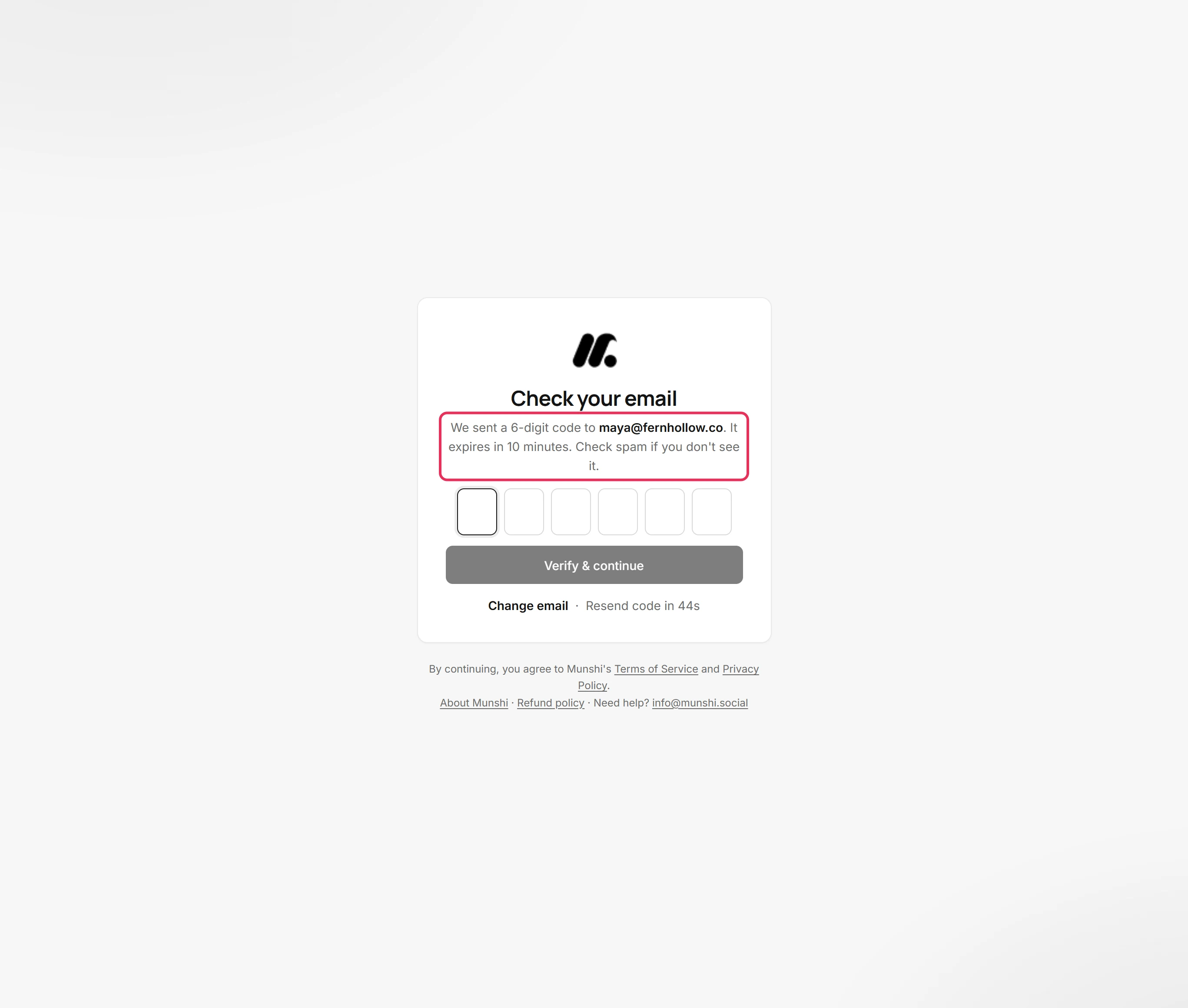
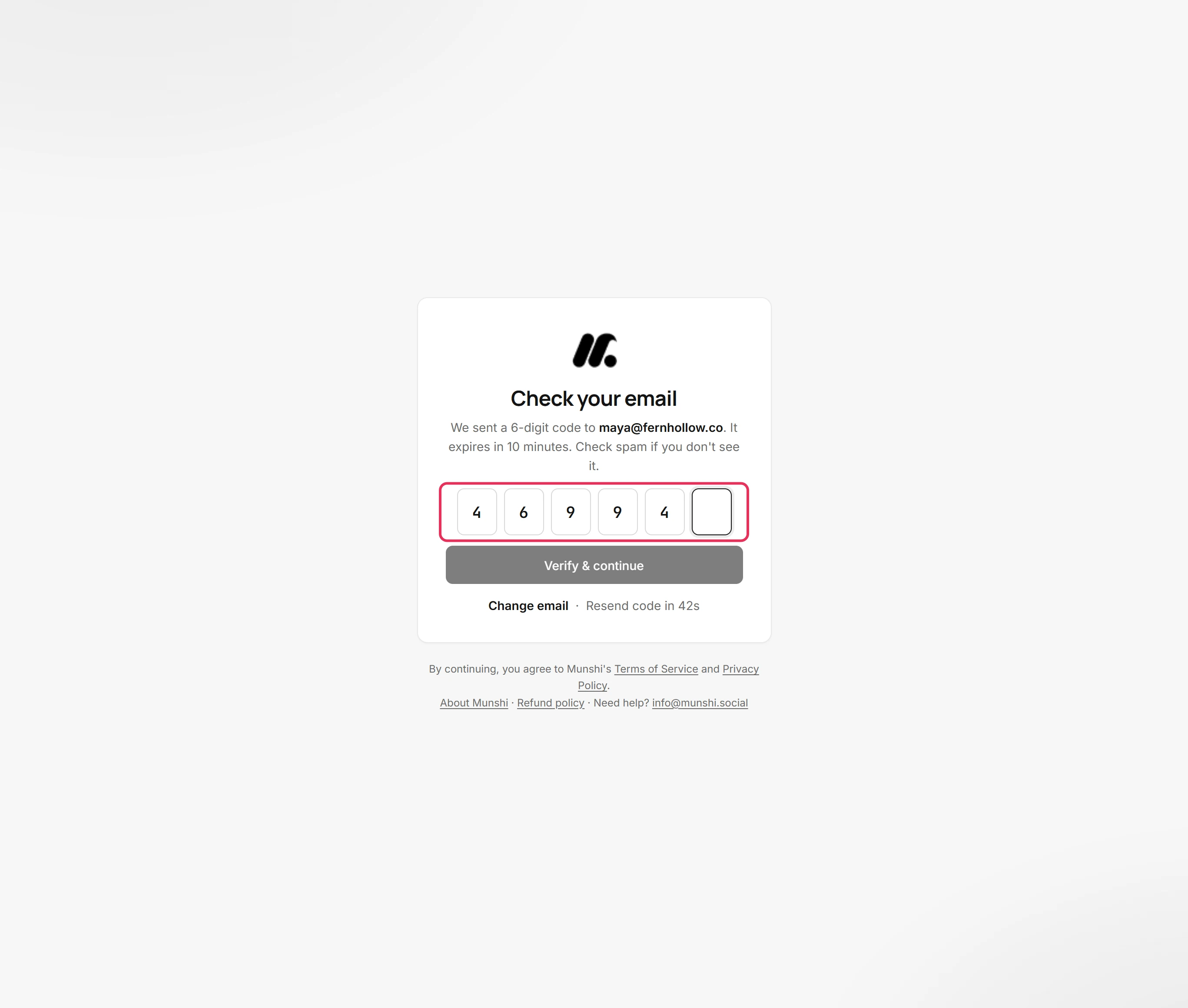
Munshi sends a 6-digit code to that address. The code expires in 10 minutes, so use it soon. If it has not arrived, look in your spam folder.
-
Type the six digits into the boxes, or paste the whole code into the first box. Munshi checks it as soon as the last digit is in.
-
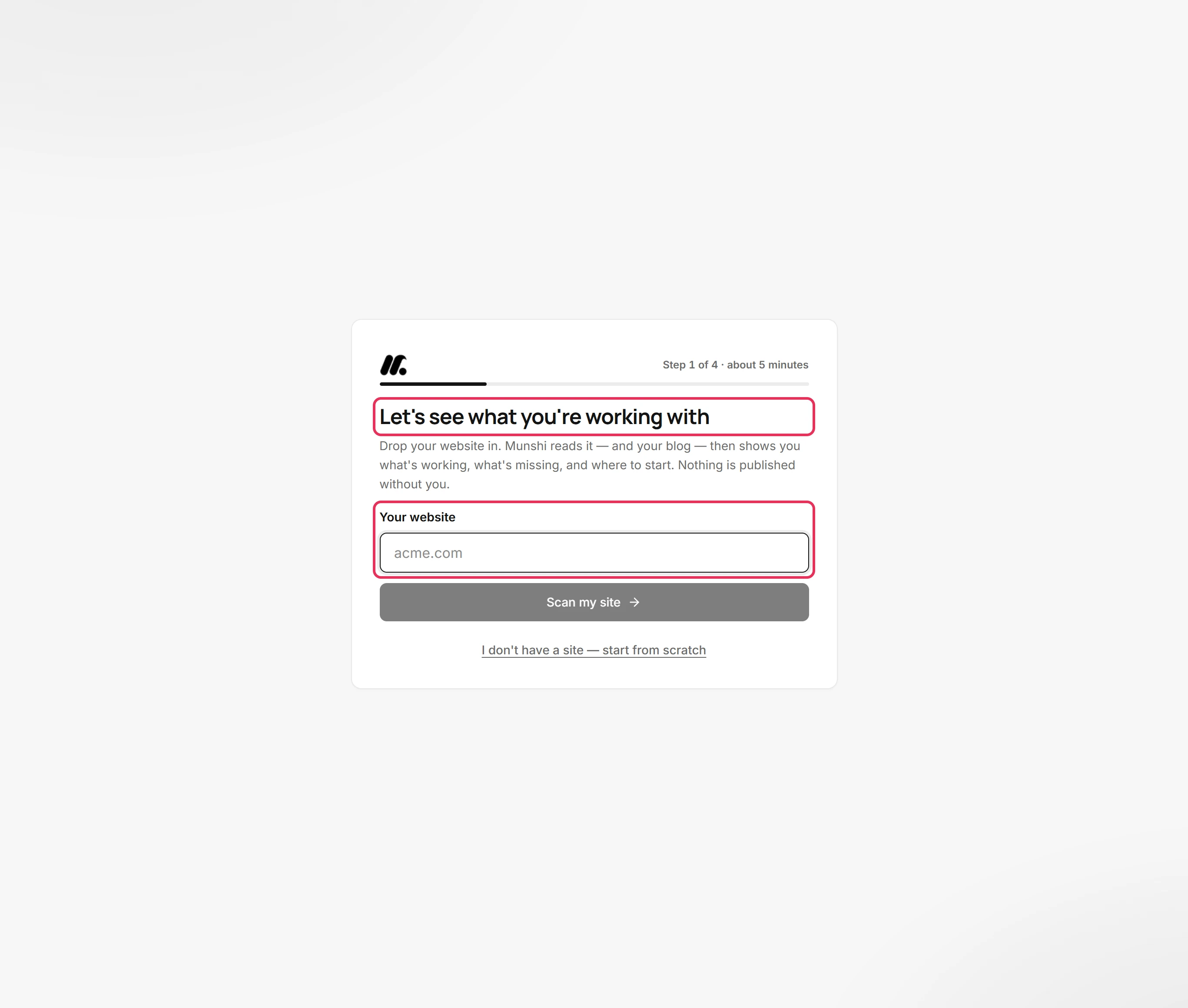
You are signed in. On your first sign-in, Munshi creates your account and your first workspace. Then it opens setup, which starts with your website.
Where you are now
You are signed in, your account and first workspace exist, and setup is open. Next time, sign in the same way: with your email and a fresh code, or with Google.
If something goes wrong
“That code is invalid or has expired.”
Click Resend code for a fresh one, and use the latest email. A code lasts 10 minutes and allows five tries. If you asked for another code, only the newest one works.
“Too many code requests. Please wait a bit before trying again.”
Wait a little, then click Resend code and use the newest code. Munshi limits how many codes one address can ask for in an hour.
The code never arrived
Look in spam, and check the address shown on the screen. Change email takes you back to fix it. Resend code sends another after 45 seconds.
Try it on your own brand this week.
Munshi Social, the AI content marketing engine for small teams, plans, writes, publishes, and tracks your blog and socials. The guide above shows the real app, not a mock-up.
Start your workspace