What happens when a post goes out
At its time, Munshi sends the post, moves it to Posted on the Social page and starts reading its numbers. There is no email. Here is what each state means.
Before you start
- A post that has gone out, or one that is scheduled to. The create and schedule guide shows how to book one.
-
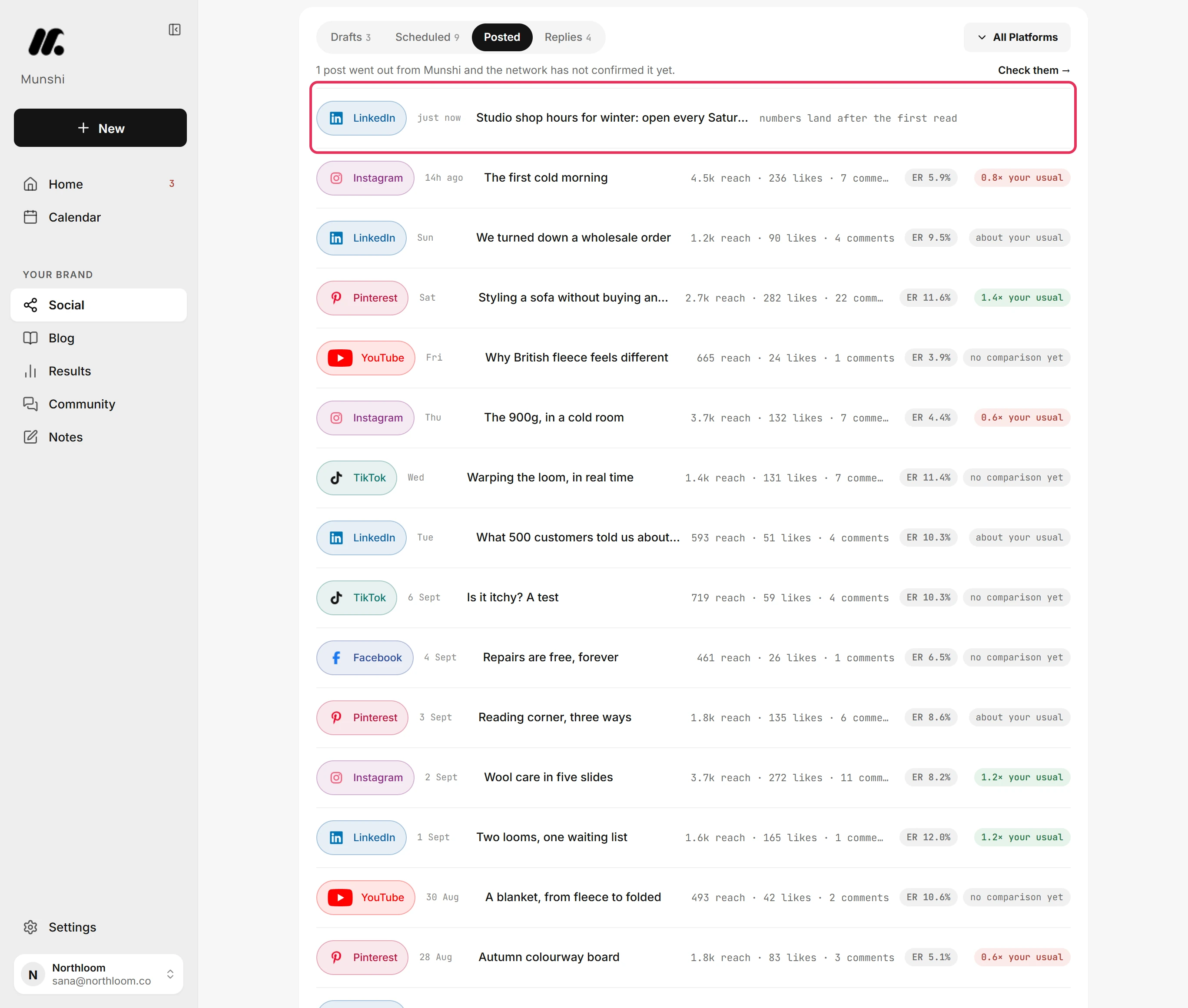
When a post goes out, it moves from Scheduled to Posted on the Social page, newest first. That page is the record. Munshi sends no email about it.
-
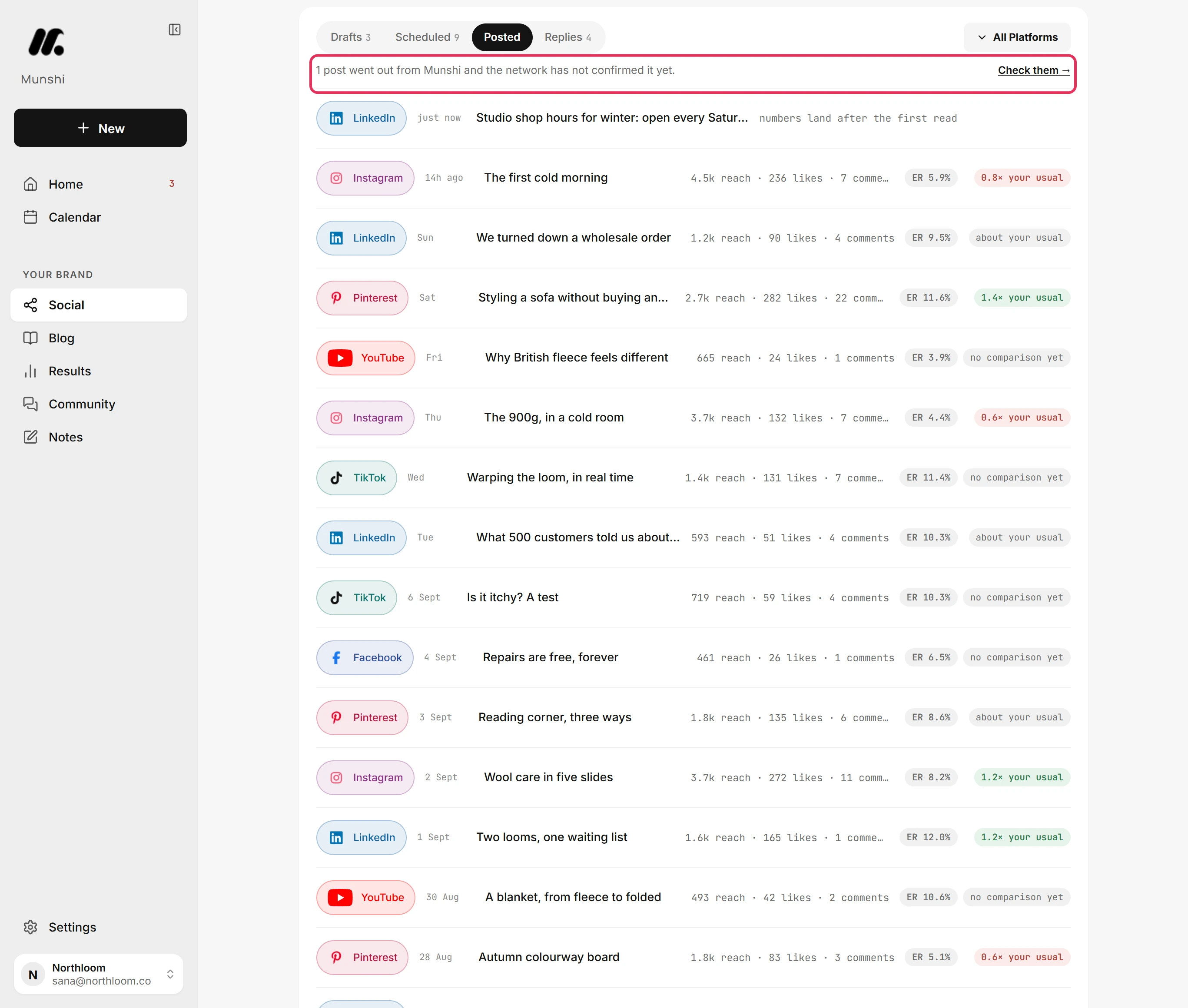
A line above the list counts the posts that went out from Munshi but are not confirmed yet. It stays until the network confirms them.
-
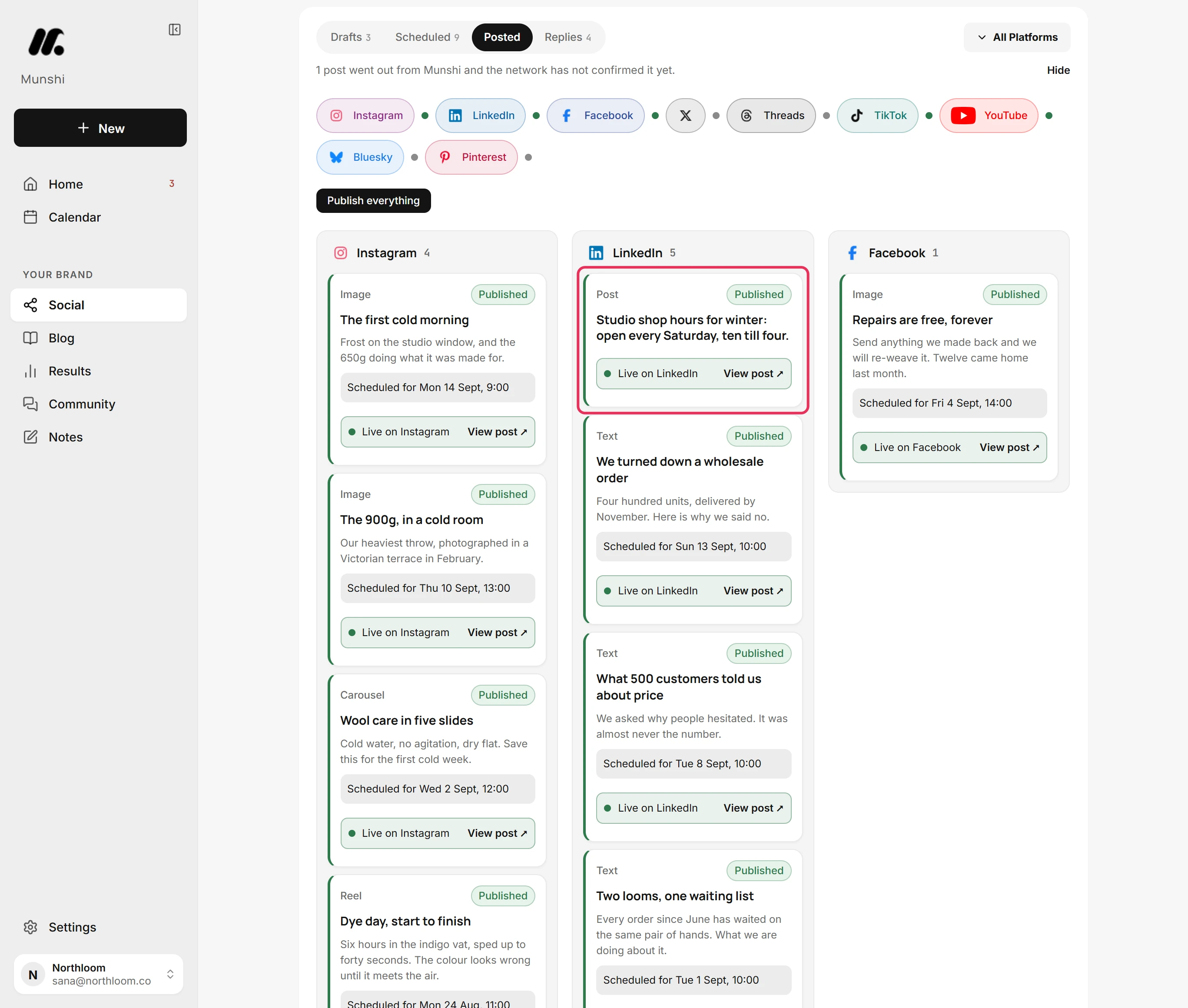
Click Check them. Munshi asks the networks about the posts it sent. It shows each post on a card, under its network.
-
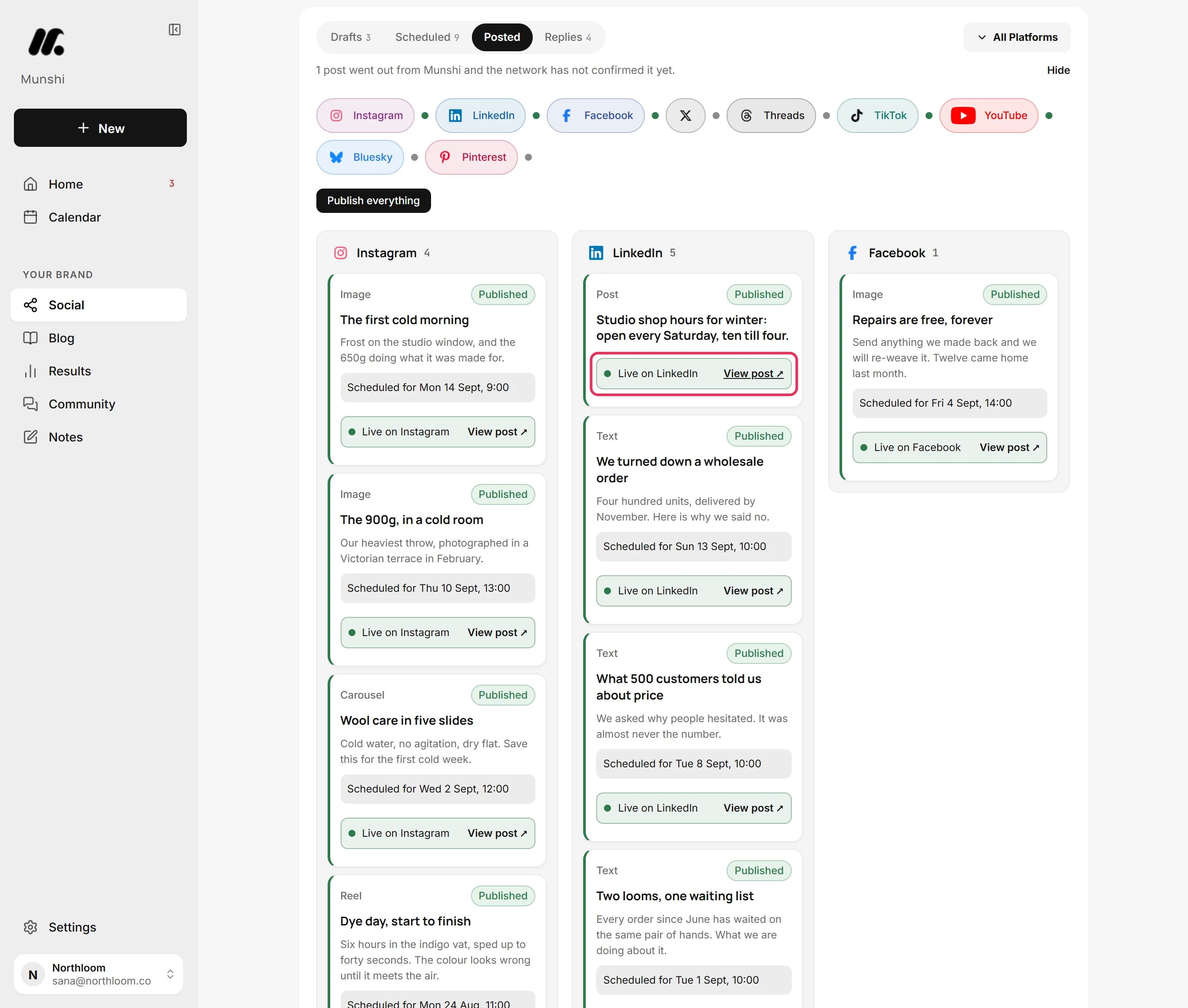
A confirmed post reads Live on its network, here Live on LinkedIn. Click View post to open it there. Hide closes the check.
-
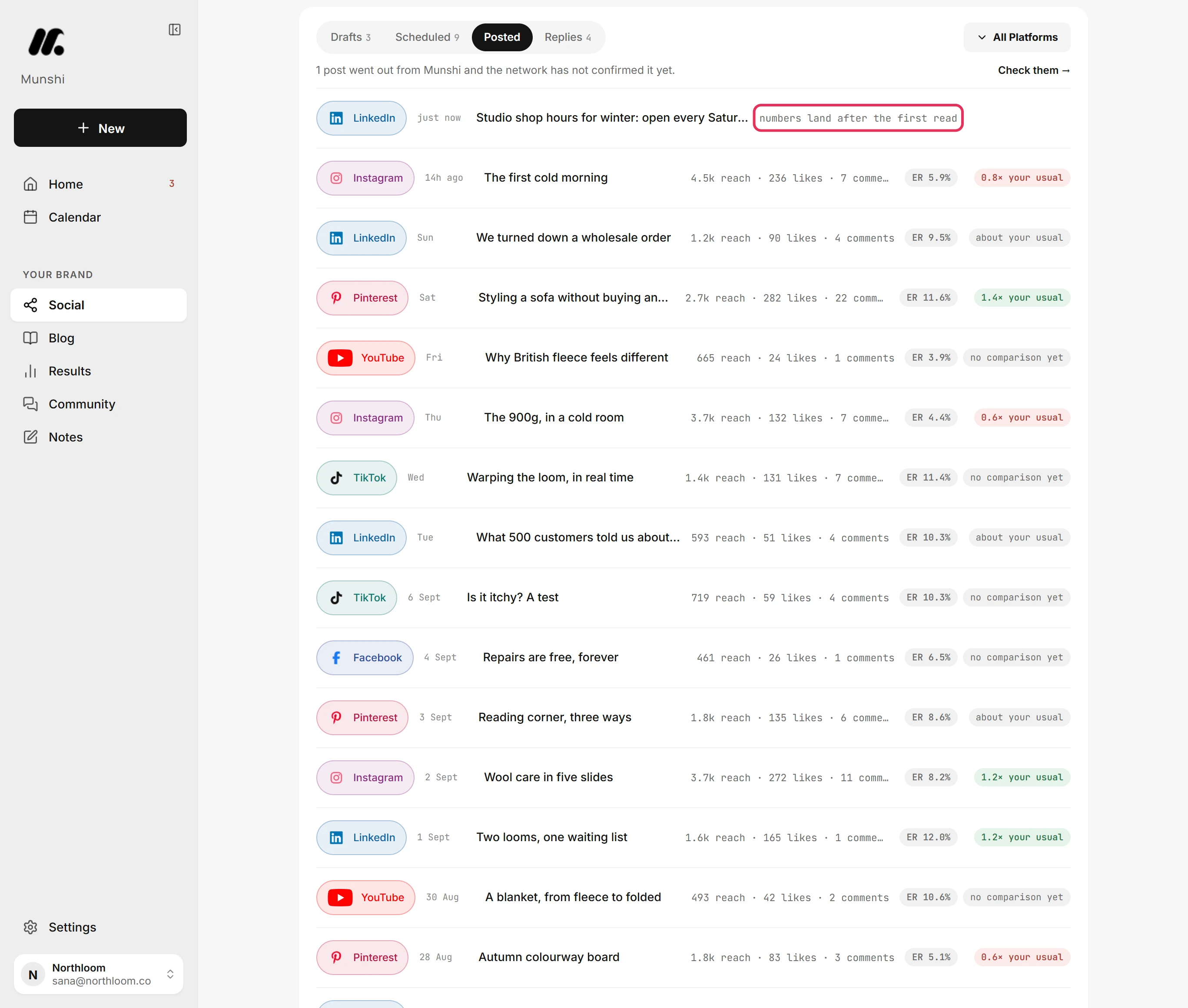
In the list, a new post reads “numbers land after the first read”. The post's numbers and the link on its row arrive when the network first reports on it.
-
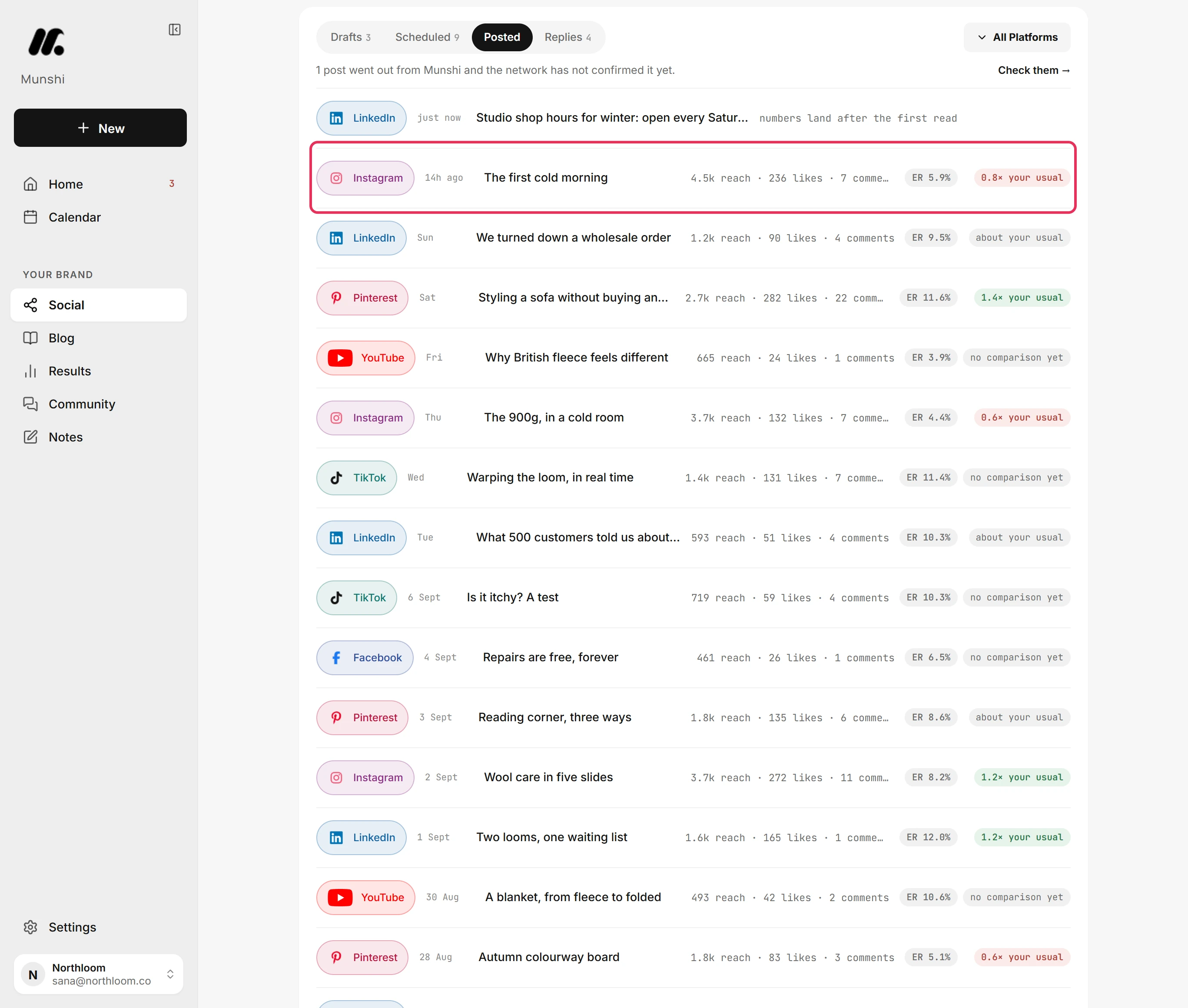
Once the numbers arrive, the row shows reach, likes, comments and the engagement rate. It also shows how the post did against your usual rate. Click the caption to open the post on the network.
-
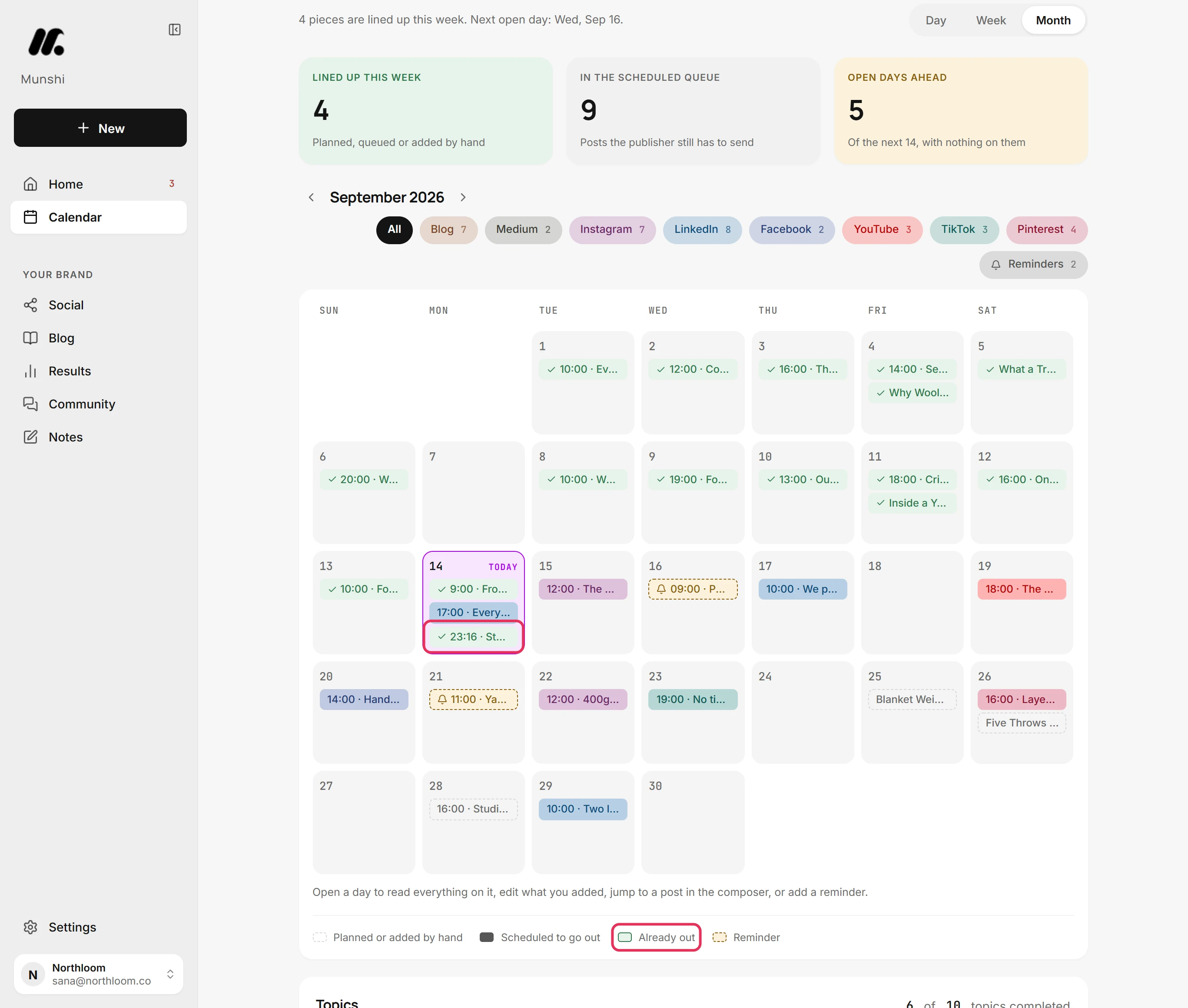
On the Calendar, a post that went out keeps its day and time and gains a check mark. The legend calls this style Already out.
-
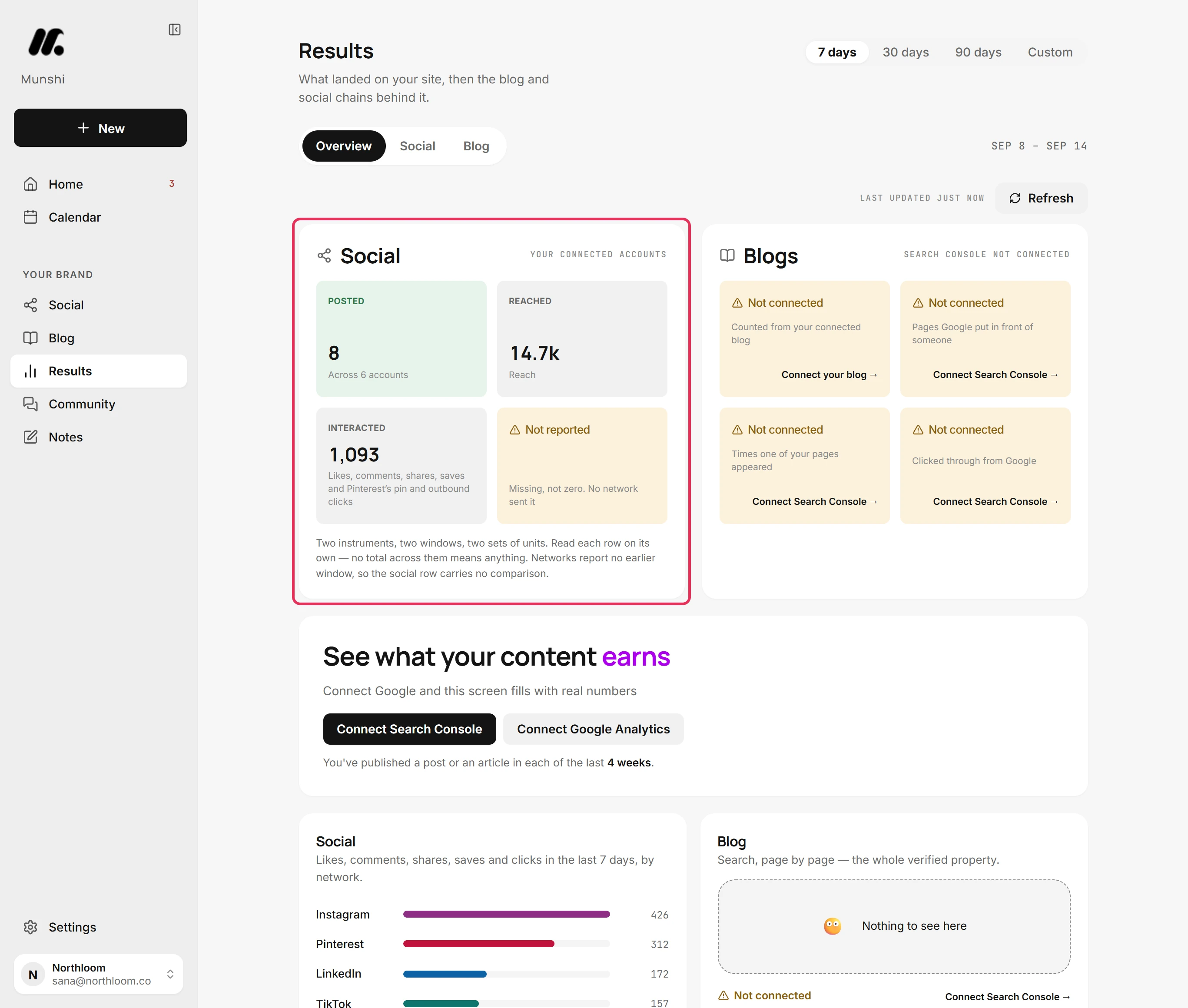
Results counts the post among what you posted. As each network reports, it adds the post to who you reached and how people interacted.
Where you are now
The post is live and listed under Posted. Its numbers fill in as the network reports them, and keep updating on Social and on Results. There is no email to watch for.
If something goes wrong
A post never showed up in Posted
Look in Drafts, fix what the network's reason names, then post it again. A post the network turned down goes back there with the reason, and Home lists it among the things to fix.
“Sent, waiting for the network”
Wait a little, then click Check again on its card in Check them. The network has taken the post but has not yet said it is live.
“numbers land after the first read”
You do not need to do anything. The post is live, and the network has not reported on it yet. The numbers and the link appear on their own once it does.
Is there an email when a post goes out?
No. Munshi keeps the record on the Social page instead, where Posted lists everything that went out.
Try it on your own brand this week.
Munshi Social, the AI content marketing engine for small teams, plans, writes, publishes, and tracks your blog and socials. The guide above shows the real app, not a mock-up.
Start your workspace