How to post to Bluesky from Munshi
Pick Bluesky, write a post of up to 300 characters, add up to four pictures, and post it. It takes about two minutes.
Before you start
- Bluesky connected to the workspace. How to connect Bluesky shows the handle and app password it needs.
-
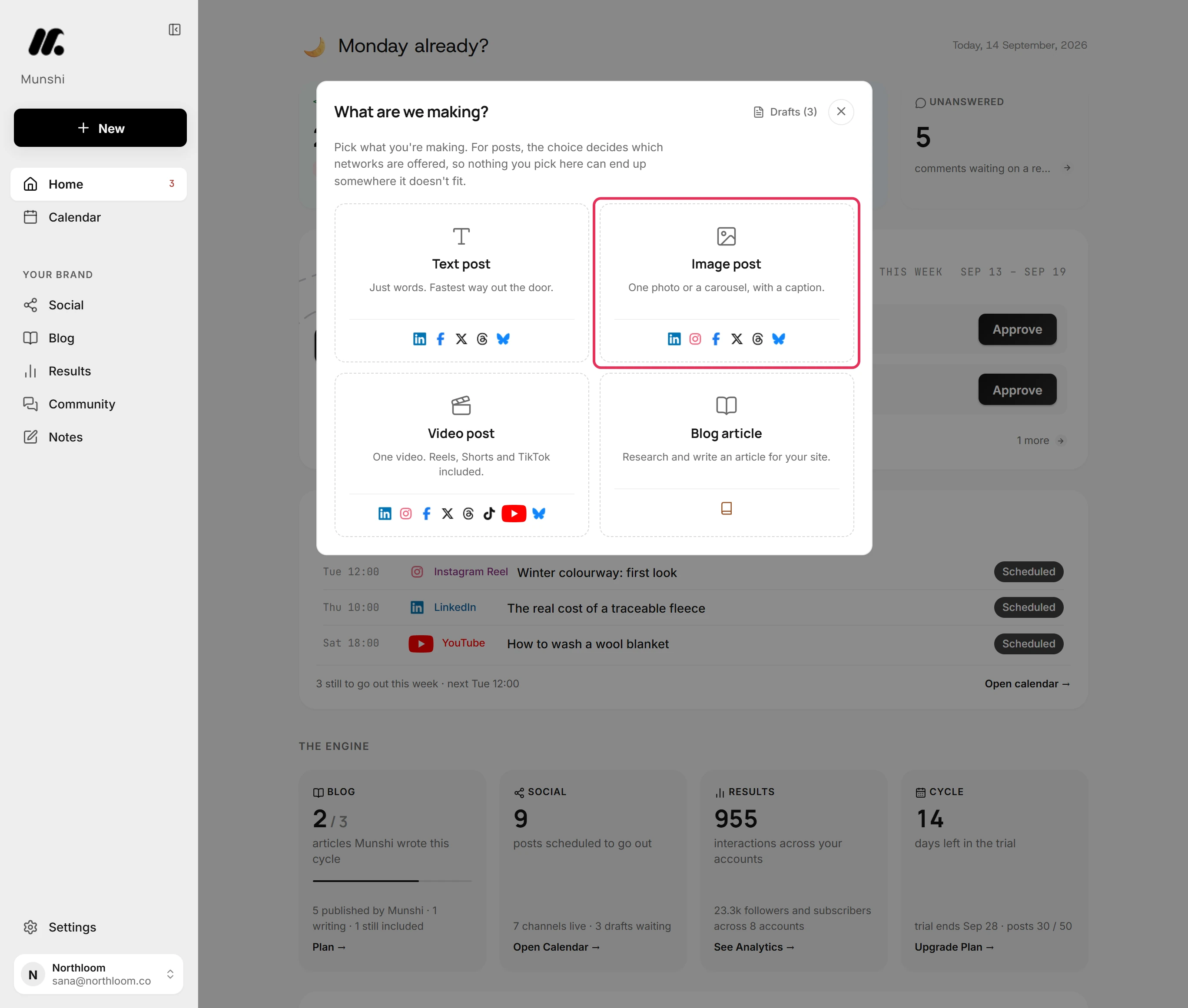
Click New at the top of the sidebar, then pick Image post. Bluesky also takes a post of words alone. For that, pick Text post.
-
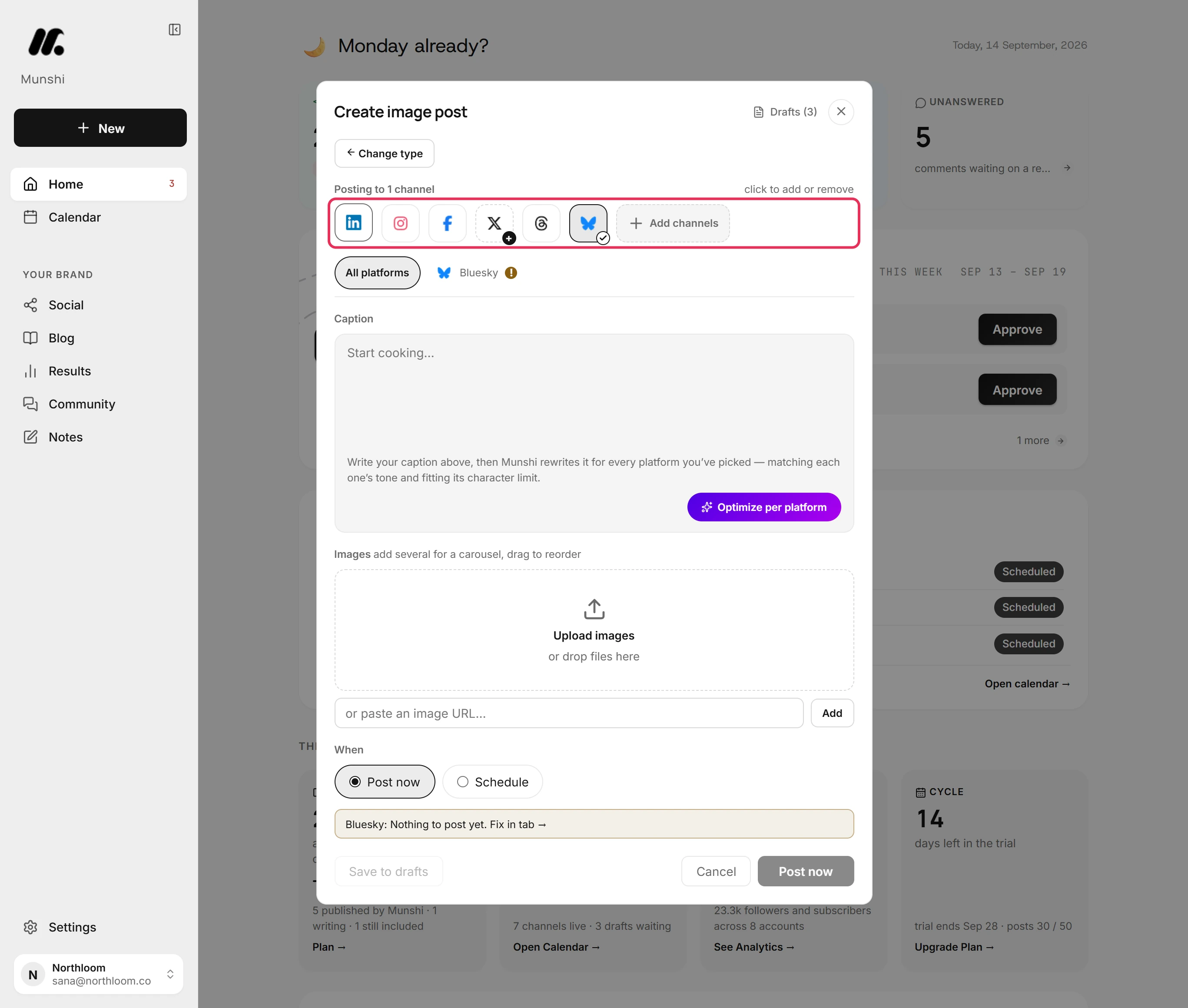
Click Bluesky to add it. A new post starts with one network already picked. If the post is only for Bluesky, click that one to take it off.
-
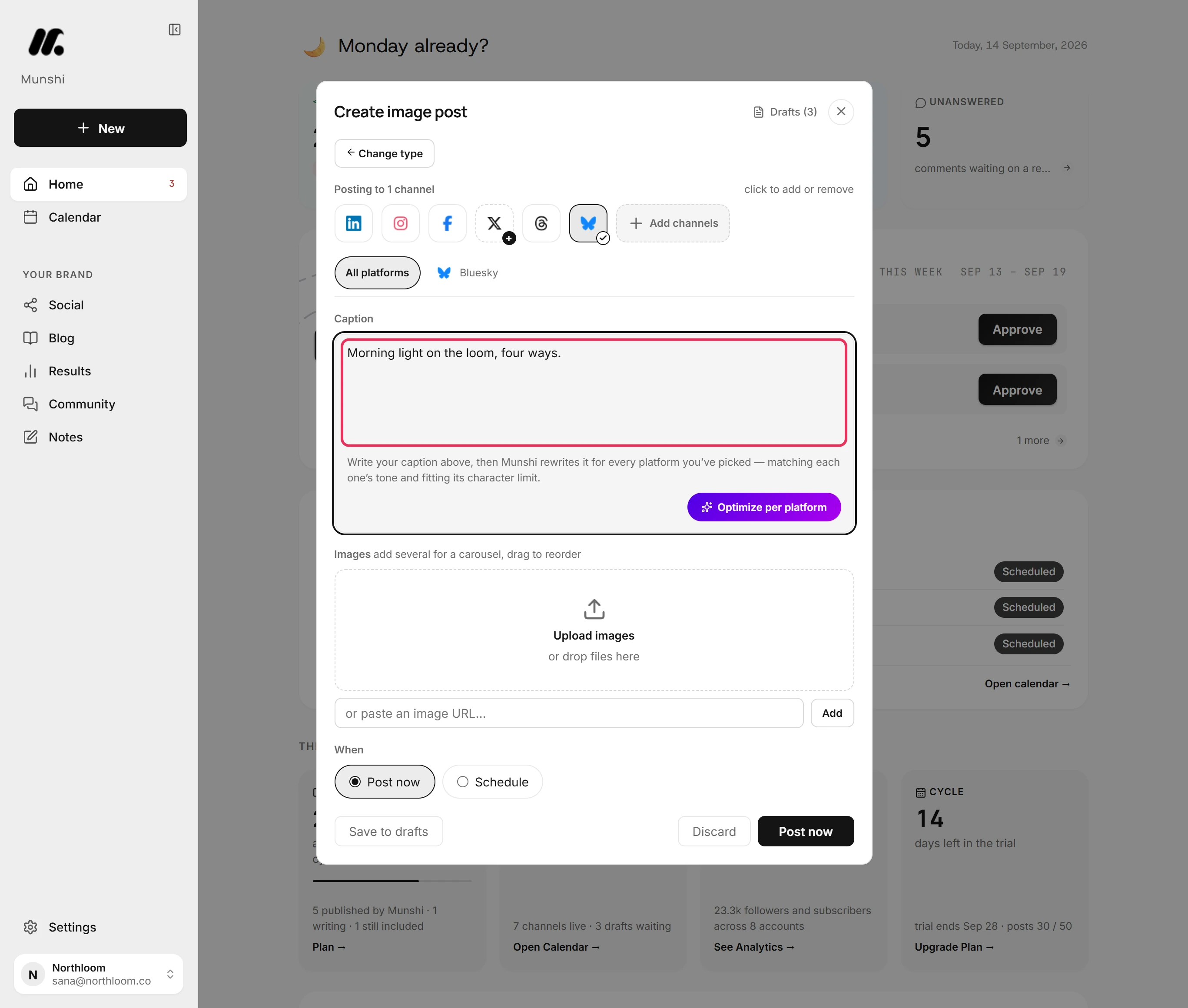
Type the post in the Caption box. Bluesky takes up to 300 characters.
-
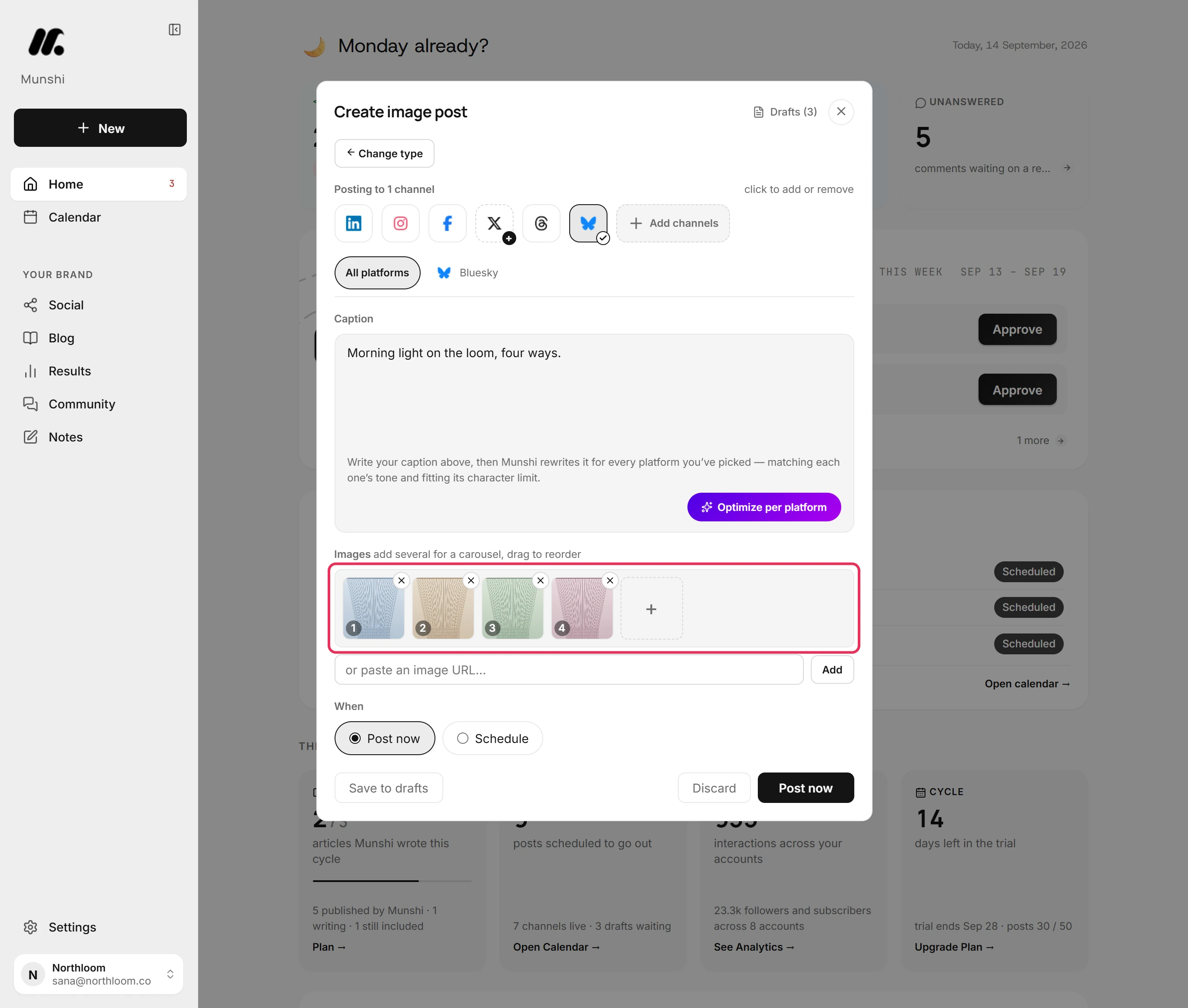
Click Upload images and pick the files, or drop them on the box. Bluesky takes up to four pictures on one post.
-
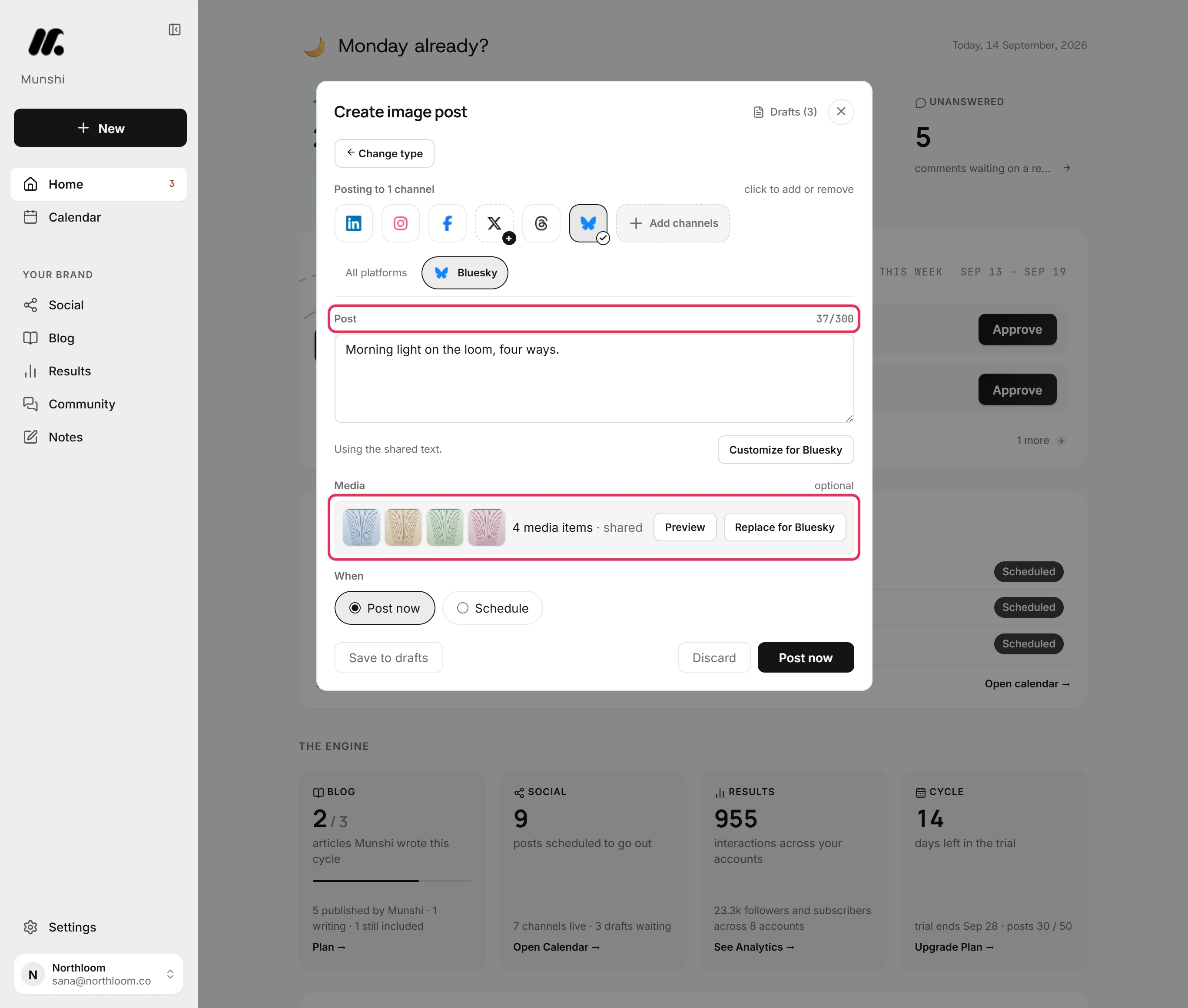
Open the Bluesky tab. The count beside Post shows how many of the 300 characters you have used. Media shows the pictures. If you go past either limit, the tab is marked and says how much to remove.
-
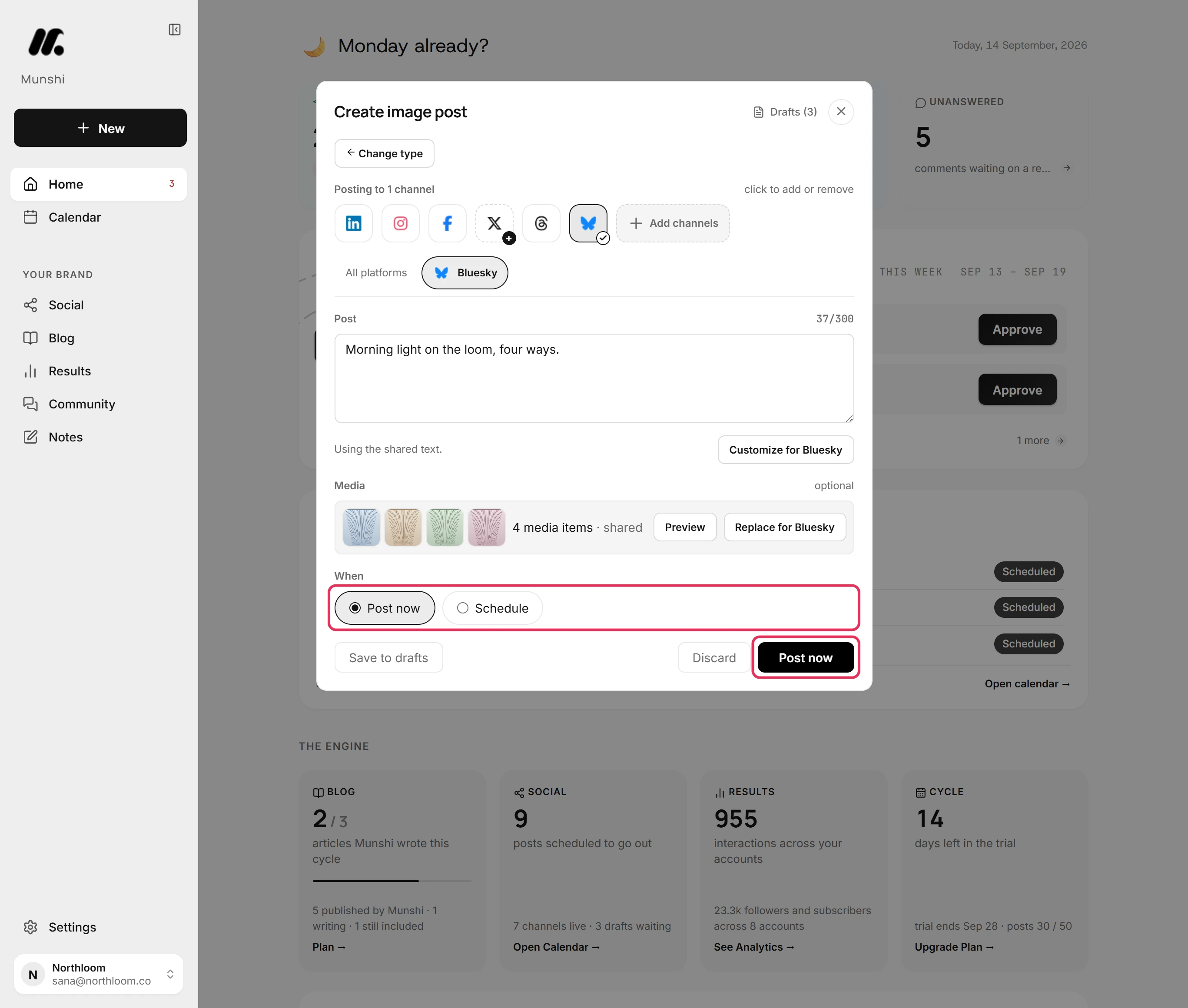
Under When, Post now is already picked. Click Post now and the post goes to Bluesky at once. To set a time instead, pick Schedule.
-
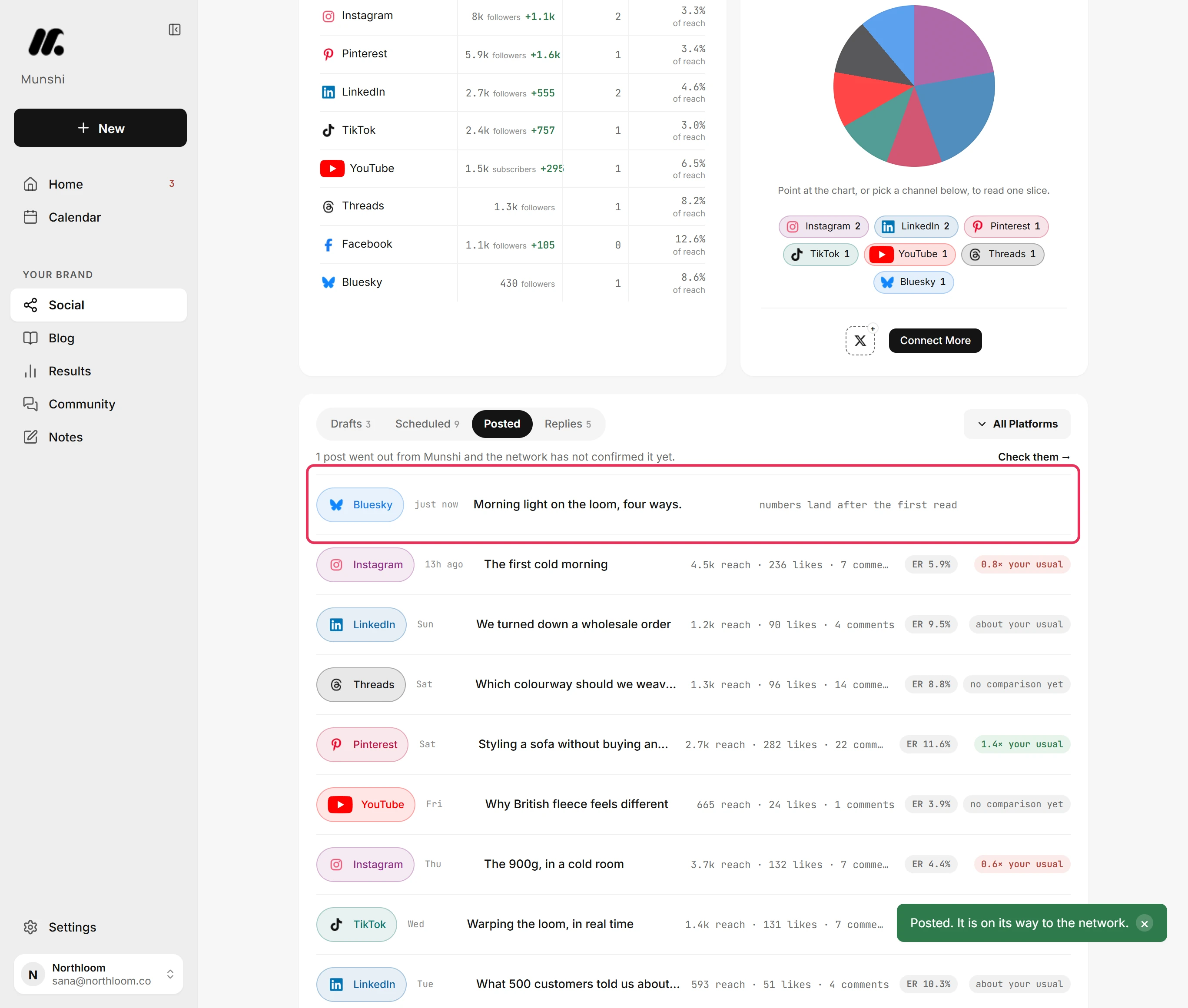
Munshi takes you to Social. Open Posted to see the post at the top. Its numbers fill in after Munshi first reads them from Bluesky.
Where you are now
The post is on its way to Bluesky with its pictures. It is listed under Posted straight away, and its numbers fill in once Bluesky reports them.
If something goes wrong
“Bluesky takes up to 4 media items. Remove 1.”
Remove the extra pictures, because Bluesky takes four at most. Or click Replace for Bluesky in the Bluesky tab to give Bluesky its own pictures. The other networks keep them all.
The post is over 300 characters
Shorten it until it fits. The Bluesky tab says how many characters over the limit it is. You can also give Bluesky its own shorter text, so the other networks keep the long one.
“Bluesky isn’t connected yet.”
Click Connect Bluesky in the Bluesky tab, then enter the handle and an app password. Your post stays in the composer while you connect.
Try it on your own brand this week.
Munshi Social, the AI content marketing engine for small teams, plans, writes, publishes, and tracks your blog and socials. The guide above shows the real app, not a mock-up.
Start your workspace