How to post to a Facebook Page from Munshi
Start a post in Munshi, pick Facebook and add up to ten photos. Check the Facebook tab, then post now or schedule it for later.
Before you start
- A Facebook Page connected to your workspace. The Facebook page says how to connect it.
-
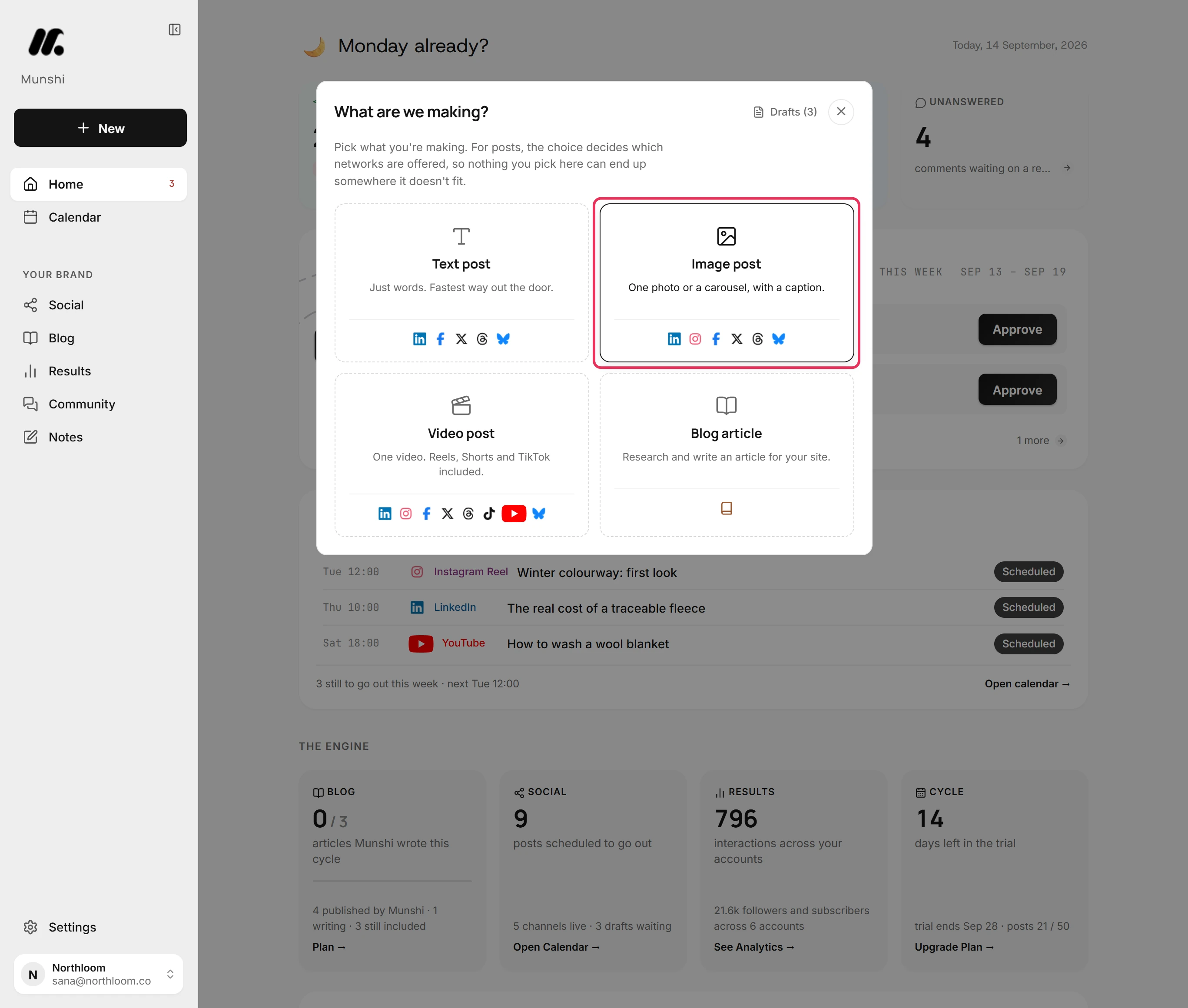
Click New and pick Image post. For a video, pick Video post. For words alone, pick Text post.
-
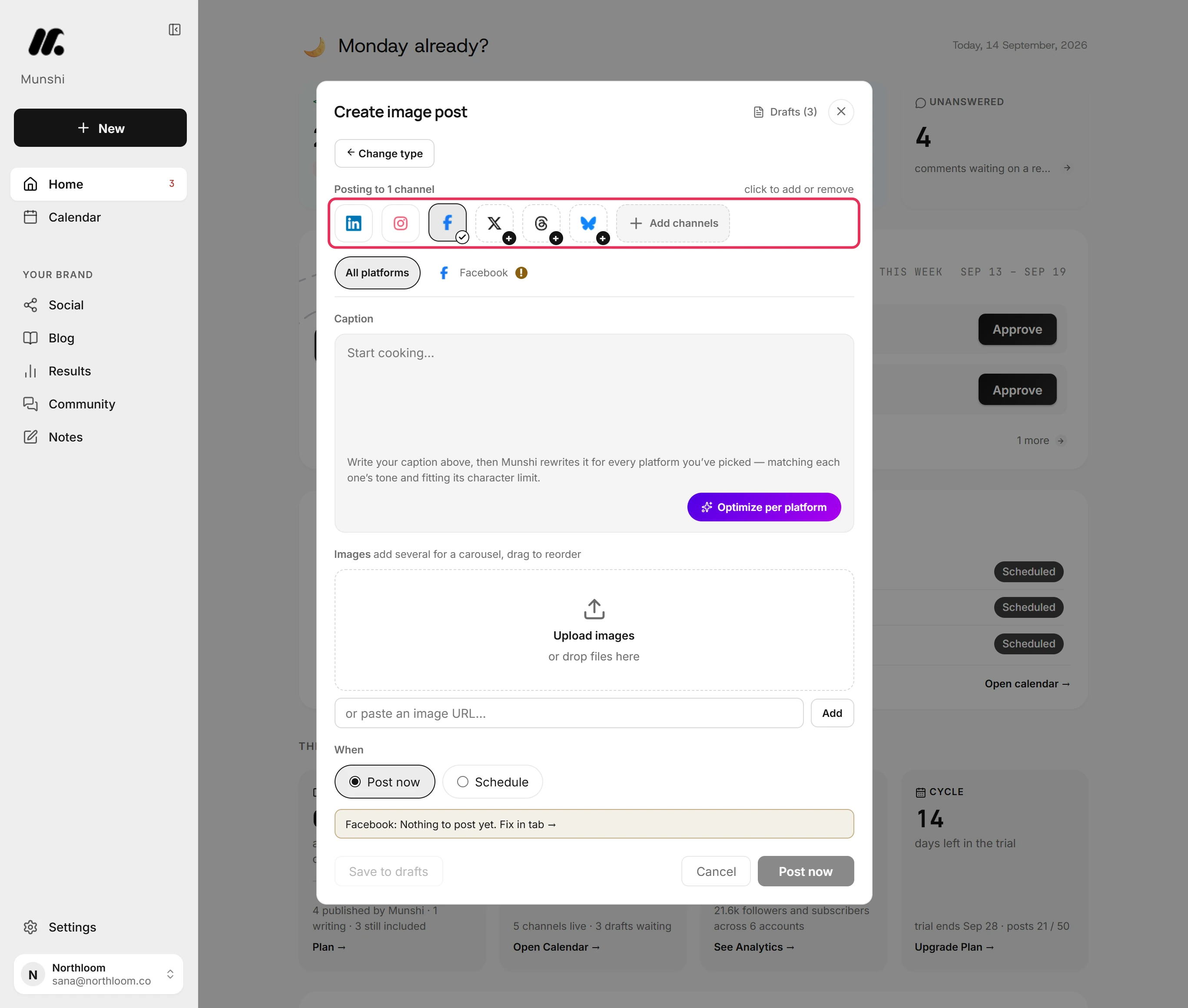
Click the Facebook tile so it shows a tick. Click any other ticked tile to take that network off. Here LinkedIn was on, so it came off.
-
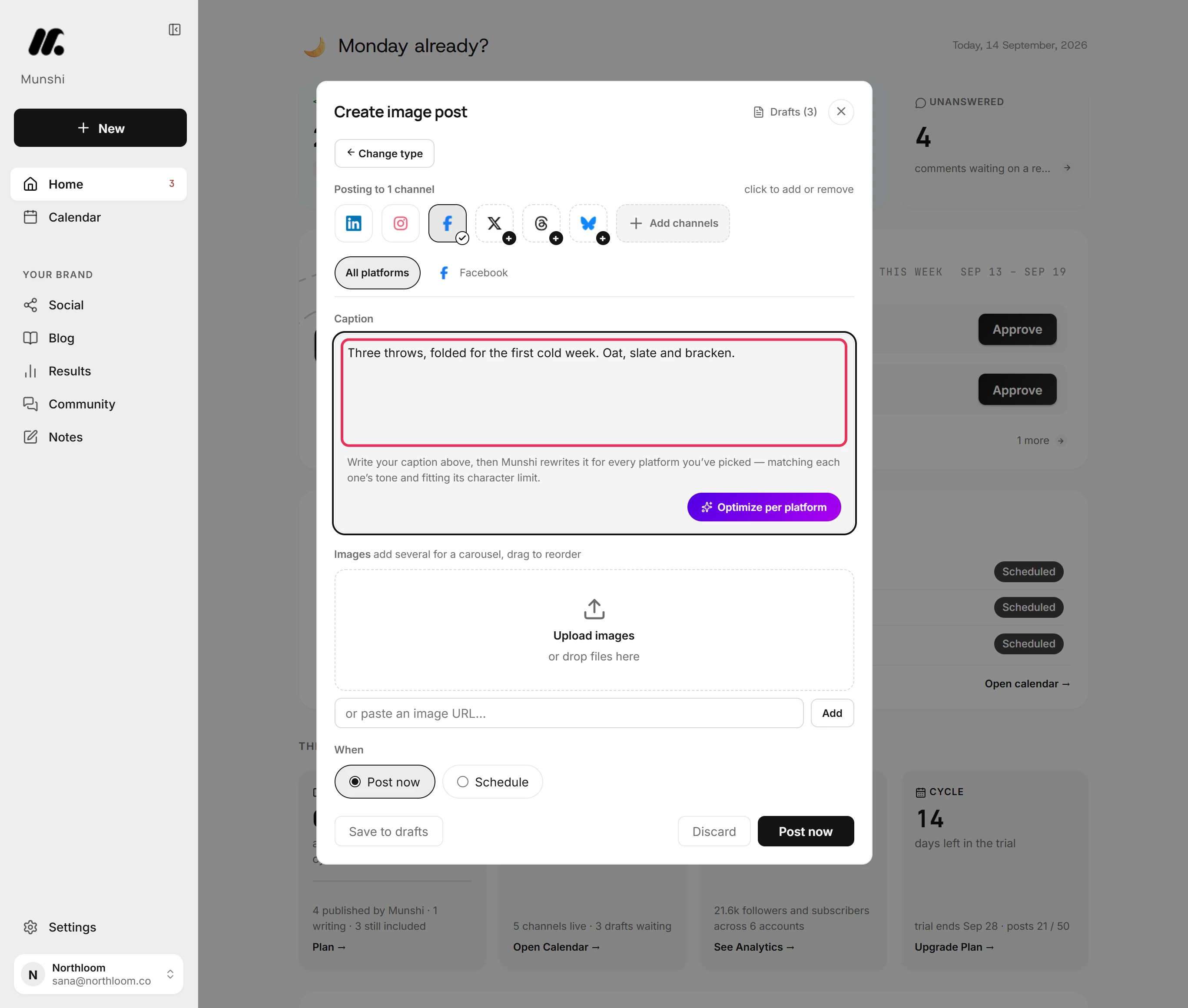
Type the post in Caption. A Facebook post takes up to 5,000 characters.
-
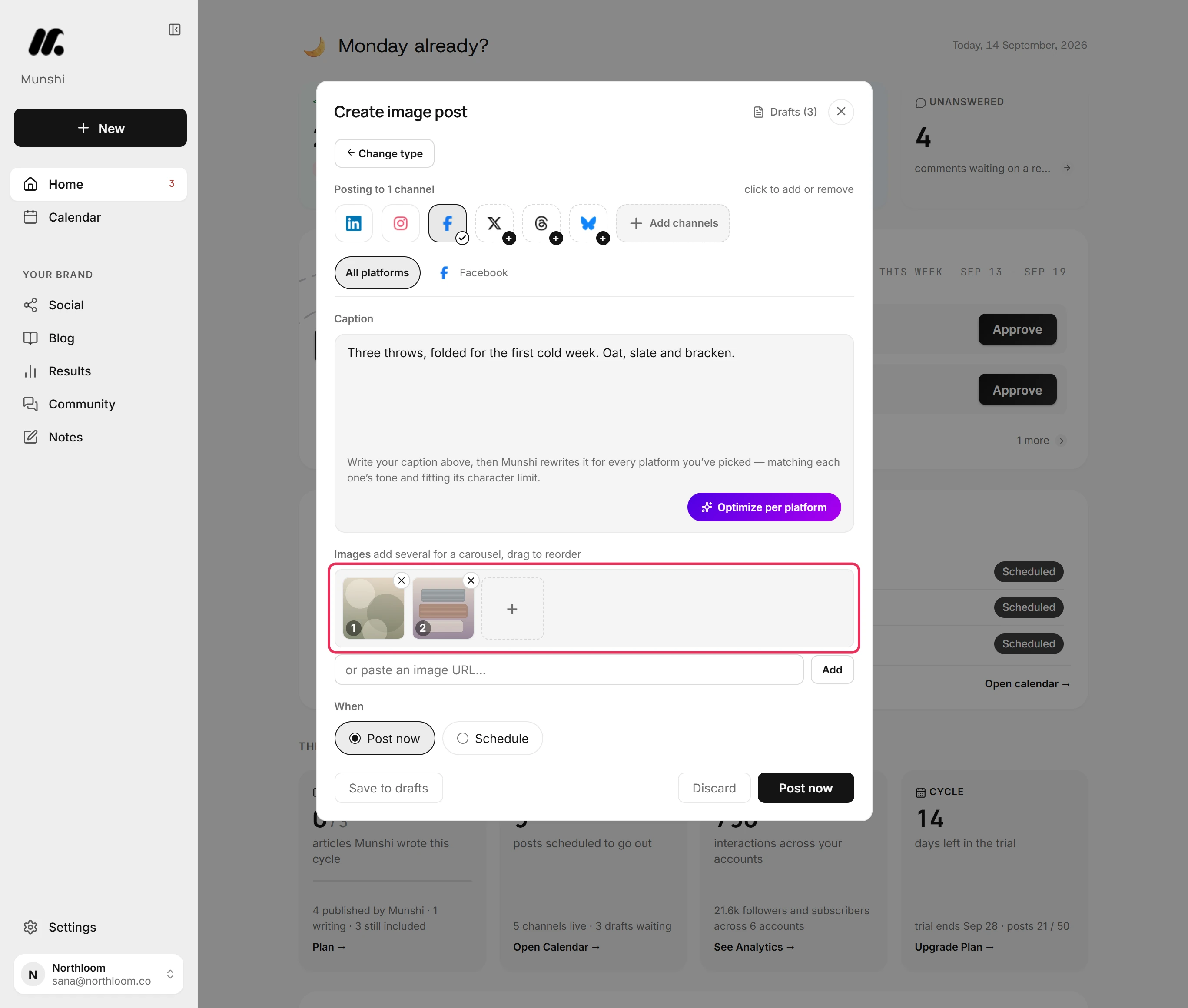
Click Upload images and pick up to ten. Drag them into the order you want.
-
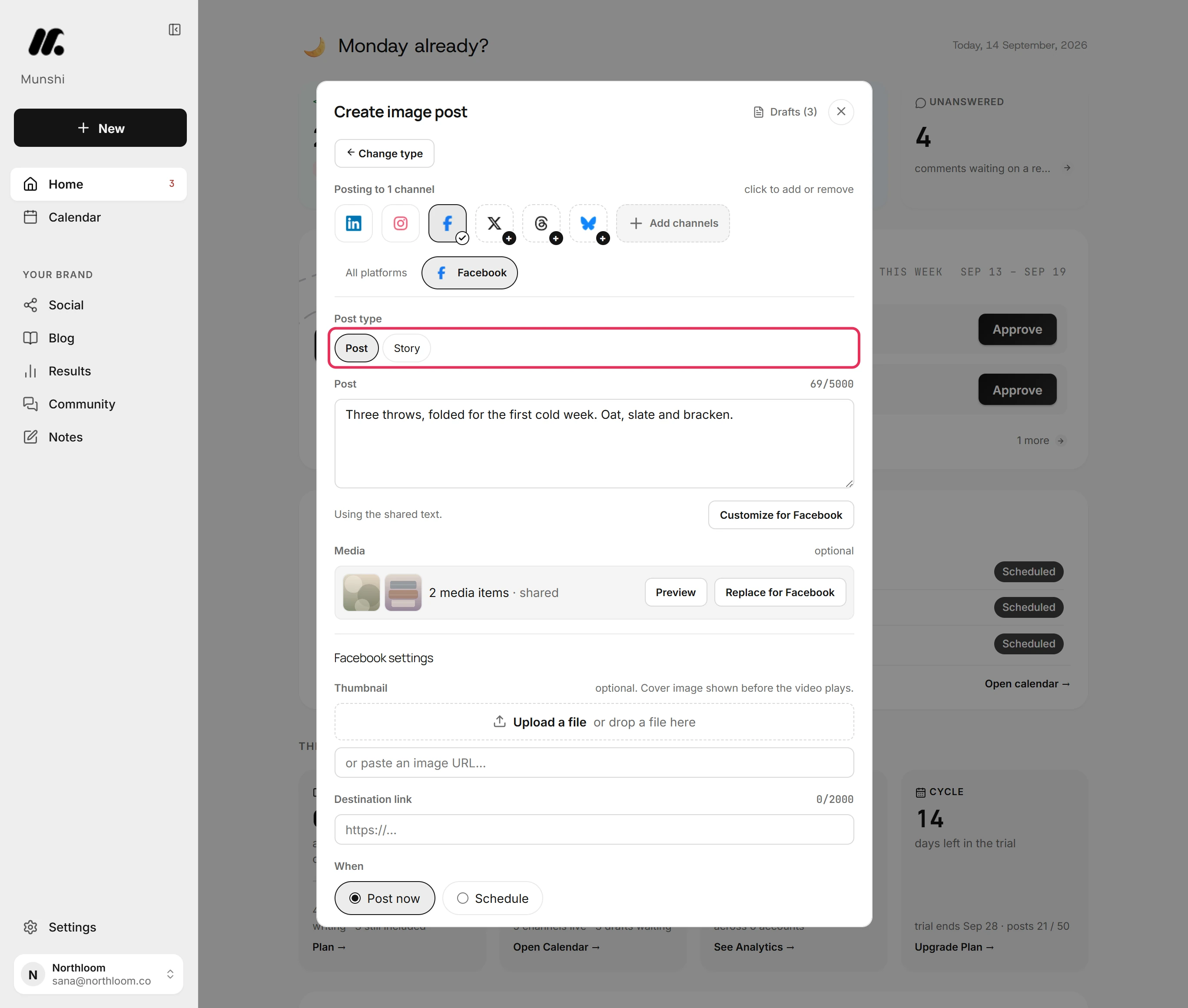
The Facebook tab shows what Facebook gets: the Post type, the text with its count, and the photos. Leave Post type on Post for a Page post. A video post also offers Reel.
-
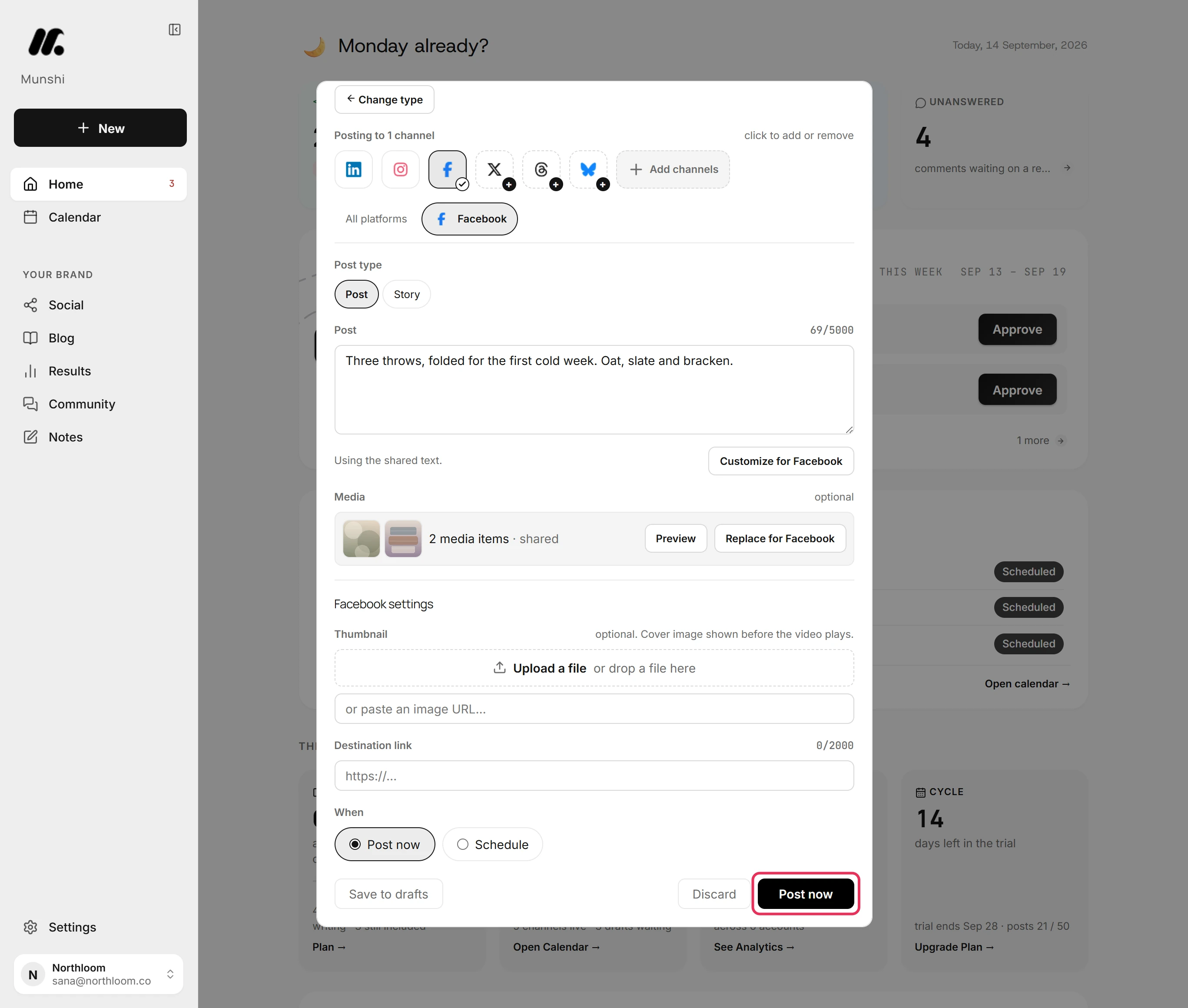
Leave Post now picked and click Post now. To send it later, pick Schedule and set the date and time first.
-
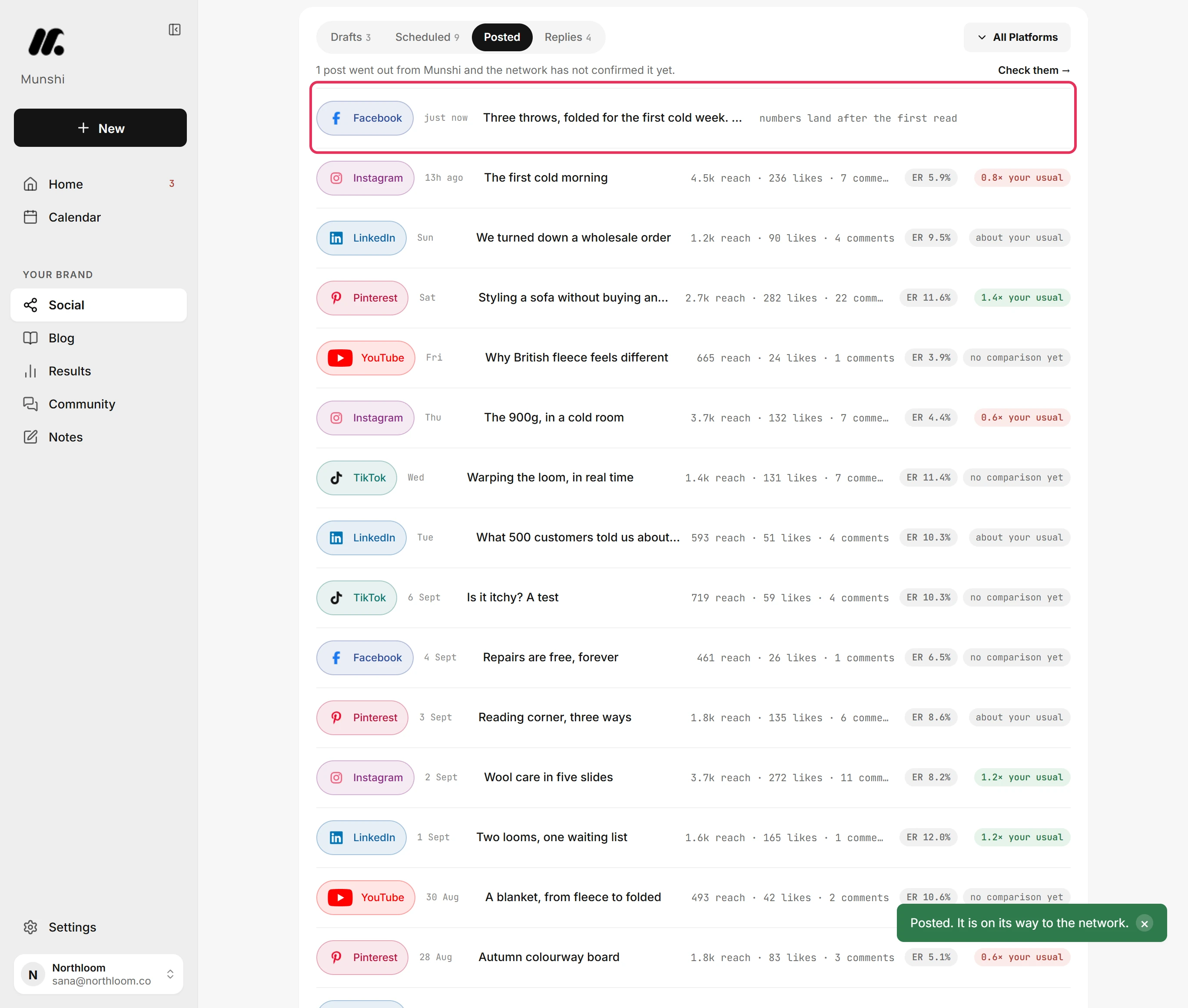
Munshi sends the post to your Facebook Page. It shows under Posted on the Social page. Its numbers appear there once Facebook reports them.
Where you are now
The post is on its way to your Facebook Page and listed under Posted. Its numbers fill in there, and on Results, as Facebook reports them.
If something goes wrong
“Facebook takes up to 10 media items. Remove 2.”
Remove the extra photos. A Facebook post holds ten photos at most. You can also give Facebook its own set in its tab with Replace for Facebook.
“A reel on Facebook needs a video.”
Start a Video post for a reel, because a reel is a video. Or set Post type back to Post.
“A video has to be the only attachment on the post.”
Remove the photos from this post, or post them on their own. A video always goes out alone.
Try it on your own brand this week.
Munshi Social, the AI content marketing engine for small teams, plans, writes, publishes, and tracks your blog and socials. The guide above shows the real app, not a mock-up.
Start your workspace