How to edit a scheduled post before it goes out
Click Edit on a scheduled post, change it, and click Save (keep schedule). Munshi saves your change and books the post again at the same time.
Before you start
- A post already scheduled in Munshi. If there is none yet, schedule one first.
-
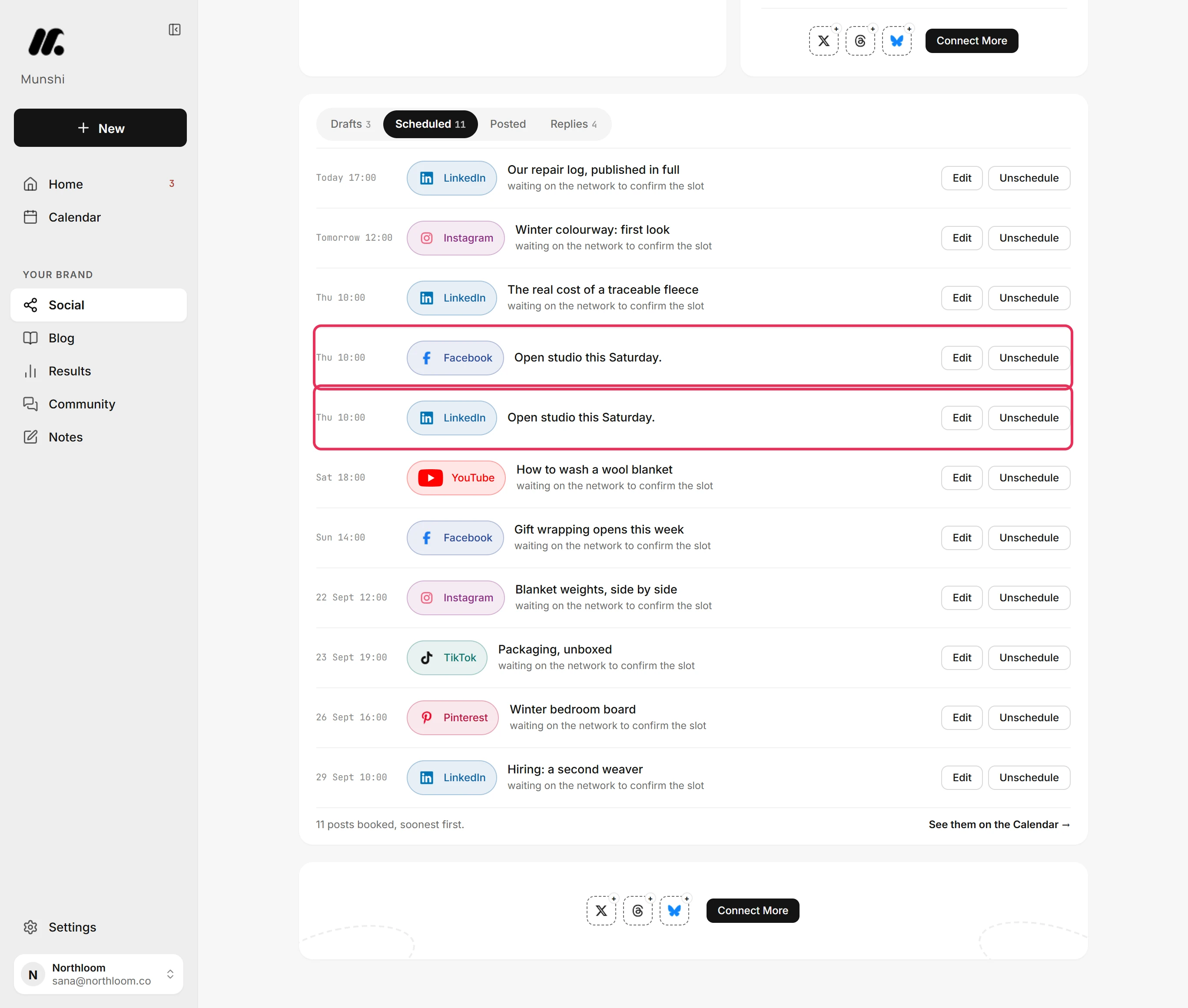
Click Social in the sidebar, then the Scheduled tab. Every booked post is listed soonest first, once for each network it goes to.
-
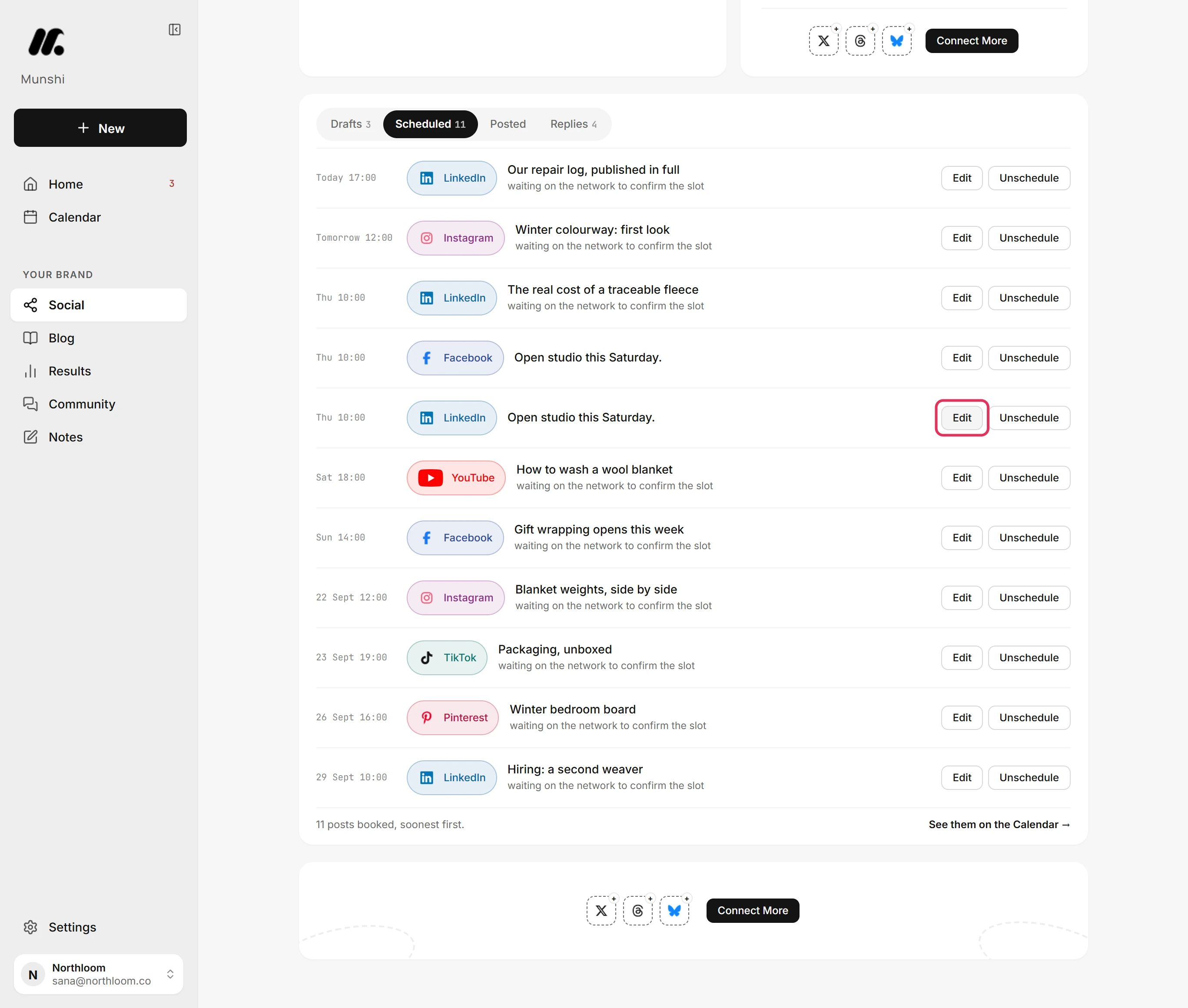
Click Edit on the post's row. A post you wrote for several networks opens as one, in Edit post. Every network sits side by side.
-
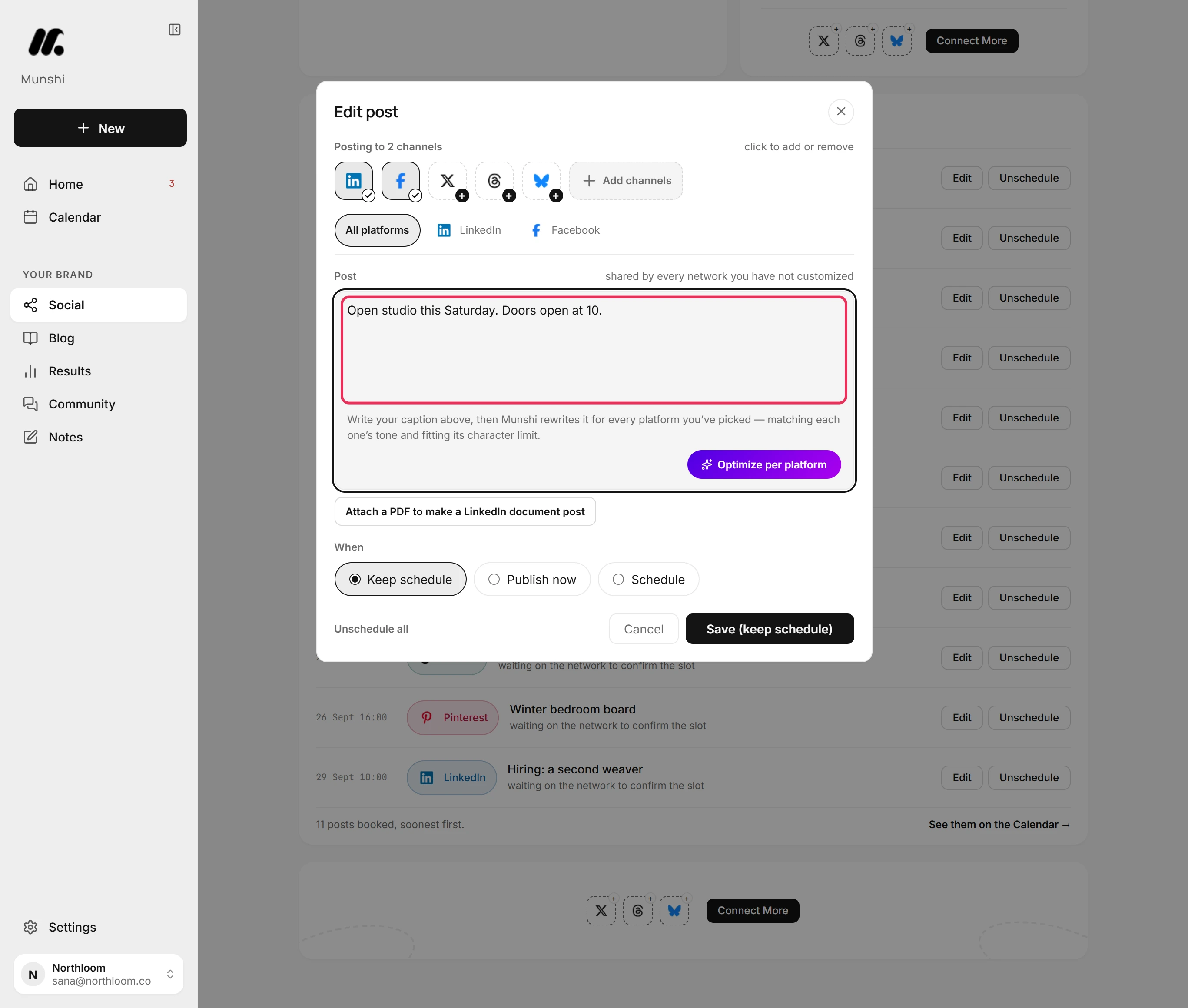
Edit the text in All platforms. Every network that uses the shared text takes the change. A network you customized keeps its own words.
-
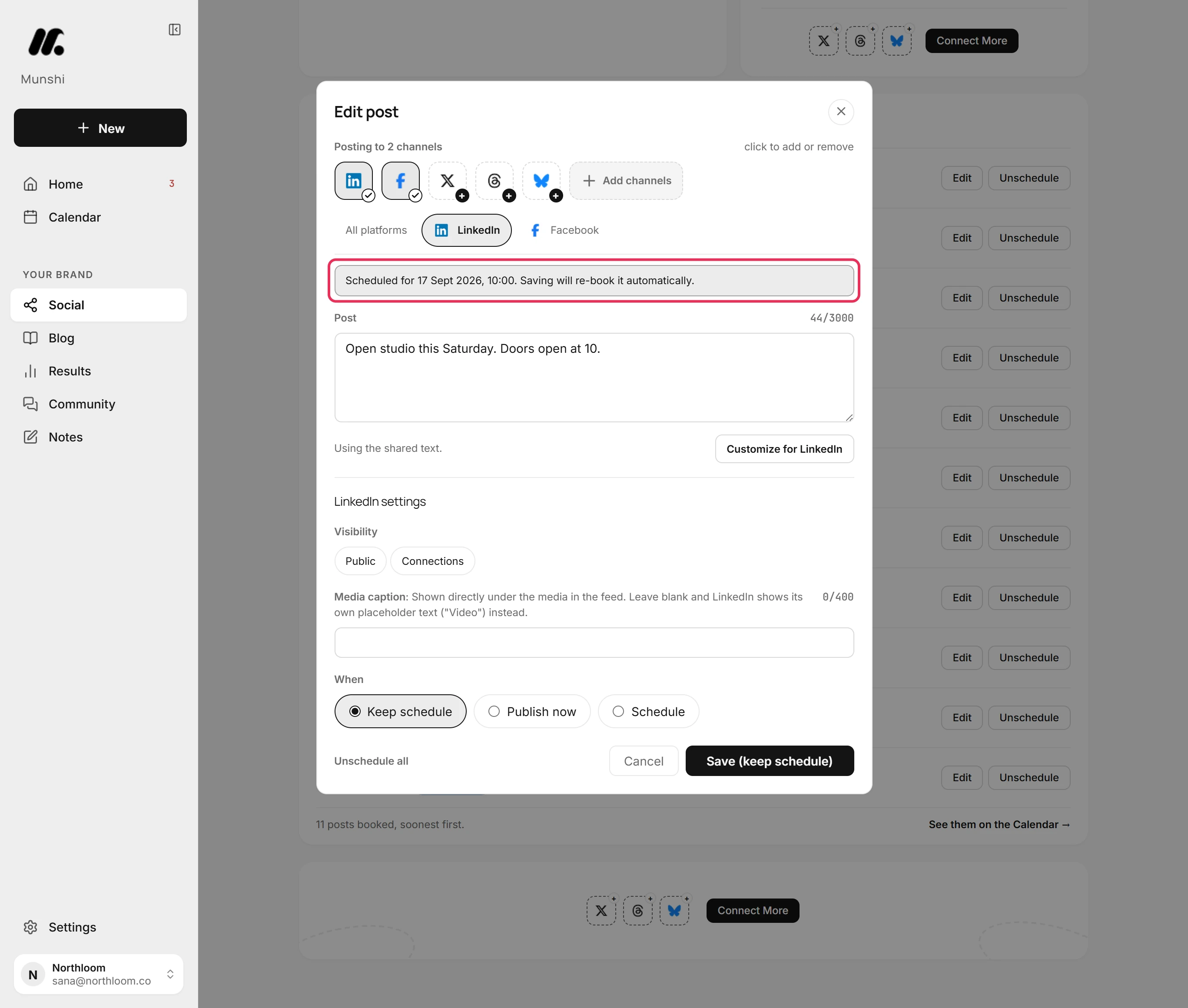
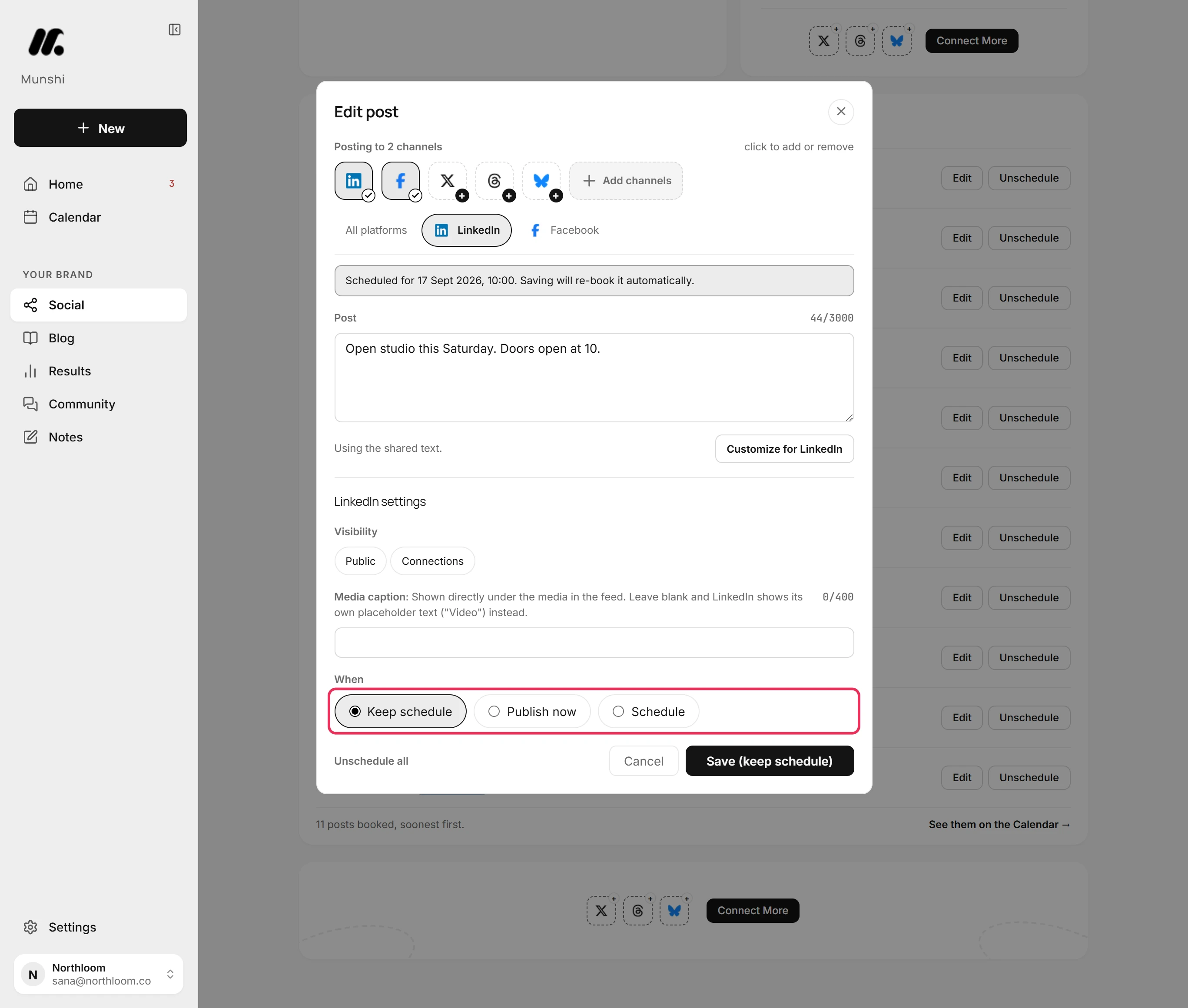
Open a network's tab to see its own copy and when it goes out. The note at the top says that saving books it again for you.
-
Under When, Keep schedule is already picked. Every copy stays booked at its own time.
-
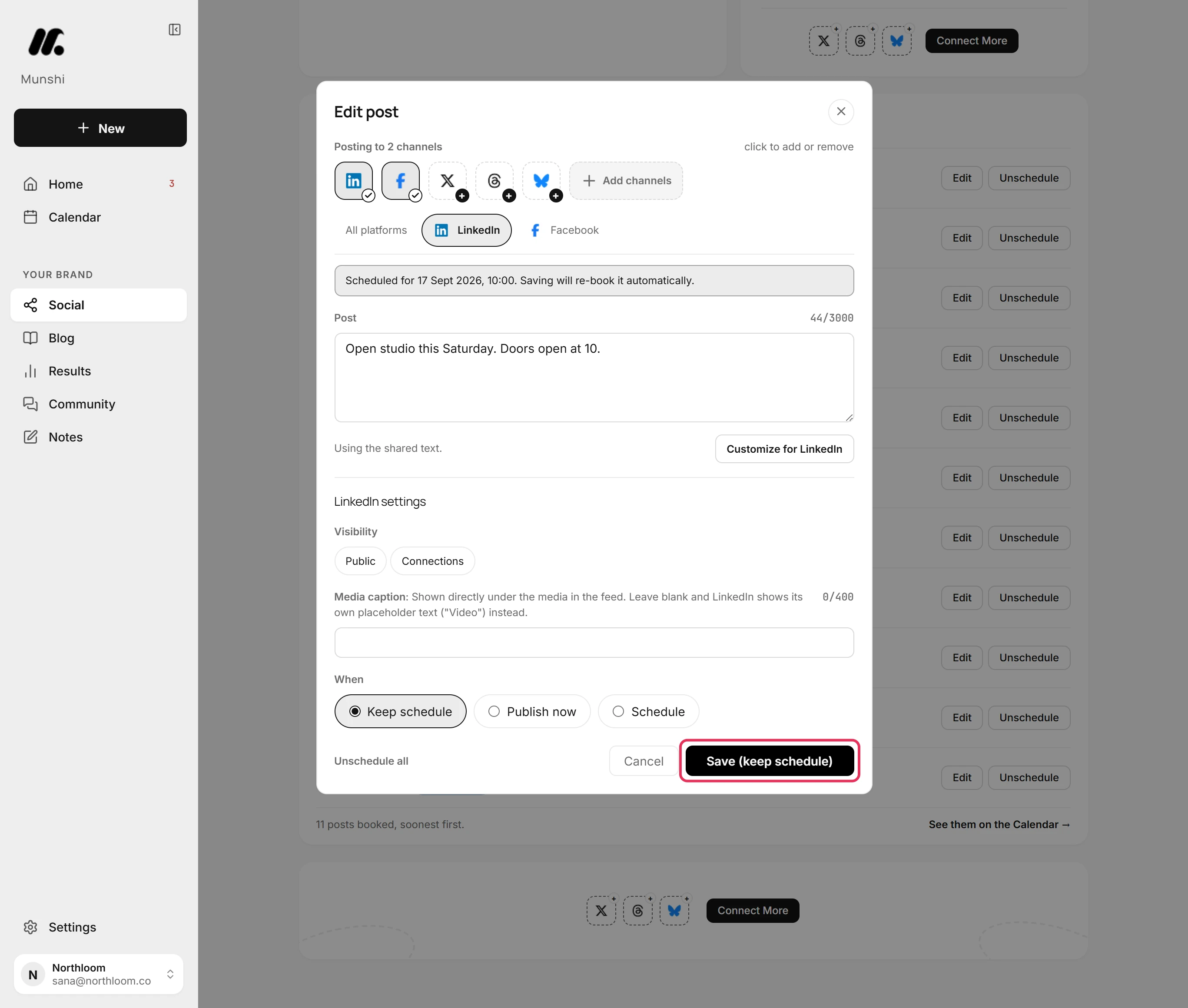
Click Save (keep schedule). Munshi takes the post back from each network, saves your change and books it again at the same time. It then names the networks it saved.
-
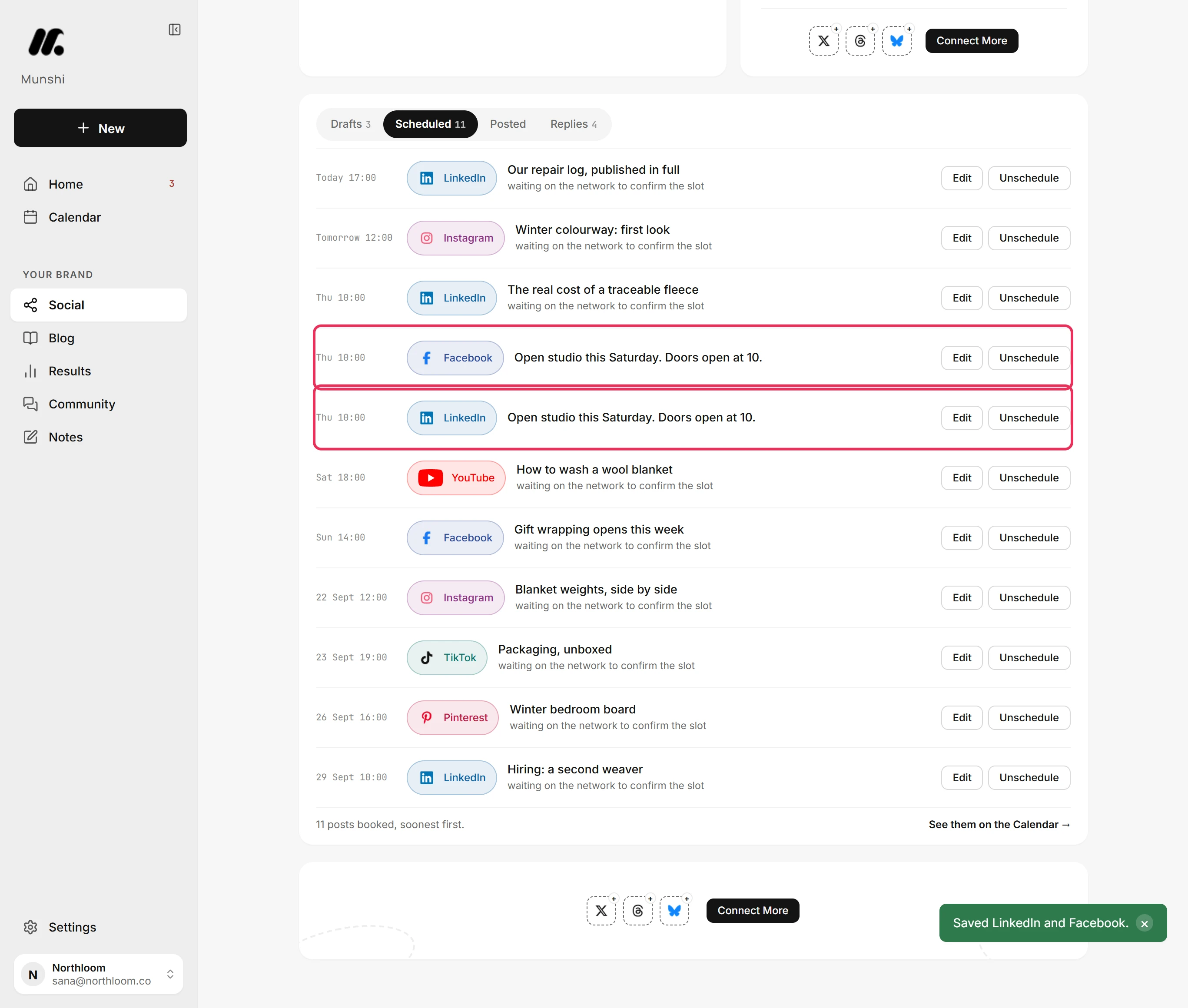
When the save finishes, Munshi opens your Drafts. Click the Scheduled tab. Each copy is still booked at its time, now with your change.
Where you are now
The post is still booked at its time on every network, now with your change. It waits in the Scheduled tab and on the Calendar as before.
If something goes wrong
“LinkedIn's scheduled time has passed. Pick a new time and use Save & schedule all.”
Pick Schedule, set a later time and click Save & schedule all. That copy was due to go out within two minutes, which is too soon to book again.
“could not cancel at the network. Unchanged and still scheduled. Try again in a moment.”
Save again in a moment. The network did not confirm it had let go of the old copy. So Munshi left that network as it was, still booked with the old text.
“saved but NOT scheduled. See Social Drafts.”
Open the Drafts tab, fix the copy there, then schedule it again. Your change is saved, but the network would not take the new booking. The copy waits in Drafts with the reason.
A network's tab shows a lock
That copy has already gone out, and a live post can't be changed from Munshi. Its tab reads “Already published and read-only.” and shows what was posted.
Try it on your own brand this week.
Munshi Social, the AI content marketing engine for small teams, plans, writes, publishes, and tracks your blog and socials. The guide above shows the real app, not a mock-up.
Start your workspace