How to reconnect a network that signed you out
When a network's access expires, Munshi flags it on Home and in Integrations. Click Reconnect, sign in with the same account, and your history stays.
Before you start
- The sign-in details for the account that was connected. Reconnect with the same account, so its history carries on.
-
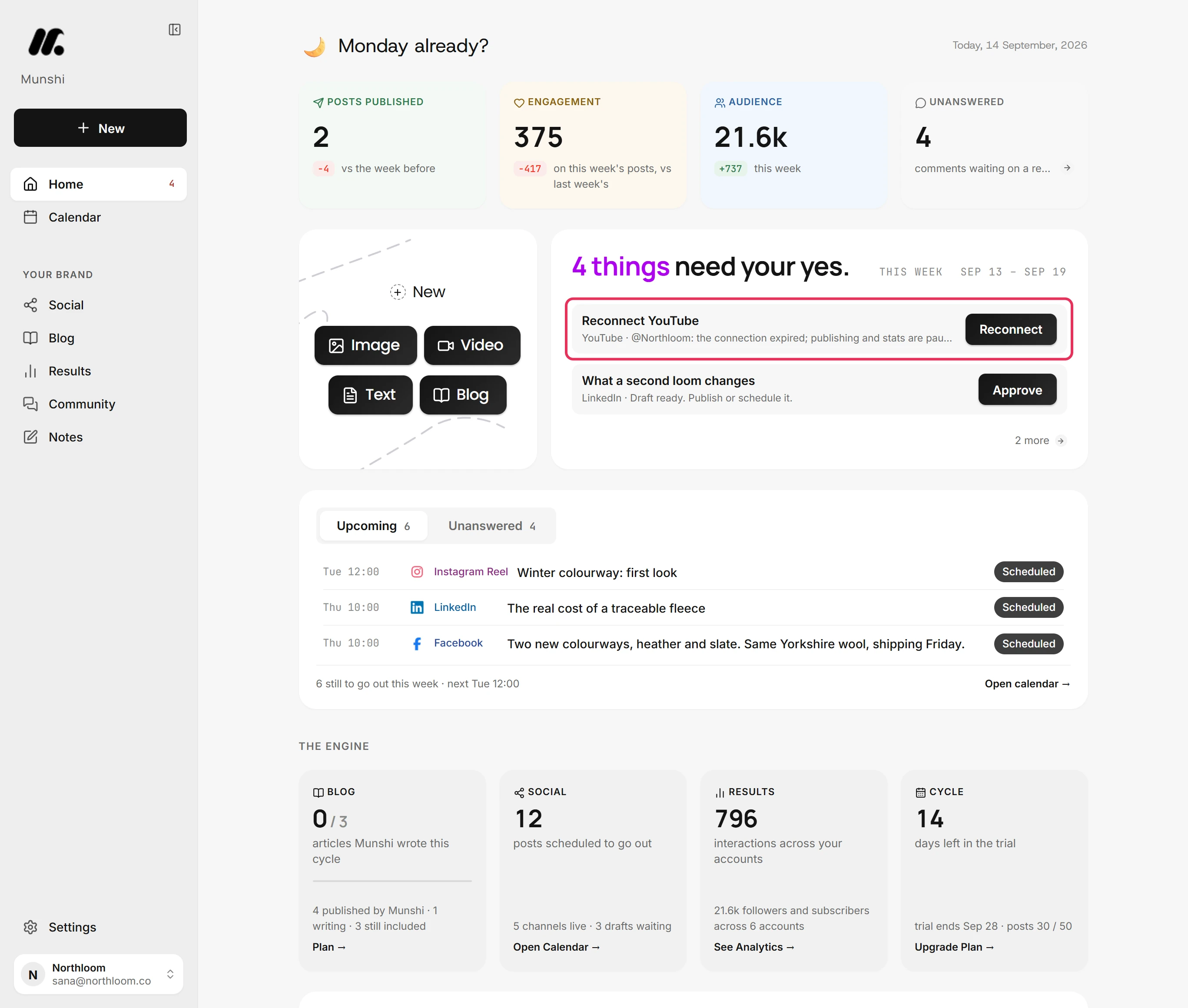
When a network signs you out, Home lists it among what needs your yes. The item reads Reconnect YouTube, with the account name. It notes that publishing and stats are paused until you reconnect.
-
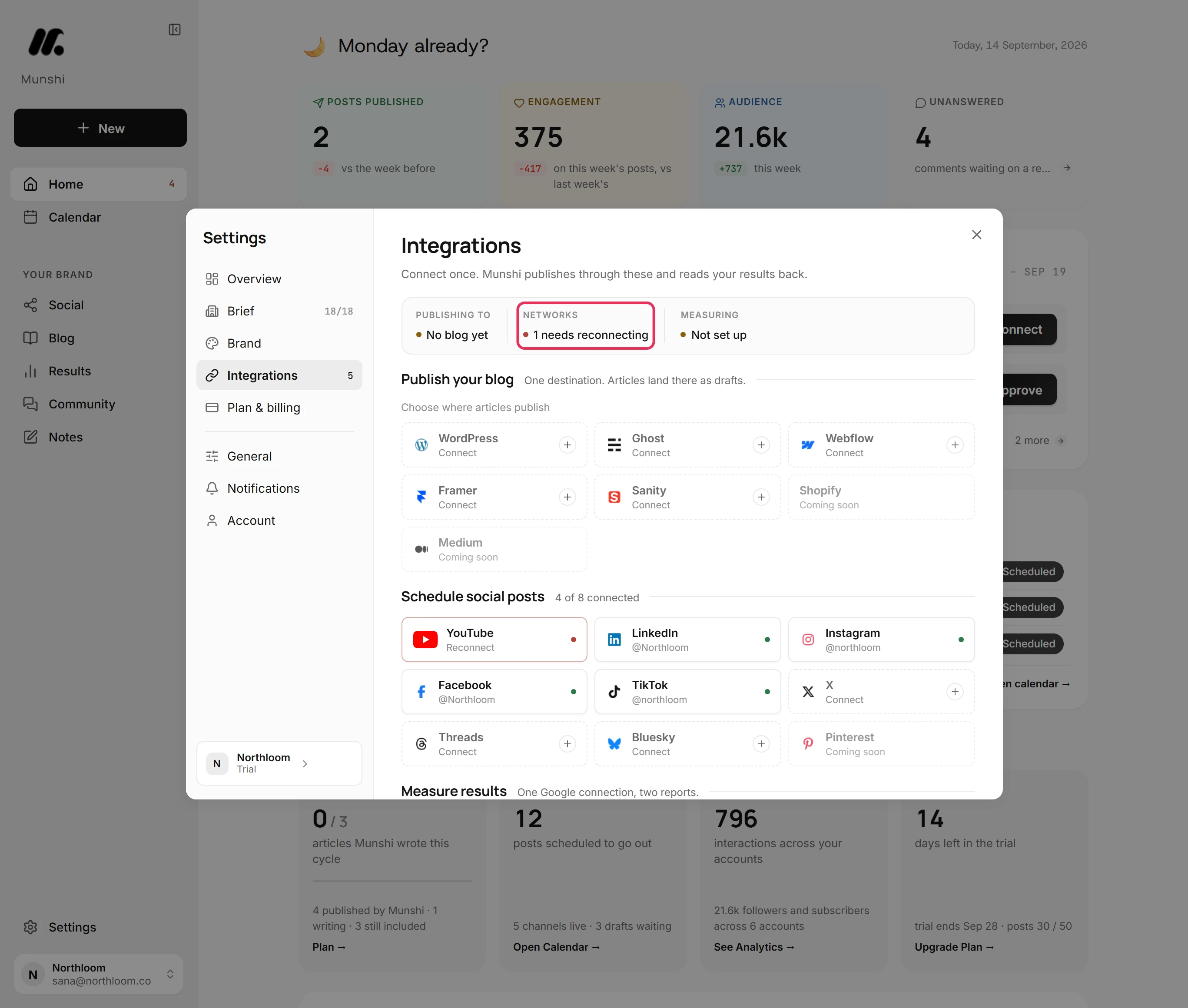
Click the item's Reconnect button. Settings opens on Integrations, and the strip at the top says 1 needs reconnecting.
-
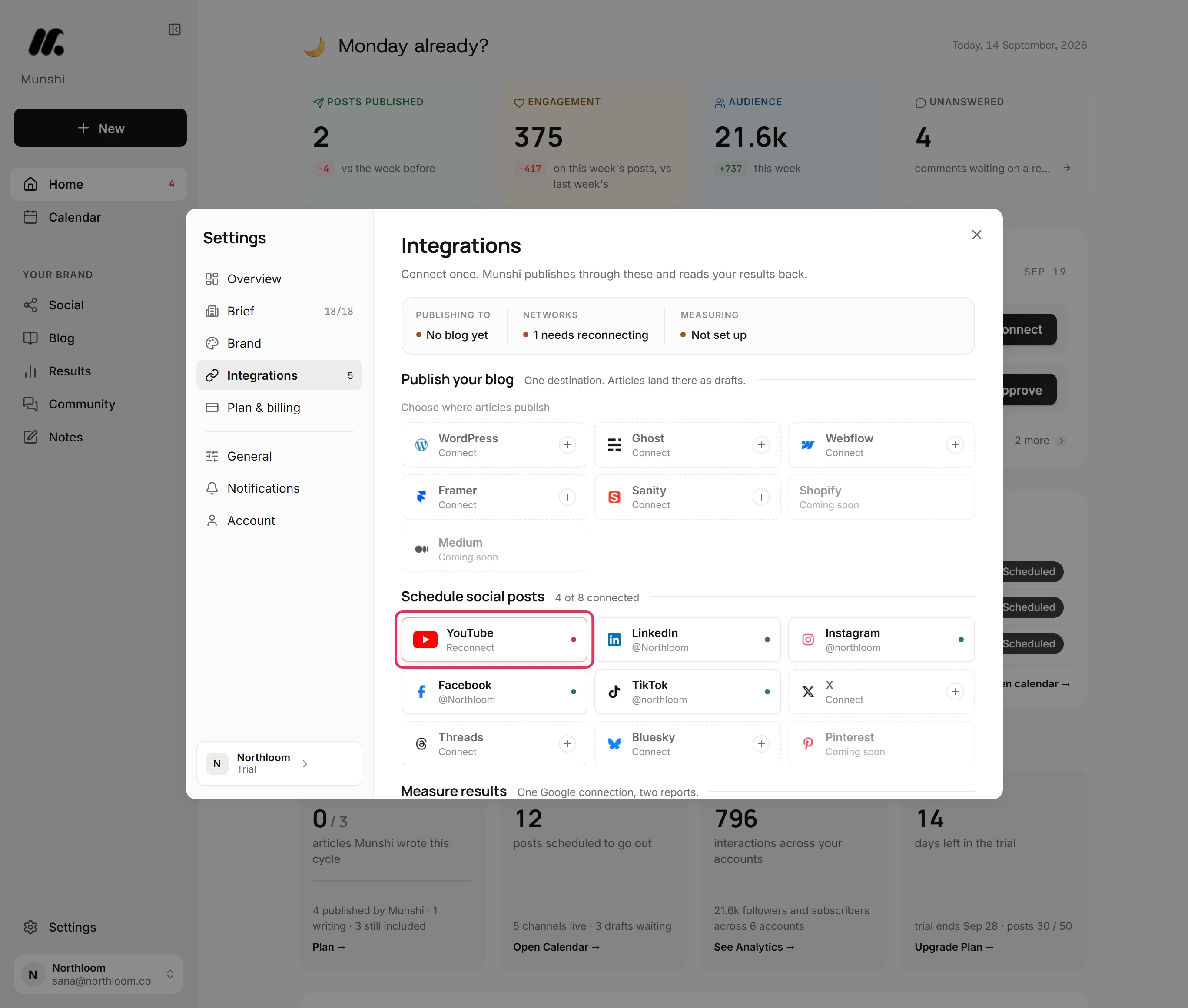
Under Schedule social posts, a network that signed you out comes first. It shows Reconnect under its name and a red dot.
-
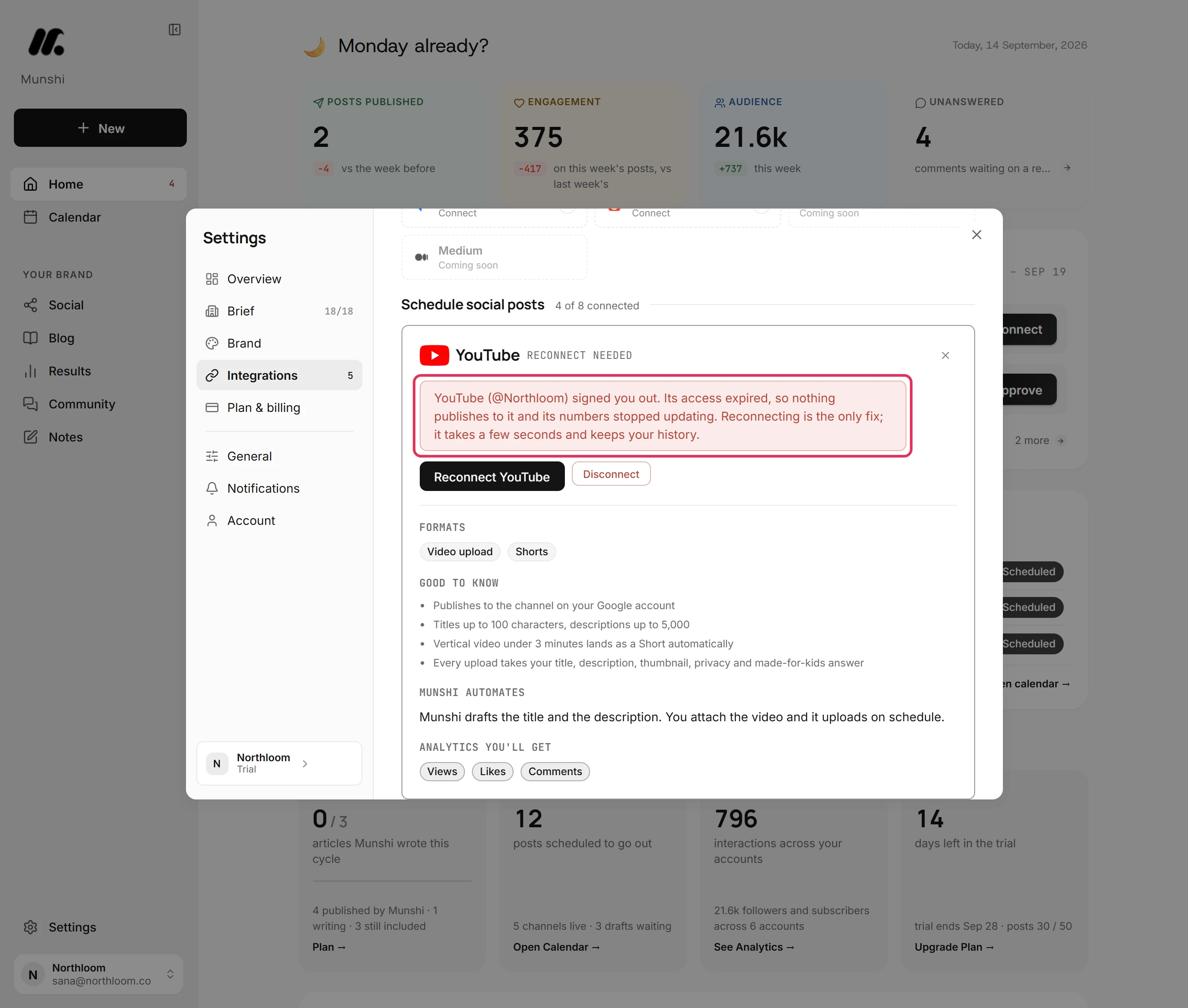
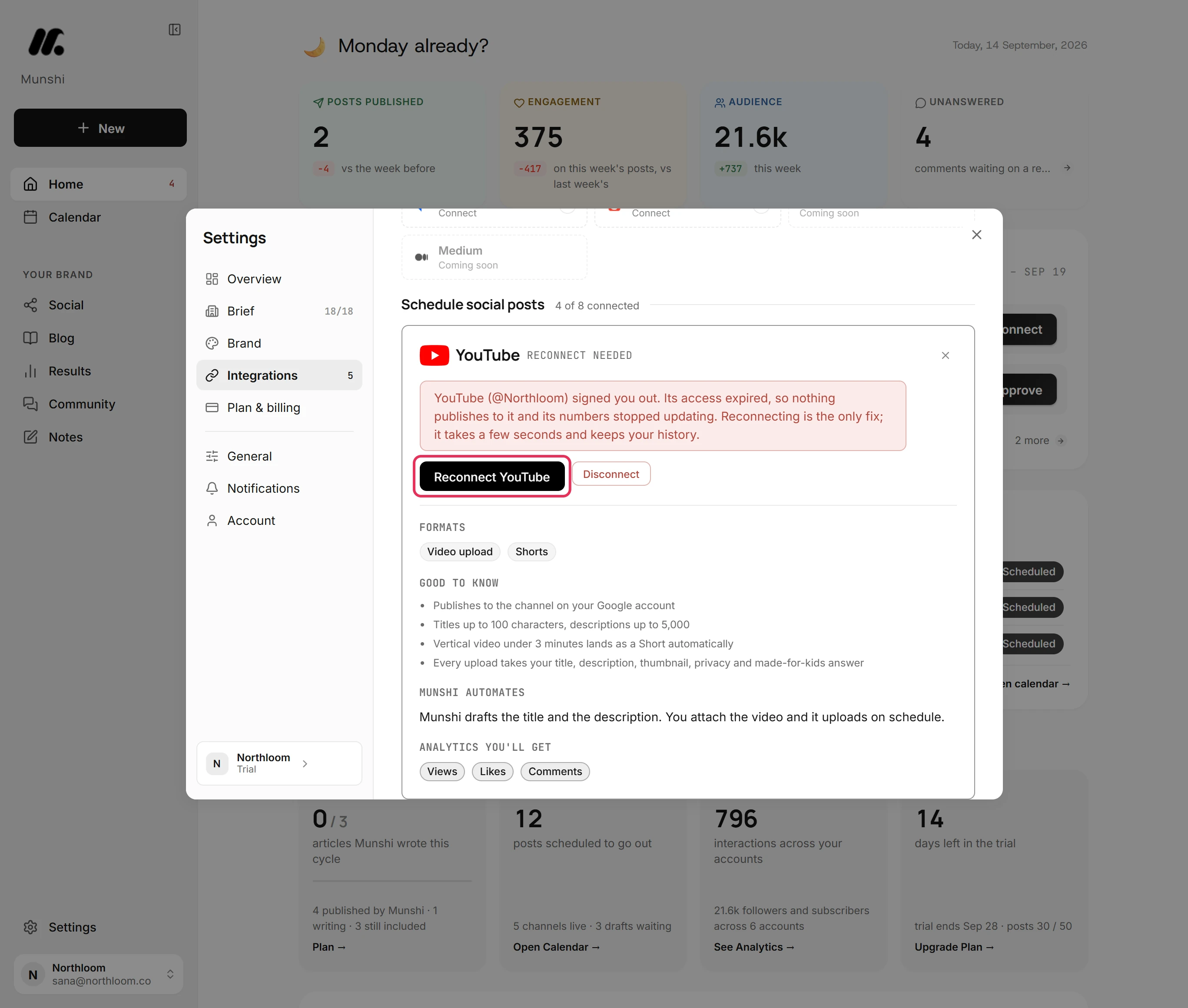
Click the tile. The card says the account's access expired, so nothing publishes to it and its numbers stopped updating. Reconnecting keeps your history.
-
Click Reconnect YouTube. The network's own sign-in opens in a separate window. Sign in with the same account and approve the access. The window closes itself, and Reconnect needed clears.
-
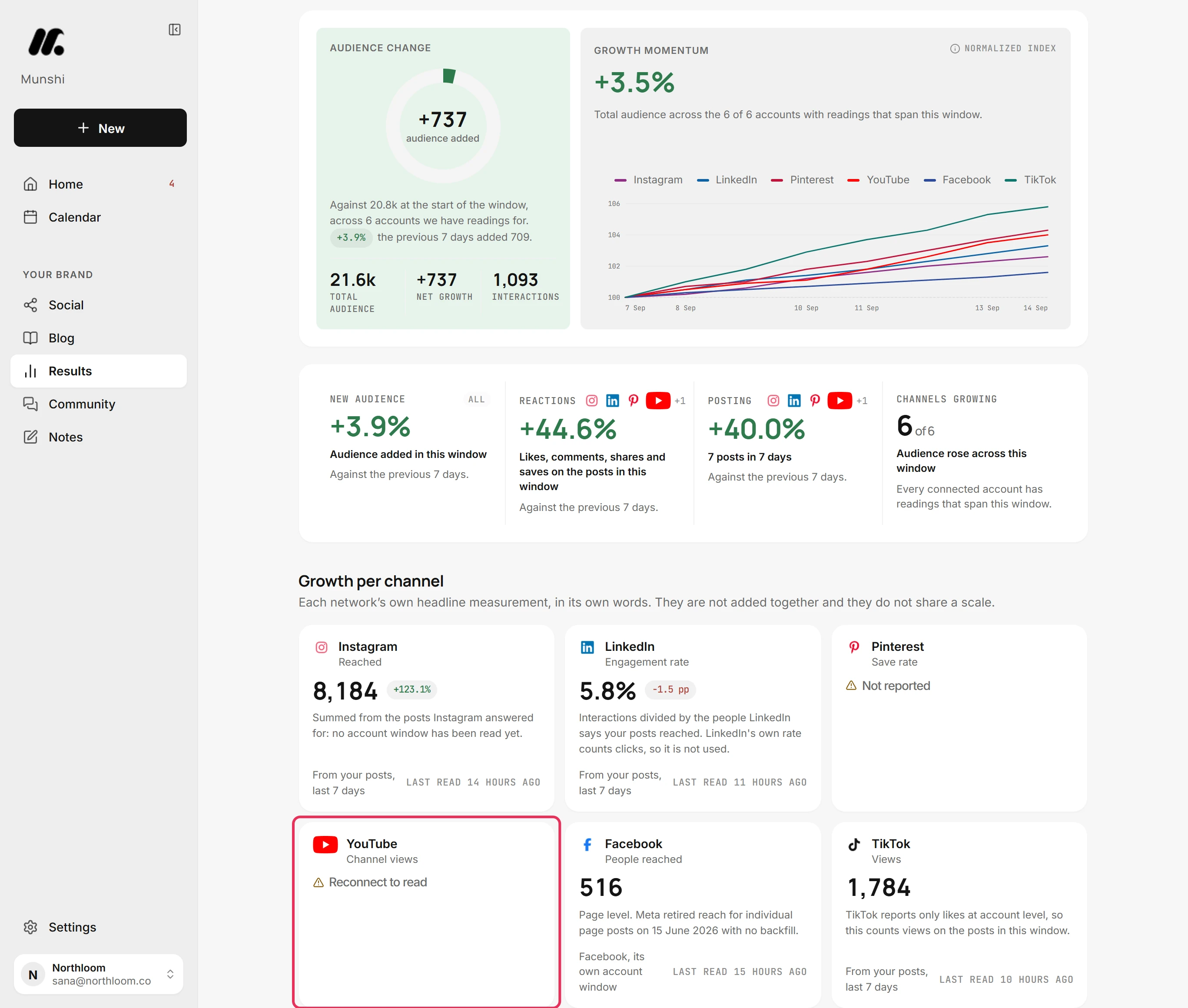
Open Results, then Social. Until you reconnect, the network's card reads Reconnect to read. There is nothing new for Munshi to read.
-
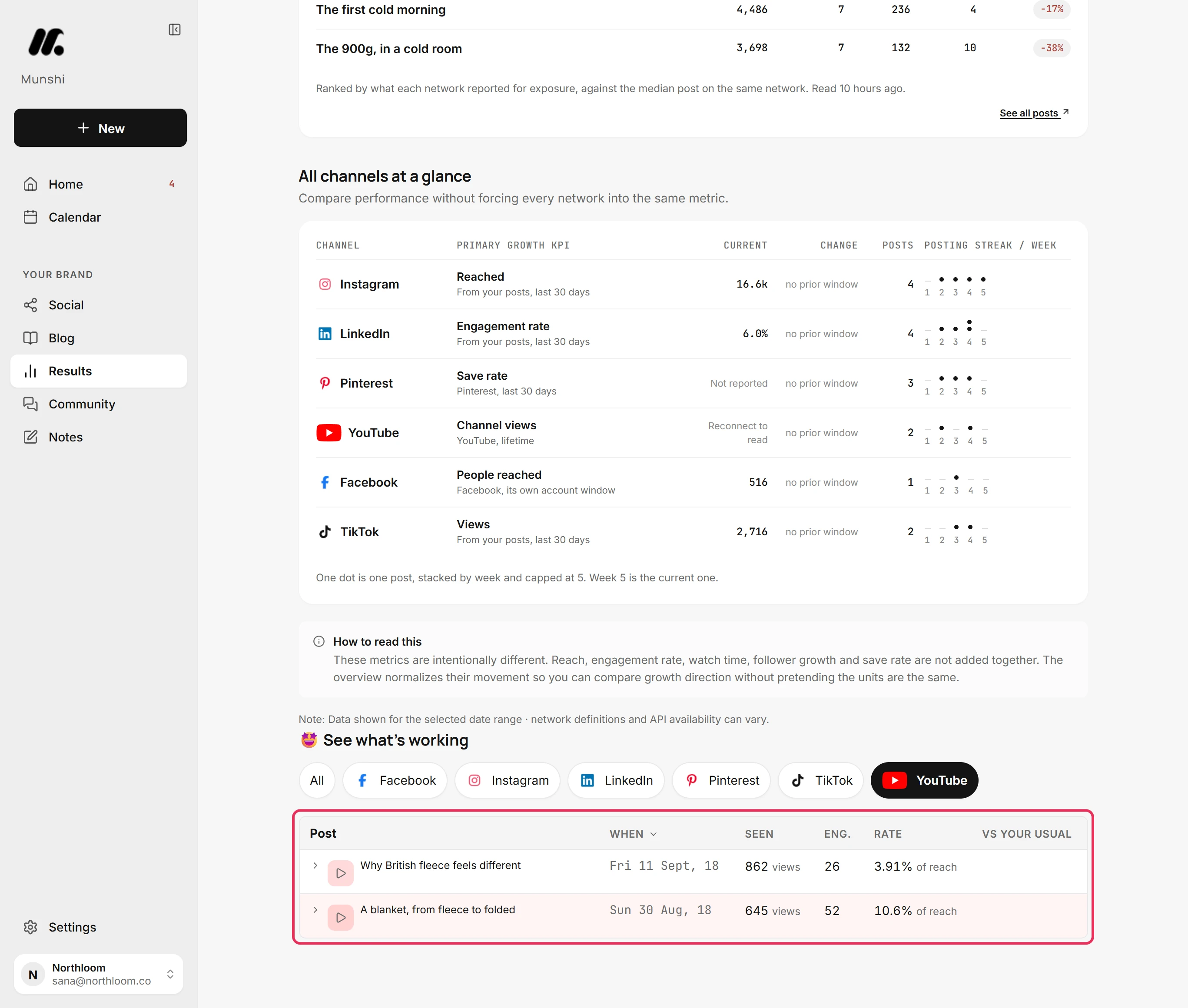
Choose 30 days at the top of Results, then pick the network under See what’s working. Its past posts and their numbers from before it signed you out are all still there.
Where you are now
The network is connected again with the same account. Publishing carries on, Munshi reads its numbers again, and everything from before is where it was.
If something goes wrong
“Your browser blocked the popup. Allow popups for Munshi and try again.”
Allow popups for Munshi in your browser, then click the Reconnect button again. The network's sign-in window could not open.
The window closed without reconnecting
Start again from Integrations. Nothing was saved. The connect window did not finish explains each reason the window gives.
A post failed while the account was signed out
Reconnect, then find the post on Social, in Drafts, with the reason on its row. Retry now sends it, and Schedule gives it a new time.
Try it on your own brand this week.
Munshi Social, the AI content marketing engine for small teams, plans, writes, publishes, and tracks your blog and socials. The guide above shows the real app, not a mock-up.
Start your workspace