| Who writes the content | Munshi does. It drafts articles and posts from the keyword map you approved and your company profile. They wait in a weekly batch before you open the app. | You do, with help. The AI assistant sits in the planner and in autolists. You type a few words, pick a tone, a language and optionally a network, and it drafts one post for you to edit. It can also turn a draft into a five-post thread for X or Threads. |
| How the AI is metered | By finished output: 15 articles and 1,000 posts a month on Founding. There is no credit balance. | By credits, spent by the token: 5 a month on Free, 20 per brand a month on Starter and 35 on Advanced. Longer requests use more. Credits reset each billing cycle, and you cannot buy more. |
| How the price scales | By brand, in a different shape: Founding is one brand at $15/mo and Studio is three at $29/mo. Past three, Enterprise is priced by conversation. | By brand, in steps. Starter holds 5 brands for $20/mo billed yearly or 10 for $36. The eleventh brand, or a second login, moves you to Advanced at $53 for 15. Then 25 brands cost $85 and 50 cost $159. Billed monthly, the same steps are $25, $45, $67, $107 and $210. |
| Accounts per network | One per workspace: one Instagram, one Facebook Page, one LinkedIn profile or Company Page. A second account on the same network needs a second workspace, which means Studio. | The same rule, one profile per network per brand, so two Instagram accounts need two brands. The difference is price: Metricool sells brands five at a time from $20 a month billed yearly, which makes the rule cheap to live with. |
| Blog articles | 15 a month on Founding, written for you into WordPress, Ghost, Webflow, Framer, or Sanity. Ghost, Webflow, and Framer get them as drafts you publish from your own dashboard. WordPress gets drafts too, except scheduled articles, which go live at their slot. Sanity goes live on schedule. | Not part of the product. The WordPress plugin installs Metricool's tracking script, and autolists can pull new posts from your blog's RSS feed to share on social. Nothing writes or publishes an article. |
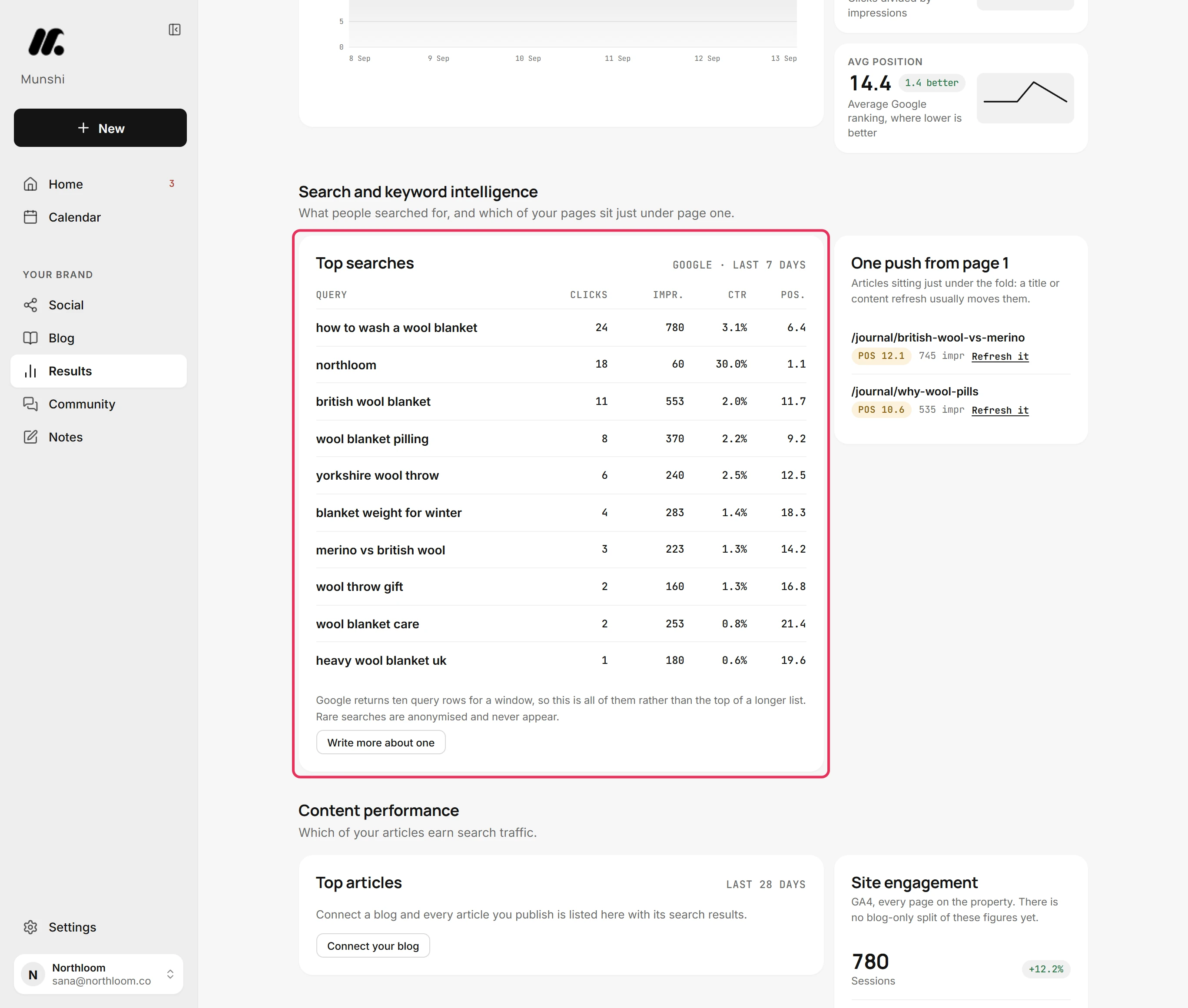
| Keyword and content strategy | Included. Munshi researches keywords, checks demand and proposes a weekly plan. You edit or approve it before anything is written. | Best times to post, a hashtag finder, hashtag analysis and up to 100 tracked competitors on paid plans. That tells you when and against whom, not what to write about. |
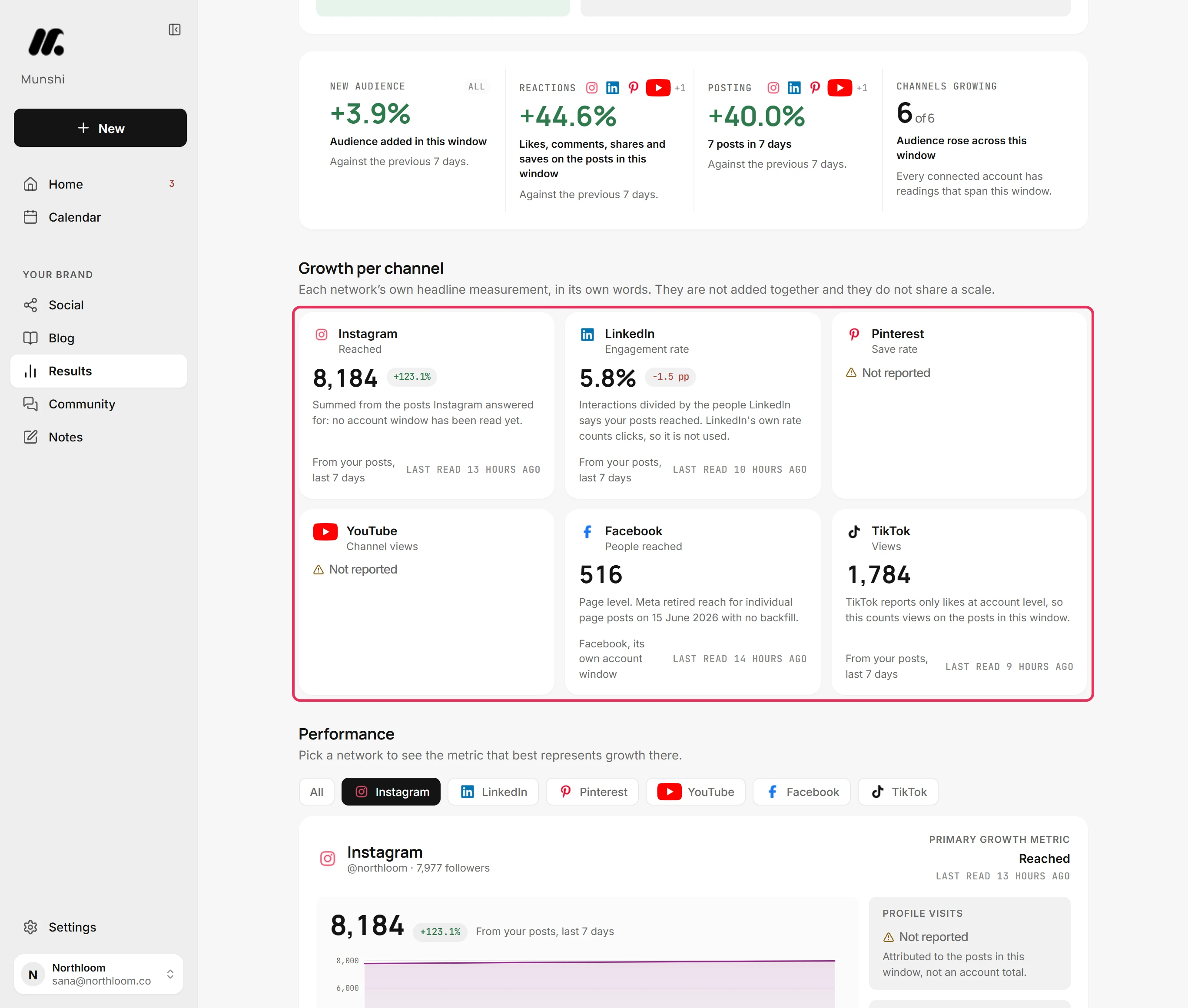
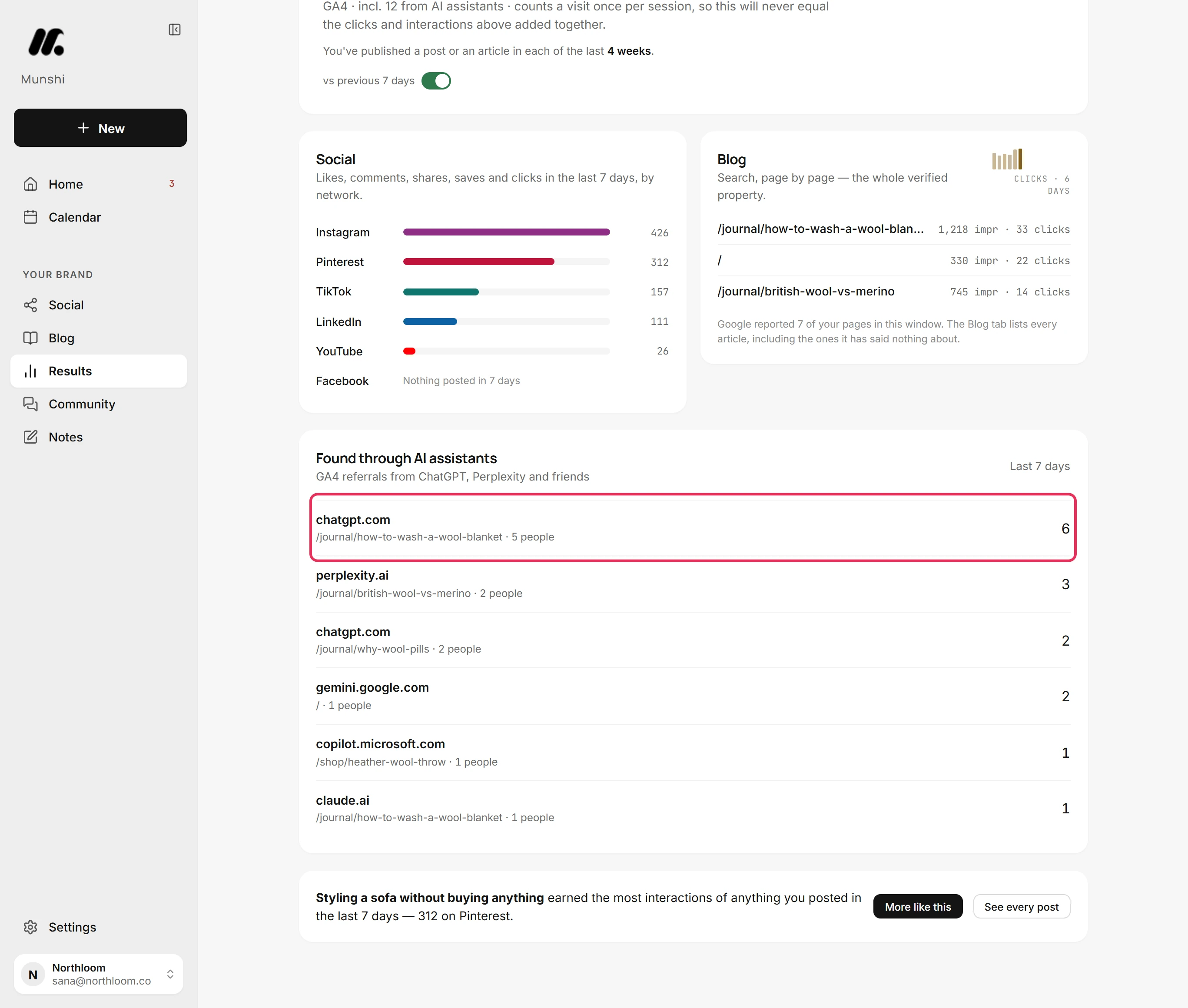
| Analytics | Search Console, Google Analytics and every connected network on one Results page, with Overview, Social and Blog tabs. Pick 7, 30 or 90 days, or a custom start up to 365 days back. A panel counts visits referred by AI assistants such as ChatGPT and Perplexity. Where a number cannot be read, it says Not reported instead of 0. | This is where Metricool is better, and it is not close. Paid plans keep unlimited history, except 30 days for X. You get Reels and Stories analytics, competitor analysis, and your own website traffic without Google Analytics. Metricool Studio answers questions about your data with charts, and campaign dashboards group posts by campaign. |
| Ads and competitors | Not offered. Munshi does not connect ad accounts and does not track competitors. | Meta Ads, Google Ads and TikTok Ads sit in the same dashboard as your organic posts, and you can create and adjust campaigns there. Up to 100 competitor profiles on paid plans, and 5 fixed ones on Free. |
| Reports | The $15 plan exports the social report as a PDF or an Excel file. Studio gives each brand its own results and report at month end. | PDF and PPT reports, automated monthly sending and a live share link on Starter. Custom report templates and a Looker Studio connector with more than 250 data sources on Advanced. Nothing downloads on Free. |
| Seats and roles | Two per workspace, included. The only roles are owner and member. | One login on Free and Starter. Advanced adds unlimited users, five default roles (Analyst, Editor, Manager, Content Creator and Client) and custom roles, set per brand. |
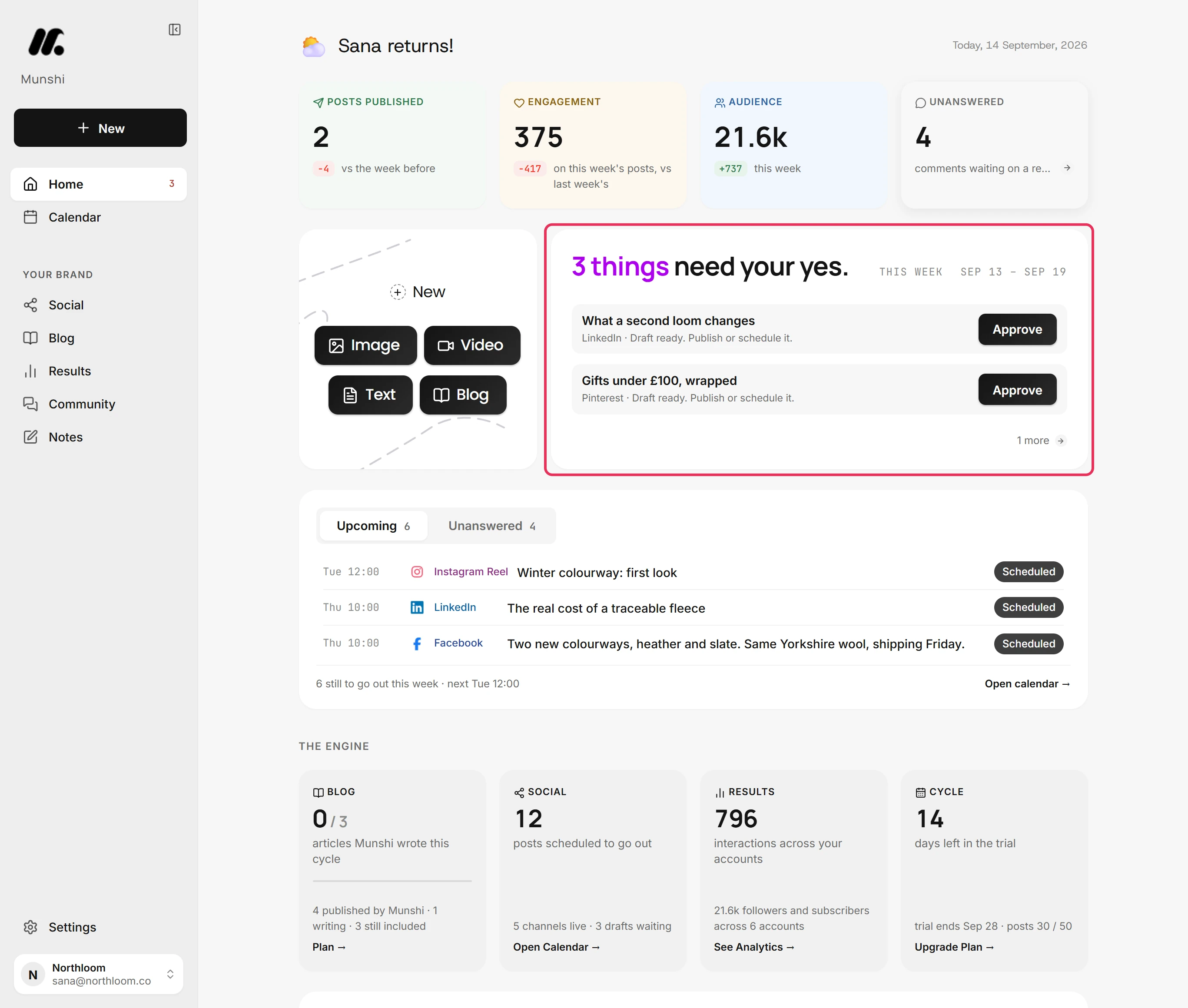
| Approval workflow | One weekly batch you clear in one sitting. Nothing unapproved publishes. | On Advanced, you send posts for approval from the planner, and clients or teammates approve or suggest edits. Since August 2026, external reviewers can comment without rejecting. Approved posts publish on their own. There is no approval step on Free or Starter. |
| Inbox and messages | A Community inbox for comments, not messages. You reply from Munshi on Instagram, Facebook, LinkedIn and Threads, and read YouTube and Bluesky comments. Replies are capped at 20 an hour. | An inbox with messages and comments from Instagram, Facebook, TikTok, YouTube and Google Business Profile on every plan, LinkedIn on paid plans, and X with the add-on. Flows turn comments and story replies into direct messages, at no extra cost for now. Munshi has nothing for direct messages. |
| On a phone | The web app rearranges for phone width, with a bottom bar for Home, Calendar, Social, Community and Results. There is no app to install. | Native iOS and Android apps. You can reply from the app, and a Starter Mobile 5 plan can be bought there, billed monthly. |
| Billing terms | $15 a month or $144 a year. Cancel any time in the Paddle billing portal, with 7-day money back on a first payment. | Monthly or yearly, and yearly saves up to 24%. Prices exclude VAT. You can cancel any time and keep the plan to the end of the cycle. A first purchase can be refunded within 15 days, which is longer than Munshi's 7. Renewals are not refunded. |
| Track record | Munshi launched in 2026. The team is small and the history is short, and we would rather you knew that. | In market since 2014, first as Bloggerespacio and as Metricool since 2015. It has been part of team.blue since 2024. |