How do I post to Pinterest from Ghost?
Ghost publishes articles and stops there. Three ways to get each one onto Pinterest, from a free RSS bridge to a tool that writes the Pin for you.
Key takeaways
- Ghost will not post to Pinterest for you; the choice is manual, an RSS bridge, or a tool that writes the Pin alongside the article.
- Pinterest is search, so the description and the board name matter more than the posting time.
- A vertical image with the article's promise on it is the single biggest difference between a Pin that gets saved and one that does not.

On this page7 sections
Ghost is a publishing platform, not a distribution one. It will send your article to email subscribers and stop. Getting the same article onto Pinterest, where a good Pin keeps sending readers for months, is your job, and there are three honest ways to do it.
Which one fits depends on how many articles you publish and whether anyone on the team has time to write a Pin.
Why Pinterest is worth the trouble for a blog
Pinterest behaves like a search engine, not a feed. A Pin that describes what the article answers, with the keyword in the first line, keeps surfacing for as long as people search for it. That makes it the one social network where a Ghost article's shelf life is measured in months rather than hours, and the one where a small blog with no followers can still get found.
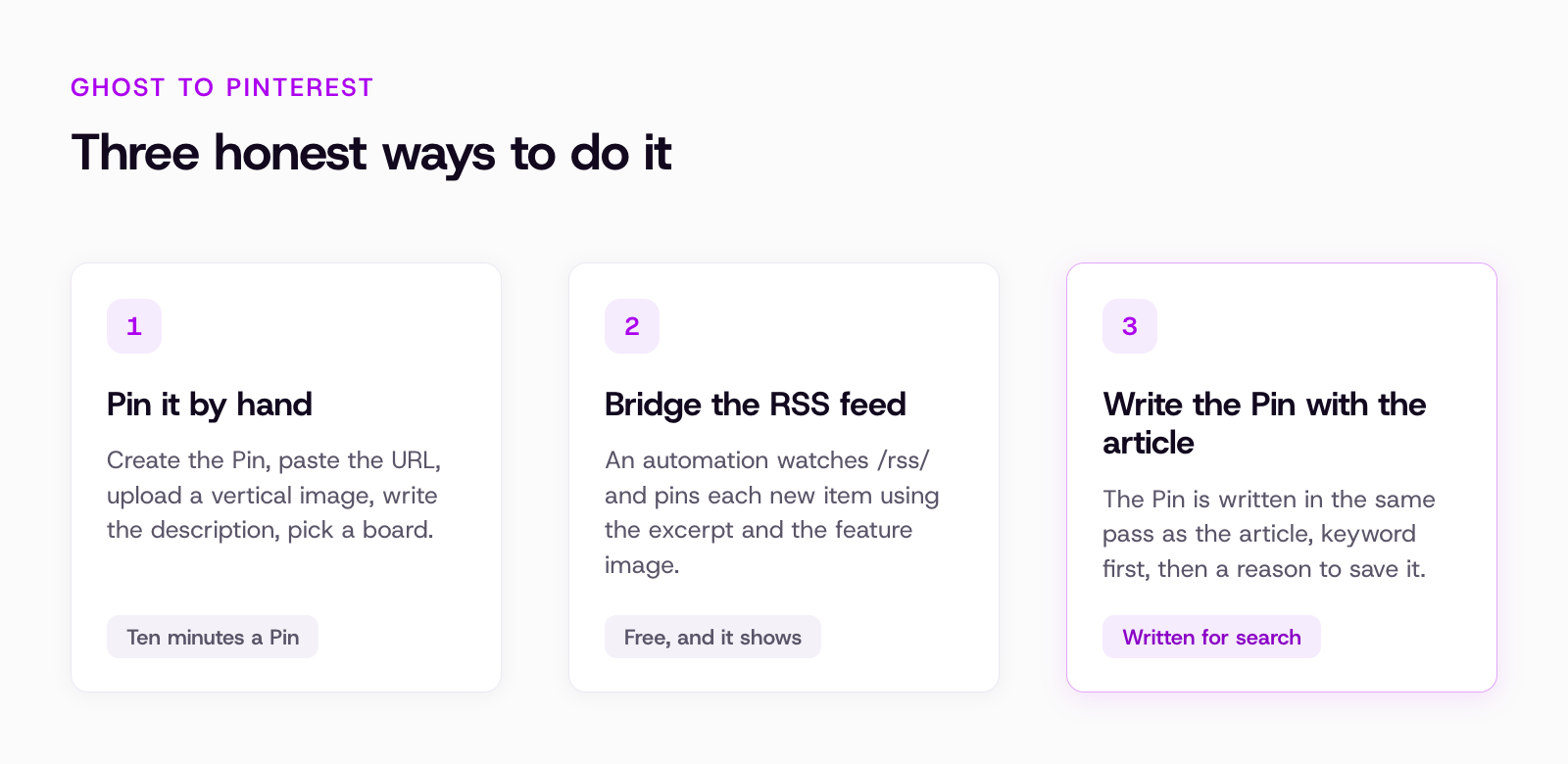
Option 1: Pin it by hand
The steps:
- Open Pinterest and create a Pin.
- Paste the article URL.
- Upload a vertical image, 2:3 works best, 1000 by 1500 pixels is the usual size.
- Write a title and a description under 500 characters.
- Pick a board and publish.
It takes ten minutes if the image already exists and half an hour if it does not. For a blog that publishes twice a month this is fine. For one that publishes weekly it is the step that quietly stops happening.
Option 2: Bridge the RSS feed
Every Ghost site has an RSS feed at /rss/. Zapier, Make and IFTTT can watch it and create a Pin when a new item appears, using the feature image and the excerpt. It is free or nearly free, and it runs without you.
The catch is quality: the Pin description becomes your excerpt, which was written for a reading list, not for Pinterest search, and the feature image is usually landscape, which Pinterest crops badly. You also get one Pin per article, on one board, every time. It works, and it looks like it was done by a robot.
Option 3: Write the Pin with the article
This is how Munshi does it. Munshi writes the article, stages it as a draft in your Ghost publication for you to read and publish, and writes the social posts that carry it in the same pass, including a Pin with a description written the way Pinterest is searched: the keyword first, then a reason to save it.
You pick the board once in the composer, approve the week in one sitting, and the Pin goes out on its slot with the image attached. The difference from the RSS bridge is that the Pin is written for Pinterest rather than copied from the excerpt.
Two things to know before you choose it:
- Munshi publishes to Ghost as drafts, always, so the last click on the article is yours in Ghost.
- The Pin is written for articles Munshi plans and writes; for your back catalogue, the RSS bridge or an afternoon of manual Pins is still the way in.
What a Pin that gets found looks like
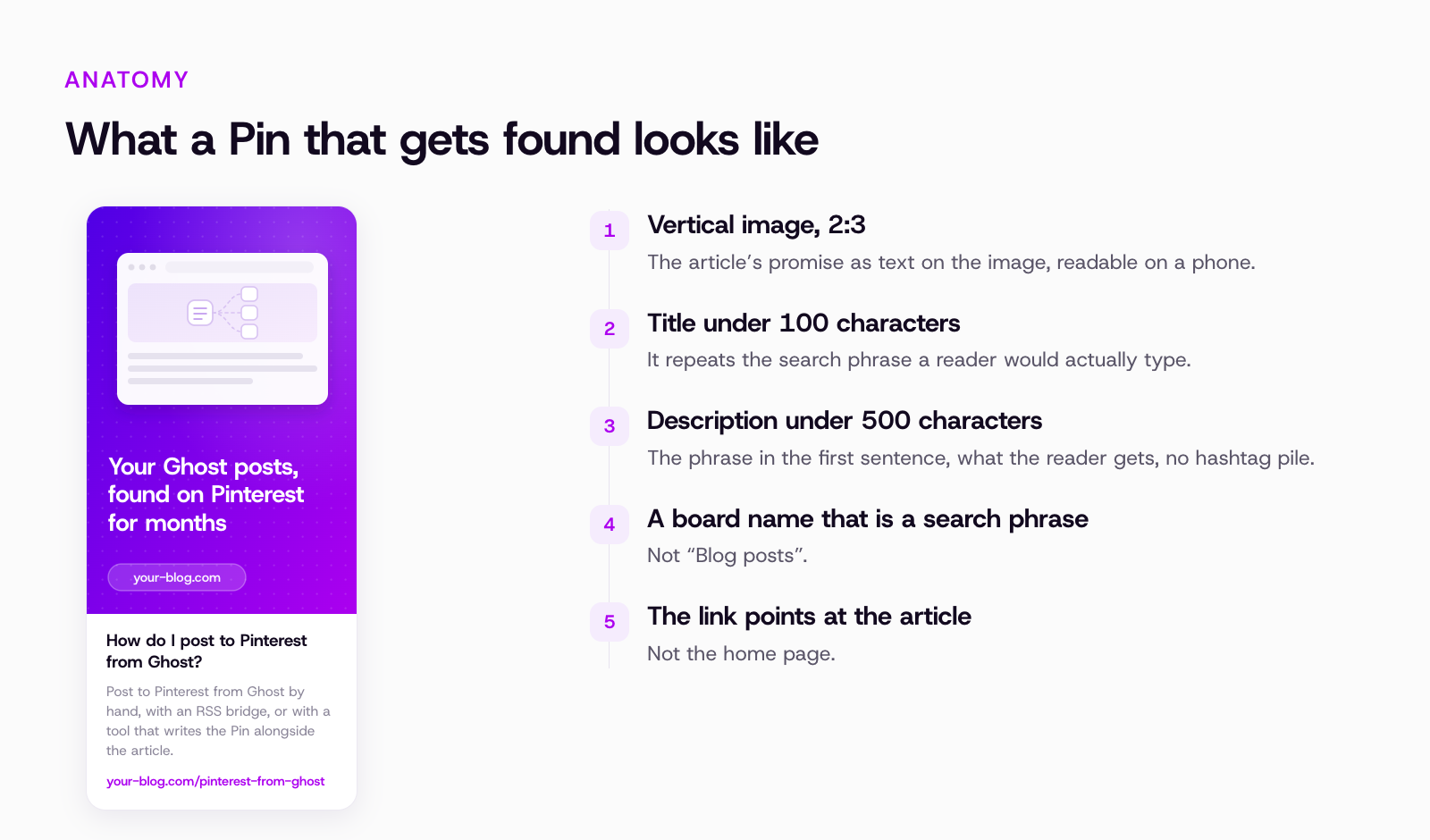
- Vertical image, 2:3, with the article's promise as text on the image, readable on a phone.
- Title under 100 characters that repeats the search phrase people would type.
- Description under 500 characters: the phrase in the first sentence, what the reader gets, no hashtag pile.
- A board whose name is also a search phrase, not "Blog posts".
- The link pointing at the article, not the home page.
Common questions
Does Ghost have a Pinterest integration?
Not a built-in one. Ghost's integrations directory points at Zapier for social posting. Anything that reads Ghost's RSS feed or its Content API can be wired to Pinterest through an automation tool, and tools like Munshi connect to Ghost through its Admin API to write drafts.
Do I need a Pinterest business account?
Yes, for anything that publishes through Pinterest's API, and you want one anyway: it is free and it unlocks analytics and the claimed-website badge on your Pins.
How many Pins per article?
One good one beats three copies. If the article answers more than one question, a second Pin with a different image and description for the second question is worth it; the same Pin three times on three boards is not.
Related reading
For the whole routine of turning one article into a week of posts, see Repurpose one article across every channel. Every place Munshi publishes to is listed on the integrations page. If you also run Bluesky and Threads, see how to publish to both at once, and if Instagram posts have been failing silently, see why a scheduled Instagram post fails to publish.
Give your company a marketing team this week.
Munshi plans, writes, publishes, and tracks your blog and socials.
Start your workspace